

Discover the Power of the Canvas Student App for Modern Learners
The Canvas Student app is a game-changer for students seeking seamless access to their coursework anytime, anywhere. Designed with user-friendly features, this mobile application transforms the way students manage their academic responsibilities. Whether you're a college freshman or a graduate student, the Canvas Student app ensures that your educational journey remains organized and efficient.
Key Features of the Canvas Student Mobile App
With the Canvas Student app, students can effortlessly stay on top of their courses through a range of powerful features:
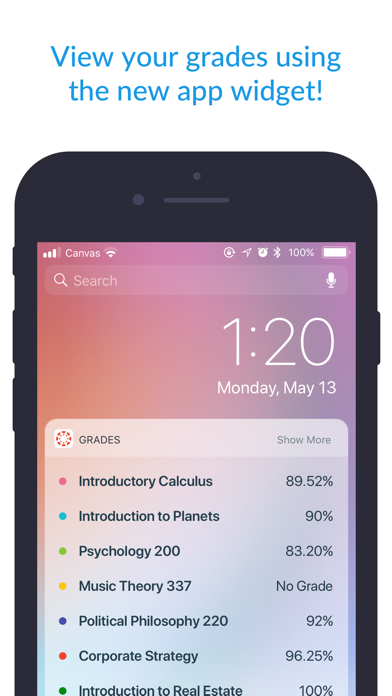
- • View grades and course content: Access all your grades and class materials in one place, making it easy to monitor your progress.
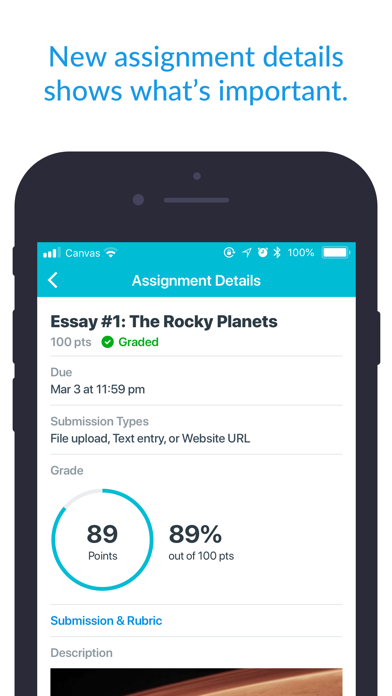
- • Submit assignments: Upload your coursework directly from your device, eliminating the need for complicated desktop uploads.
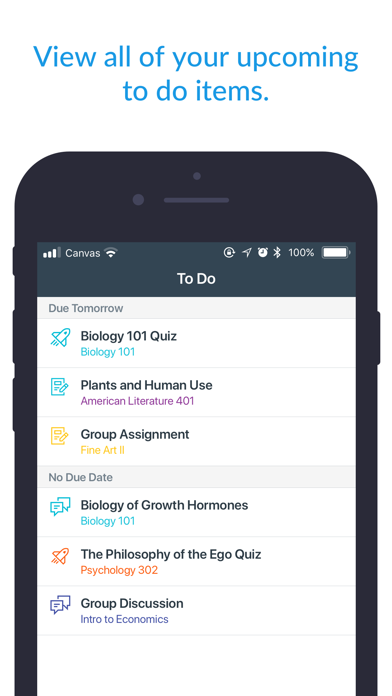
- • Keep track of coursework with a to-do list and calendar: Stay organized by viewing upcoming deadlines and scheduled events at a glance.
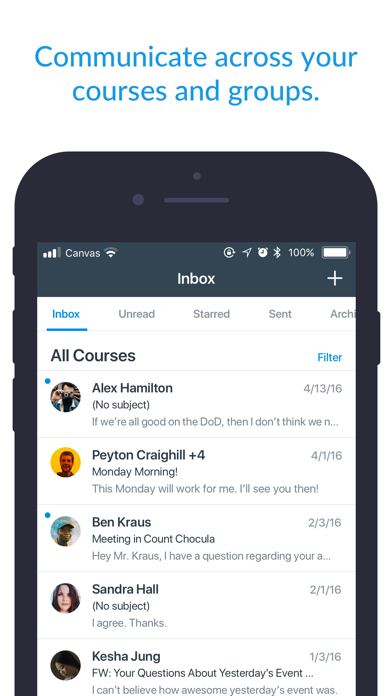
- • Send and receive messages: Communicate seamlessly with instructors and classmates within the app.
- • Participate in discussions: Engage with your peer group through discussion boards on the go.
- • Watch videos and take quizzes: Access multimedia content and assessment tools conveniently from your mobile device.
- • Receive push notifications for • grades and • course updates: Stay informed instantly regarding important academic alerts.
Why Students Love the Canvas Student App
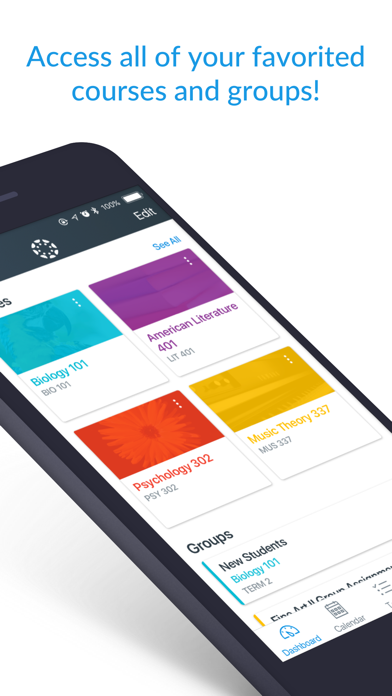
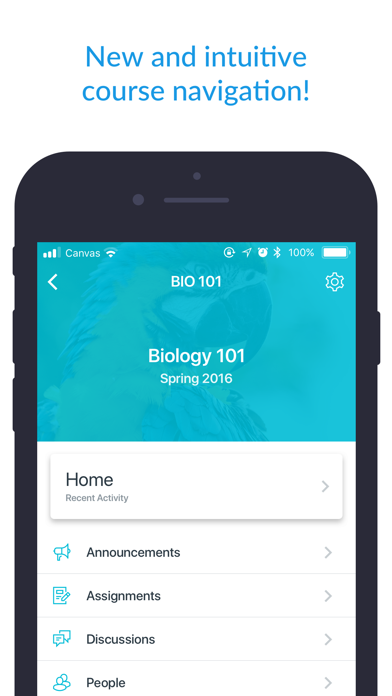
The Canvas Student app has received acclaim for its intuitive interface and robust functionality, making it an essential tool for navigating online and hybrid learning environments. When you first open the app, you'll notice a clean, clutter-free design that prioritizes ease of use. The dashboard acts as your central hub, displaying all enrolled courses with distinct color-coding schemes, allowing quick identification of each class.
Streamlined Course Management and Assignment Tracking
A standout feature is the ability to view all assignments, along with their deadlines, within the To Do list. This proactive approach helps students stay ahead of their workload and prevents last-minute panics. Additionally, submitting assignments directly through the app eradicates the need for juggling multiple platforms or devices, providing a smooth and integrated experience. Seeing grades immediately after they’re posted enables students to gauge their performance and address any concerns promptly.
Enhanced Communication and Engagement
Maintaining contact with instructors and classmates is simplified with the app’s inclusive messaging system. You can send direct messages, participate in class discussions, and even join video conferences—all from your mobile device. Recorded lectures are often accessible within courses, giving you the flexibility to review material at any time, which is particularly helpful if you miss a live session.
Customizable Notifications to Fit Your Study Style
Another feature worth mentioning is the level of customization. You can tailor notification settings to prioritize updates that are most relevant to you, such as upcoming • assignment deadlines and new • grades. This personalization ensures you stay informed without feeling overwhelmed by notifications, making your learning experience less stressful and more manageable.
Conclusion: Your Ultimate Academic Companion
In essence, the Canvas Student app is more than a simple mobile application; it’s a comprehensive • educational companion that consolidates all essential academic tools into one accessible platform. By simplifying course management, assignment submission, communication, and notifications, it empowers students to take control of their studies and succeed in their educational pursuits. If you're looking for a reliable way to streamline your learning process and stay organized, the Canvas Student app is undoubtedly worth exploring. It could be the support system you need to navigate today’s digital classroom environment effectively.
Pros
- User-friendly interface
- Supports multiple file formats
- Real-time notifications
- Offline access
- Integration with other tools
Cons
- Limited customization
- Occasional synchronization issues
- Requires stable internet connection
- Interface may appear cluttered
- Limited compatibility with older devices










