

Introduction to ReadEra – Book Reader PDF EPUB
Are you tired of struggling with clunky e-readers or juggling multiple apps to enjoy your favorite books? ReadEra – book reader pdf epub is here to transform your reading experience with its seamless combination of simplicity and powerful features. Designed for both avid readers and casual bookworms, this versatile application supports a broad spectrum of formats, allowing you to access and enjoy your digital library anytime and anywhere.
Main Features of ReadEra
Support for Multiple Formats
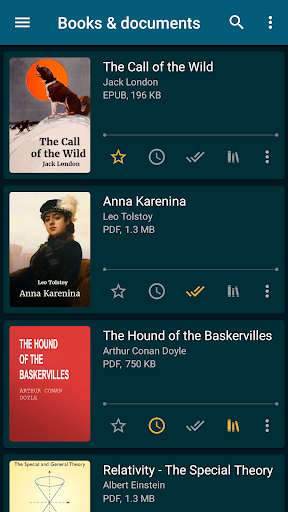
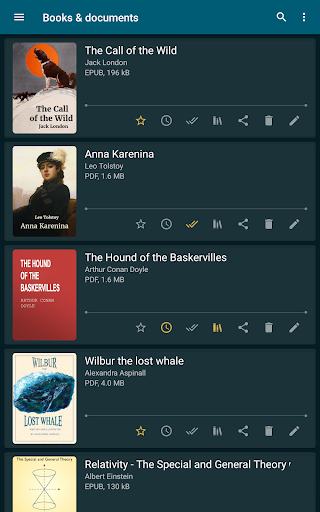
One of the standout qualities of ReadEra is its impressive compatibility with various file formats. It supports popular formats such as • PDF, • EPUB, • MOBI, • AZW3, • FB2, • TXT, and • ODT. Whether you have novels, journals, articles, or documents stored locally or within zip archives, ReadEra handles them effortlessly. From reading business PDFs and scanned DJVU files to viewing Microsoft Word documents, this app consolidates all your reading needs into a single, user-friendly interface.
Offline Accessibility & Free Usage
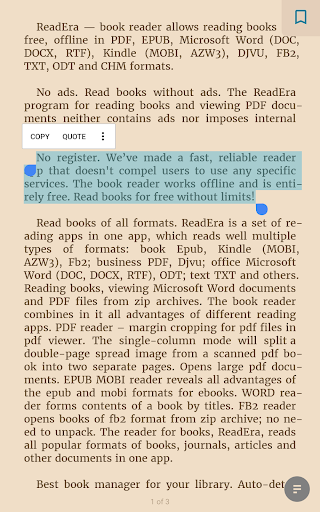
Enjoy offline reading without the interruptions of advertisements or in-app purchases. ReadEra is completely free and doesn't require you to register or connect to any services. Simply download your books, and they are ready for instant access whenever you want, regardless of your internet connectivity. This feature makes it the perfect app for travel, commuting, or any situation where internet access might be limited.
Library Management & Organization
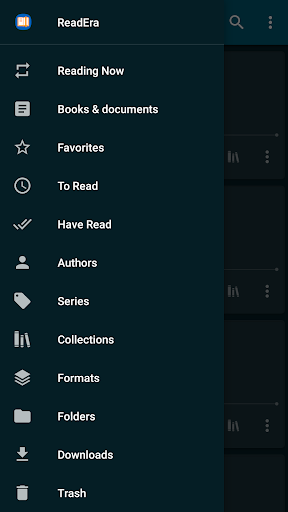
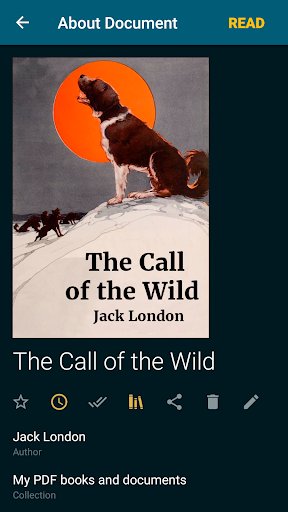
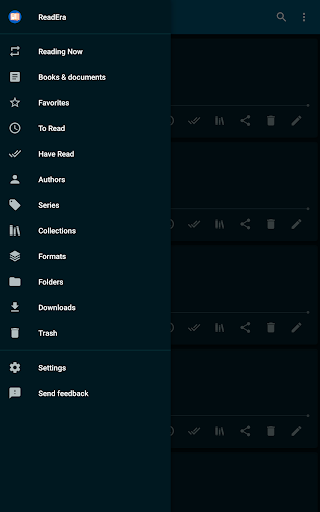
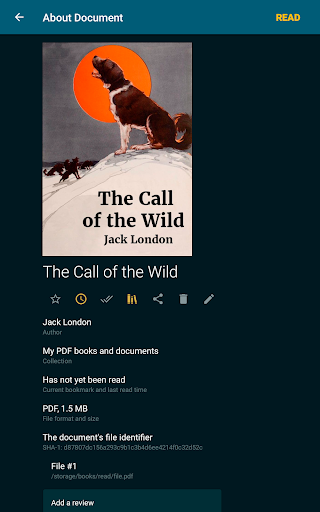
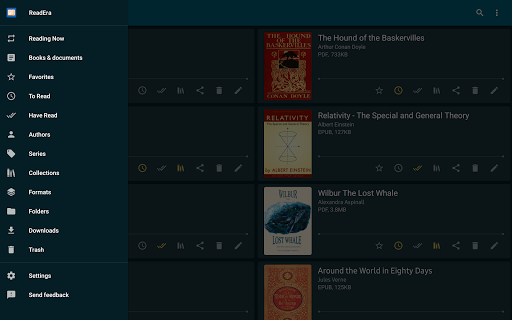
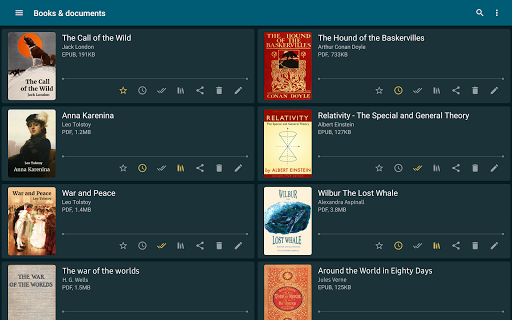
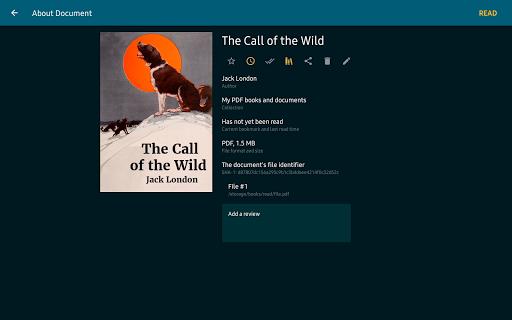
The app excels at organizing your digital library with smart features like auto-detection of books and documents. It categorizes your files by authors, series, or custom collections (bookshelves), allowing for easy browsing and management. You can create bookshelves for specific genres or themes and add books to multiple collections simultaneously. Managing your library becomes intuitive with this streamlined approach.
Intuitive Navigation & Reading Experience
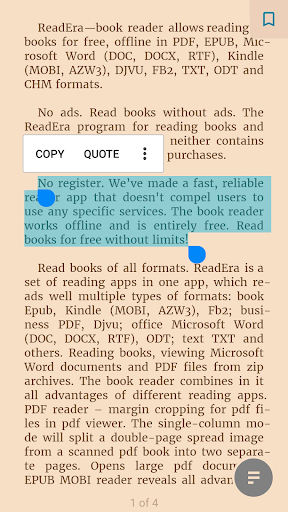
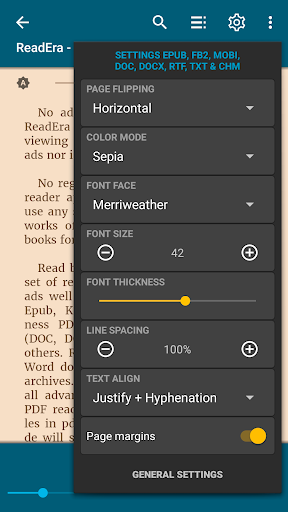
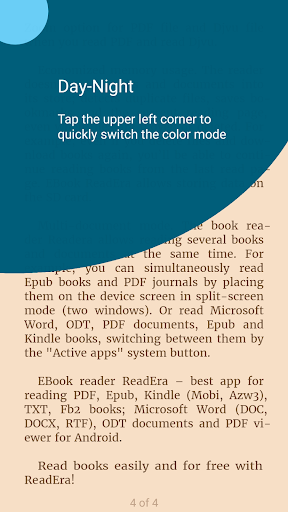
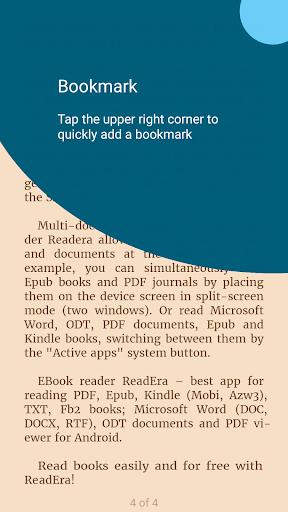
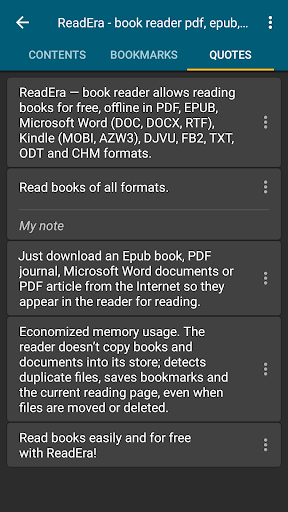
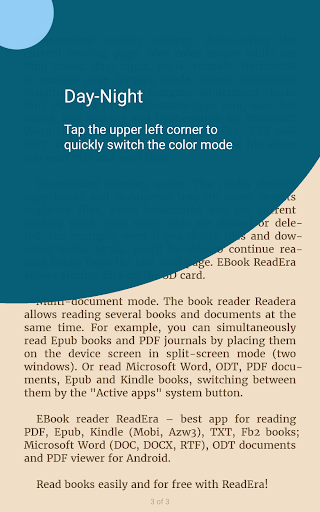
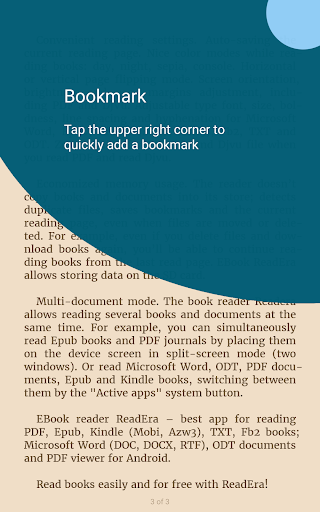
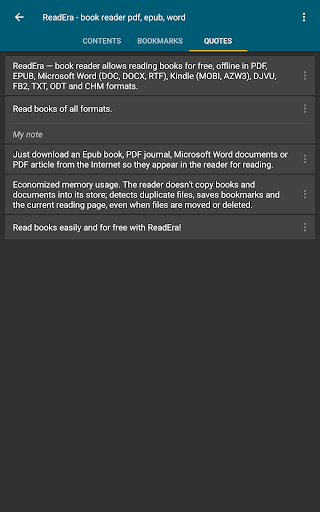
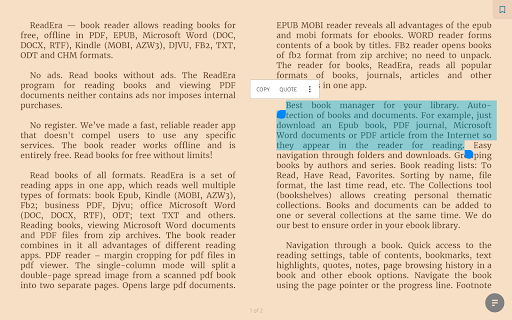
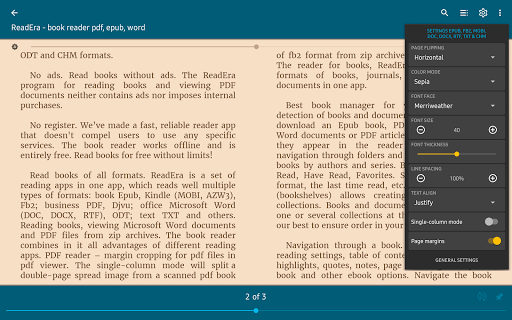
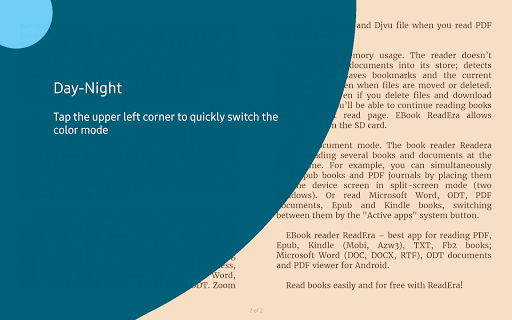
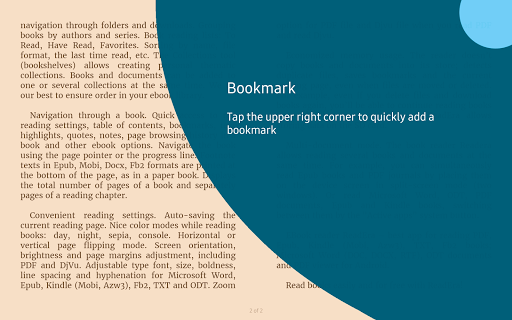
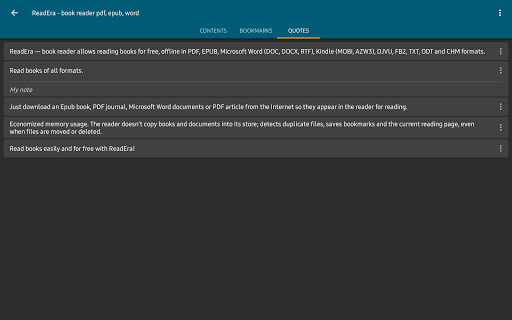
ReadEra provides quick access to table of contents, bookmarks, highlights, and notes for efficient navigation. You can navigate via page pointer or progress line, and footnotes are displayed at the bottom of the page, mimicking a traditional book. Customizable reading modes—including day, night, and sepia—enhance visual comfort during extended reading sessions. Adjustments for font size, style, margins, brightness, and orientation ensure a personalized experience tailored to your preferences.
Advanced Reading Features
Reading with ReadEra is flexible and user-friendly. The app supports horizontal or vertical page flipping, and offers zoom options for PDF and DJVU files. It automatically saves your current page, so you can resume reading exactly where you left off. The app also displays the total number of pages in a book or a chapter, providing a clear understanding of your progress.
Performance & Efficiency
Despite its rich feature set, ReadEra remains lightweight and efficient—detecting duplicate files, managing bookmarks, and remembering your last read position even if files are moved or deleted. It loads books quickly, with smooth page turning, and operates without lag or crashes. The app's design ensures a seamless and enjoyable reading experience, free from disruptive ads.
Multi-Document Mode & Multi-Tasking
For users who wish to read multiple books or documents simultaneously, ReadEra supports a multi-document mode. You can view two documents side-by-side in split-screen mode or switch seamlessly between multiple files, such as PDFs, EPUBs, and Word documents, making it perfect for study, work, or leisure.
Why Choose ReadEra?
In essence, ReadEra is more than just a free e-book reader. It is a comprehensive platform that combines support for numerous formats, easy library management, customizable reading options, and offline accessibility—all without intrusive ads. Whether you're a casual reader who enjoys slipping into a good story or a researcher needing to access multiple documents, this app adapts to your needs, providing a smooth and flexible reading experience.
So, if you're seeking a robust, free, and adless solution for reading PDFs, EPUBs, MOBI files, and more, look no further than ReadEra. Download it now and elevate your digital reading journey!
Pros
- Supports multiple formats including PDF, EPUB, MOBI, and DOC
- Provides an ad-free environment for undistracted reading
- Offers customizable reading preferences
- Allows offline reading capability
- Organizes books into categories, authors, and series
Cons
- Missing an integrated dictionary for word definitions
- Lacks a text-to-speech feature for auditory reading
- Provides limited options for annotations and note-taking
- Does not support synchronization across multiple devices
- User interface may appear outdated to some users










