




Discover the Magic of the LEGO® Builder App
Are you a passionate LEGO® enthusiast craving a new way to experience your favorite building blocks? Look no further than LEGO® Builder, the official LEGO® building instructions app that transforms traditional brick building into an interactive digital adventure. Whether you're an experienced builder or just starting out, this app offers a seamless, fun, and collaborative way to enjoy LEGO construction like never before.
Engage with 3D Interactive Building Experience
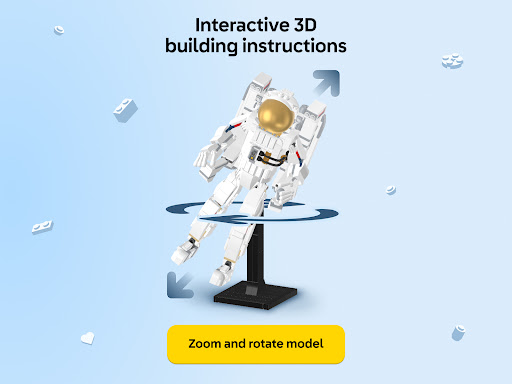
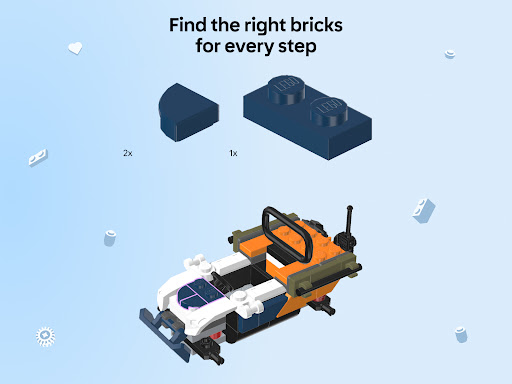
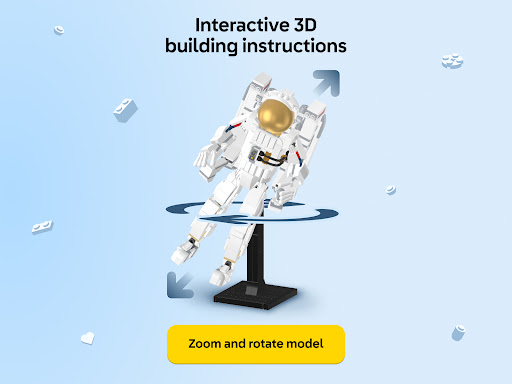
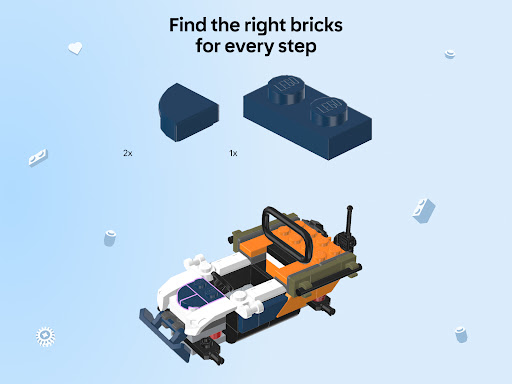
LEGO® Builder introduces an innovative approach to building with a user-friendly and engaging 3D modeling platform. You can explore your LEGO sets with interactive controls—zoom in, rotate, and examine each brick from every angle. This feature allows you to accurately identify colors and shapes, making following building instructions easier and more enjoyable. The intuitive interface ensures that users of all ages can navigate effortlessly through their projects, making it perfect for both casual fans and dedicated LEGO aficionados.
Build Together: Collaborative LEGO Creation
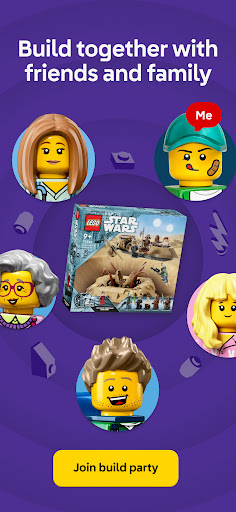
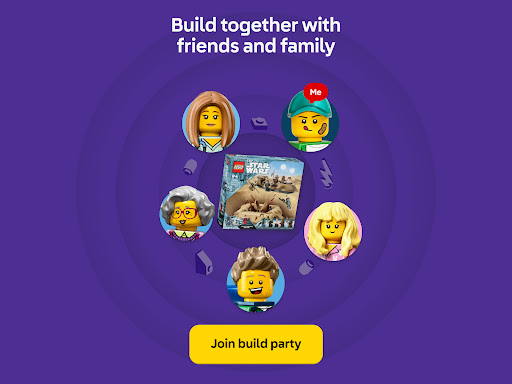
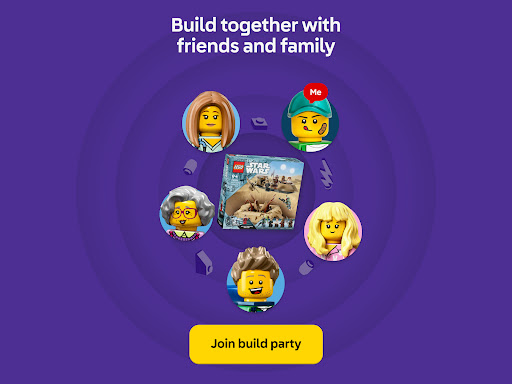
One of the standout features of LEGO® Builder is the •Build Together mode, which encourages teamwork and social play. Share your PIN code with friends or family, then take turns building your set in a collaborative environment. Each person can access their own creative tasks and contribute to the same project, making it a perfect activity for group sessions, classrooms, or family bonding. The app supports thousands of LEGO instructions from sets produced since 2000, so chances are high that your favorite models are supported.
Access a Rich Library of LEGO Instructions
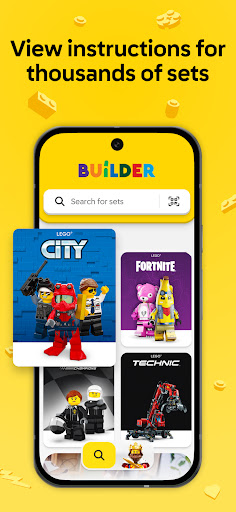
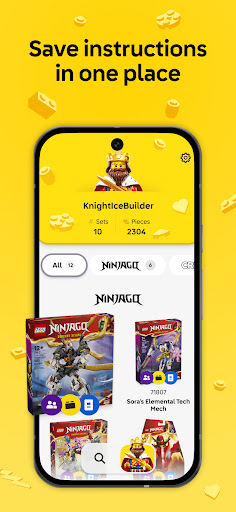
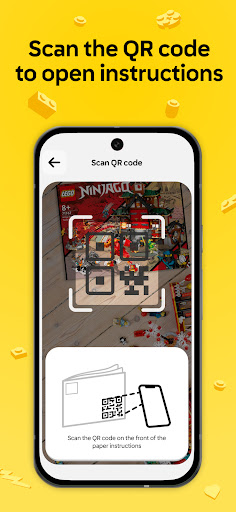
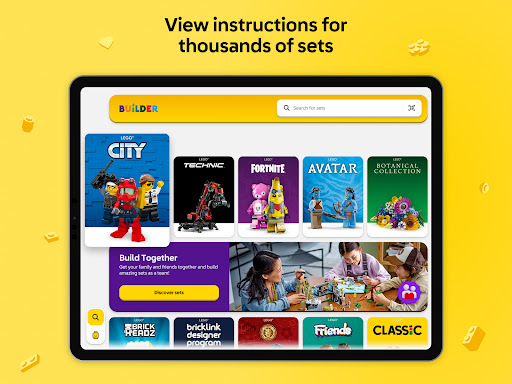
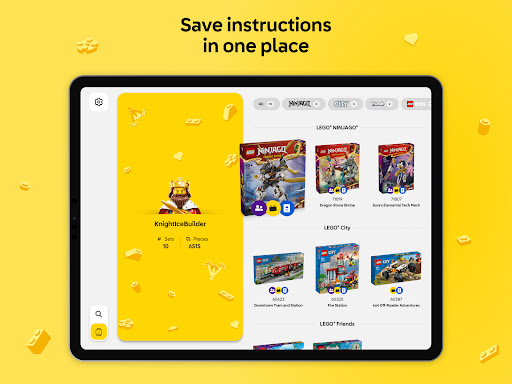
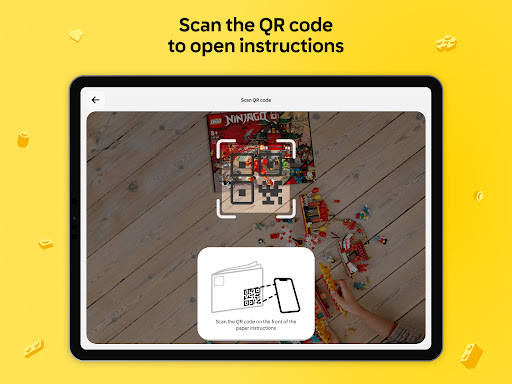
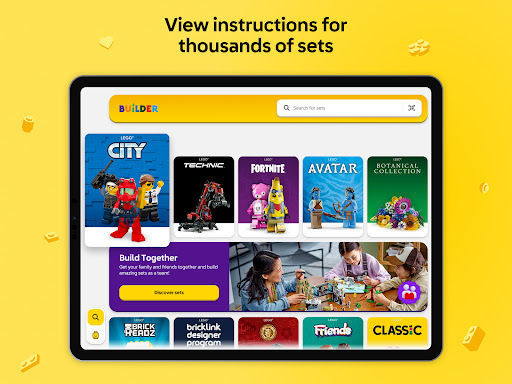
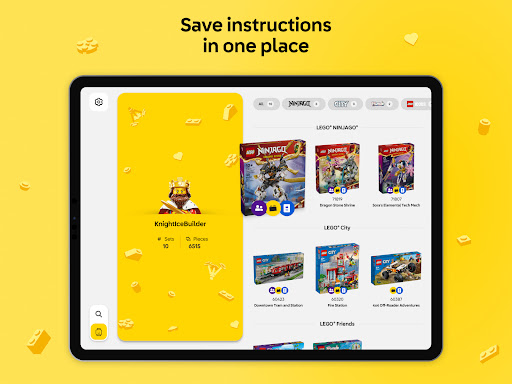
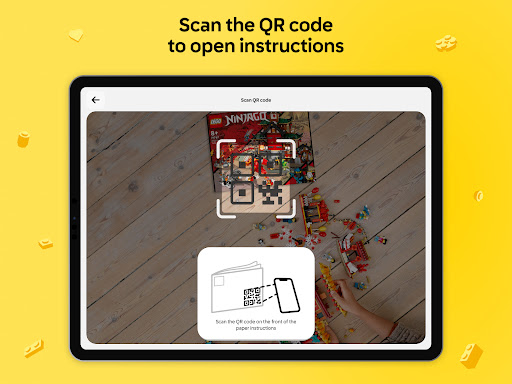
Searching for specific set instructions has never been easier. With LEGO® Builder, you can browse an extensive library of construction guides for LEGO sets spanning over two decades. Simply search for your set or scan the QR code on your paper manual to load instructions directly into the app. This digital collection allows you to keep all your instructions organized and accessible in one place, making future builds even more straightforward. Plus, this platform is constantly updated with new instructions, so your digital LEGO library will grow alongside your collection.
Enhance Your Building Experience with Enriched Content
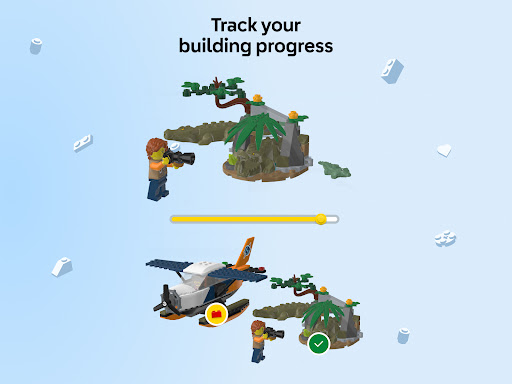
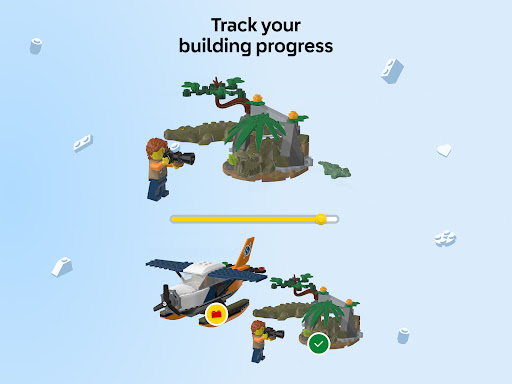
Immerse yourself further with enriched content tailored to popular LEGO themes. Discover stories, fun facts, and bonus materials that make each build more engaging. Unlock the full potential of the app by creating a LEGO account, which enables you to build a digital collection, track your bricks, and save your progress. Whether you're completing a complex set or practicing creative variations, this feature helps you stay organized and motivated to build more.
Key Tips for Using the LEGO® Builder App
To ensure a smooth experience, note that a stable internet connection is essential for accessing content and syncing your collection. The app’s developers are continually adding new features, sets, and customization options, so your building journey remains fresh and exciting. Curious if your set supports 3D instructions or Build Together mode? Simply check within the app and start your collaborative or individual building adventure today. Your creative sparks will thank you!
Why LEGO® Builder Is a Must-Have for LEGO Fans
In summary, LEGO® Builder offers a comprehensive digital solution for LEGO lovers to enhance their building experience. With features like interactive 3D models, collaborative building, and a vast library of instructions, it caters to all skill levels and interests. Turn your tablet or smartphone into your personal LEGO studio—explore new building techniques, connect with a community of enthusiasts, and keep your LEGO collection organized and accessible. Whether you're looking to learn new skills or simply enjoy the nostalgia of building, LEGO® Builder is your perfect digital companion that brings the joy of LEGO to your fingertips. Download it today and unlock a world of creative possibilities!
Pros
- Engaging and educational for users of all ages.
- Enhances creativity and problem-solving skills.
- Provides regular updates with new content.
- Features an intuitive user interface and controls.
- Includes virtual building instructions.
Cons
- Requires a stable internet connection.
- Limited free features are available.
- In-app purchases can be expensive.
- Not compatible with low-end devices.
- Occasional crashes on older smartphones.










