

Wells Fargo Mobile® App Overview
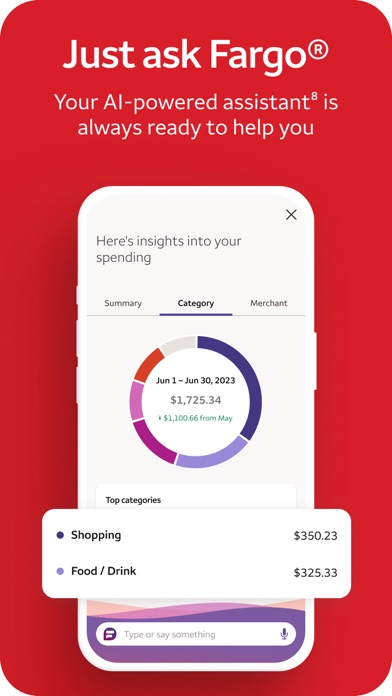
Managing your finances on the go has become essential in today’s fast-paced world. The Wells Fargo Mobile® app transforms your smartphone into a powerful banking tool, offering a wide range of features designed for convenience, security, and ease of use. From checking account balances to depositing checks and transferring funds, this app provides everything you need at your fingertips. Its user-friendly interface ensures that even those new to digital banking can navigate seamlessly, making managing finances both simple and efficient.
Key Features of the Wells Fargo Mobile® App
Account Management
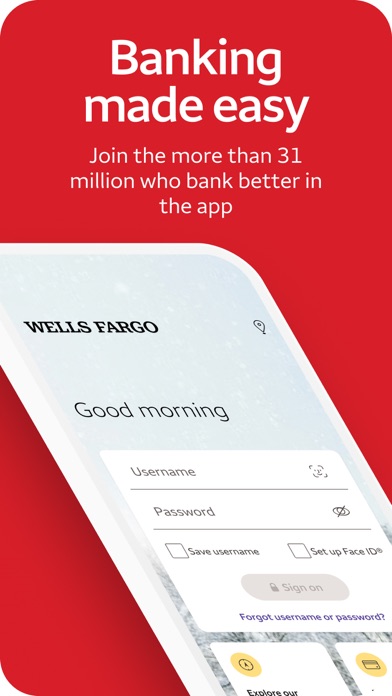
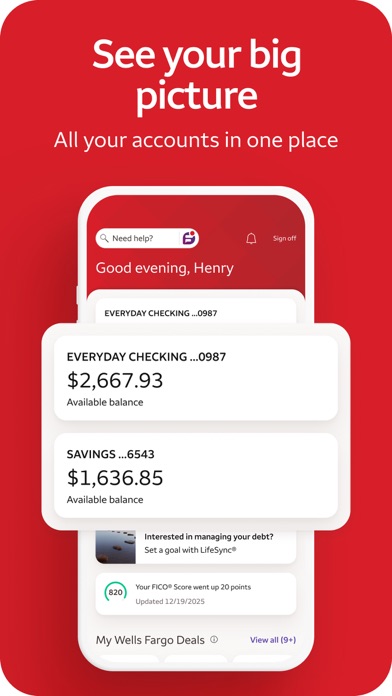
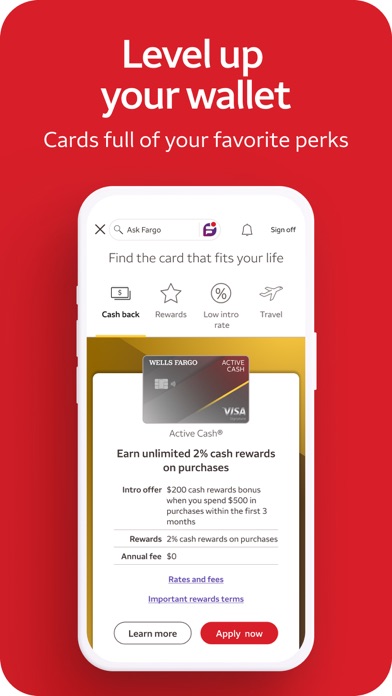
The app offers comprehensive account management functionalities. You can access your cash, credit, and investment accounts quickly using Fingerprint Sign On or Biometric Sign On, providing an extra layer of security. Review your activity and balances effortlessly to stay updated on your financial status. Managing credit card transactions and rewards is straightforward—view transactions and redemption options in one place. Additionally, the app allows you to activate or turn cards on or off with ease, add cards to digital wallets, and view recurring payments. You can also manage your account access through the Card Settings feature.
Deposit Funds
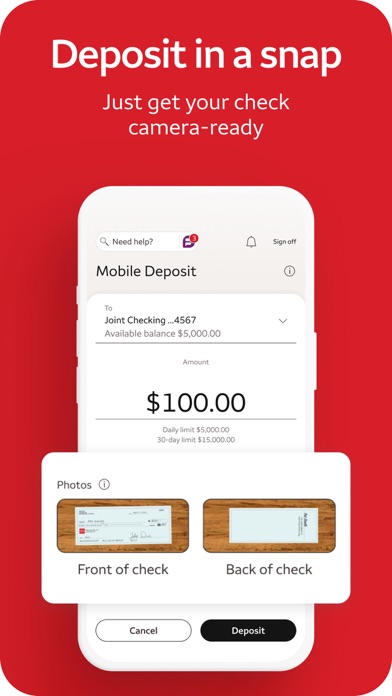
Depositing checks has never been easier thanks to the mobile deposit feature. Using your Android™ device’s camera, you can snap pictures of your checks and deposit them directly into your accounts. The app provides instant updates, so you can view your deposit processing status right away, simplifying the entire check deposit process.
Transfers and Payments
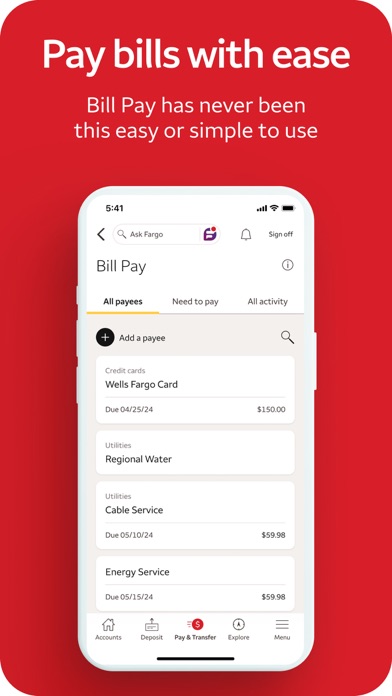
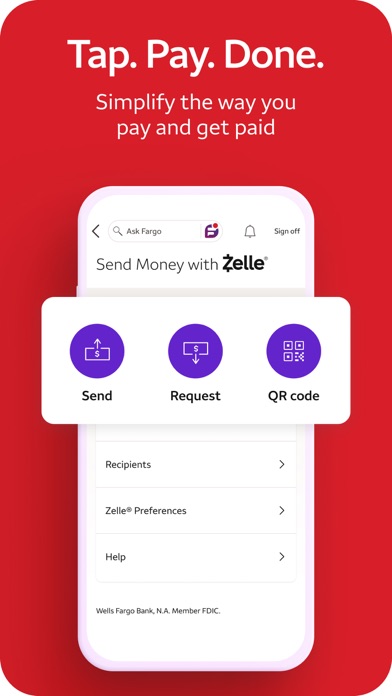
Whether you're paying bills, transferring money between your accounts, or sending funds to friends and family, the Wells Fargo Mobile® app has you covered. You can transfer funds seamlessly between your Wells Fargo accounts or to other financial institutions, subject to certain terms and limits. The app supports effortless person-to-person payments via Zelle®, using U.S. mobile phone numbers or email addresses. It's a fast and secure way to send and receive money. Additionally, you can set up and manage bill payments, helping you stay on top of your financial responsibilities.
Investment Monitoring
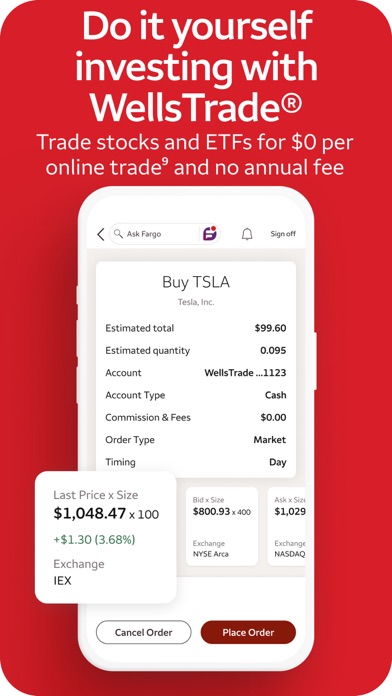
For users with investments, the app provides tools to monitor balances, holdings, and account activity. You can view open orders, get real-time quotes, and access market data through intuitive charts. Keeping a close eye on your investments helps you make informed decisions and manage your portfolio effectively.
Security and Alerts
Security is a top priority. The Wells Fargo Mobile® app features the Security Center, where you can report fraud and manage account alerts to stay informed about suspicious activity. The app also offers notifications for dangerous or unusual card activity, and users can get updates regarding their FICO® Credit Score for ongoing credit monitoring. These features work together to keep your accounts safe and provide peace of mind.
Additional Support and Resources
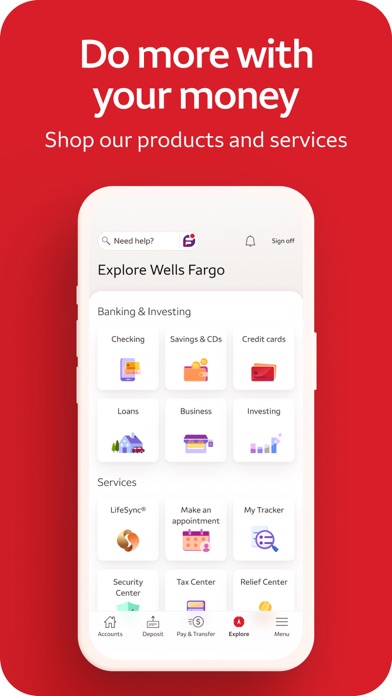
Need assistance? The app provides quick access to customer support, including the option to email feedback or locate ATMs and branches nearby. You can also set up appointments with banking professionals directly through the app, ensuring personalized assistance when required. It’s designed to be a comprehensive tool to manage your finances efficiently and securely.
Final Thoughts
The Wells Fargo Mobile® app is a robust digital banking solution tailored for modern consumers who value convenience, security, and a broad feature set. From mobile check deposits to managing investments, it empowers users to handle their finances anytime, anywhere. Its intuitive design and strong security measures make it a reliable choice for individuals seeking to streamline their banking experience. Whether you're paying bills, transferring funds, or monitoring your credit score, this app offers everything you need to stay connected to your financial world on the go.
Pros
- User-friendly interface
- Secure login options
- Comprehensive financial tools
- Quick account access
- 24/7 customer service
Cons
- Occasional login issues
- Limited international support
- Frequent app updates
- Slow customer service response
- Requires strong internet connection











