

Enhance Your TV Experience with the Remote for Smart Samsung TV App
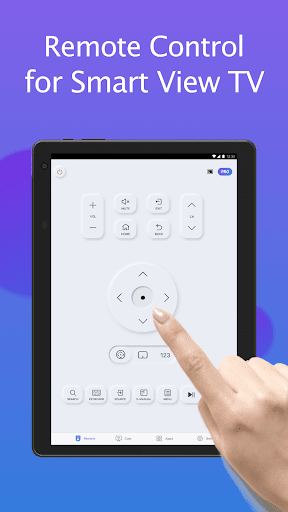
Are you tired of endlessly searching for your Samsung TV remote or dealing with outdated controllers? The solution is here! The Remote for Smart Samsung TV app offers a seamless, convenient way to control your Samsung Smart TV directly from your smartphone. This free, user-friendly app transforms your mobile device into a fully functional remote control, making TV management easier and more enjoyable than ever before.
Key Features of the Remote for Smart Samsung TV App
This innovative app is designed to work effortlessly with a variety of Samsung TV models, including the popular Samsung 7 series TV, Samsung 6 series TV, Samsung Curved TV, and K-Series (2016+) Samsung Tizen models. With automatic detection of your Samsung SmartThings TV over Wi-Fi, the app eliminates the hassle of manual setup and provides instant connection.
Intuitive Control and Easy Setup
Connecting the app to your TV is straightforward:
- Open the app and navigate to its main interface.
- Tap the device button located at the top right corner to view available devices.
- Select your Samsung Smart TV from the list.
- Enjoy your all-in-one smart remote experience!
Comprehensive Remote Control Functions
The Remote for Smart Samsung TV offers a wide array of features designed to improve your entertainment experience:
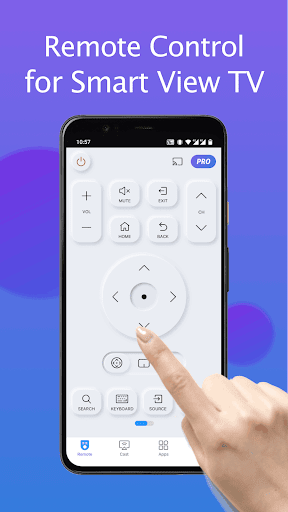
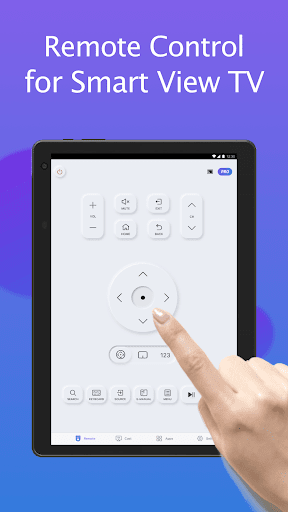
- Power on/off your TV with a tap.
- Adjust volume and change channels effortlessly.
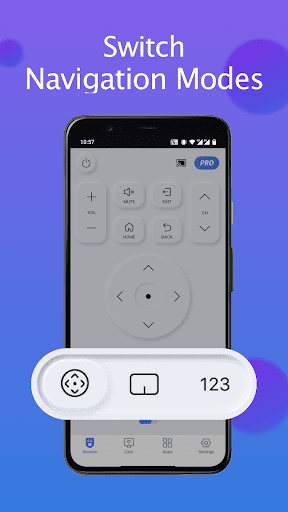
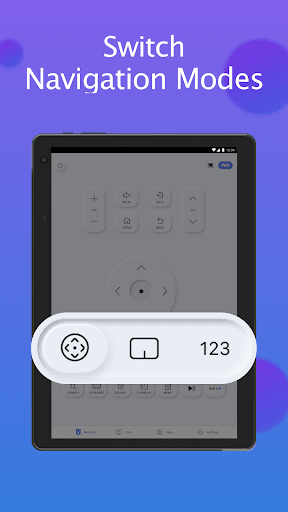
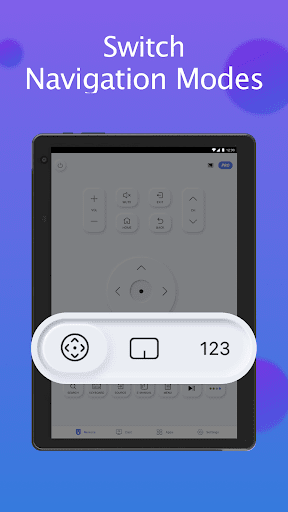
- Navigate menus and switch modes seamlessly.
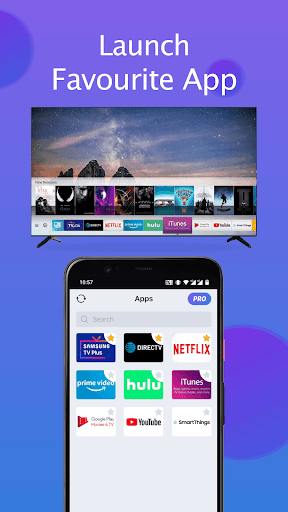
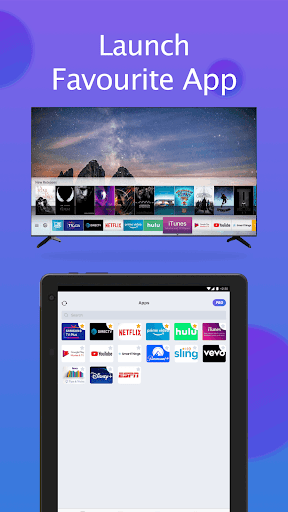
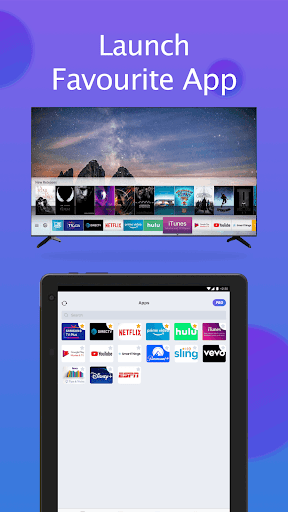
- Quickly access your favorite channels and apps directly from the app.
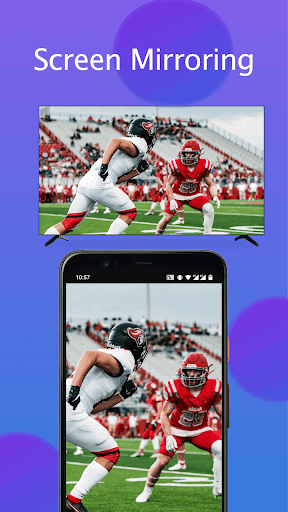
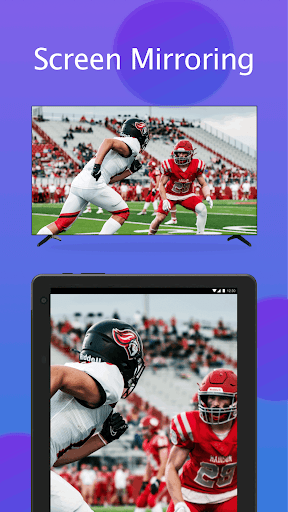
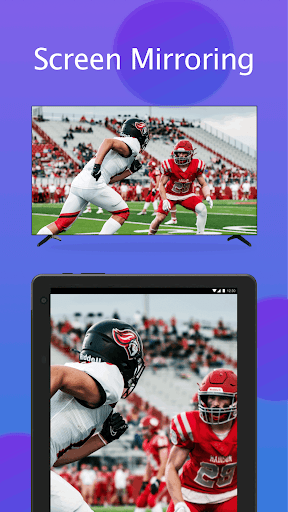
- Mirror your phone or tablet screen to your Samsung smart TV in high resolution.
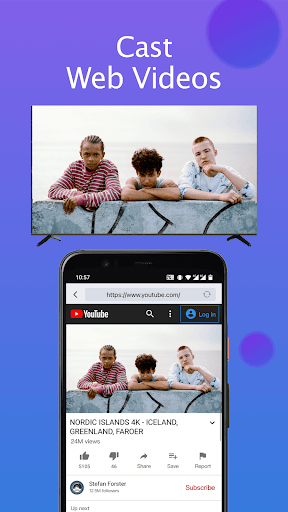
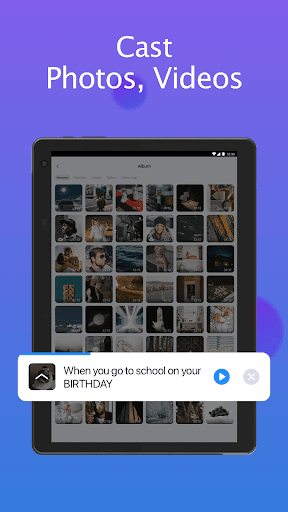
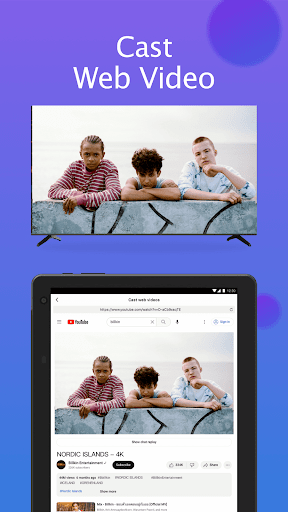
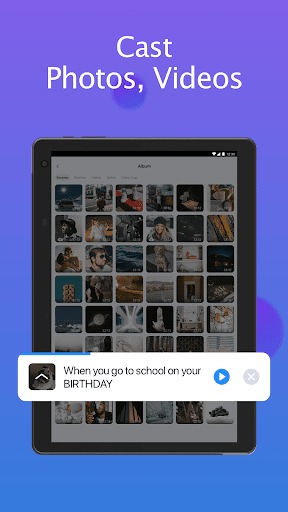
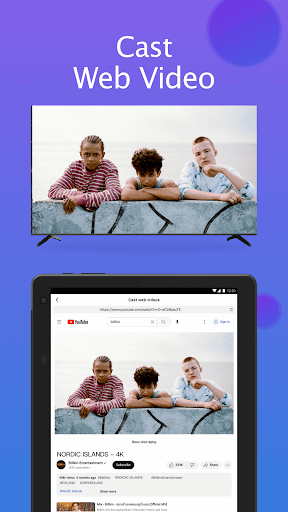
- Cast local photos, videos, and web content to your TV to enjoy your media effortlessly.
- Utilize the keyboard feature for fast text input, ideal for searching or typing in apps like Smart View.
Voice Control and Touchpad Functionality
One of the standout features is voice recognition. Simply speak commands such as "Open Netflix," and the app executes your request accurately, adding convenience especially when you’re relaxing on the couch. Additionally, the built-in touchpad transforms your phone into a mini trackpad, allowing for intuitive navigation much like a traditional remote.
Simple and Reliable Connection Process
Using the app is easy:
- Launch the app on your device.
- Ensure your smartphone is connected to the same Wi-Fi network as your Samsung Smart TV.
- Tap the device list icon to scan for available TVs.
- Select your TV from the list to establish connection.
Troubleshooting Common Connection Issues
While the app is designed for seamless operation, occasional connectivity hiccups may occur. To troubleshoot:
- Ensure both your phone and TV are on the same Wi-Fi network.
- Reinstall the app and reboot your TV if you experience persistent connection problems.
- Keep the app updated to the latest version for compatibility improvements.
- If issues persist, try using the SmartThings app on another device for better results.
Why Choose Remote for Smart Samsung TV?
Whether you often misplace your physical remote or seek a more eco-friendly and modern solution, this app delivers. It replaces traditional physical controllers with a sleek digital interface, reducing the need for batteries and physical clutter. Plus, it’s compatible with most mainstream Samsung smart TVs, ensuring broad usability and convenience.
Important Notice
Please note: BoostVision is not affiliated with Samsung Electronics, and this Remote for Smart Samsung TV app is not an official Samsung product. Compatibility may vary depending on specific TV models due to testing limitations. Always ensure your device and TV are updated to enjoy the best experience.
Download Today and Experience Smarter Control
Transform your smartphone into a powerful Samsung remote control and enjoy effortless TV management. Say goodbye to lost remotes and hello to convenience. Download the Remote for Smart Samsung TV app now and take control of your entertainment smoothly and intuitively.
Pros
- Simple setup process.
- User-friendly interface.
- Compatibility with various TV models.
- Voice command functionality included.
- No cost for download.
Cons
- Advertisements can be disruptive.
- Free version offers limited features.
- Some compatibility challenges.
- Connections may drop periodically.
- Lacks support for landscape mode.











