

Overview of TV Cast: Anycast in Smart View
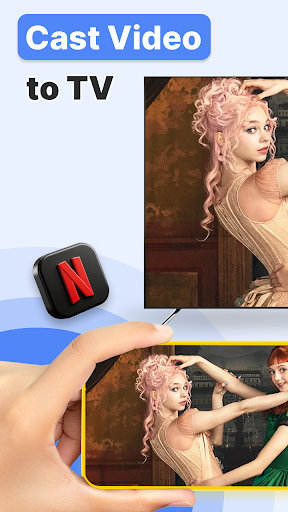
In today's digital age, sharing media content seamlessly across devices is more important than ever. TV Cast: Anycast in Smart View is an innovative app designed to bridge the gap between your smartphone and your television, enabling effortless wireless casting of videos, photos, music, and more. Whether you're hosting friends or enjoying a movie solo, this versatile application transforms your big screen experience by making content sharing intuitive, high-quality, and hassle-free.
Main Features of TV Cast: Anycast in Smart View
Automatic Device Detection and Casting
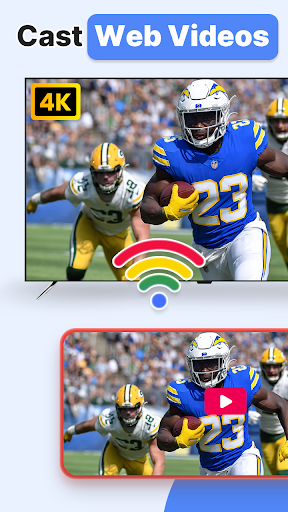
The app's standout feature is its ability to automatically search nearby TVs to cast screen via DLNA. Once launched, it scans for compatible devices such as smart TVs, gaming consoles, and media players supported by DLNA, Miracast, AirPlay, and Chromecast. Users can effortlessly select their device from the list to initiate screen sharing.
Extensive Media Compatibility
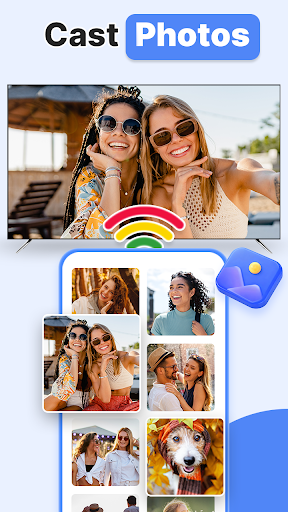
TV Cast supports a broad range of media files stored on local and SD card storage, including music, audio, video, photo, PPT/slides. This ensures you can cast a variety of content types without needing multiple apps, simplifying your media management on both Android and iOS platforms.
Multiple Casting Protocols
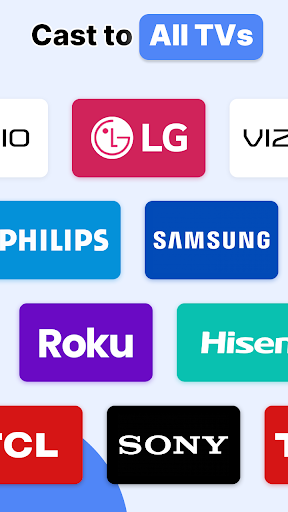
It provides compatibility with several popular casting methods such as Chromecast, Miracast, Screencast, All Share Cast, TV Cast, and AirPlay. This flexibility ensures seamless streaming regardless of your device or TV brand, including Samsung, LG, Sony, Panasonic, Hisense, Philips, and many others.
Low Latency & Multiple Playback Modes
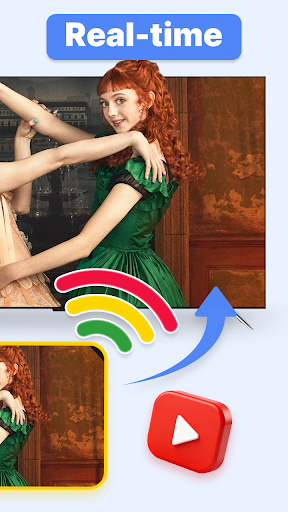
Enjoy low latency wireless display for a smooth viewing experience, whether you're playing games, watching videos, or presenting slides. The app also offers multiple video playback modes tailored for different media needs, enhancing your viewing comfort.
Remote Control Functionality
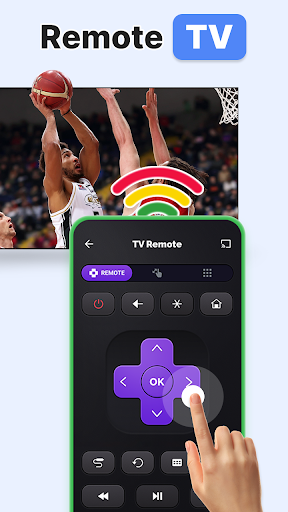
In addition to casting, TV Cast includes a TV remote control feature, allowing you to adjust volume, play/pause, and navigate media directly from your smartphone—eliminating the need for bulky remote controls.
How to Use TV Cast: Anycast in Smart View
Getting started is straightforward: ensure your smartphone and TV are connected to the same Wi-Fi network (recommend turning off VPN during setup). Launch the app, which will automatically detect nearby compatible devices. Select your TV or other device from the list and choose the specific media file you wish to cast. Experience your content on a larger screen in just a few taps, making your viewing sessions more immersive and enjoyable.
Supported Devices and Compatibility
The app supports a wide array of DLNA-certified devices, including:
- Microsoft Xbox One
- Amazon Fire TV & Fire Stick
- Sony, Samsung, LG, Hisense, Vizio Smart TVs
- Roku, Panasonic, Toshiba, Philips, Insignia
- Many other DLNA-compatible media players and smart TVs such as Videocon DTH, Philco, Aoc, Jvc, Haier, Westinghouse, Daewoo, Sansui, Sanyo, Akai, Polaroid, Mi TV, Huawei TV, and more.
Note: Users should verify their TV's DLNA certification before use. The app is not an official product of any brand but works with compatible devices for seamless media sharing.
User Experience and Benefits
Designed with user-friendliness in mind, TV Cast: Anycast boasts an intuitive interface that makes connecting and casting a breeze—even for non-tech-savvy users. The ability to control playback directly from your phone turns your device into a full remote, making media navigation effortless and eliminating the hassle of misplaced remote controls.
High-definition streaming ensures every detail is vibrant and crisp, transforming your phone's small screen into a rich media hub on your big TV. Whether you're hosting a movie night, sharing vacation photos, or streaming your favorite series, this app elevates your entertainment experience.
Thanks to its compatibility with multiple devices and protocols, TV Cast is versatile enough to cater to various user setups. Its low latency performance makes real-time gaming and interactive content smooth and enjoyable, further enhancing your home entertainment system.
Final Thoughts
In conclusion, TV Cast: Anycast in Smart View is a powerful tool for anyone wanting to enjoy their media on a larger screen without complicated setups or cables. Its broad device support, simple setup, and feature-rich environment make it a top choice for wireless screen sharing. Unlock the full potential of your smart TV or DLNA-compatible device and elevate your media sharing game today—say goodbye to small screens and hello to immersive, big-screen entertainment!
Pros
- Supports multiple streaming protocols.
- Easy to set up with an intuitive interface.
- Compatible with various smart TV brands.
- Provides a stable connection with minimal buffering.
- Does not require additional hardware.
Cons
- Limited free features in the basic version.
- Occasional connectivity issues.
- Free version contains intrusive ads.
- Does not support all file formats.
- Requires a compatible TV to access full features.











