

Introduction to the Universal AC Remote Control App
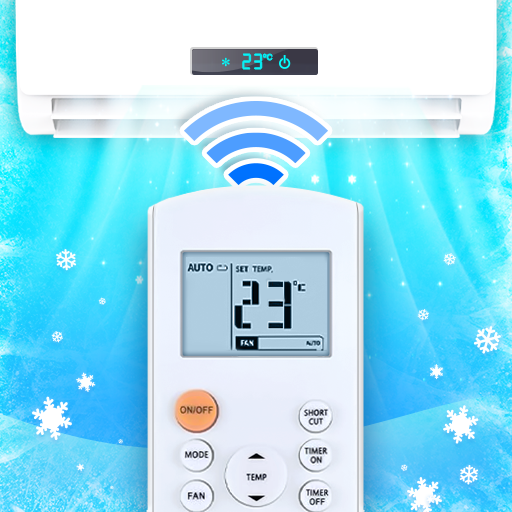
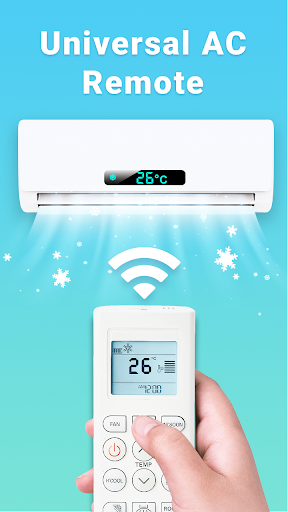
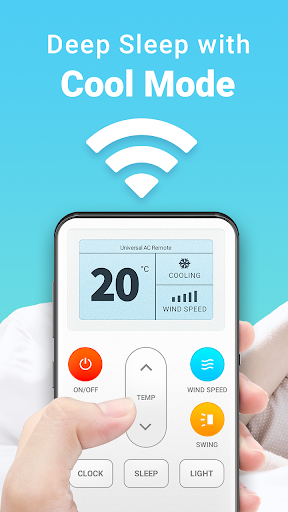
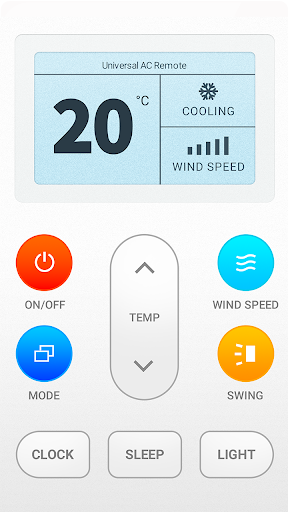
Are you tired of searching for your traditional air conditioner remote control every time you want to adjust your cooling settings? The Universal AC Remote Control app is here to revolutionize the way you manage your air conditioning unit. Designed with user convenience in mind, this powerful mobile application transforms your smartphone into a comprehensive remote control, offering seamless control over various air conditioner brands directly from your device. Whether you need to quickly modify the temperature, switch modes, set timers, or turn your AC on or off, this app makes everything easily accessible. Say goodbye to physical remotes cluttering your space and welcome a smarter solution that puts control at your fingertips.
Features of the Universal AC Remote Control App
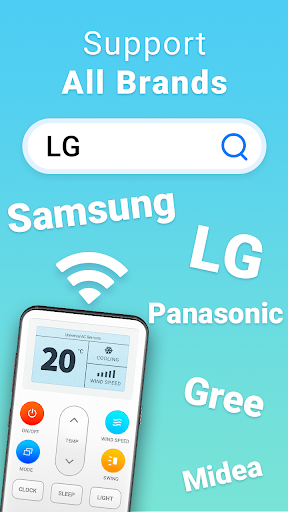
Install Our Universal AC Remote Control APP Now and enjoy the freedom to operate your air conditioner remotely from anywhere. The app boasts a user-friendly interface designed to accommodate all users, from tech-savvy individuals to seniors who may find physical remotes challenging to handle. With support for massive brands such as Samsung, LG, Daikin, Hitachi, Toshiba, Whirlpool, and many more, you can control a wide range of models with ease.
The app’s functionalities include adjusting temperature swiftly, switching modes (cool, heat, fan, dry), setting timers, and toggling power on or off. Its sleek design ensures that all controls are just a tap away, making it incredibly efficient for daily use. The extensive support for brands means you won't need multiple remotes cluttering your space; a single app suffices to manage various air conditioning units around your home.
How to Use the Universal AC Remote Control App
The setup process is straightforward:
- Add Your AC Remote Brand or Model in the app.
- Test the Functionality by tapping the test buttons to ensure compatibility.
- Configure Your Settings for each remote control profile.
- Control Your Air Conditioner remotely using the app’s interface.
Additional Tips for Optimal Use
- Confirm your smartphone has an IR blaster for universal remote compatibility.
- For resource pack downloads, ensure your device has a stable internet connection.
- Remember, the Universal AC Remote Control App is not an official app from any specific brand but works by mimicking the IR signals typical of standard remote controls.
- Ensure your device’s IR blaster is supported, as some newer smartphones may not include this feature.
- For resource pack downloads, ensure your device has a stable internet connection.
- Remember, the Universal AC Remote Control App is not an official app from any specific brand but works by mimicking the IR signals typical of standard remote controls.
- Ensure your device’s IR blaster is supported, as some newer smartphones may not include this feature.
An Honest Review of the AC Remote - Air Conditioner App
Greetings, fellow tech enthusiast! If you're like me, managing your air conditioning remote can sometimes be a hassle. That's where the AC Remote - Air Conditioner app comes into play, transforming your smartphone into a smart, convenient remote control for your AC units. Setting up is a breeze—simply download the app from your app store, and you’re ready to go. Its intuitive interface ensures even those with minimal tech experience can navigate effortlessly, making it perfect for everyone, including seniors.
The app supports a remarkable array of air conditioner brands, so if your AC model is popular, chances are it’s compatible. One of the standout features is the ability to set timers, allowing you to schedule your AC to turn on or off at specific times. Imagine arriving home to a cool room, all thanks to pre-configured timers. Additionally, adjusting the temperature remotely from your smartphone offers significant convenience, especially during hot summer days or while stuck in traffic.
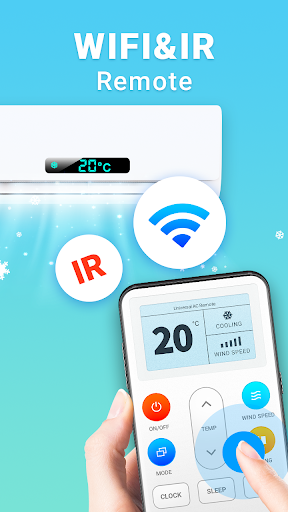
Connectivity is seamless—just point your camera or IR emitter at your AC unit, and control it instantly. Whether your air conditioner supports Wi-Fi or relies solely on IR technology, this app handles it gracefully. Plus, it’s not a resource hog, so your phone’s battery life remains unaffected during prolonged use. The clean, clutter-free interface ensures you focus on adjusting your air conditioner settings effortlessly, making cooling your home just a tap away.
In summary, the AC Remote - Air Conditioner app is an excellent addition to your smart home toolkit. It simplifies managing your AC units, saves space by replacing multiple remotes, and offers the convenience of remote control from anywhere. If you’re seeking a reliable, easy-to-use, and effective solution to control your air conditioning system, this app is worth trying out. It makes staying comfortable during those scorching months much more manageable and adds a touch of modern convenience to your everyday life.
Pros
- User-friendly interface simplifies usage
- Compatible with a wide range of air conditioner brands
- Customizable settings for personalized comfort
- Energy-saving features help lower electricity bills
- Remote access via smartphone from anywhere
Cons
- Requires a stable internet connection
- Limited features for older air conditioner models
- Occasional app crashes have been reported
- Concerns about data privacy due to location permissions
- Premium features require a subscription











