
Introduction to the Universal TV Remote - Cast to TV App
Have you ever experienced the frustration of losing your remote just when you want to relax and watch TV? I know I have, and that’s when I stumbled upon the Universal TV Remote - Cast to TV app. At first, I was skeptical. Can a smartphone app really replace a traditional remote? As it turns out, yes it can, and quite impressively!
Unlocking New Convenience
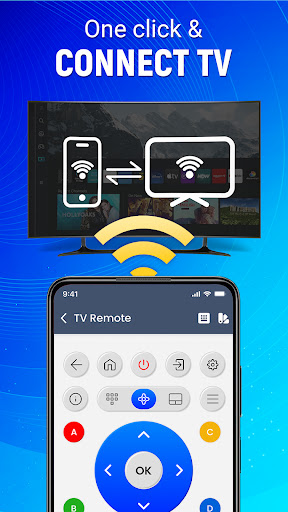
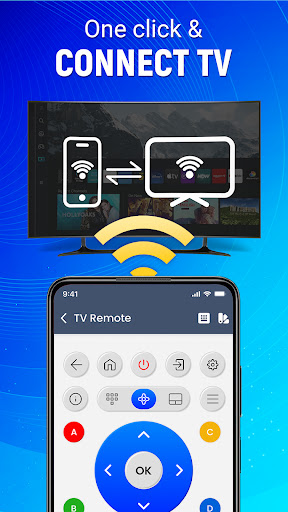
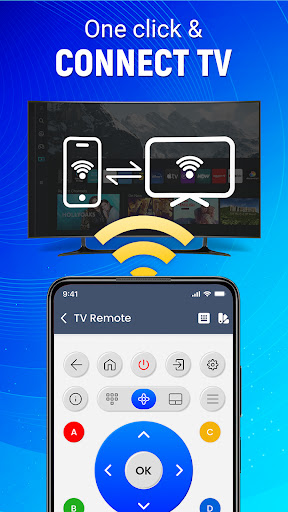
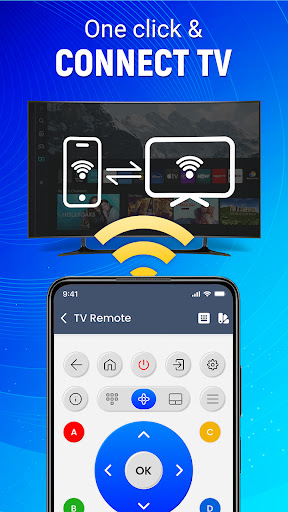
Once I downloaded the Universal TV Remote: Cast to TV on my smartphone, setting it up was a breeze. The app guides you through a simple setup process that connects your phone to your TV over the same Wi-Fi network. Within minutes, my phone transformed into a sleek remote control. No more digging through couch cushions!
Features That Stand Out
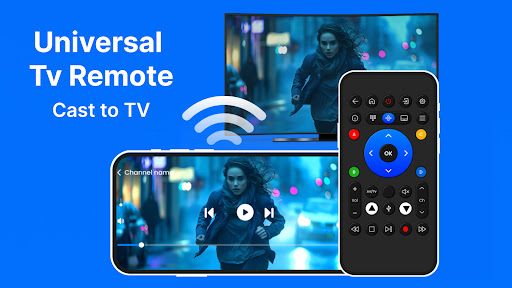
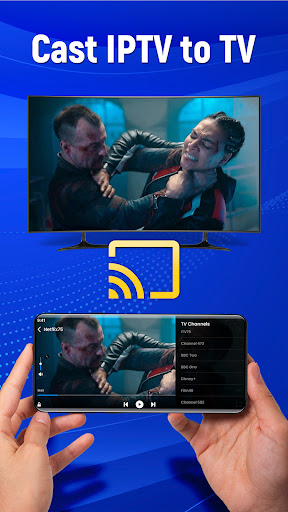
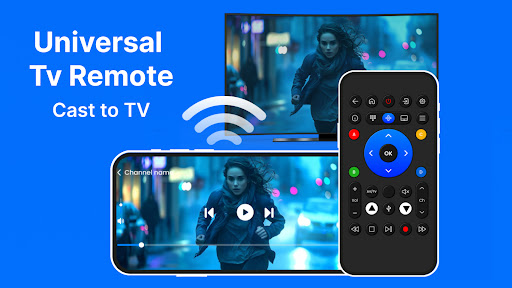
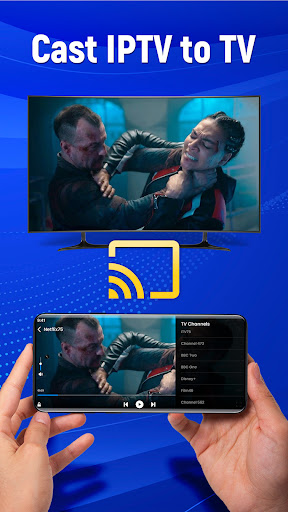
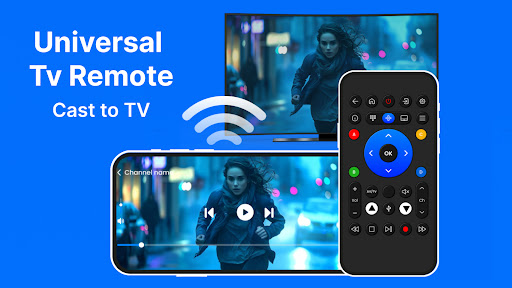
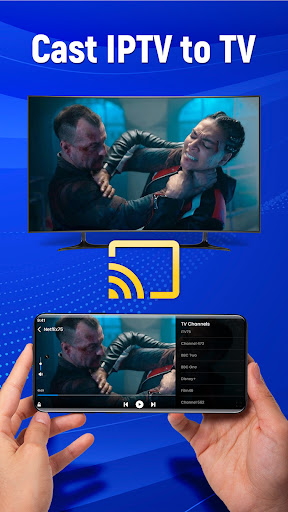
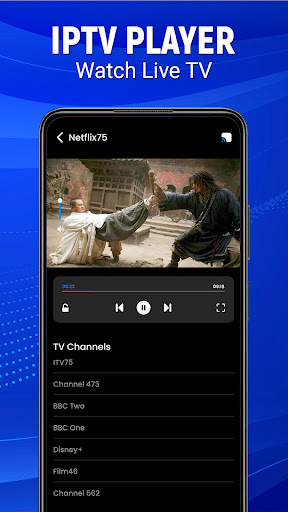
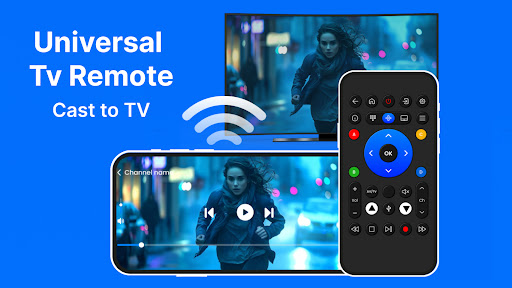
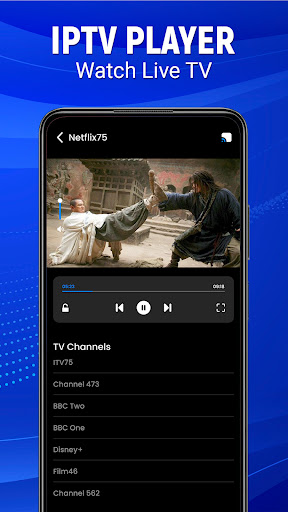
What I love most about this app is its user-friendly interface. It’s intuitively designed so that even the least tech-savvy among us can navigate it with ease. The app not only controls your TV but also supports casting, which means you can stream your favorite videos and photos from your phone directly to your TV. This feature is perfect for family gatherings or showing off your latest vacation snaps on the big screen. I found it particularly handy during impromptu movie nights with friends.
The app also allows you to dim the lights, adjust the volume, and switch channels, all from one device. It feels like living in the future!
Seamless Connectivity and Compatibility
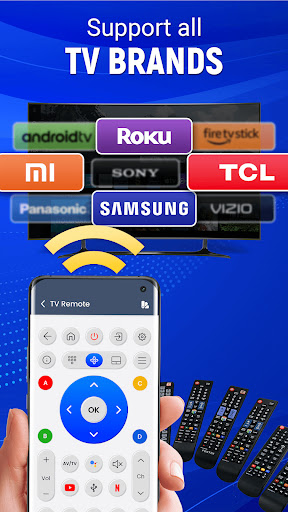
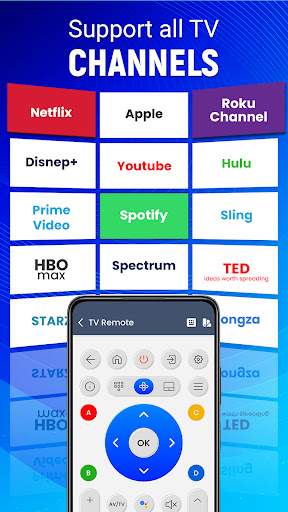
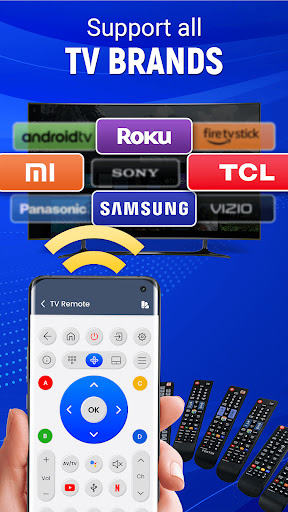
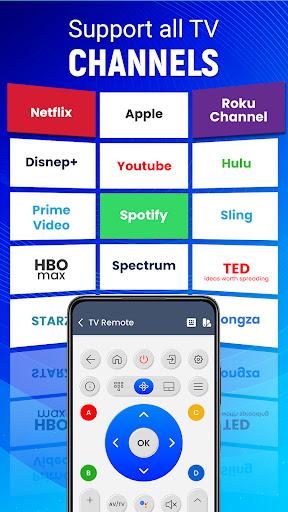
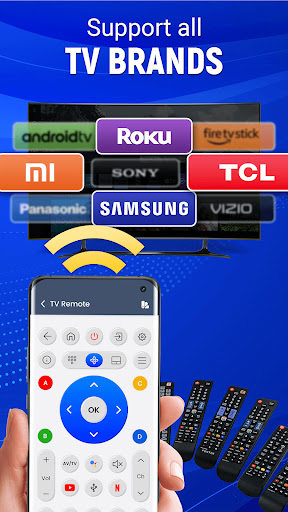
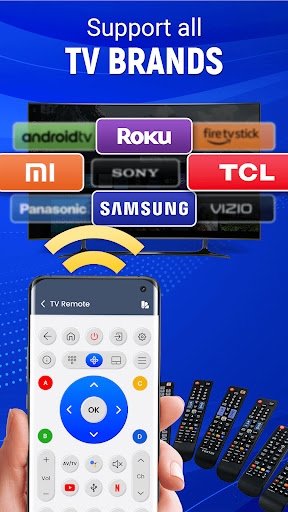
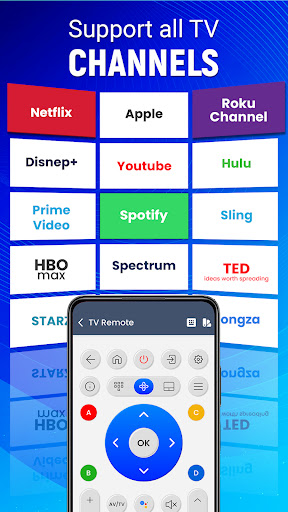
One of the most important aspects of a remote app is connectivity. Fortunately, the Universal TV Remote: Cast to TV excels in this department. The connection between your phone and TV was stable, with minimal lag time. The app supports a wide range of TV brands and models, which means it’s likely compatible with your setup as well. Plus, the app is regularly updated to fix bugs and add new features, showing a strong commitment to quality and user satisfaction.
Enhanced Functionality and Smart Control
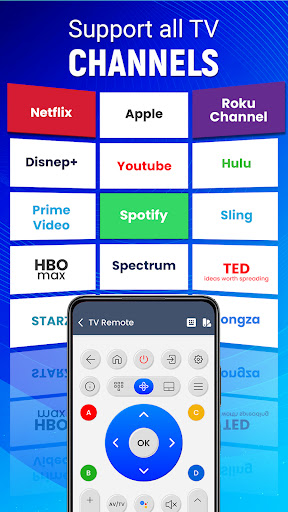
This remote app does more than just change channels. As you explore, you'll find options for single app control of multiple smart devices around your home. For instance, you can control the volume of your sound system, switch input sources, and even cast content from your phone to your TV with ease. The gesture navigation—tapping and swiping—makes controlling your entertainment setup faster and more intuitive.
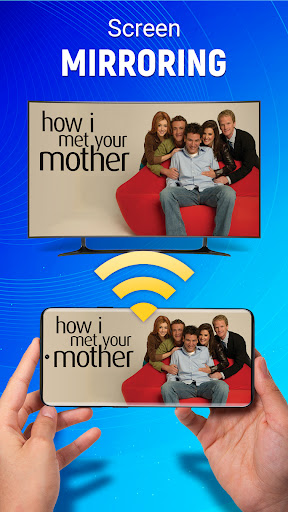
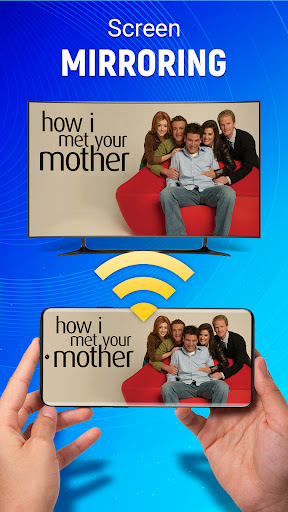
Seamless Screen Mirroring: Cast To TV
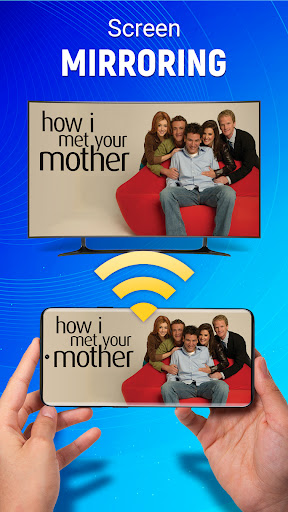
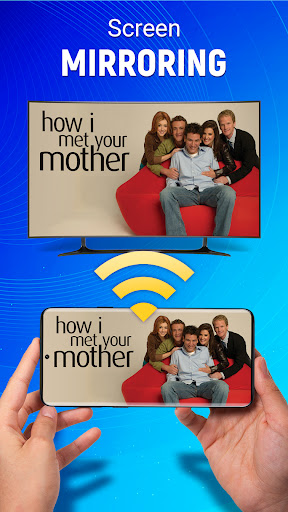
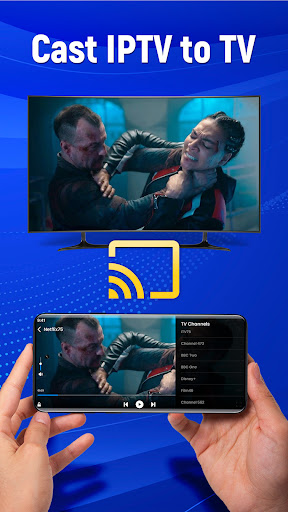
Another impressive feature is seamless screen mirroring. It allows you to display any content from your mobile device onto your television effortlessly. Stream videos, view photos, or open applications directly on the big screen without any cables. This wireless cast to TV experience adds tremendous convenience during family movie nights or presentations.
Conclusion: The Ultimate Universal Remote for Your TV
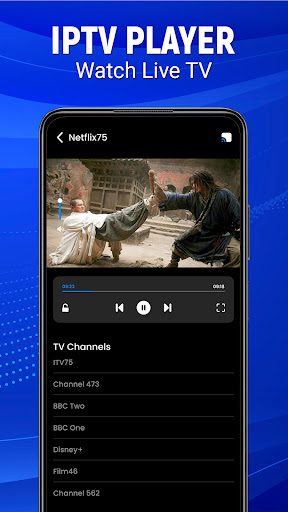
Experience the convenience of powerful remote control, live screen casting, and easy navigation all in one Android remote app. The Universal TV Remote - Cast to TV transforms your smartphone into the ultimate control center for all your home entertainment devices. Whether you’re looking to replace a lost remote, simplify your device management, or enjoy wireless casting, this app provides a reliable and user-friendly solution. Say goodbye to cluttered coffee tables and multiple remote controls—hello to smarter living and effortless entertainment control!
Pros
- Compatible with most TV brands.
- Easy-to-use interface for simple navigation.
- Fast setup without complicated steps.
- Remotely customizable layout according to preferences.
- Supports voice commands for added convenience.
Cons
- Sometimes intrusive advertisements.
- Limited functionalities available in the free version.
- Requires a stable Wi-Fi connection to operate properly.
- Certain advanced features may be specific to certain devices.
- Occasional delays in response time.











