
Discover the Ultimate Universal Remote Control for All TVs
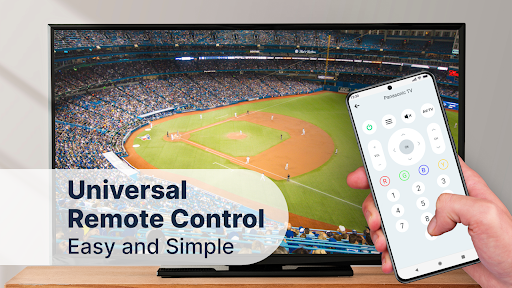
Are you tired of searching for multiple remote controls when you want to enjoy your favorite shows? Say goodbye to the clutter and frustration with the Remote Control for All TV app — a powerful and user-friendly solution that transforms your Android device into a universal remote control. Designed to support a wide range of brands and models, this app makes controlling your TV simple, fast, and hassle-free.
Seamless Control Across All Major TV Brands
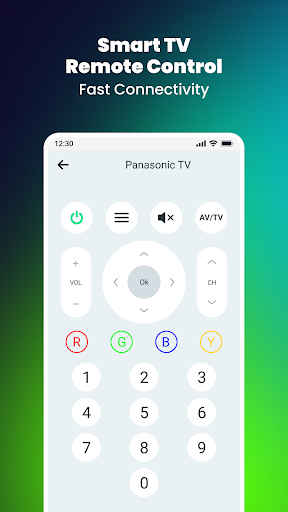
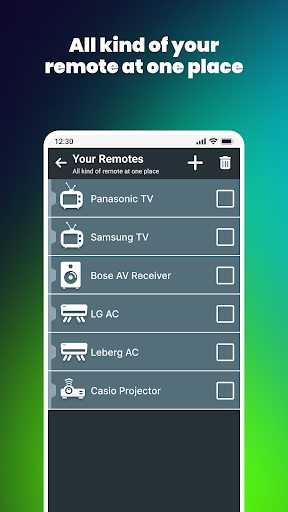
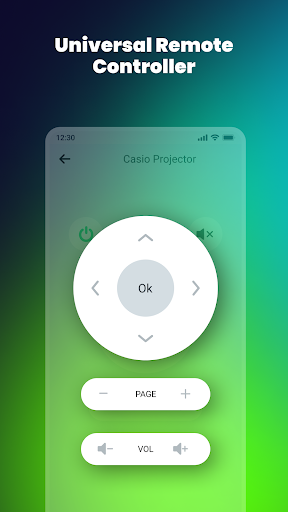
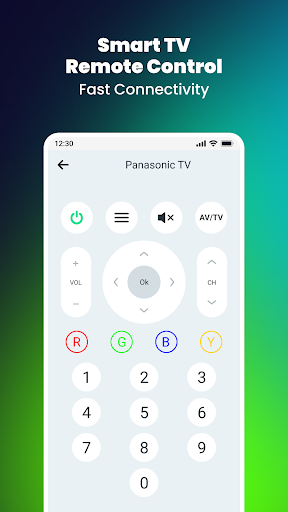
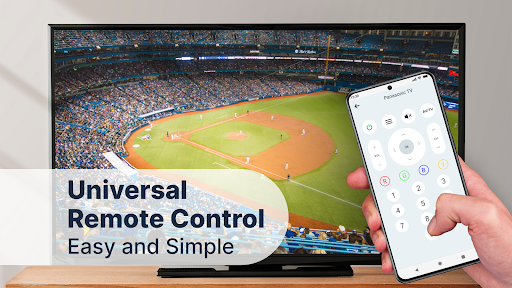
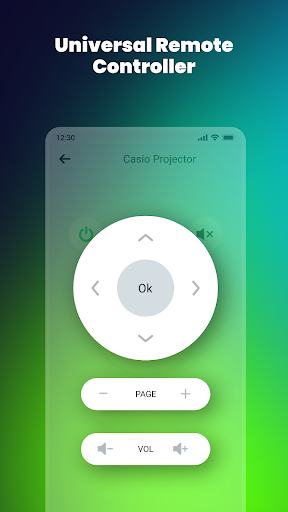
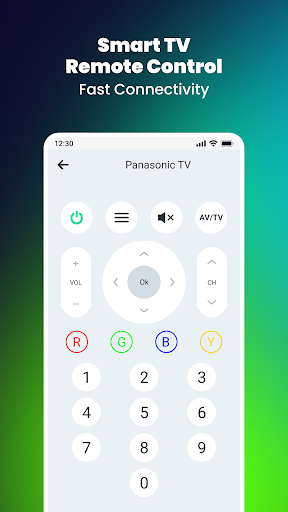
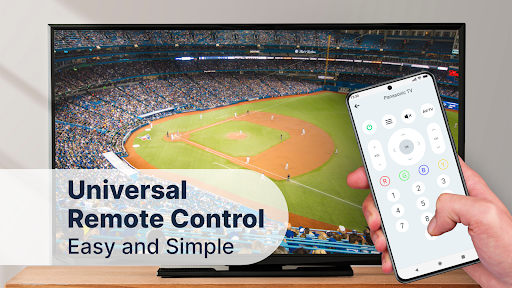
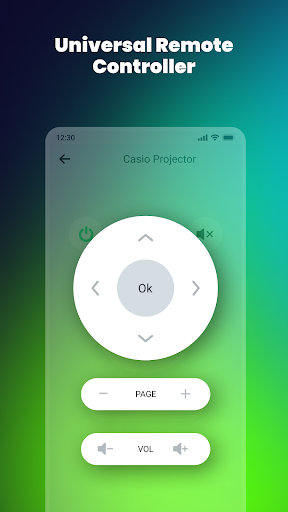
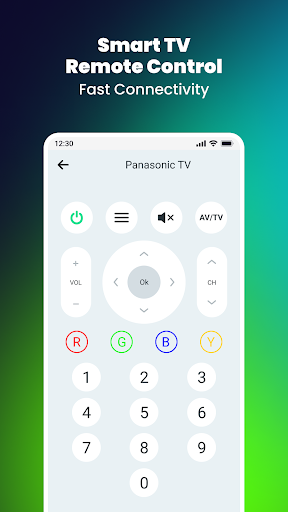
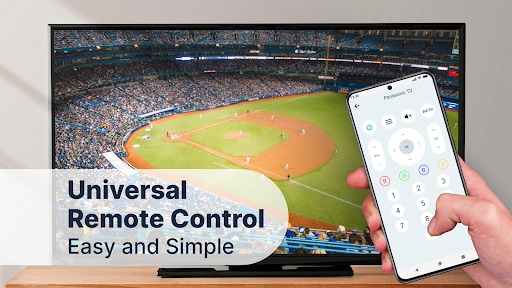
The Remote Control for All TVs app boasts extensive compatibility, enabling you to manage countless TV brands such as Samsung, LG, Sony, Sharp, Philips, Toshiba, Vizio, Insignia, Hisense, Roko, Panasonic, Fire TV, Apple TV, and many others. Whether you own a smart TV or a traditional model, this universal remote app ensures you can effortlessly perform tasks like power on/off, adjust volume, change channels, and access the menu controls—all from your Android device.
Designed for Ease and Speed
Getting started with the Remote Control for All TV app is incredibly straightforward. Unlike traditional remotes, this app offers an intuitive interface that even beginners can navigate easily. With quick setup, you can convert your smartphone into a fully functional remote in moments, thanks to support for built-in IR blasters and Wi-Fi connections. Whether you're at home or visiting friends, the app allows you to control your TV instantly without needing extra hardware.
Multi-Device Control & Screen Mirroring Features
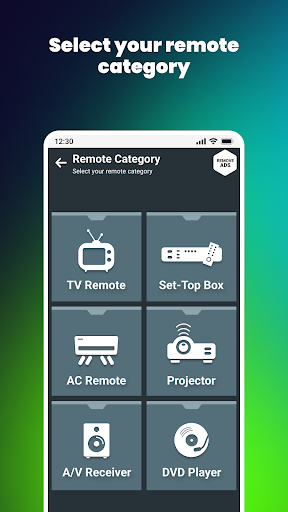
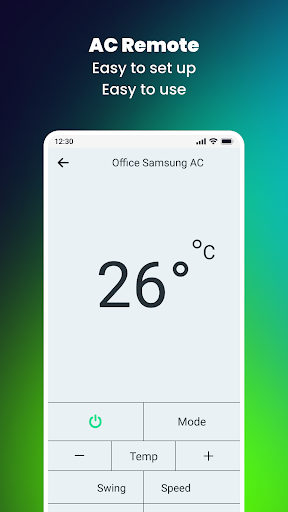
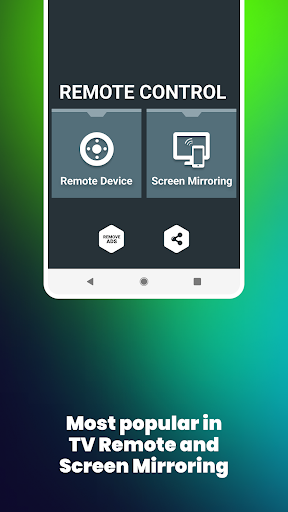
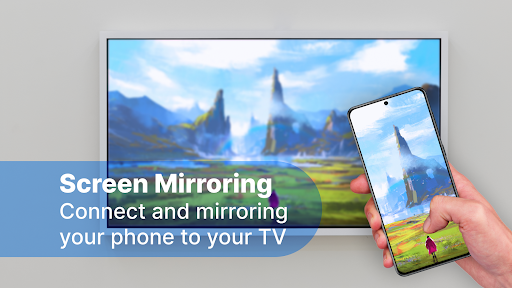
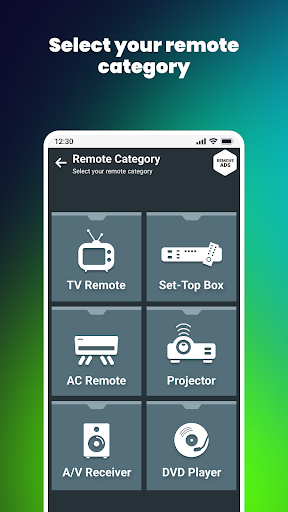
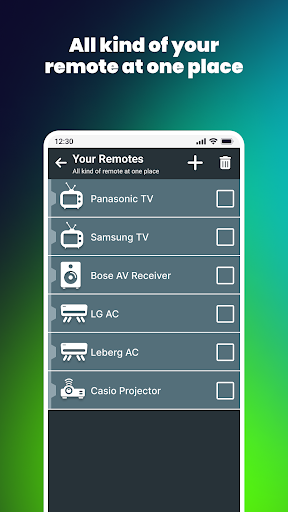
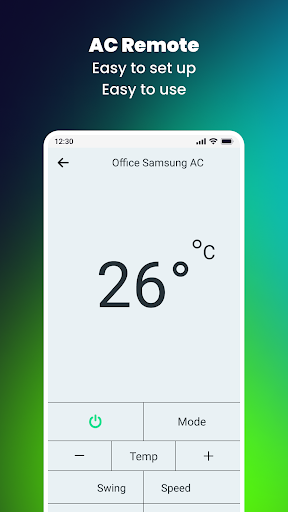
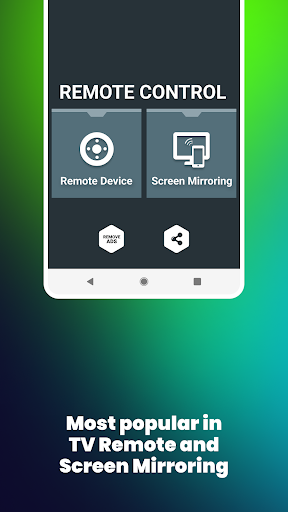
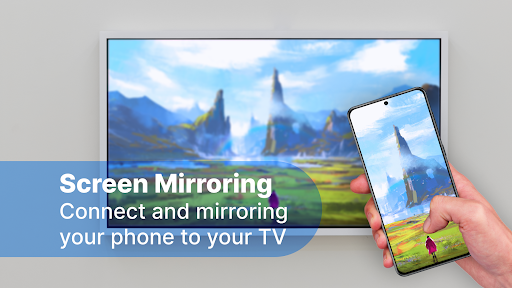
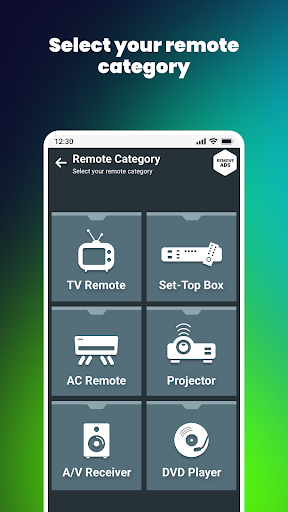
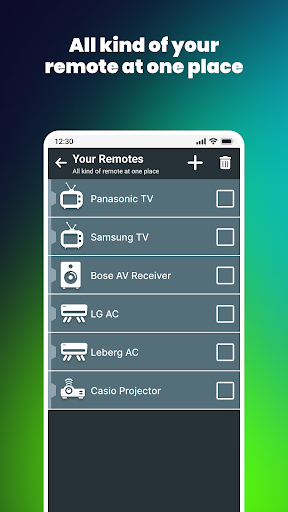
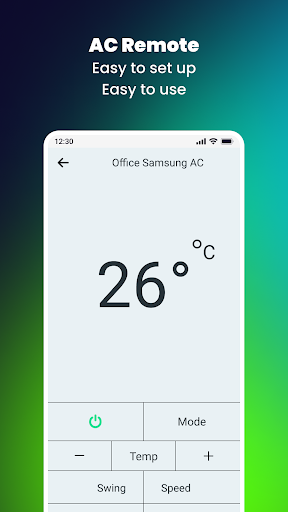
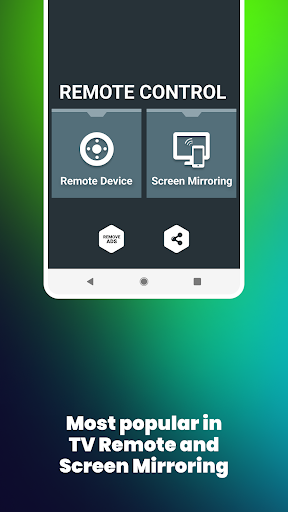
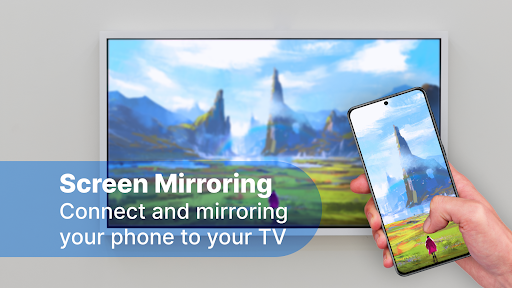
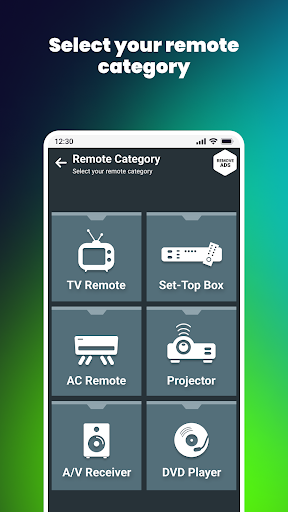
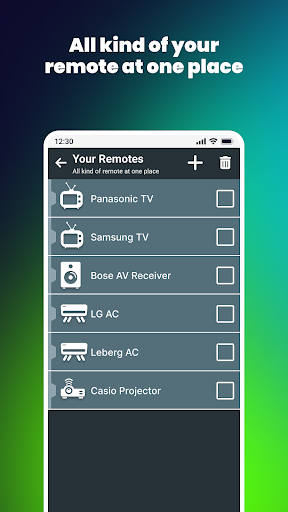
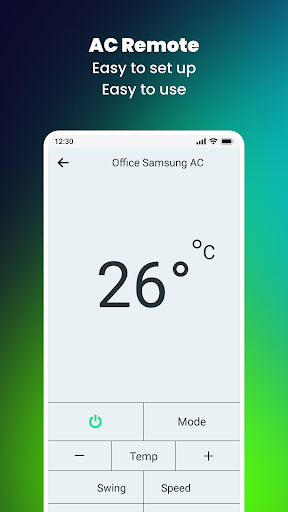
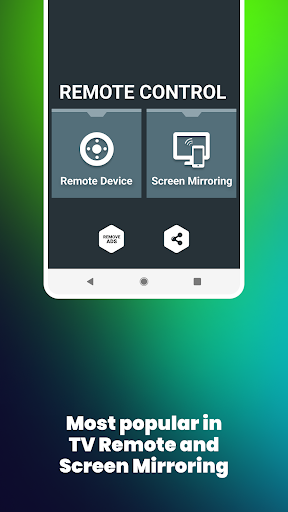
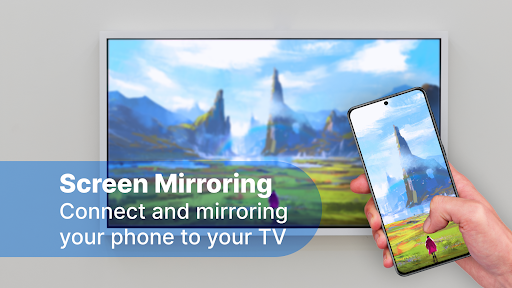
Beyond television control, this app also supports managing other devices such as air conditioners and set-top boxes, turning your smartphone into a comprehensive remote hub. Plus, the integrated screen mirroring feature lets you cast your Android screen onto your smart TV. Easily showcase photos, videos, moments from your favorite games, or even work presentations on a big screen, enhancing your entertainment and productivity experience.
Key Features That Make Controlling Your TV a Breeze
- Universal Compatibility: Supports all major TV brands and models, making it your go-to remote for any device.
- Offline Functionality: Learn how to use the app without needing an internet connection, essential for quick access during power outages or poor connectivity.
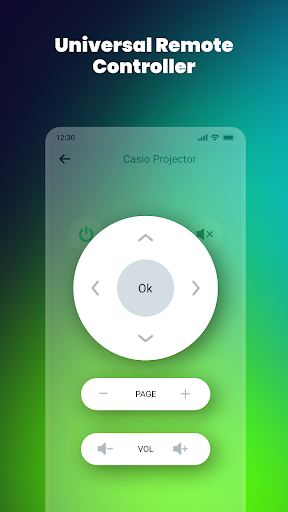
- Easy Volume & Channel Control: Adjust the volume, change channels, and mute with simple taps.
- Menu Navigation: Access menus and navigate up, down, left, and right seamlessly.
- Customization: Personalize remote layout to fit your preferences, placing buttons where you find them most convenient.
- Real-Time Screen Mirroring: Effortlessly mirror your Android screen onto your TV for an enhanced viewing experience.
Why Choose Remote Control for All TV?
If you’re tired of juggling multiple remote controls or prefer using your Android device for everything, this app is an excellent choice. Its fast response times and reliable performance ensure smooth operation, whether you’re adjusting volume during a movie or switching channels in a hurry. The app's constantly updated features mean it stays current with the latest TV models and technologies, providing users with ongoing enhancements.
Final Thoughts: Simplify Your TV Experience
In today's fast-paced world, convenience is king. The Remote Control for All TV app offers a simple, efficient, and versatile solution to control all your televisions and connected devices with ease. Say goodbye to physical remotes cluttering your coffee table and embrace the future of remote control technology with this universal remote app. Once you start using it, you'll wonder how you ever managed without it—turn your Android device into a smart remote and elevate your entertainment setup today!
Pros
- Broad compatibility with various television brands.
- Intuitive interface for straightforward navigation.
- Fast setup process with automatic device recognition.
- Eliminates the need for a physical remote control.
- Supports both infrared and Wi-Fi connections.
Cons
- May not be compatible with older TV models.
- Includes advertisements in the free version.
- Requires internet connectivity for certain features.
- Limited options for customer support.
- Battery consumption increases with extended use.











