

Discover the Features of Home Design 3D
Home Design 3D is a powerful, accessible interior and exterior design application that transforms your device into a virtual workshop for creating, remodeling, and decorating your dream home. Whether you’re a professional designer or a hobbyist, this app offers an intuitive and fun way to bring your ideas to life in stunning 3D. In the latest update, users can explore exciting new features such as • dormer windows and • over 600 new textures, enhancing the realism and variety of your projects. Additionally, the integration of VR export capabilities allows you to virtually visit your creations through • VR export, making the design process even more immersive.
Unleash Your Creativity with Simple and Robust Tools
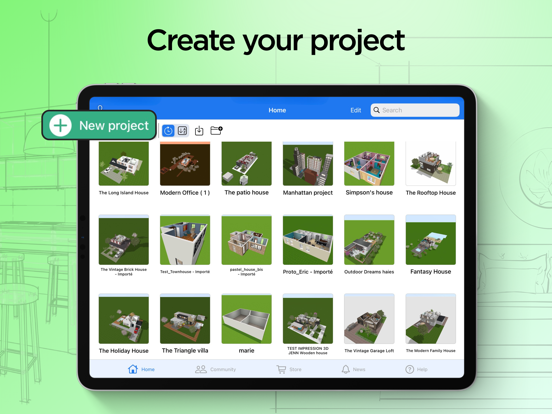
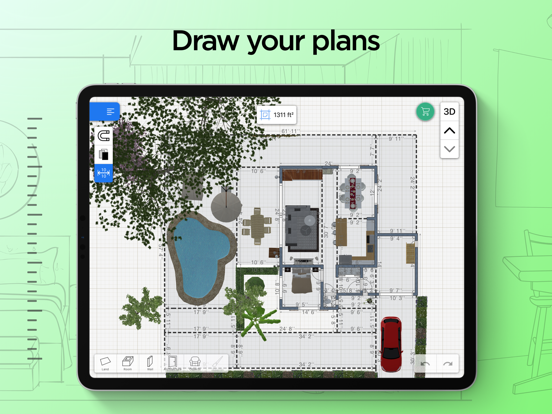
Getting started with Home Design 3D is a straightforward process, suitable for users of all skill levels. The app supports both Android and iOS, ensuring everyone can enjoy its features. Users can quickly draw their • floor plans in 2D and 3D, allowing for precise customization of rooms, walls, and dividers. Adjusting wall heights or thicknesses, creating custom corners, and adding fully-resizable • doors and windows are made easy with intuitive controls. This flexibility makes it possible to craft detailed and accurate layouts for single-story or • multi-story homes, especially when using the GOLD PLUS version, which supports an • unlimited number of floors.
Design and Decorate with Vast Resources
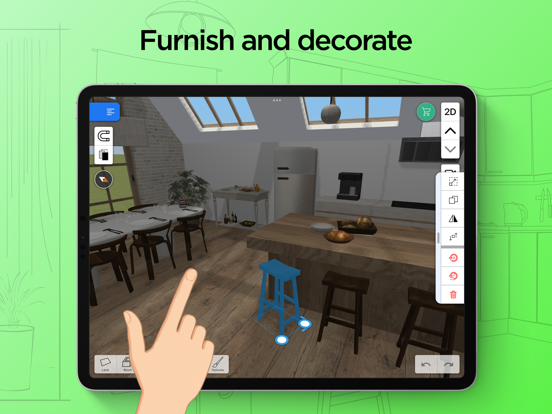
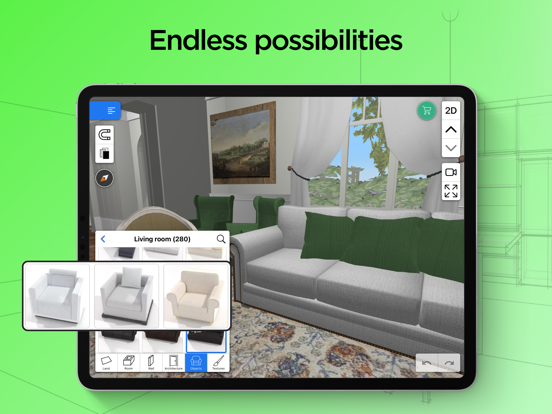
Once your layout is set, the app provides an extensive library of • furniture and • decorative elements. Choose from over a thousand items, ranging from classic to trendy styles, and customize each piece by changing its • size, • color, • position, and • altitude. Import your own textures or images to personalize surfaces and surfaces, adding a unique touch to your design. The ability to • duplicate items and undo/redo actions streamlines the creative process, allowing for rapid experimentation and refinement.
Experience Your Design in Realistic 3D and VR
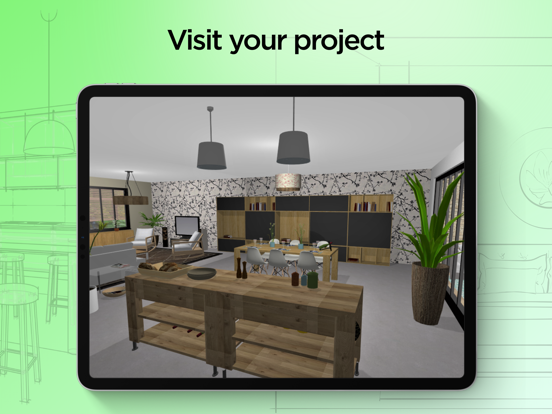
One of the standout features of Home Design 3D is its capability to • visualize your project in • real-time, photo-realistic 3D. Walk through your space virtually, viewing it during day or night conditions, thanks to the innovative lighting and • compass functions. This immersive experience helps you better understand how your home will look and feel, enabling adjustments for natural light and layout flow before physical work begins. The recent addition of • VR export allows you to explore your design using virtual reality headsets, providing a truly lifelike walkthrough from the comfort of your device.
Seamless Importing, Exporting, and Sharing
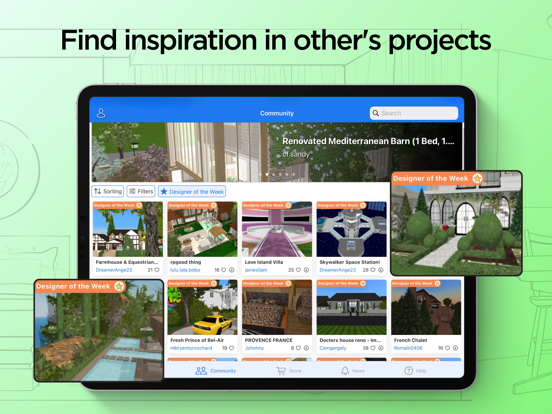
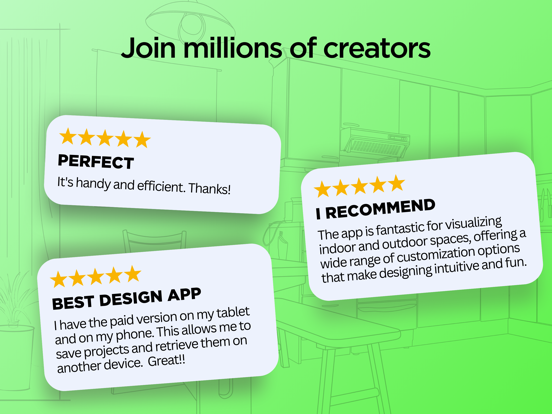
Home Design 3D facilitates easy • import/export of plans, enabling you to work across multiple devices and platforms. Share your projects effortlessly via email, cloud storage services like Dropbox or OneDrive, or directly upload your favorite designs to the Home Design 3D community. This social aspect encourages inspiration and feedback from over 90 million users worldwide. Whether you’re refining a renovation or starting a new project, the app’s compatibility and sharing options make collaboration simple and effective.
Additional Highlights and Professional Opportunities
A detailed • illustrated tutorial is available to help newcomers get the most out of the app. For professionals, Home Design 3D offers opportunities for product visualization and customization, with options for custom development or specialized versions tailored to industry needs. To explore business collaborations or tailored solutions, contact the professional team via email.
Why Choose Home Design 3D?
Whether you’re dreaming of revamping your current space or designing a brand-new home, Home Design 3D is your go-to app for quick, realistic, and fun interior and exterior design. Its user-friendly interface, extensive library, advanced visualization features, and cross-platform capabilities make it a standout choice for both amateurs and seasoned designers. With constant updates introducing new textures, windows, and VR capabilities, the app stays at the forefront of home design technology. Unleash your inner architect today and start creating your perfect living environment with Home Design 3D!
Pros
- User-friendly interface for easy navigation.
- Real-time 3D visualization of designs.
- Offline functionality for designing anywhere.
- Regular updates with new features.
- In-app tutorial for beginners.
Cons
- Limited features in the free version.
- Occasional reports of app crashes.
- High battery consumption on older devices.
- In-app purchases can be expensive.
- Advertisements present in the free version.