
Introducing the tinyCam Monitor App: The Ultimate Solution for Remote Surveillance
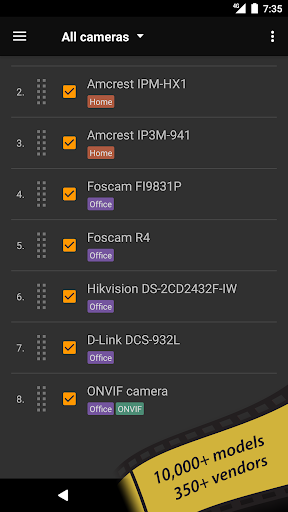
Are you searching for a reliable and feature-rich app to enhance your home or business security? Look no further than tinyCam Monitor. This versatile application transforms your Android device into a powerful surveillance hub, offering seamless control and digital video recording for your private or public network cameras, video encoders, and DVRs. Whether you want to keep an eye on your property remotely or monitor multiple cameras effortlessly, tinyCam Monitor stands out as one of the best tools available on the market. Its extensive features, compatibility with a wide array of IP cameras, and user-friendly interface make it an indispensable resource for security-conscious individuals and professionals alike.
Seamless Integration and Compatibility with Your Cameras
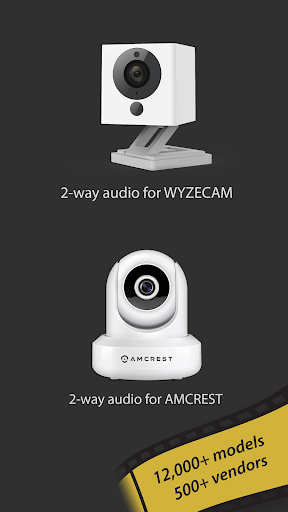
One of the key strengths of tinyCam Monitor lies in its ability to integrate effortlessly with various camera types and brands. Whether you're using high-end systems or more affordable models, this app has you covered. It supports ONVIF Profile S standards, enabling automatic detection of compatible Internet of Things (IoT) devices, including many Chinese cameras. The app also supports P2P (Peer-to-Peer) connectivity, allowing quick and easy camera setup on models like Wyze Cam and Neos SmartCam with 20-character UIDs, as well as CamHi with 17-character UIDs.
Remote Access and Live Monitoring Made Simple
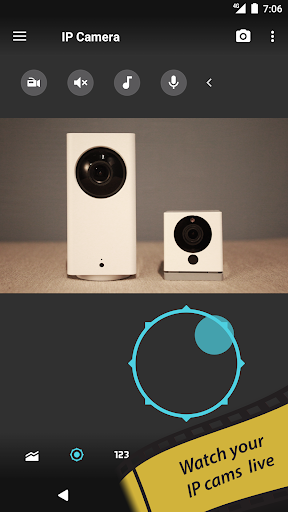
Imagine being able to view your camera feeds from anywhere in the world — that’s the power of tinyCam Monitor. The app provides remote live view, giving you real-time access to your cameras whether you're at work, on vacation, or simply away from home. Its support for various video codecs, such as H.264, MPEG4, H265, and MJPEG, ensures smooth streaming across different camera brands like Dahua, Hikvision, Reolink, Axis, and DLink. Plus, with SSL support, your connections are secure, safeguarding your privacy.
Enhanced Features for Comprehensive Security
tinyCam Monitor is packed with features that elevate your surveillance experience:
- Support for 2-way audio: Talk to or listen around your cameras for added interactivity.
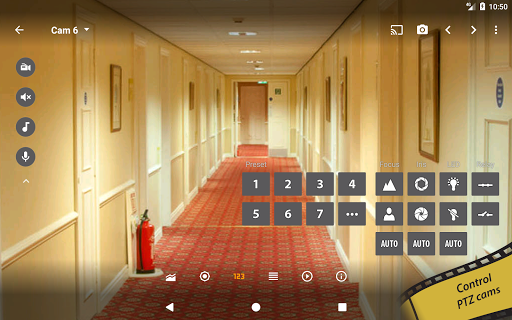
- PTZ control: Pan, tilt, and zoom your compatible cameras for a broader view.
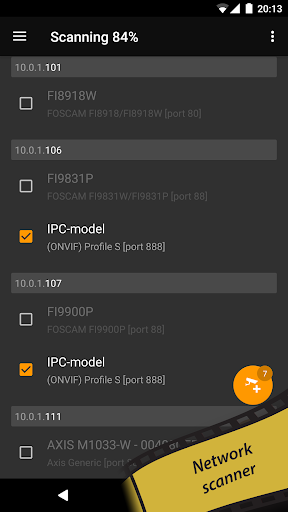
- LAN scanner: Automatically detect cameras in your local network, simplifying setup.
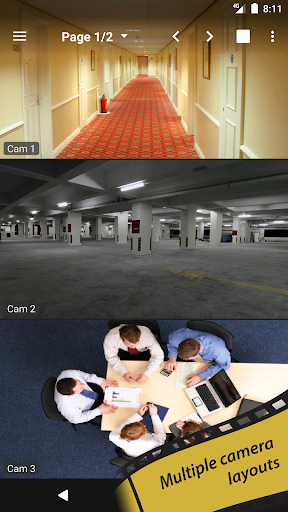
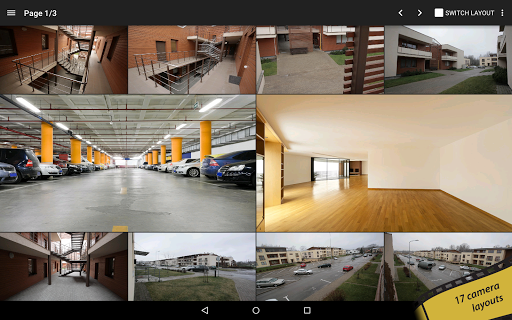
- Customizable layouts: Choose from 17 different camera layouts with unlimited camera feeds for a tailored monitoring experience.
- Sequence mode: Automate camera switching for comprehensive coverage.
- Grouping and tagging cameras: Organize multiple feeds efficiently.
- Import/export settings: Backup your configurations to local storage or cloud services such as Dropbox, Google Drive, Microsoft OneDrive, or ownCloud/NextCloud.
Upgrade to tinyCam Monitor PRO for Advanced Security and Recording Options
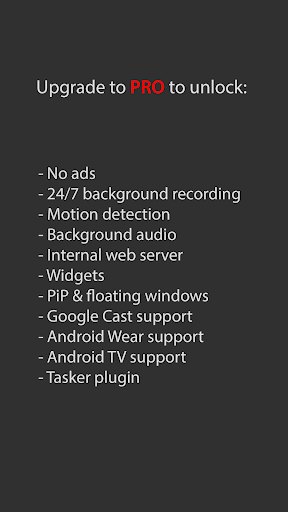
While the free version of tinyCam Monitor offers great functionality, upgrading to PRO unlocks an array of premium features:
- Ad-free experience
- 24/7 video recording in MP4 format to local storage, cloud services, or servers via FTP/FTPS
- Archive playback with fast/slow controls and time-lapse recording capabilities
- Internal web server for remote live view and archive access
- Support for motion detection with both in-app and on-camera options
- Use front or rear Android camera as an IP camera or dashcam
- Advanced features such as face detection, audio processing, and multi-camera audio monitoring
- Support for sensors such as temperature and humidity
- Compatibility with Google Cast™ (Chromecast), Android Wear, Widgets, floating windows, and Android TV interface with PiP support
- Integration with task automation tools via the tasker plugin
Why tinyCam Monitor Is the Perfect Security Companion
If enhancing your home security is a priority, tinyCam Monitor offers unmatched flexibility and control. Its intuitive interface makes managing multiple cameras straightforward, whether you're a tech-savvy user or a beginner. Setting up motion alerts, customizing layouts, and scheduling recordings are simple tasks that give you peace of mind knowing your property is under constant watch. Its support for a vast range of camera manufacturers and standards ensures compatibility across most security systems.
Explore More and Stay Connected
Stay up-to-date and explore additional features by visiting the official website and social media channels. You can find comprehensive support, tutorials, and updates to optimize your surveillance setup. The tinyCam Monitor community is active on Reddit, Facebook, and YouTube, providing helpful tips and shared experiences. For those interested in expanding their camera network further, the Worldscope Webcams app offers integration with tinyCam for a broader range of public webcams.
Pros
- User-friendly interface
- Supports multiple camera brands
- High video quality
- Customizable alerts
- Remote access
Cons
- Requires constant internet connection
- Limited free version features
- Occasional app crashes
- Complex setup for beginners
- High battery consumption











