


Introducing the Volume Booster - Sound Booster App
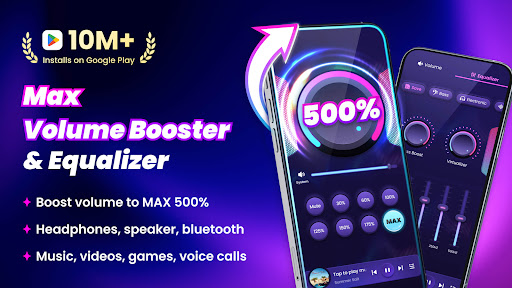
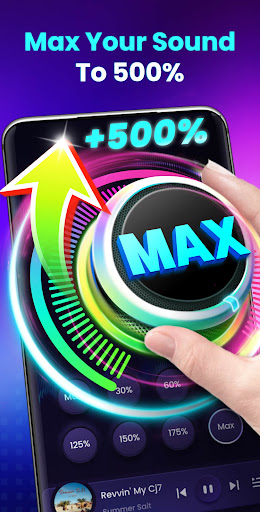
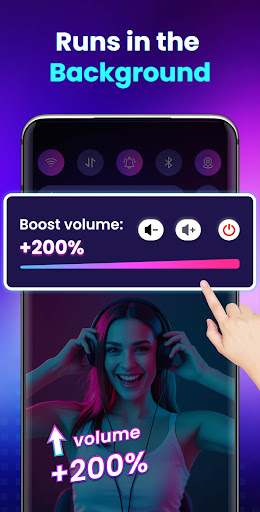
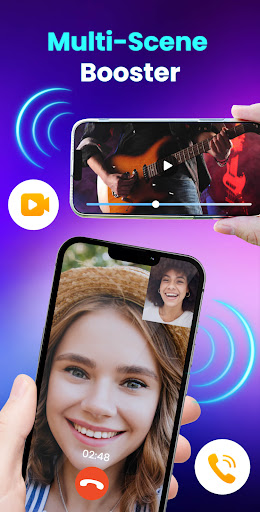
Are you tired of your phone's system volume never quite reaching the level you desire? Do you wish to amplify the sound from your headphones or external speakers beyond the default limits? The Volume Booster - Sound Booster app, also known as EZ Booster, is designed precisely for these needs. Crafted for all Android devices, this user-friendly and powerful application can boost your device's volume to up to 200%, far surpassing your system’s maximum. Whether you’re enjoying music, watching videos, playing games, or making calls, EZ Booster ensures your audio experience is louder, richer, and more immersive. Download this top-rated sound booster app for FREE today and transform your smartphone into a portable, high-volume speaker!
Why Choose EZ Booster?
Enhanced Volume Control
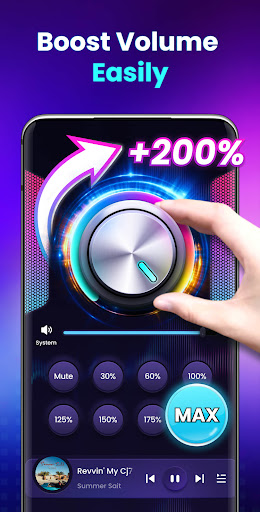
EZ Booster allows you to increase all types of volumes, including media, alarms, ringtones, and notifications. No matter what audio source, this app ensures a significant boost without compromising clarity or sound quality. You can easily adjust the volume to a specific level with just one tap, making it convenient to tailor the sound to your preference.
Immersive Sound Effects
Experience a stereo surround sound effect and a dynamic music spectrum that changes with the melody. These features create an immersive listening environment, making your music, videos, or games more engaging.
Convenience and Compatibility
Supports background operation and lock screen controls, allowing you to manage volume without unlocking your device. Quick access via home screen widgets and notification bar controls enhances ease of use. Plus, no root is required, making EZ Booster compatible with most Android devices.
Enhanced External Audio Devices
The app can boost the volume of external speakers, headphones, and Bluetooth devices, ensuring a louder and clearer sound output across different audio peripherals.
Built-in Music Player Features
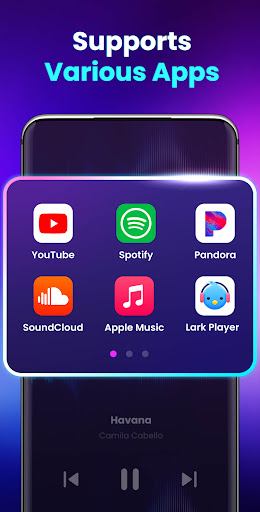
It includes built-in music controls that support displaying music cover art, song titles, and artists. You can also play, pause, and switch tracks directly within the app, enriching your music experience.
User-Friendly Interface
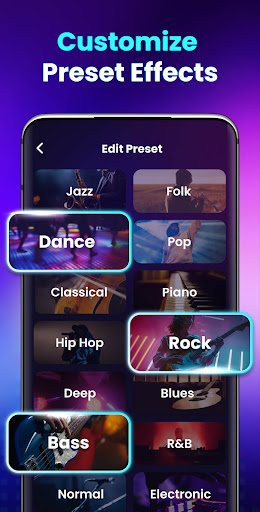
Designed by top professionals, the interface is simple and intuitive. It features 8 sound modes to set your preferred volume instantly. Quick controls via widgets and notifications allow hassle-free adjustments on the fly.
Key Features of EZ Booster
- Increase system volume for alarms, ringtones, and notifications
- Boost media volume for videos, music, games, and audiobooks
- Enhance external speaker, headphone, and Bluetooth volume
- Built-in music player controls with playlist and song info
- Supports background operation for seamless experience
- Quick toggles on home screen widgets and notification bar
- 8 customizable sound modes for instant volume adjustments
Performance and User Experience
The app maintains sound clarity even when amplifying volume to maximum levels, avoiding distortion and muffled audio. Its straightforward, intuitive interface makes adjusting sound levels a breeze — perfect for tech novices and audiophiles alike. Whether you are looking to increase your device’s volume for music listening, gaming, or video watching, EZ Booster handles it efficiently, providing a richer audio experience.
Final Thoughts and Recommendations
If you feel your device's default volume isn’t enough, EZ Booster - Sound Booster offers a practical and effective solution. It’s an ideal app for music lovers, video enthusiasts, and anyone eager to maximize their device’s audio potential. Remember, while boosting volume can enhance sound, excessive levels may harm your ears or device. Use responsibly by increasing volume gradually and taking breaks to protect your hearing. Overall, EZ Booster is a must-have app to elevate your audio experience to new heights. Download now and enjoy your favorite content with louder, clearer sound than ever before!
Pros
- User-friendly interface
- Enhanced sound quality
- Low battery usage
- Works with most applications
- Options to customize sound settings
Cons
- Sound may become distorted at high volumes
- Advertisements can be disruptive
- Some features are only available in the paid version
- May require restarting the device
- Possible app crashes











