
Introduction to HD Camera for Android: XCamera
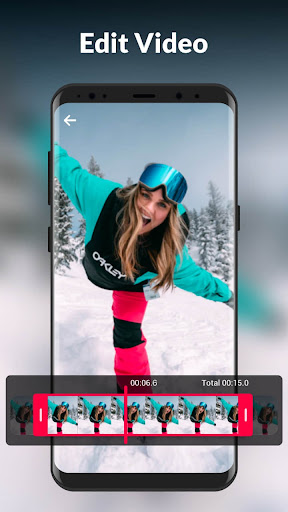
Are you looking to elevate your mobile photography experience? HD Camera for Android: XCamera is a professional-grade camera application designed to bring out the best in your Android device. Whether you're a casual snapshot taker or a serious photographer, this app offers an impressive suite of features to help you capture stunning photos and videos effortlessly. With its rich filters, professional beauty effects, and user-friendly interface, XCamera transforms your smartphone into a powerful imaging tool, enabling you to take unbelievable selfies and preserve your special moments in high definition. Read on to discover what makes XCamera a must-have app for photography enthusiasts and everyday users alike.
Key Features of HD Camera: XCamera
Intelligent Scene Modes
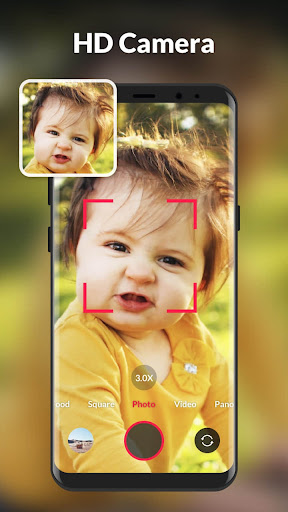
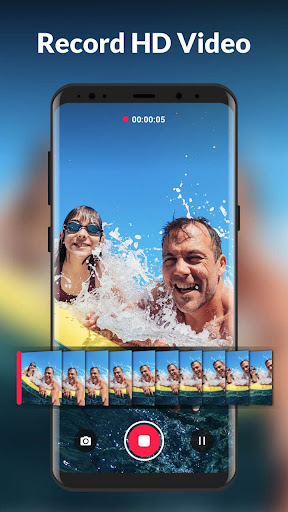
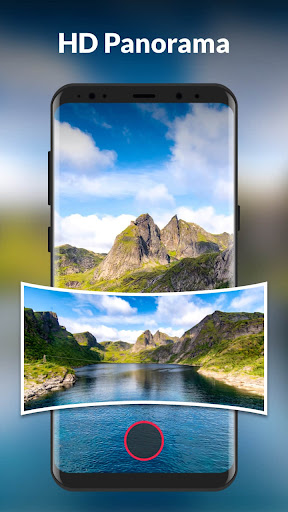
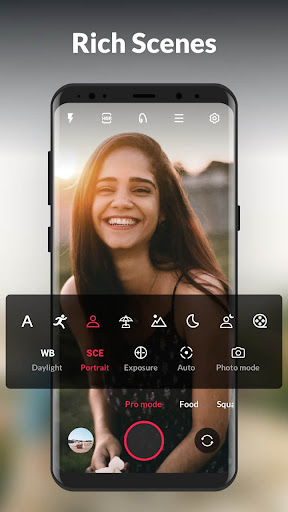
XCamera offers 7 shooting modes tailored to various scenarios, including photo, video, pro mode, food, square, panorama, and short video. These modes ensure optimal settings for each shot, making it easy to capture professional-quality images regardless of the scene. Whether you're shooting a vibrant food platter or a sweeping landscape, XCamera provides the perfect scene mode to suit your needs.
Real-Time Filters and Effects
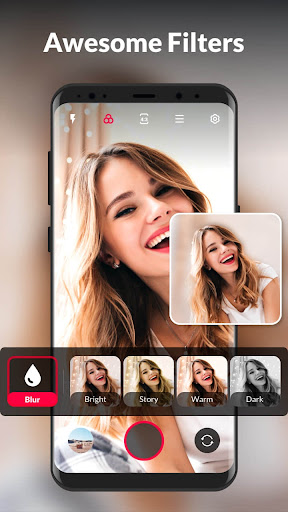
With 19 real-time filters, XCamera allows you to instantly enhance your photos to match your mood or theme. From vintage tones to modern aesthetics, these filters give your images a unique flair without the need for post-editing. This feature is particularly useful for social media enthusiasts who want quick, eye-catching results.
Powerful HDR Technology
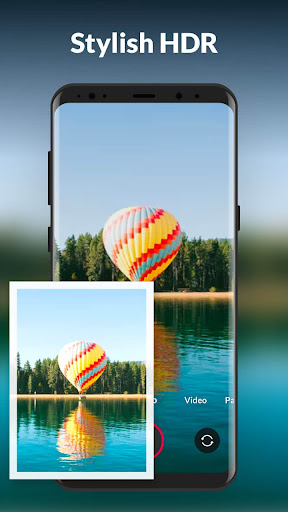
Experience superior dynamic range with XCamera’s Powerful HDR feature. It captures intricate details in both highlights and shadows, ensuring your photos retain clarity and depth, even in challenging lighting conditions. Whether you're shooting in a high-contrast environment or during sunset, HDR helps you produce vibrant, professional-looking images.
Professional Adjustment Tools
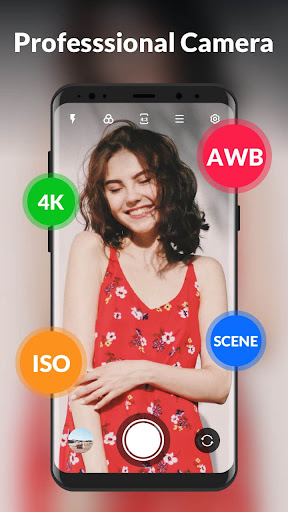
XCamera provides advanced controls to fine-tune your shots, including:
- Focus: Multiple zoom modes for sharp, clear images.
- White Balance: Adjust color temperatures to restore natural hues.
- Exposure: Modify ISO sensitivity to accommodate bright or dark scenes.
- SCE: Preset scene parameters supporting night and sport mode with one-click HD photo capture.
Additional Features for Creative and Convenient Photography
- Picture/video adjustment for refining your captures
- Pinch to zoom to frame your shot precisely
- Countdown timer for self-timed shots
- Burst shoot and quicksnap modes for capturing fast-moving subjects
- Steady shooting to minimize blur in handheld shots
- Torch and flash for low-light conditions
- Touch to shoot for quick capturing
- Volume key or audio controls to take photos and videos
- Auto level to ensure your images are perfectly aligned
- Photo collage to create stunning composite images
- Record location info to keep track of where your photos were taken
Seamless Sharing and User Experience
One of the highlights of XCamera is its smooth sharing capabilities. After capturing your shots, the app’s robust editing tools let you enhance images directly within the app—no need for third-party editing software. Once you're satisfied with your work, sharing to social media platforms like Instagram and Facebook is just a tap away. Moreover, the app is lightweight and efficient, ensuring it does not slow down your device or consume excessive storage. It also supports multiple languages, making it accessible to a wide global audience.
Final Thoughts
In summary, HD Camera for Android: XCamera is a comprehensive photography app that caters to both beginners and advanced users. Its array of features—from intelligent scene modes and real-time filters to professional adjustments and easy sharing—make it a versatile tool for capturing high-quality photos and videos. Whether you're capturing exquisite sunsets, fun selfies, or memorable family moments, XCamera provides the tools to elevate your mobile photography. Download this free camera app today and enjoy the difference it can make in your photography journey. Your photo gallery will thank you!
Pros
- High-resolution photo capture capability.
- User-friendly interface
- Easy to navigate.
- Wide range of filters and effects.
- Fast photo processing speed.
- Supports both photo and video modes.
Cons
- Contains ads that can be intrusive.
- Limited free features
- Many features require purchase.
- May drain battery quickly on older devices.
- Occasional lags on low-end phones.
- Requires significant storage space.
You May Like

Remini - AI Photo Enhancer
Photography
4.6
B612 AI Photo&Video Editor
Photography
4.6
FaceApp: Perfect Face Editor
Photography
4.7
Video Editor & Maker - InShot
Photography
4.8
PhotoDirector: AI Photo Editor
Photography
4.5
Beauty Camera -Selfie, Sticker
Photography
4.8
PhotoScan by Google Photos
Photography
4.8
Galleryit - Photo Vault, Album
Photography
4.7
Private Photo Vault - Keepsafe
Photography
4.7
BeautyCam-AI Photo Editor
Photography
4.8
Hypic - Photo Editor & AI Art
Photography
4.7
Sticker Maker - WAStickers
Photography
4.6