

Introduction to Camera for Android
Looking to enhance your mobile photography experience? The Camera for Android app offers a simple, fast, and efficient way to capture stunning moments with your smartphone or tablet. Designed as a native system HD camera application, it leverages the full potential of your device's hardware to produce high-quality photos and videos with ease. Whether you're an amateur shooter or a seasoned photographer, this app provides a comprehensive set of features tailored to meet diverse photographic needs, making it one of the most efficient camera solutions available on the Android platform.
Key Features of Camera for Android
This intuitive camera app comes packed with features that enhance your photography experience:
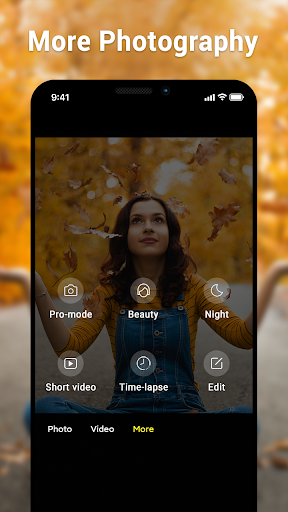
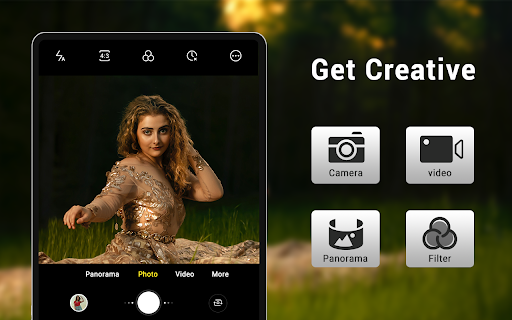
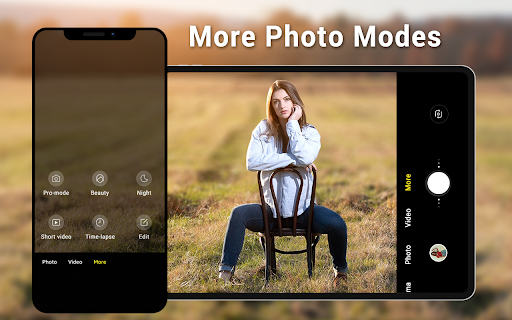
Multiple Shooting Modes
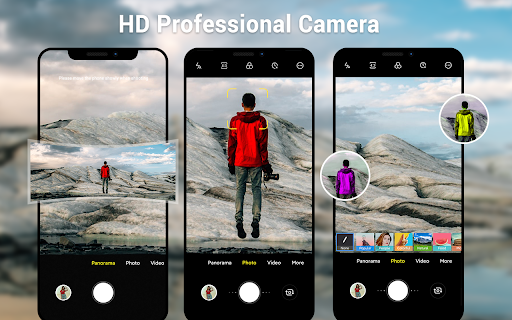
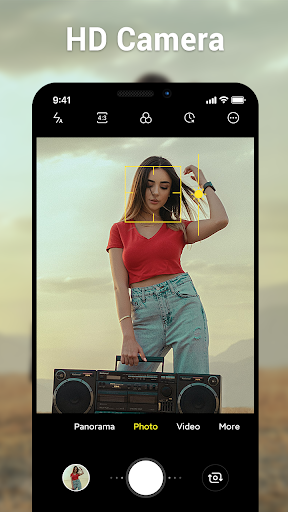
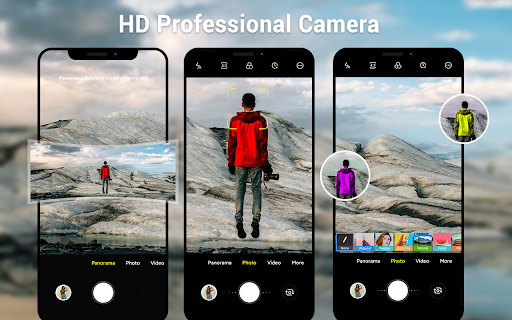
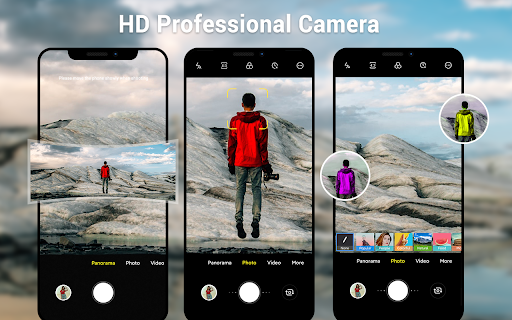
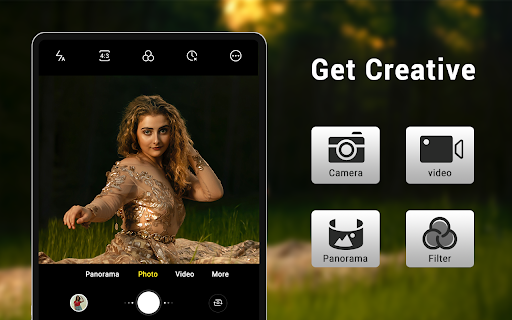
- • camera: Capture high-definition photos effortlessly
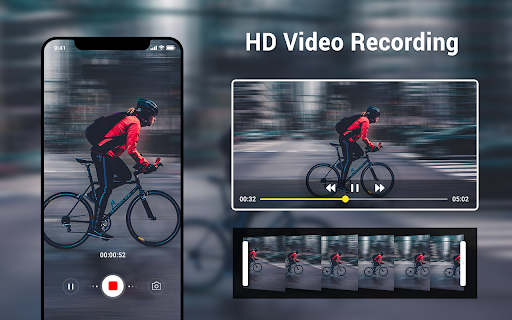
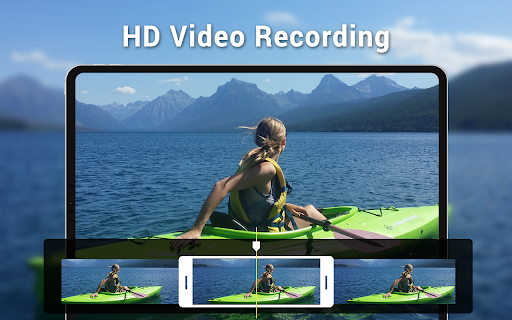
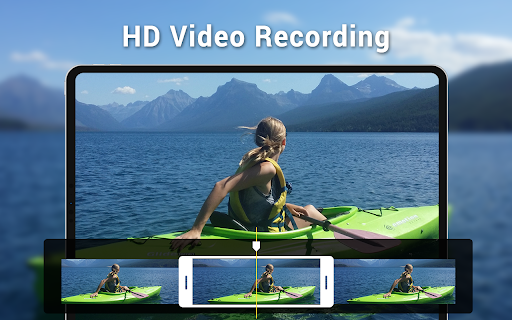
- • video recorder: Record smooth, clear videos
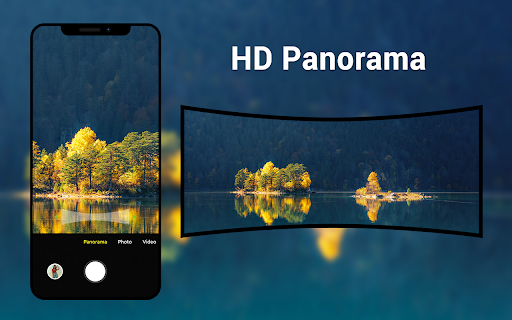
- • panorama: Create sweeping wide-angle images with smart panorama shooting
- • video recorder: Record smooth, clear videos
- • panorama: Create sweeping wide-angle images with smart panorama shooting
Advanced Camera Capabilities
- HD camera and video features ensure crisp visual quality
- Pinch to zoom for precise framing
- Countdown Timer to prepare before capturing
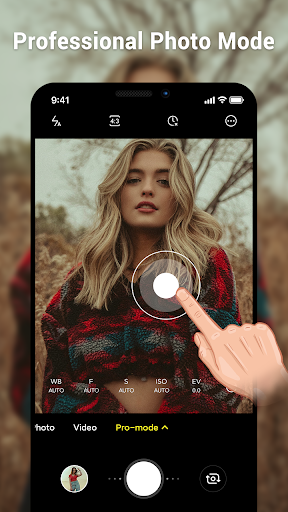
- White balance settings including Incandescent, Fluorescent, Auto, Daylight, and Cloudy
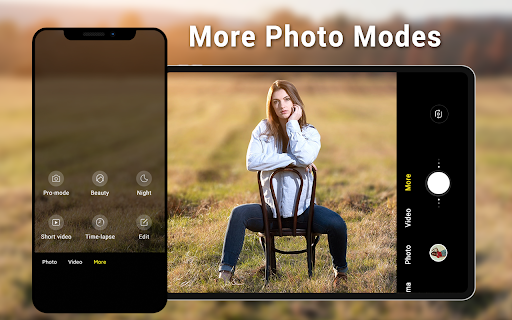
- Screen mode settings such as Action, Night, Sunset, and Play modes
- Exposure control for proper lighting adjustment
- Location targeting enhances geo-tagging of your images
- Configurable volume keys allow quick access to capture functions
- Pinch to zoom for precise framing
- Countdown Timer to prepare before capturing
- White balance settings including Incandescent, Fluorescent, Auto, Daylight, and Cloudy
- Screen mode settings such as Action, Night, Sunset, and Play modes
- Exposure control for proper lighting adjustment
- Location targeting enhances geo-tagging of your images
- Configurable volume keys allow quick access to capture functions
User Interface and Customization
- Dynamic user interface adapts seamlessly to both phone and tablet screens
- Wide screen picture support for immersive shots
- Picture quality setting allows you to adjust the image resolution
- Flexible white balance and screen mode options for tailored shooting experiences
- Wide screen picture support for immersive shots
- Picture quality setting allows you to adjust the image resolution
- Flexible white balance and screen mode options for tailored shooting experiences
Performance and Usability
The Camera for Android app excels in providing smooth performance with quick launch times and minimal lag between captures. Advanced features like HDR and real-time filters are optimized to use battery efficiently, ensuring longer shooting sessions without draining your device excessively. The interface is designed for ease of use, making it accessible for both beginners and professionals. All essential controls are readily available, eliminating the need for navigating complex menus, yet advanced users can still access deeper settings for fine-tuning their photographs.
Why Choose This Android Native Camera App?
Despite numerous camera applications on the market today, Camera for Android stands out as a native, system-integrated solution that delivers reliable and high-quality results. Its ability to harness the full hardware capabilities of your device offers an experience closer to professional cameras. Additionally, it's an excellent supplemental option for devices without pre-installed native camera apps, providing extra versatility and functionality. Whether capturing everyday moments or professional-looking images, this app balances simplicity and advanced features beautifully.
Conclusion
In summary, Camera for Android is a versatile, efficient, and user-friendly camera app that elevates your mobile photography to new heights. With a rich feature set including multi-mode shooting, manual controls, HDR, and smart panorama, it caters to all levels of users. Its performance stability and intuitive design make it a top choice for those seeking a dependable camera app tailored to their needs. If you're looking to transform your everyday photos into extraordinary visuals, give this app a try and discover its potential to make every shot count.
Pros
- User-friendly interface for intuitive navigation.
- High-quality capabilities for capturing images and videos.
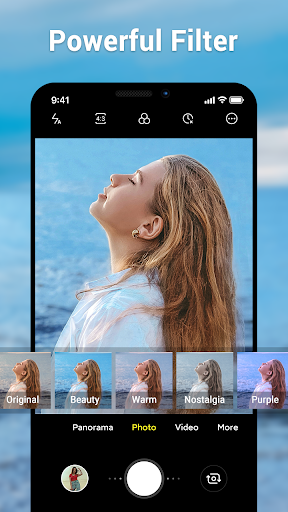
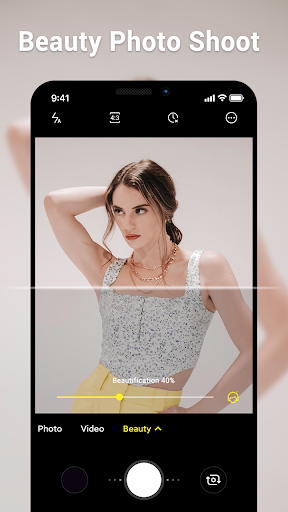
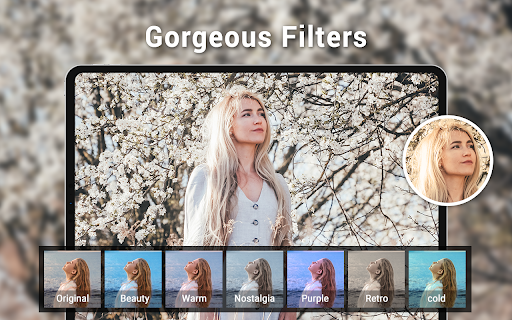
- Various shooting modes and special effects available.
- Quick processing and saving speeds for photos.
- Frequent updates introducing new features.
Cons
- Requires significant storage space.
- May experience occasional glitches on certain devices.
- Advertisements can sometimes be disruptive.
- Free version has limited features.
- Some functionalities require in-app purchases.











