

Introduction to Photo Gallery - Album, Vault
In the era of smartphones, capturing memories has become effortless with just a click. But managing thousands of photos and videos can quickly become overwhelming. Photo Gallery - Album, Vault is designed to be your ultimate companion for organizing, securing, and editing your precious multimedia collection. This powerful app combines speed, lightweight performance, and comprehensive features, making it the perfect all-in-one solution for private galleries, image viewing, editing, and sharing on Android devices.
Effortless and Intelligent Photo Management
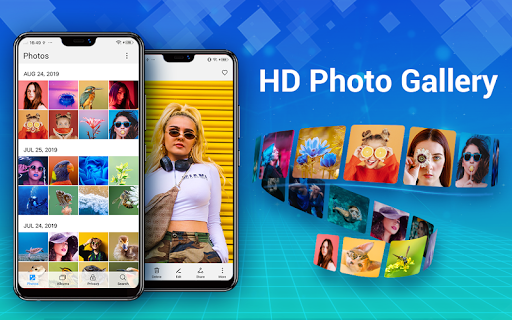
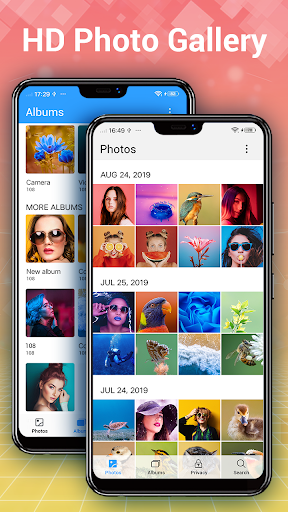
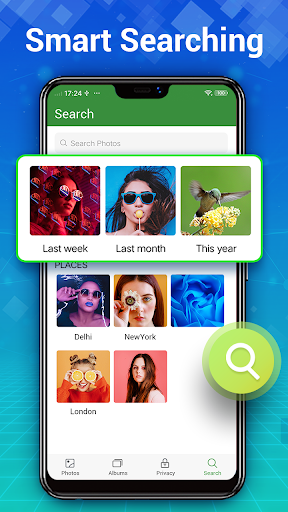
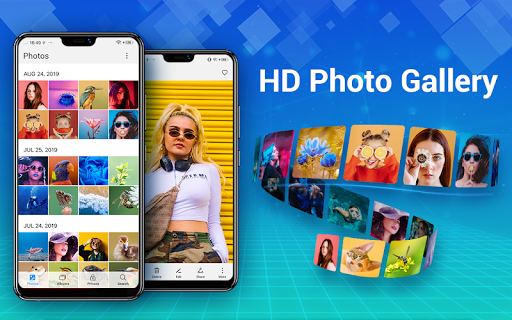
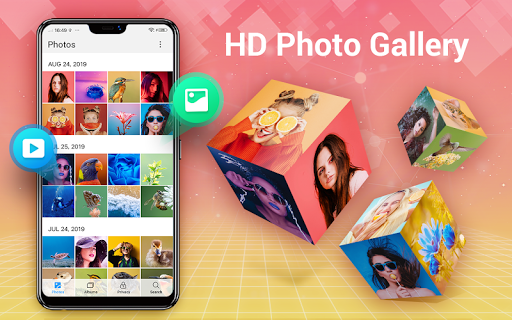
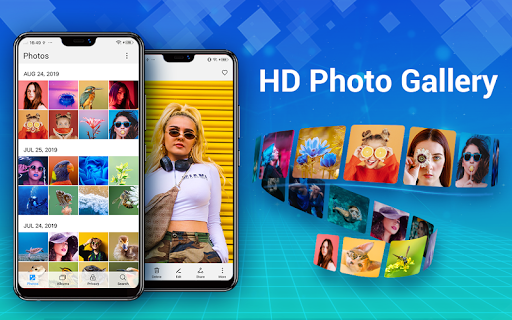
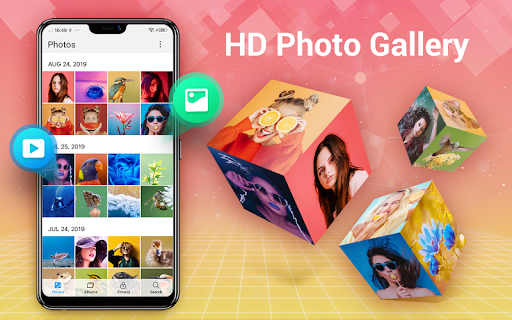
One of the standout features of Photo Gallery - Album, Vault is its ability to automatically organize your photos and videos. Say goodbye to endless scrolling — the app intelligently categorizes your content into albums based on date, location, or user preferences. You can easily create new albums, set favorite collections, or search through your gallery using smart filters. Whether you're browsing high-definition photos, GIFs, or videos, the app enables quick access and smooth navigation. You can also delete, copy, or move files seamlessly, supporting SD cards and external folders to keep your collection in perfect order.
Privacy and Security with Gallery Lock
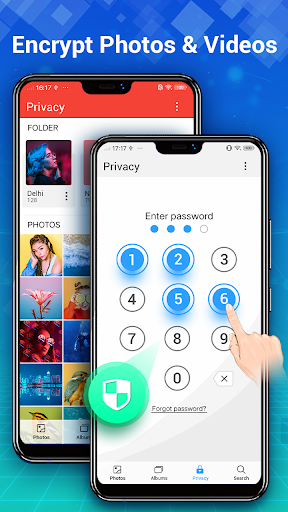
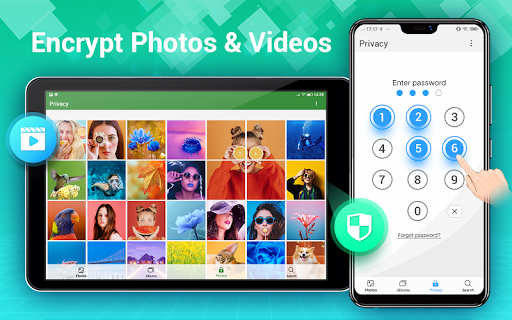
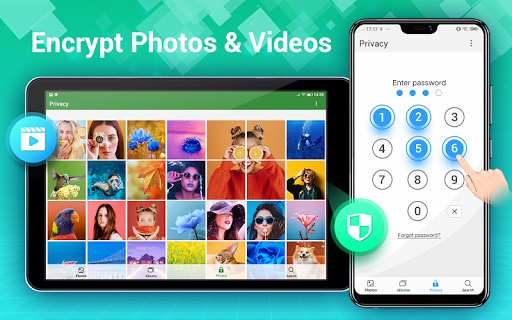
Privacy is a top priority when it comes to personal photos. The app features a robust Gallery Lock that allows you to hide and encrypt sensitive images and videos. Lock private photos—such as personal moments, confidential content, or anything you want to keep secret—so they won't appear in the system gallery or other apps. Only you can access these protected files by entering a password or using biometric authentication. This encrypted vault ensures your private content remains safe from prying eyes, giving you peace of mind.
Advanced Photo Editing and Creative Collages
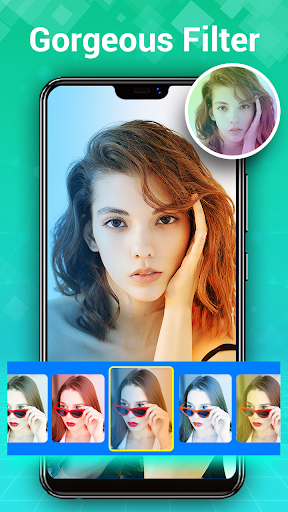
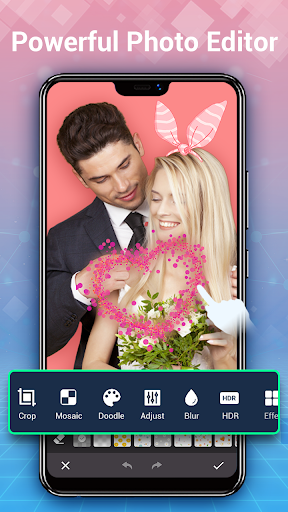
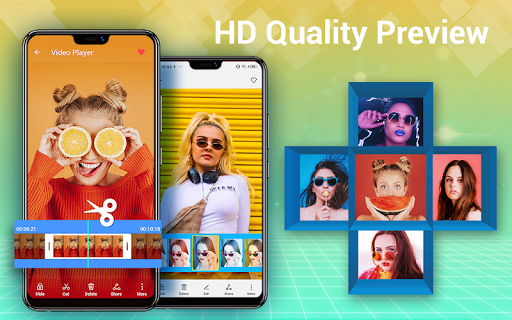
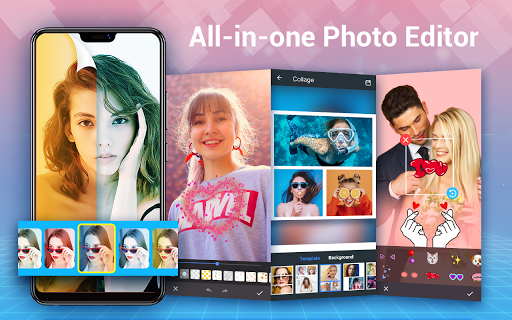
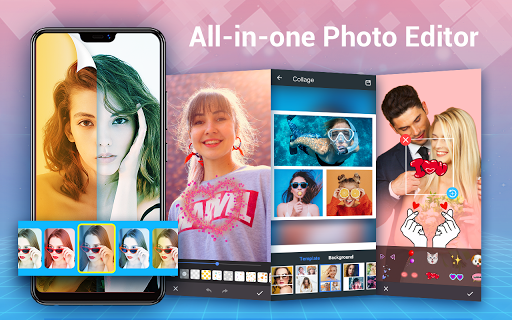
Beyond simple viewing, Photo Gallery - Album, Vault offers a rich suite of editing tools. Enhance your photos with auto-tune features that improve lighting and color with a single tap. The app provides a variety of filters, stickers, text, doodles, mosaics, and more to personalize your images. Want to craft a memorable collage? Choose from free style or grid layouts to combine multiple photos creatively. The Photo Collage Maker allows you to produce stunning compositions within seconds, perfect for sharing on Instagram story, Facebook, Twitter, or WhatsApp. Whether you’re a casual photographer or a social media enthusiast, this app empowers you to refine and showcase your pictures effortlessly.
Seamless Sharing and Customization
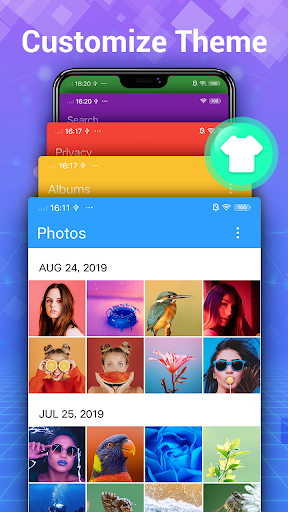
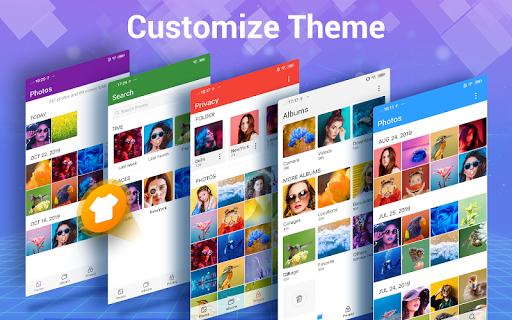
Sharing your favorite moments is simple with Photo Gallery - Album, Vault. Create slideshows, set images as wallpapers, or mark favorites for quick access. The app supports a beautiful, user-friendly interface that adapts to your preferences, including dark mode and custom themes. Search functionalities allow you to find photos by date or location, while the batch operations streamline managing large collections. The offline mode ensures access to your files anytime, even without an internet connection, making it a reliable tool for everyday use.
Additional Features for Enhanced Experience
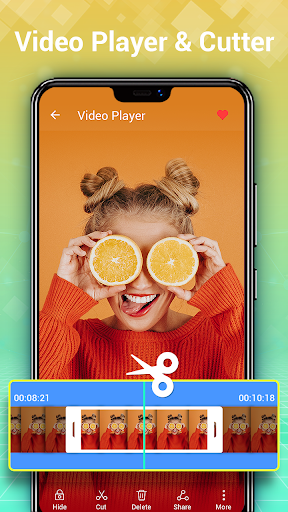
Additional functionalities include a trash bin for recovering deleted files, smart photo duplication detection, and extensive format support beyond JPEG and PNG. The app maintains high performance with fast refresh rates for gallery collections. It also offers options to rename photos, organize by size or date, and set favorite images directly as wallpapers. For Android 11 and above, users need to enable "MANAGE_EXTERNAL_STORAGE" permission to ensure file encryption and management work correctly. The foreground service feature allows videos to continue playing in the background, providing a smooth multimedia experience.
Why Choose Photo Gallery - Album, Vault?
In summary, Photo Gallery - Album, Vault is more than just a gallery app—it's a comprehensive photo management solution tailored for privacy, ease of use, and creative editing. Whether you're looking to organize your photos, keep sensitive images secure, edit with advanced tools, or create eye-catching collages, this app covers all bases. Its lightweight yet powerful design ensures fast performance without draining your device's resources. If you want a reliable, feature-rich gallery app that handles everything from storage to editing with simplicity, this app is an excellent choice for Android users seeking an all-in-one multimedia management tool.
Pros
- Intuitive user interface.
- Supports multiple image formats.
- Easy album organization.
- Secure photo vault feature.
- Efficient search functionality.
Cons
- Limited cloud storage.
- Ads in free version.
- No video support.
- Occasional lags.
- Requires in-app purchases.











