






Introduction to PhotoApp - AI Photo Enhancer
Have you ever looked back at your old photos and wished they looked clearer and more vibrant? PhotoApp - AI Photo Enhancer is a cutting-edge mobile application designed to breathe new life into your cherished images. Using the latest advancements in artificial intelligence, this app transforms blurry, grainy, and low-resolution photos into stunning high-definition pictures with just a few taps. Whether you want to enhance recent snapshots or restore treasured vintage images, PhotoApp is your ultimate photo enhancement tool.
Main Features of PhotoApp - AI Photo Enhancer
Transform Old and Blurry Photos into HD Quality
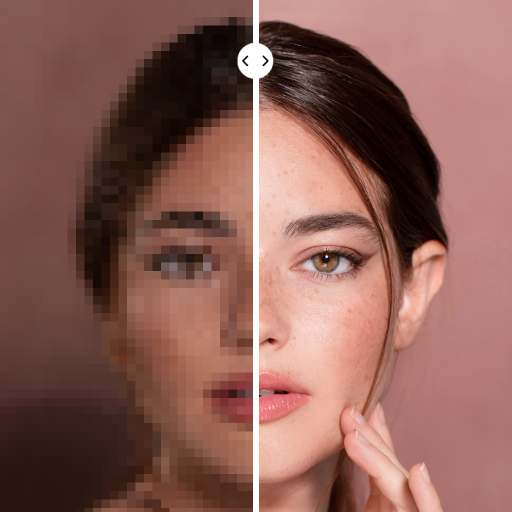
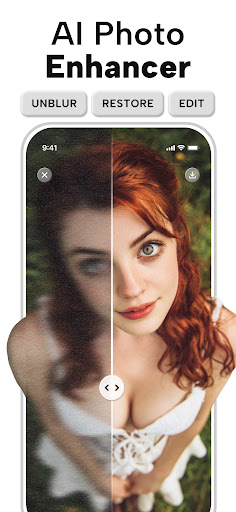
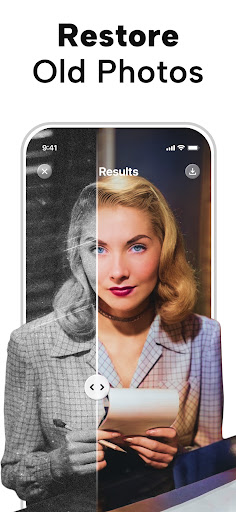
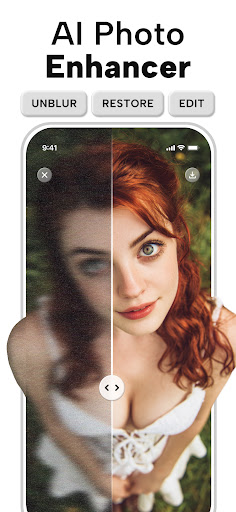
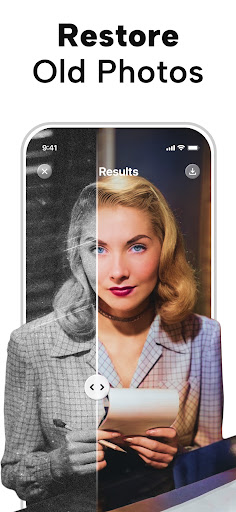
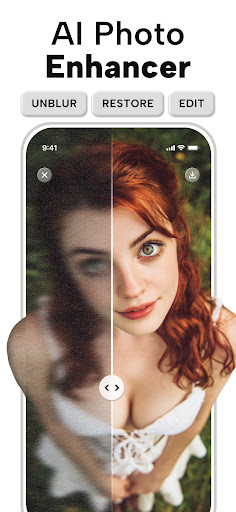
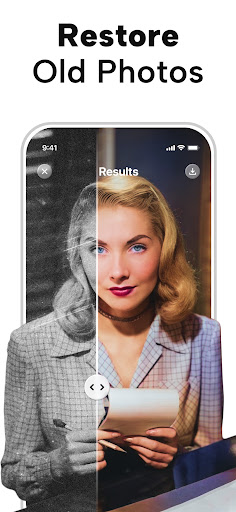
One of the standout features of PhotoApp is its ability to turn old, blurry, or damaged photos into high-resolution masterpieces. Through advanced AI photo enhancer technology, it can unblur, sharpen, and enhance images, making details pop and textures look incredibly realistic. Designed to handle photos that are 10 or even 20 years old, the app makes it appear as if they were captured with the latest smartphone camera, offering crisp details and natural skin tones.
AI-Powered Photo Enhancement and Restoration
The core of the app relies on sophisticated artificial intelligence algorithms that analyze and improve your images. Whether you want to increase the resolution, fix a blurry picture, or restore old monochrome photographs by colorizing them, PhotoApp excels at delivering remarkable results. It supports various enhancement options, allowing users to upscale images by up to over 1000% for ultra-clear HD output, making even the most modest photos look professional.
Specialized Tools for Unique Needs
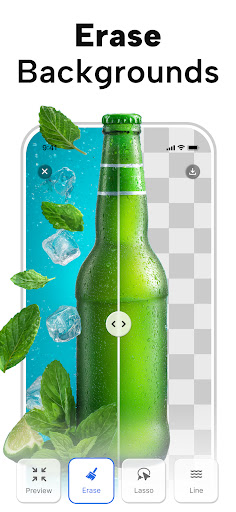
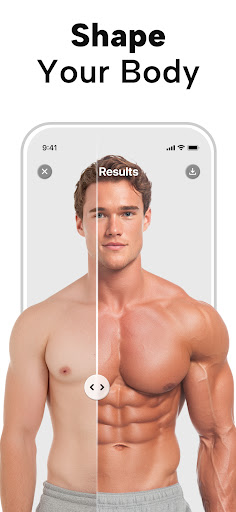
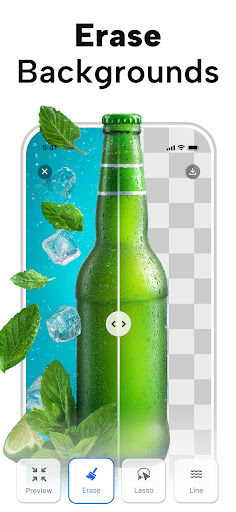
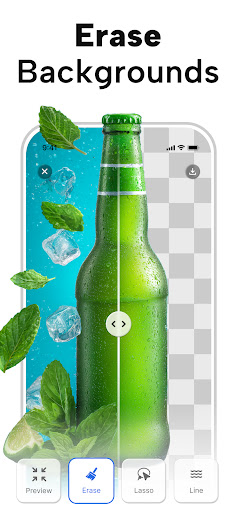
Beyond simple enhancement, the app offers specialized features such as Photo Colorization to revive black & white images by adding vibrant colors, and Object Removal to erase unwanted elements or photobombers effortlessly. You can also generate ultra-realistic AI portraits that look like they were taken by a professional photographer—perfect for social media profiles or personal collections.
Fun and Engaging Features
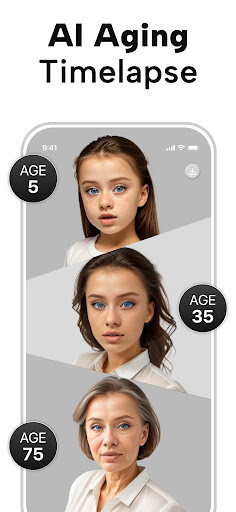
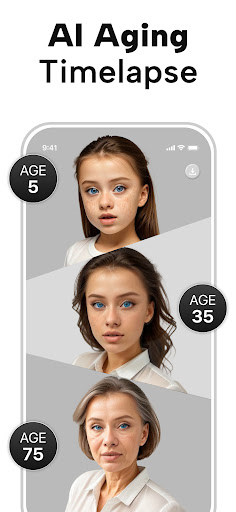
Curious about your future family? Future Baby Generator lets you upload photos of yourself and your partner to create a playful visualization of what your future child might look like. The app also enables users to animate photos, turn photos into cartoons, and apply creative effects for more personalized edits.
User-Friendly Interface and Seamless Sharing
Designed with simplicity in mind, PhotoApp offers an intuitive interface that guides users through each enhancement step. Just upload an image, select the desired effect, and watch as the app does the magic. Once finished, sharing your beautifully enhanced photos to social media platforms like Instagram, Facebook, or messaging apps is quick and easy, making this app suitable for everyone—from casual users to seasoned photographers.
Why Choose PhotoApp - AI Photo Enhancer?
Compared to other photo editing tools, PhotoApp stands out due to its powerful AI-driven algorithms combined with a user-friendly experience. It is ideal for those who want professional-quality results without complex software or expensive editing skills. Continuous updates and improvements ensure the app remains at the forefront of AI photo enhancement technology, providing users with reliable, top-tier enhancements every time.
Final Thoughts
If you're looking to revive old memories or simply want sharper, clearer images, PhotoApp - AI Photo Enhancer is an excellent choice. Its suite of AI-powered features makes high-quality photo restoration, enhancement, and creative editing accessible to everyone. Whether you're a casual photographer or a dedicated photo enthusiast, this app is designed to transform your image collection and bring out the best in every picture.
Pros
- Enhances photo quality effectively.
- User-friendly interface.
- Supports batch processing.
- Quick processing time.
- Compatible with various formats.
Cons
- May require a subscription.
- Limited free features.
- Occasional processing errors.
- High-quality images take up space.
- Requires a stable internet connection.











