




Background Eraser Photo Editor: Revolutionize Your Photo Editing Experience
Have you ever taken a perfect photo only to realize that the background isn’t quite right? That’s where the Background Eraser Photo Editor comes to the rescue. This innovative app has transformed how users approach photo editing, offering a simple yet powerful way to create stunning visuals with ease.
Key Features and Capabilities
Auto Cut Out & Precision Editing
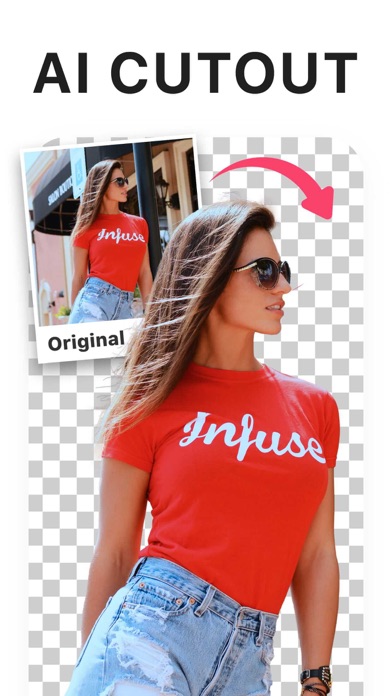
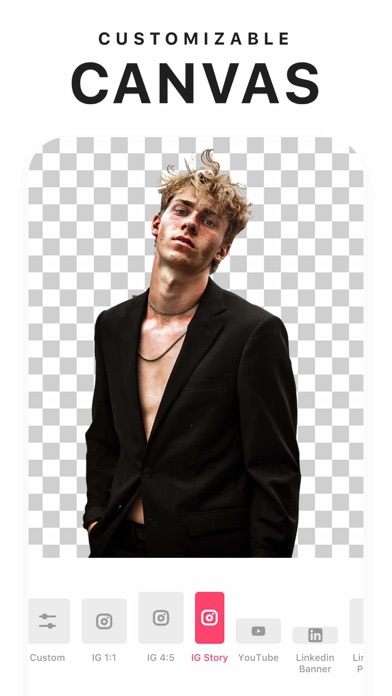
The app specializes in automatically removing backgrounds with pixel-level accuracy, thanks to advanced AI tools. Whether you’re aiming for a transparent PNG, a white background, or any other backdrop, Background Eraser Photo Editor makes the process effortless and efficient. You can achieve high-quality results without the need for professional editing skills.
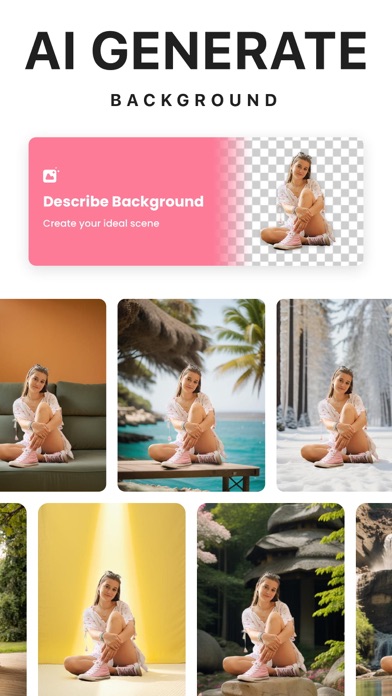
AI Background Generator
Boost your creativity by generating AI-crafted backgrounds tailored specifically to your photos. Simply describe the kind of backdrop you want, and let the AI create captivating visuals that complement your main subject. This feature is perfect for making eye-catching social media posts or personalized images.
User-Friendly Interface & Versatile Modes
The app's intuitive interface ensures anyone can start editing right away. It offers multiple modes, including:
- Precise Mode: Achieve high-quality cutouts with sharp edges using AI technology, suitable for professional-looking images.
- Quick AI Mode: Let the AI detect and cut out objects like people, animals, or plants in just one tap—ideal for fast edits.
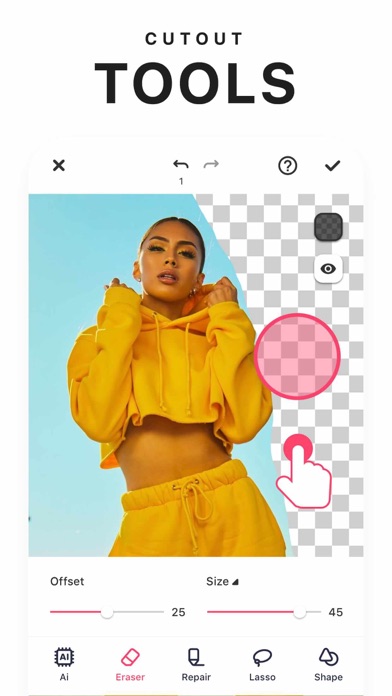
- Manual Mode: Fine-tune your cutouts with manual outlining and repair options.
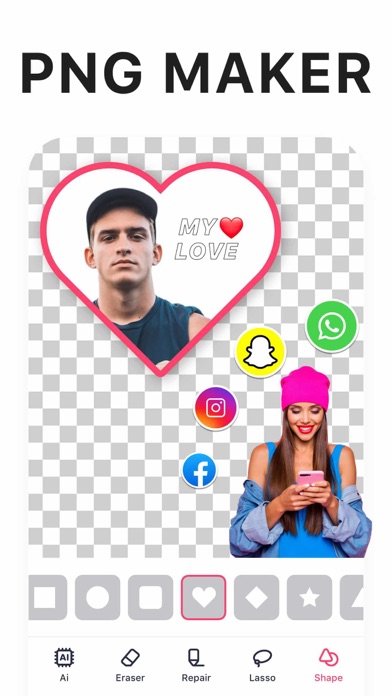
- Shape Mode: Crop images into various shapes such as squares, circles, or hearts to create custom stickers or memes.
Additionally, the AI Expand feature allows seamless expansion of your photos in any direction without losing quality, enabling versatile compositions.
Background Customization & Editing Tools
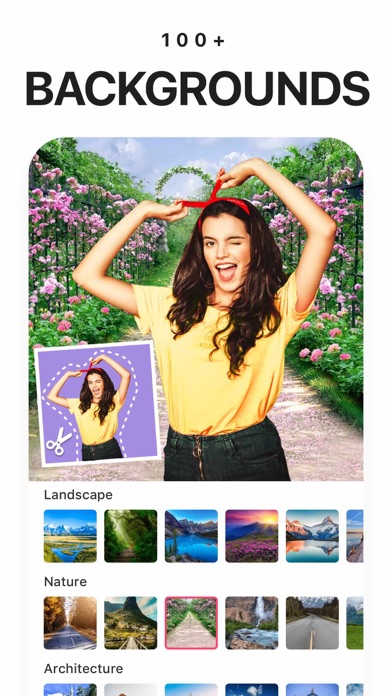
Replace or remove backgrounds effortlessly with the background remover. Use the editor to add new backgrounds from a gallery, change colors, or create transparent images in PNG format. The app also functions as a powerful photo editor—adjust brightness, contrast, saturation, and more to perfect your images.
Creative Applications and Uses
With Background Eraser Photo Editor, your creative possibilities are endless. Use it to:
- Prepare YouTube thumbnails that grab viewers' attention
- Create stickers for WhatsApp or social media
- Design Meme images that stand out
- Make ID photos with customized backgrounds
- Enhance nature photos by editing backgrounds or adding scenic elements
- Join the trending AI Avatar craze by transforming selfies into stunning avatars reflecting different personas
The app simplifies complex editing tasks, making it accessible for everyone—from casual users to avid content creators.
Why Choose Background Eraser Photo Editor?
Whether you need a quick background removal or intricate edits, this app delivers high-quality results without the hassle. Its AI-driven tools provide accuracy and ease-of-use, eliminating the need for traditional, labor-intensive techniques.
Plus, it's compatible with both Android and iOS, making it accessible to a wide range of users worldwide.
Download Background Eraser Photo Editor today and elevate your photo editing game. Create professional-looking images, eye-catching thumbnails, personalized avatars, and stunning social media content with just a few taps!
Pros
- User-friendly interface
- High precision editing
- Supports multiple formats
- Fast processing speed
- Regular updates
Cons
- Contains advertisements
- Limited free features
- Occasional crashes
- No offline mode
- Premium subscription required











