
Introduction to Fotor - AI Photo Editor
Fotor is a comprehensive AI Ghibli photo editor that transforms your photos effortlessly, making them stand out with just a few simple steps. Whether you're an artist, a photography enthusiast, or someone who simply loves editing, Fotor offers endless opportunities for creative expression. This versatile app combines innovative AI-powered tools and user-friendly features to cater to all your photo editing needs, enabling everyone from beginners to pros to achieve professional-quality results.
Key Features of Fotor - AI Photo Editor
The app provides a wide array of editing tools designed to enhance your images with minimal effort:
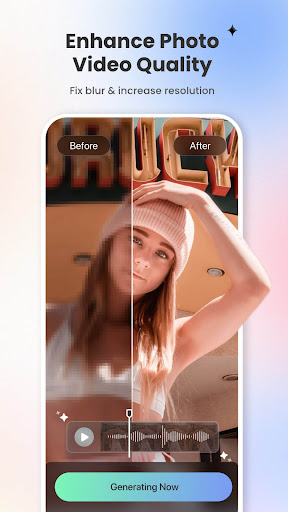
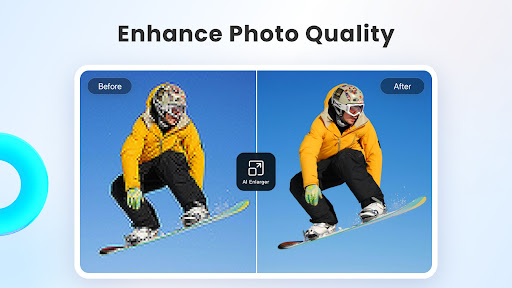
- AI Photo Enhancer: Instantly clarify blurry photos, fix grainy, pixelated, and low-resolution images with a powerful AI tool.
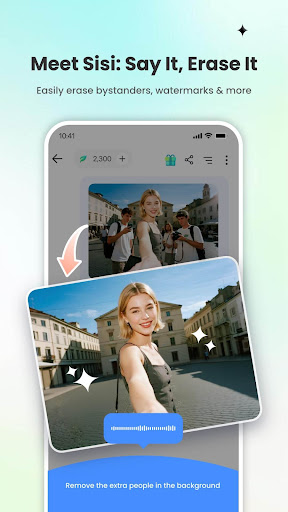
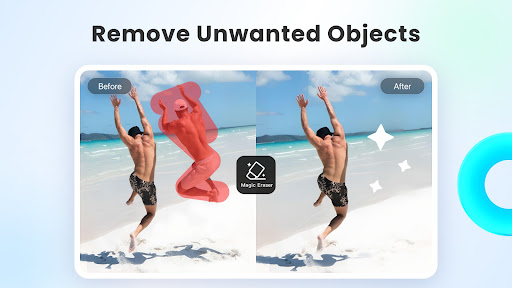
- Magic Eraser: Effortlessly remove unwanted elements like bystanders, watermarks, or buildings from photos and videos without sacrificing image quality.
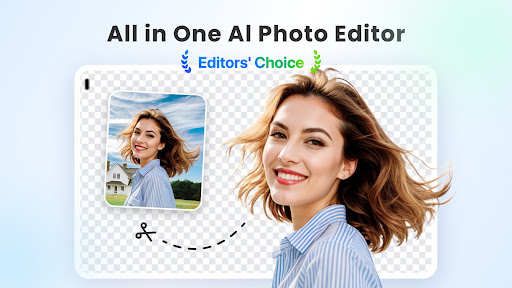
- BG Remover: Use a simple one-click feature to extract subjects from your images, allowing you to replace backgrounds and create personalized photos.
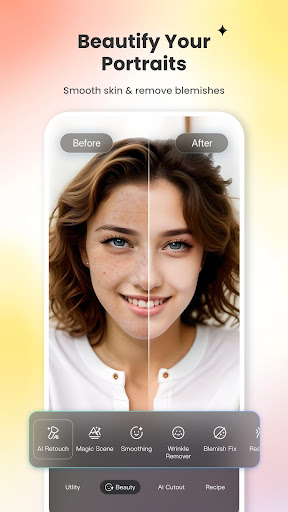
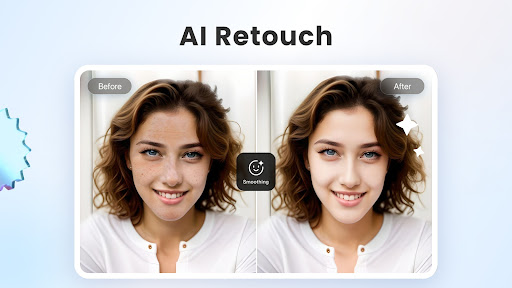
- AI Retouch: Achieve flawless skin with natural smoothing and blemish removal, perfect for creating polished portraits.
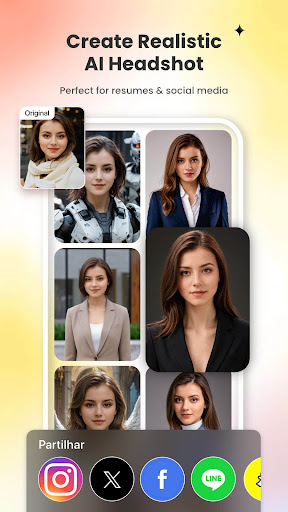
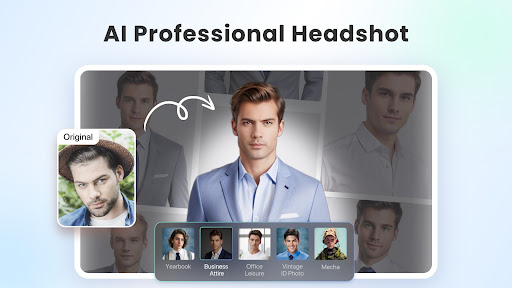
- AI Headshot Generator: Generate high-quality profile pictures and avatars suitable for LinkedIn, social media, or other platforms, rivaling professional studio results.
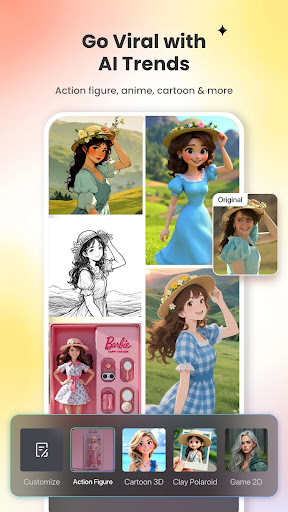
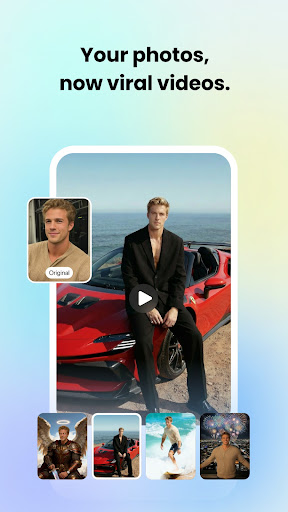
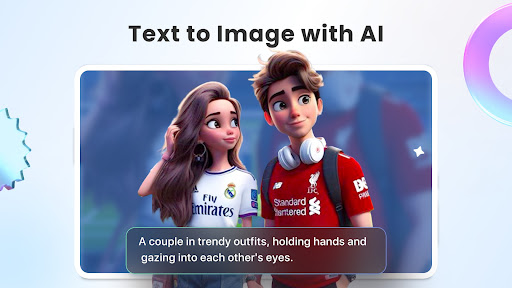
- AI Content Creation: Turn text descriptions into stunning images or videos, enabling creative storytelling with styles like magic, Spider-Man, or Ghibli anime.
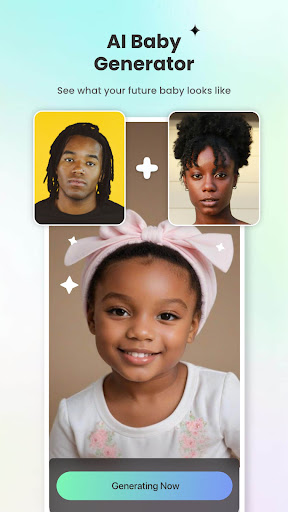
- Baby Generator: Curious about how your future baby might look? Let AI show you fun, simulated results.
- AI Face Mimic: Animate faces, add funny expressions, or revive old black-and-white photos, bringing images to life.
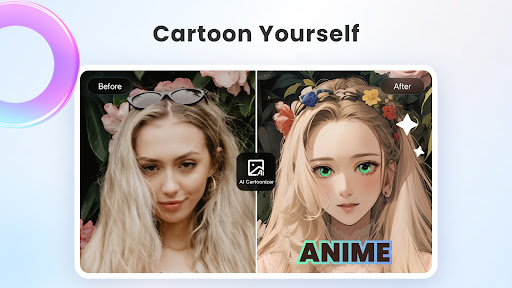
- 3D Cartoon & Ghibli Effects: Transform selfies into vibrant cartoon comics with trendy AI art styles.
Advanced AI Tools
Fotor’s AI tools enhance creative possibilities:
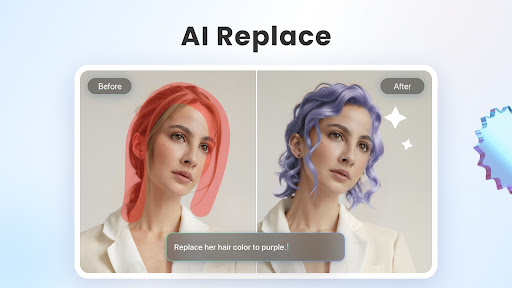
- AI Replace: Instantly change outfits, hairstyles, or colors to find your ideal look.
- AI Expand: Extend backgrounds or subjects to fit different dimensions and create a balanced composition.
- AI Avatar Generation: Create unique avatars from selfies, add luxurious backgrounds, or place yourself in iconic scenes.
- Restore & Colorize: Bring old family photos back to life with vibrant colors and high-definition restoration.
- Face Swap Templates: Swap faces with movie characters or 80s icons for fun and memorable edits.
Photo Editing Capabilities
Fotor’s powerful editing suite includes:
- Filters & Effects: Apply unique filters to set the mood and captivate your audience.
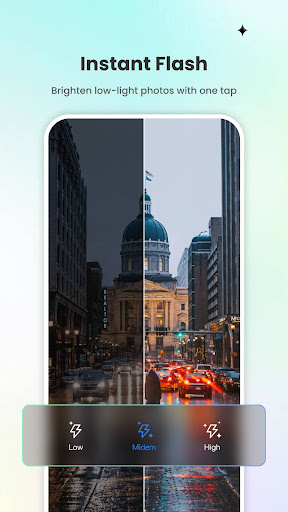
- Adjustment Tools: Fine-tune brightness, contrast, saturation, hue, curves, and grain for perfect lighting and color balance.
- Overlay Layers: Add images or effects on top of your photos for creative layering.
- Resize & Text: Adjust image sizes while maintaining aspect ratios, and enhance images with fun stickers and custom text.
Collage and Layout Features
Create stunning collages with the Collage Maker, combining moments into vibrant layouts tailored for social sharing. The app also offers professional templates for social media posts, flyers, and posters, simplifying design tasks and making your content visually appealing.
AI Cutout & Background Tools
For product photos or creative compositions, use AI Background to craft eye-catching backgrounds and make your subjects pop. These features are perfect for business promotional images or personalized projects.
Subscription & Terms
The Fotor Pro subscription offers enhanced features with monthly or yearly billing options. Subscription details, including renewal and cancellation policies, are managed via your iTunes account. Once purchased, you can control auto-renewal and manage subscriptions through device settings. The app ensures a seamless experience for premium users, providing access to all exclusive tools and effects.
For more details, visit the Terms of Service and Privacy Policy.
Why Choose Fotor - AI Photo Editor?
Whether you're looking to enhance your social media presence, restore precious memories, or unleash your creative potential, Fotor stands out as an all-in-one AI-powered photo editing solution. Its intuitive interface, combined with advanced AI tools, makes editing accessible to everyone—no prior experience needed. From simple adjustments to complex creative projects like AI-generated images, videos, and avatars, Fotor empowers you to bring your vision to life effortlessly. With regular updates introducing new features and effects, this app is perfect for anyone eager to explore the latest in digital art and photography.
Pros
- User-friendly interface
- Easy to navigate
- Offers a wide range of editing tools
- Provides quick and efficient photo processing
- Includes various collage templates
- Delivers high-quality output results
Cons
- Contains in-app purchases and advertisements
- Limited features in the free version
- Requires internet connection for full functionality
- Occasional app crashes have been reported
- Some features may not be intuitive











