

Photo Collage Maker, Pic Editor
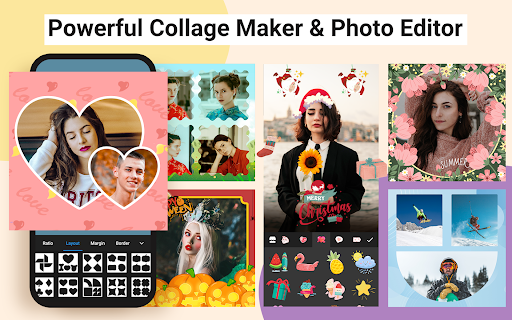
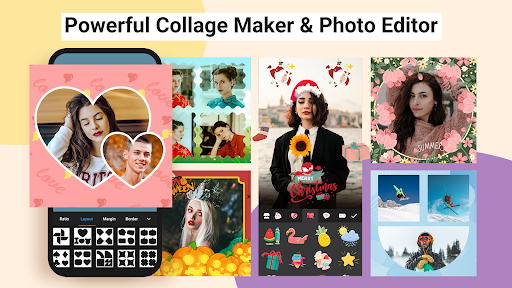
Looking to transform your photo collection into stunning visual stories? Photo Collage Maker, Pic Editor is your all-in-one solution for creating beautiful photo collages and editing images with ease. Whether you're a beginner or a seasoned photo enthusiast, this versatile app offers a wide array of features to help you craft unique, high-quality artwork that can be shared instantly on social media platforms like Instagram, Facebook, TikTok, and WhatsApp.
Intuitive and User-Friendly Design
One of the standout qualities of Photo Collage Maker, Pic Editor is its user-friendly interface. You don’t need any prior experience to start creating stunning collages. The app’s intuitive layout allows you to navigate effortlessly through its features, making the process of combining photos, applying effects, and customizing layouts both smooth and enjoyable. From selecting templates to adding stickers or text, every step feels natural, enabling quick results without sacrificing quality or creativity.
Rich Collection of Features for Creative Photo Collage Making
Professional Collage and Photo Grid Options
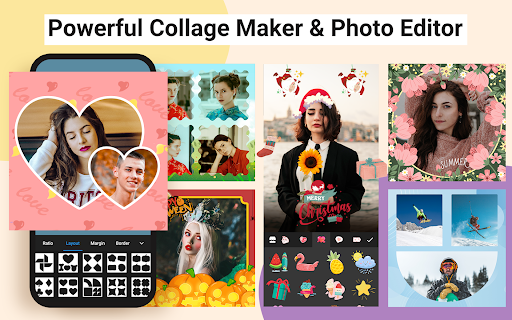
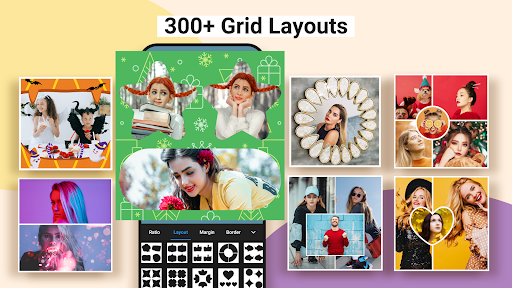
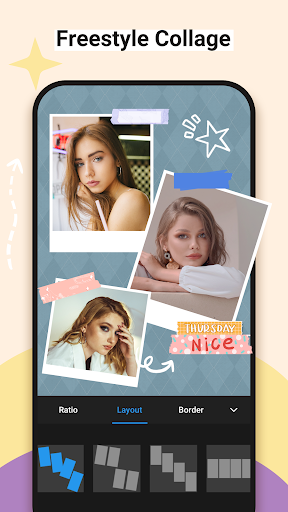
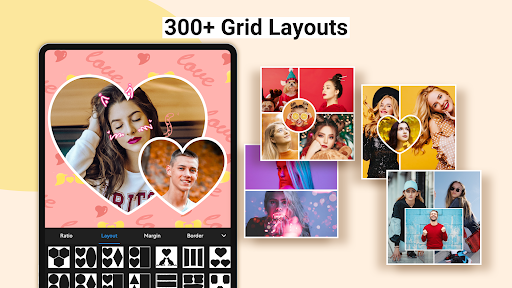
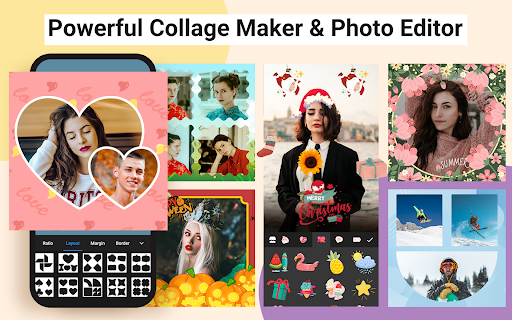
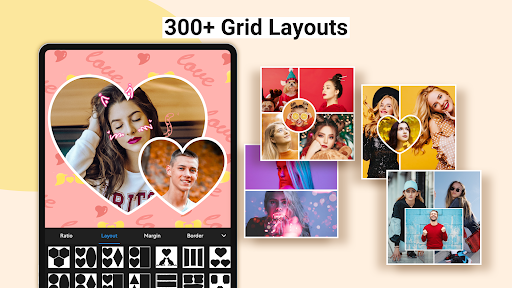
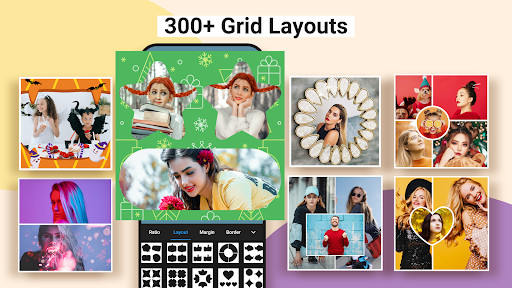
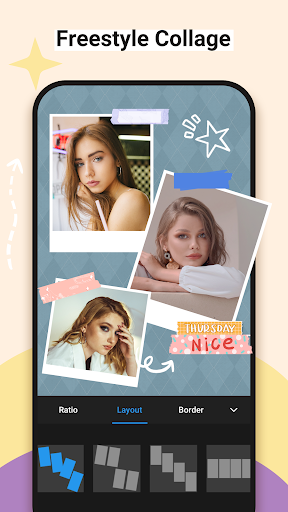
With over 1000+ collage layouts, you can craft endless creative designs. The app allows you to combine up to 18 photos into various fun and stylish arrangements, including standard grids or freestyle layouts. You can customize the aspect ratio, border styles, and background colors to match your vision. Additionally, the ability to choose from numerous frames, templates, and fonts helps you personalize each collage to perfection.
Templates and Photo Posters for Every Occasion
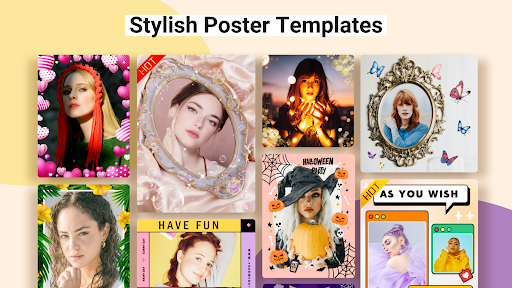
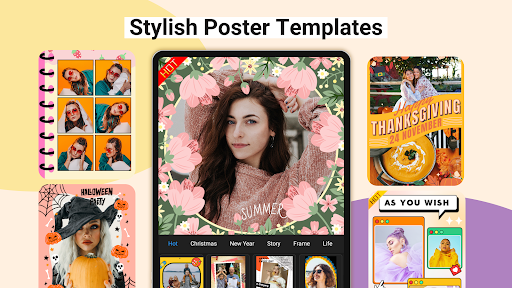
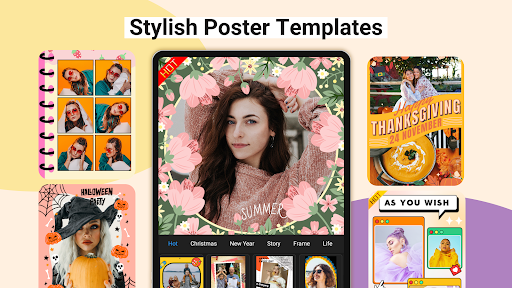
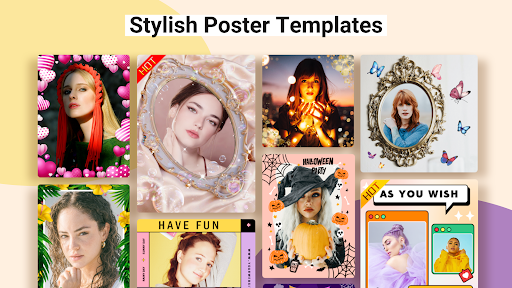
Explore more than 700+ customizable templates featuring themes like festivals, seasons, regions, or crowds. Easily swap, rotate, and zoom your images within these templates to create shaped collages such as hearts or diamonds. All templates are fully editable, so you can change default text, apply filters, and adjust colors to evoke the right mood and atmosphere for your story.
Powerful Photo Editing Capabilities
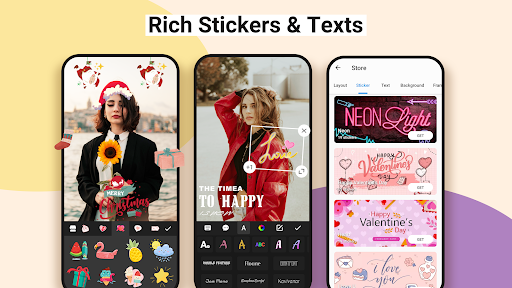
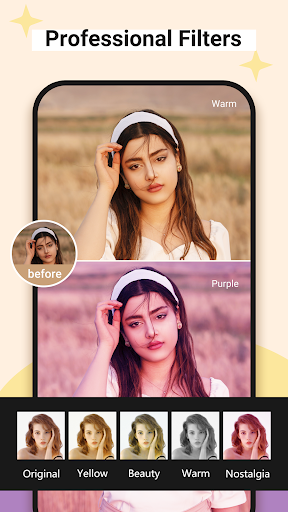
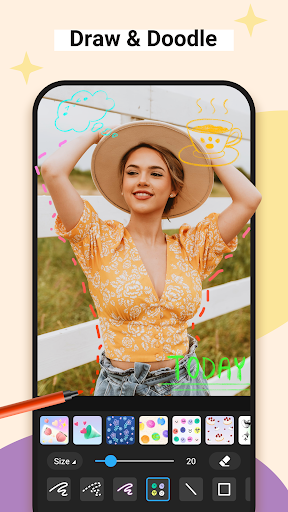
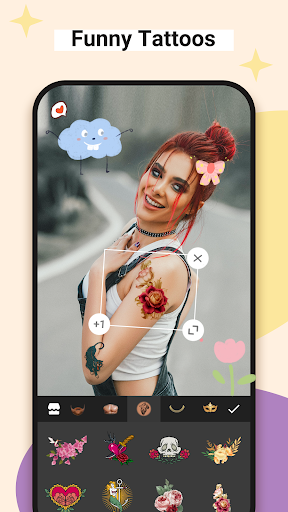
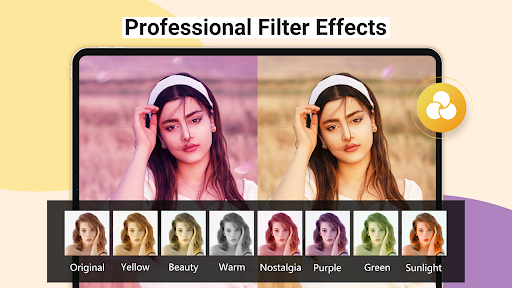
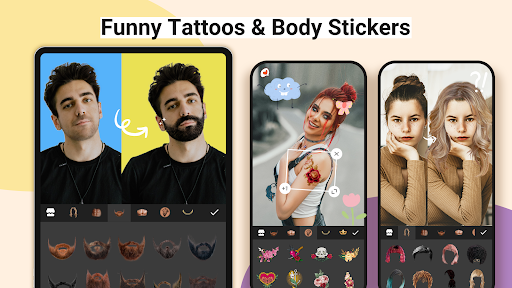
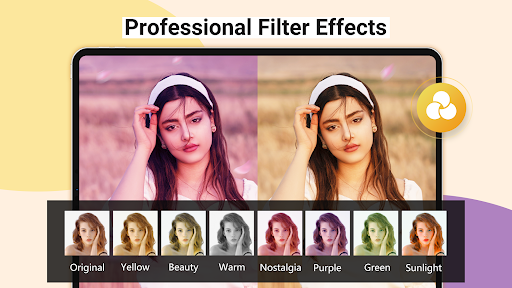
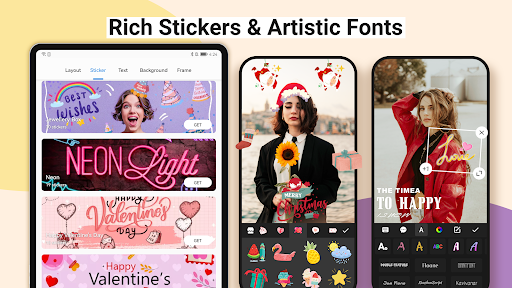
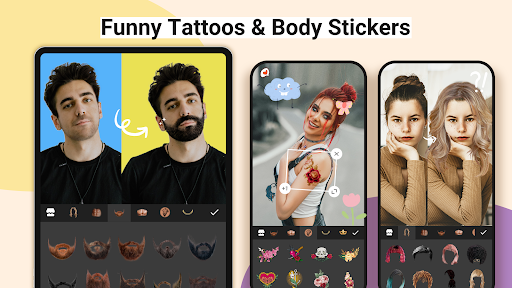
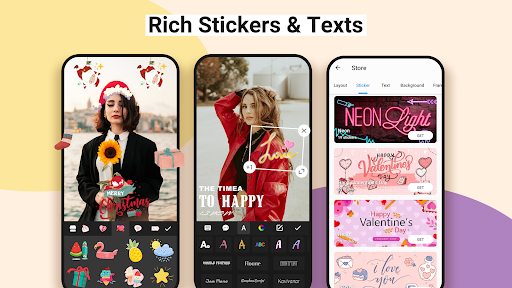
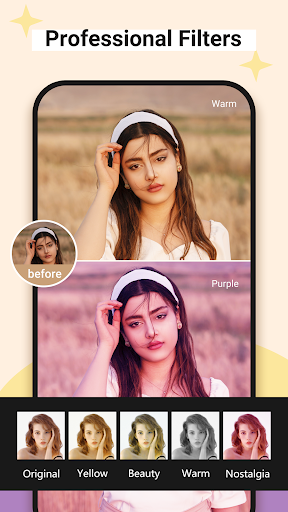
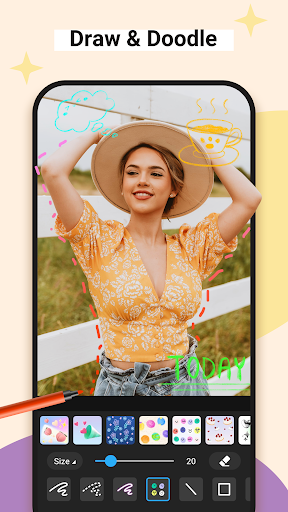
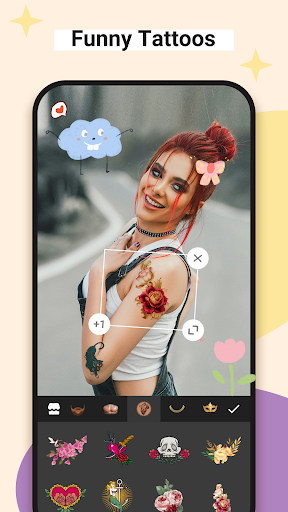
The app provides comprehensive editing tools that let you crop, rotate, resize, mirror, or flip images effortlessly. Fine-tune your photos with adjustments for brightness, contrast, warmth, shadows, sharpness, and exposure, ensuring your images are visually appealing. The built-in stickers, emojis, graffiti, and borders allow further personalization and creative expression. A standout feature is the AI Background Eraser, which removes or replaces photo backgrounds with a single tap—perfect for creating professional-looking images without complex editing skills.
Creative Options for Every Style
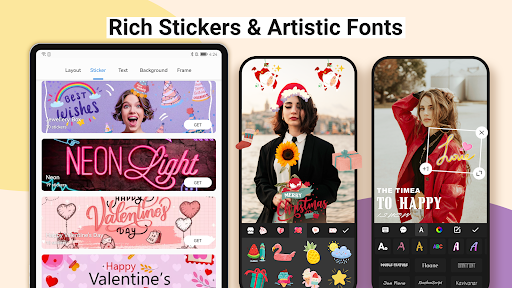
Unleash your creativity with features like Freestyle canvas, where you work on a blank space to design your collage from scratch. The Pic-Sew function lets you combine multiple images into a long story-like picture, ideal for social media storytelling. Multiple aspect ratios, such as 1:1, 3:4, 4:5, and 9:16, enable you to post full photos without cropping, fitting perfectly with platforms like Instagram or TikTok. Additionally, you can add stylish text using over 100 art-typefaces, choose custom colors, opacity levels, and patterns to make your message stand out.
Share and Save Your Masterpieces Effortlessly
Once your collage or edited photo is ready, sharing it is quick and simple. The app supports direct posting to popular social media platforms, allowing your creations to reach your friends and followers instantly. You can also save high-resolution images to your device, perfect for printing or archiving. With no watermark restrictions, your artwork remains clean and professional-looking, enhancing your online presence and personal portfolio.
Why Choose Photo Collage Maker, Pic Editor?
This app isn’t just a basic photo editor; it’s a powerful tool for storytelling and creative expression. Whether you're documenting travel adventures, celebrating special occasions, or creating fun memories, Photo Collage Maker, Pic Editor makes it easy to bring your ideas to life. Its extensive features, combined with ease of use, ensure that every user can craft impressive visuals that look polished and professional—no design skills required. Download now and start turning your photos into eye-catching collages that tell your story in a vibrant, artistic way!
Pros
- User-friendly interface for easy navigation.
- Wide selection of collage templates available.
- High-quality output with sharp images.
- Includes fun stickers and text customization options.
- Quick sharing options to social media platforms.
Cons
- Contains ads that may interrupt usage.
- Limited features in the free version.
- Some templates require in-app purchases.
- Performance may lag on older devices.
- Photo editing tools are basic.











