
All Document Reader & Editor: The Ultimate Solution for Your Document Management Needs
Are you constantly juggling multiple documents in various formats like Word, Excel, PDF, and PowerPoint? Do you wish for a single, versatile app that can handle all your document reading and editing requirements seamlessly? Look no further than the All Document Reader & Editor. This innovative application is designed to cater to users who need quick, efficient access to their files on the go, ensuring that managing and viewing documents becomes effortless and enjoyable.
What Makes All Document Reader & Editor Stand Out?
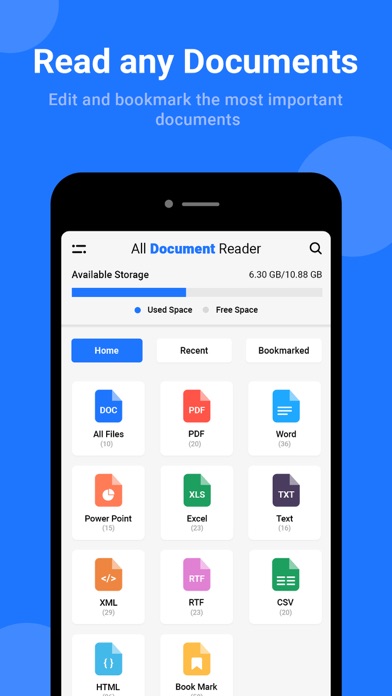
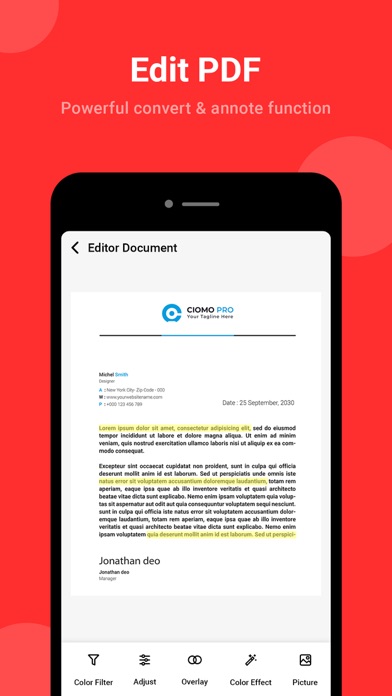
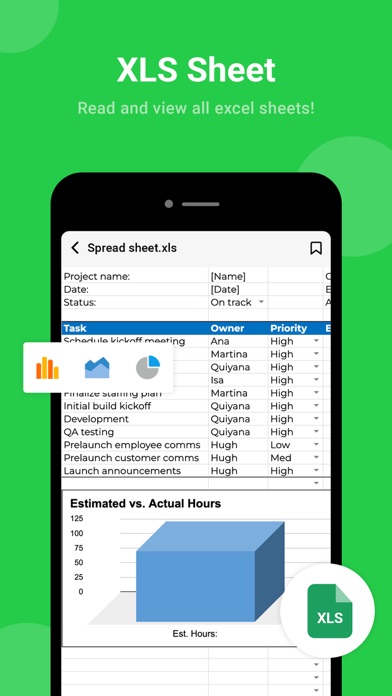
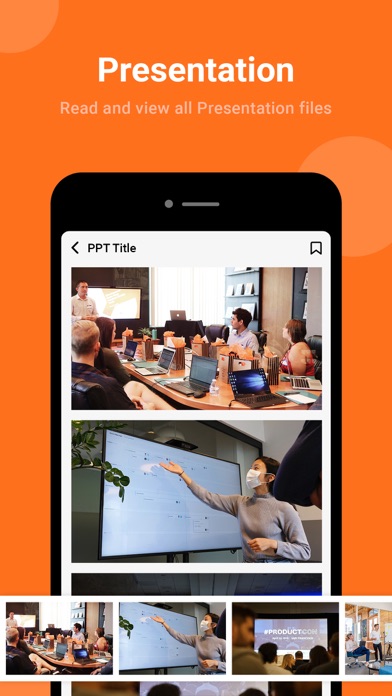
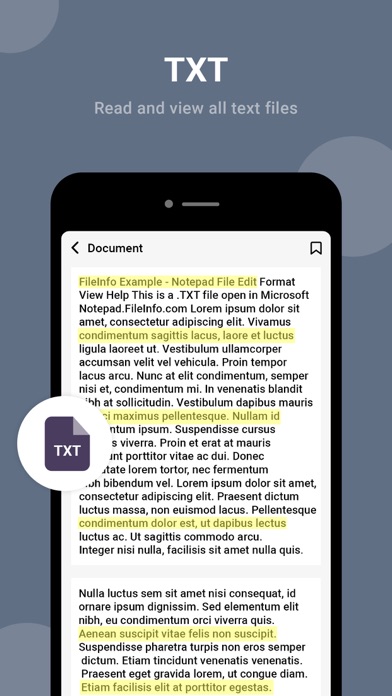
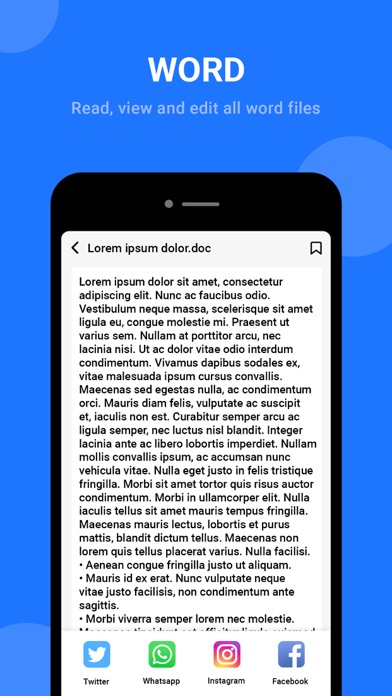
The core advantage of this all-in-one document reader is its multi-format compatibility. Whether you're working with Word documents, Excel spreadsheets, PPT presentations, or PDF files, this app supports them all. No more switching between different apps; you can open, view, and edit your files within a single platform. This streamlined approach significantly boosts productivity, especially for professionals, students, or anyone who deals with multiple document types regularly.
Smart Document Scanning and Archiving
Another standout feature is the document scanning capability. With just a tap, you can easily scan paper documents, photos, and JPG images into PDFs. This simplifies archiving important papers, receipts, or notes, making it easy to share or store your documents digitally. The app’s quick and user-friendly scan function transforms your physical files into convenient digital formats, saving you time and effort.
Enhanced Reading Experience
The app offers a convenient reading mode that allows you to access your files anytime, anywhere. Its intuitive interface makes browsing across all your stored documents simple and fast, whether you are on a smartphone or tablet. To protect your eyes during extended reading sessions, you can switch to the Eye Care Mode—a dark mode that reduces eye strain and provides a more comfortable viewing experience.
Powerful Search and Organization Tools
Finding specific documents quickly is made easier with the smart search feature. Instantly locate the necessary files with minimal effort, saving valuable time. The app also offers robust organization features, allowing you to categorize and manage your documents effortlessly, ensuring you stay organized no matter how many files you handle.
Why Use All Document Reader & Editor?
This app is perfect for anyone looking to manage documents efficiently and keep their workflow smooth. Whether you’re a student reviewing lecture notes, a professional preparing presentations, or a person who needs to frequently scan and archive paper documents, this versatile app has you covered. Its user-friendly interface ensures that even those new to digital document management can navigate easily without technical hassle. Additionally, the compatibility with cloud storage services like Google Drive and Dropbox means your files are always synced, updated, and accessible from multiple devices.
Reliable Performance Across Platforms
Performance is key, and this app delivers with fast load times and smooth operation, even for large files. It is compatible across Android and iOS platforms, providing a consistent experience whether you're using a phone or tablet. Regular updates from developers ensure bugs are fixed and functionalities improved, making it a dependable choice for daily document management.
Final Thoughts
If you're searching for a comprehensive, efficient, and easy-to-use document reader and editor that consolidates support for multiple formats and offers advanced features like document scanning, cloud integration, and eye care modes, then All Document Reader & Editor is your perfect companion. Download now and transform how you access, read, and organize your documents—making your digital workspace more organized, productive, and stress-free.
Pros
- Supports multiple file formats
- User-friendly interface
- Fast document loading
- Offline access enabled
- Few advertisements for free users
Cons
- Limited editing options
- Sometimes slow rendering
- No integration with cloud storage
- Advertising present in free version
- No advanced search functionalities











