


Introduction to Microsoft Copilot
Microsoft Copilot is revolutionizing the way we work and create by harnessing the power of cutting-edge artificial intelligence. Whether you're looking for an AI-powered assistant to boost productivity, generate creative visuals, or simplify complex tasks, Copilot offers a comprehensive suite of features designed to meet your needs.
At the core of Copilot is the integration of the latest OpenAI models, including the recent GPT-5 — an AI that combines advanced reasoning and intuitive chat capabilities. With this model, users can select the "Smart" mode to experience the full potential of GPT-5, making conversations and task management smoother and more intelligent than ever before.
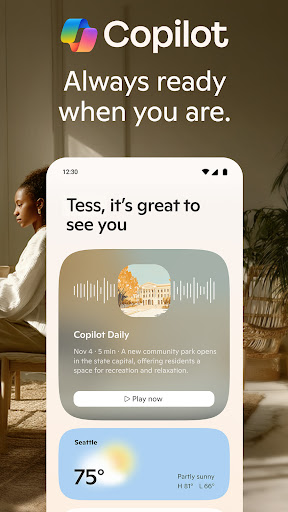
Designed as your daily AI companion, Microsoft Copilot helps you learn, grow, and accomplish more efficiently. Its seamless interaction through text and voice chat empowers users to access valuable insights, automate routine tasks, and unlock new levels of creativity and productivity.
Key Features of Microsoft Copilot
AI Chat Assistant
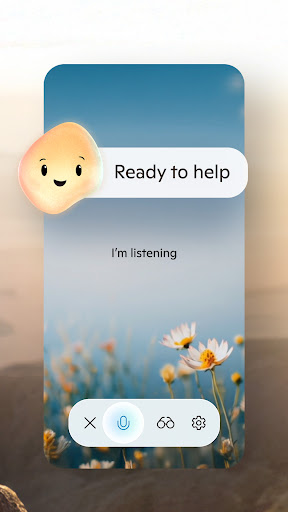
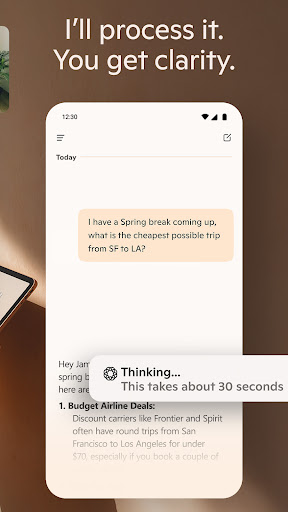
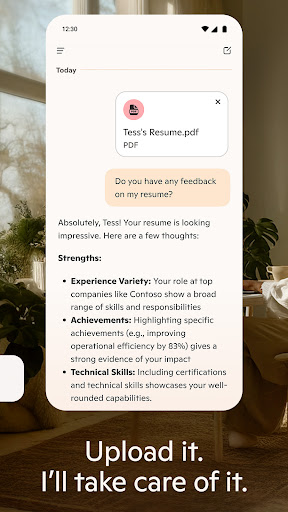
Microsoft Copilot’s AI chat assistant acts as your personal helper, ready to answer complex questions, provide summaries, or assist with research. It can generate well-rounded content, craft emails, and even draft cover letters or resumes. With voice chat capabilities, you can talk directly with Copilot — making interactions more natural and hands-free.
AI Image and Art Generation
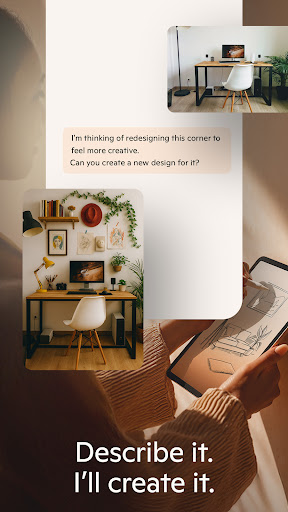
Harness the power of AI photo generator technology to turn your ideas into stunning visuals. Simply describe your concept with a text prompt, and Copilot can create images ranging from abstract designs to photorealistic renders. This feature is perfect for visualizing storyboards, developing branding concepts, or designing illustrations for a variety of creative projects.
Productivity and Business Support
Copilot enhances everyday workflow by offering instant sharp summaries of lengthy content, quick rewrites, and streamlined research. It can help generate shopping lists, organize schedules, or manage project outlines. Its translation, proofreading, and language optimization across hundreds of dialects ensure your communications are professional and accurate.
Creative and Design Tools
The app supports creative pursuits such as designing logos, developing social media content, or creating illustrations for books and videos. You can use voice commands to generate artwork or explore new styles and ideas, making Copilot a versatile tool for artists, marketers, and content creators alike.
Real-World Applications and Benefits
Imagine having a personal assistant that’s available 24/7 to help with tasks big and small. For instance, when working on a project, Copilot can automate data collection, suggest presentation styles, or help draft professional documents — instantly saving you time and effort.
For professionals who juggle numerous emails daily, Copilot’s smart email drafting feature reduces the workload by generating responses based on your past interactions. It’s like having a dedicated assistant who understands your style and preferences.
Beyond productivity, Copilot also inspires creativity. It can help brainstorm new ideas, develop storyboards for videos, or design branding motifs. Whether you're curating social media posts or creating educational materials, Copilot’s versatile AI tools support a wide range of creative tasks.
Overall, Microsoft Copilot is more than just a tool — it's a comprehensive AI partner that adapts to your needs and helps you work smarter. Its intuitive interface, combined with powerful AI models, makes it an essential asset for students, professionals, and creative individuals aiming to maximize their potential.
Conclusion
As the AI landscape evolves, Microsoft Copilot stands out as a leading example of how artificial intelligence can seamlessly enhance our daily lives. With features like real-time AI chat assistance, advanced image generation, and smart automation, Copilot empowers users to accomplish tasks more efficiently and creatively. If you're looking to elevate your productivity and explore innovative ways to work and create, Microsoft Copilot is undoubtedly the ultimate AI companion you need. Download it today and experience the future of intelligent assistance firsthand.
Pros
- Seamlessly integrates with Microsoft 365 suite.
- Boosts productivity through AI-driven suggestions.
- Can be tailored to meet user needs.
- Supports a variety of languages.
- Receives ongoing updates and enhancements.
Cons
- Requires a Microsoft 365 subscription.
- Limited functionality when offline.
- May be intimidating for first-time users.
- Certain features depend on internet connectivity.
- Potential for occasional bugs or glitches.











