
Introduction to Notepad, Notes, Easy Notebook
Are you searching for a simple and efficient way to keep track of your ideas, tasks, and reminders? Look no further than Notepad, Notes, Easy Notebook, a versatile app designed to help users organize their notes effortlessly. Whether you need a quick notepad for jotting down ideas, a sticky notes widget for quick access on your home screen, or a memo pad to manage to-do lists and shopping lists with reminders, this app has you covered! Its user-friendly interface, coupled with powerful features, makes it a go-to solution for students, professionals, and anyone who values organization.
Key Features of Notepad, Notes, Easy Notebook
Intuitive and User-Friendly Design
Upon launching Notepad, Notes, Easy Notebook, you are greeted with a clean, minimalist interface that allows for quick note creation without a steep learning curve. The straightforward design ensures you can start taking notes immediately, making it ideal for those who need a fast and reliable note-taking experience.
Multiple Note-Taking Modes
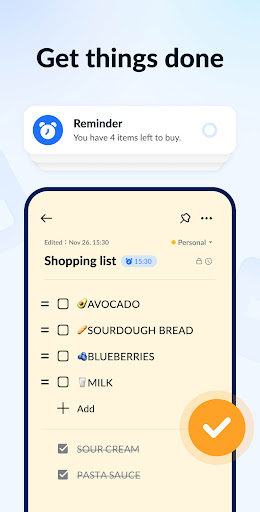
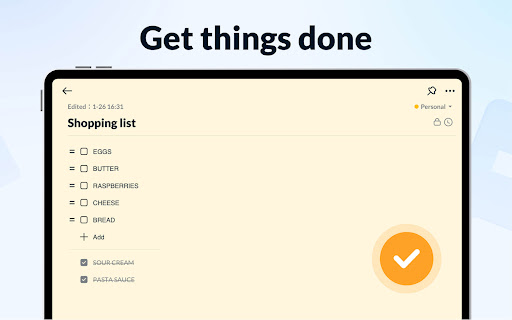
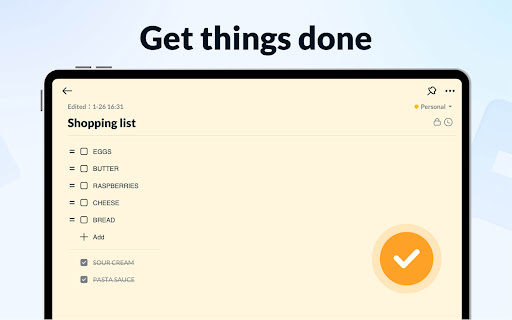
The app offers two main modes: a text mode that mimics lined paper for traditional note-taking and a checklist mode perfect for creating to-do lists and shopping lists. Notes are automatically saved as you type, ensuring no information is lost, whether you're capturing school notes, meeting minutes, or personal reminders.
Rich Customization and Organization
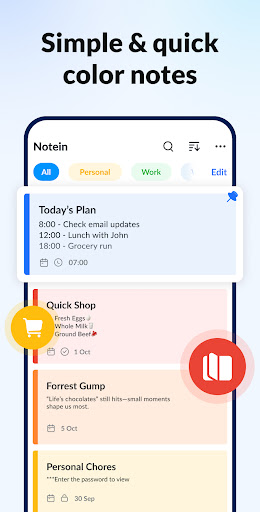
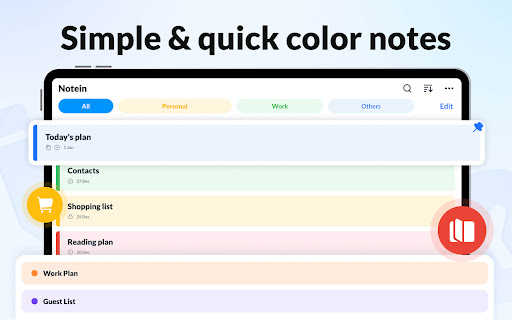
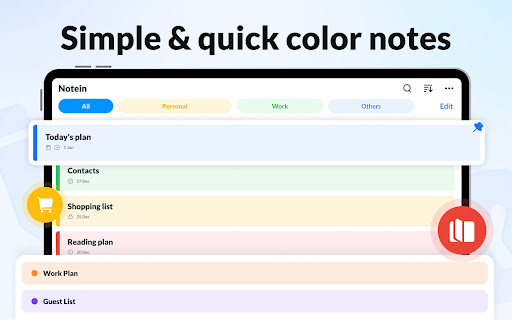
Users can enhance their notes with colorful backgrounds for easy categorization and quick visual recognition. The app supports color coding and tagging, allowing for efficient filtering and sorting, which accelerates the process of locating specific notes.
Widgets for Quick Access
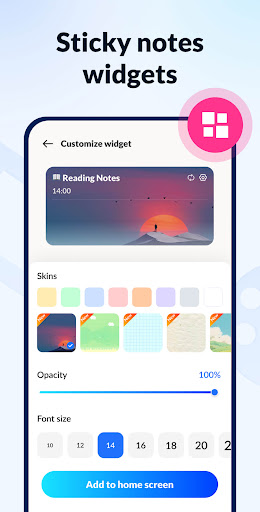
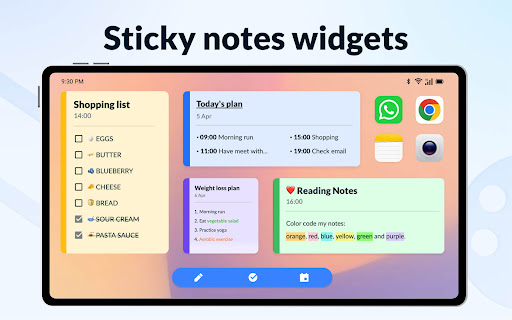
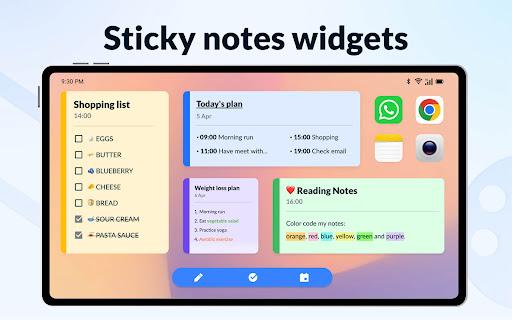
One of the standout features is the ability to add sticky notes widgets directly to your home screen on Android devices from brands like Samsung, Xiaomi, Huawei, and Redmi. This enables you to view and edit notes instantly without opening the app, making task management more convenient.
Calendar Integration
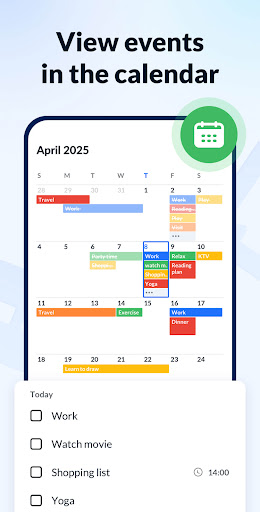
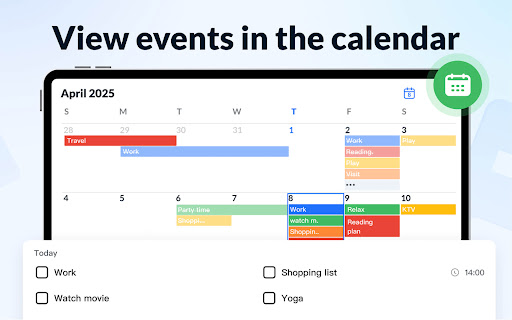
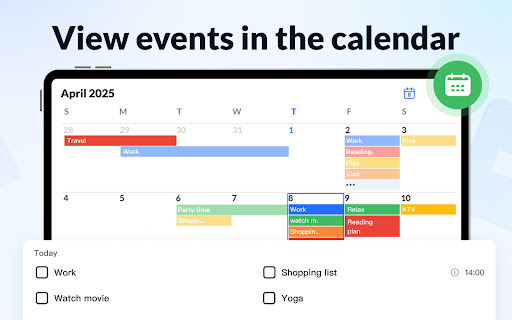
The app allows for adding notes and tasks directly to the calendar view, helping you manage your schedule more effectively. Visualizing your to-do lists in calendar mode offers a clear overview of upcoming deadlines and appointments.
Reminders and Notifications
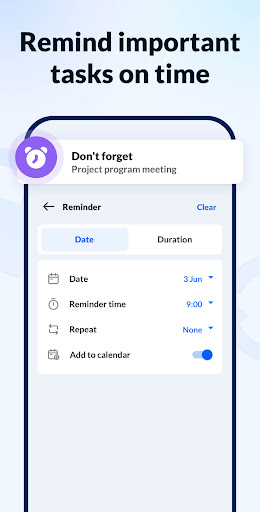
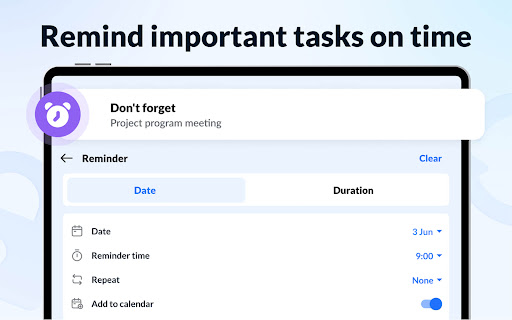
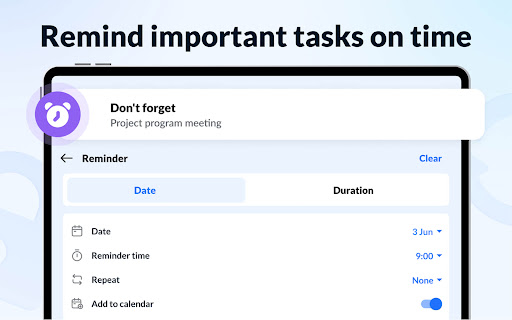
Set reminders for important notes and to-do items to ensure you never miss significant tasks. The app's built-in notification system keeps you informed about upcoming deadlines.
Security and Backup
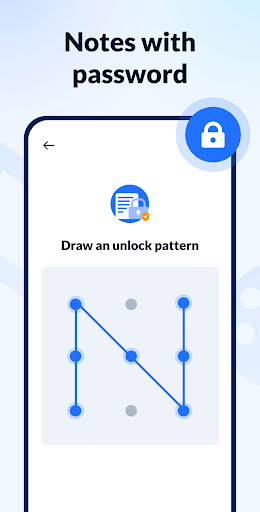
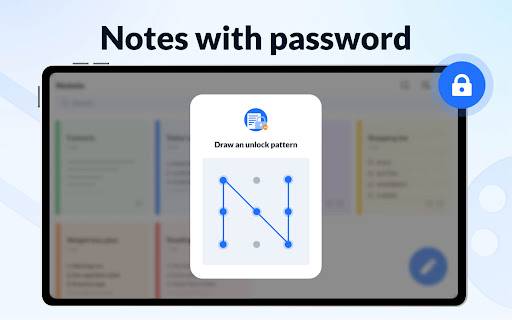
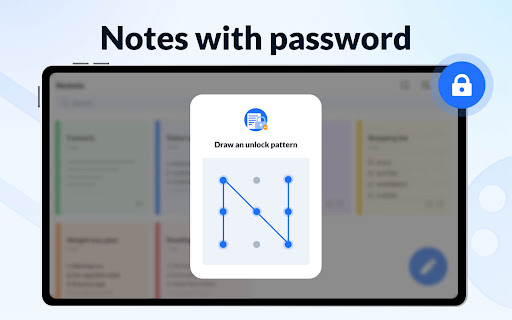
Want to keep sensitive information private? This app supports password protection for individual notes. Additionally, it offers cloud backup and restore options, so you never risk losing important data.
Additional Functionalities
Features include sharing notes via social media and messaging apps, sorting notes by time or color, and modes for list, grid, and detail views. Its small size ensures it won’t take up much storage space on your device, making it a lightweight yet powerful note-taking tool.
Why Choose Notepad, Notes, Easy Notebook?
In today’s fast-paced world, staying organized is more important than ever. This app strikes a perfect balance between simplicity and functionality, offering features that cater to various note-taking needs without being overwhelming. Its smooth performance, combined with features like voice notes, color coding, and widget support, makes it stand out among other note apps.
Experience Seamless Organization with This App
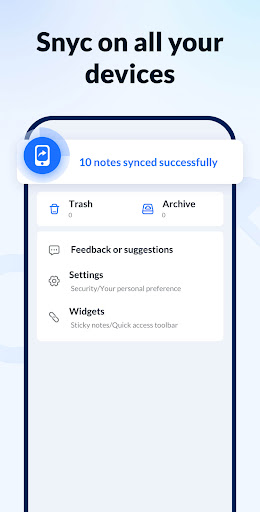
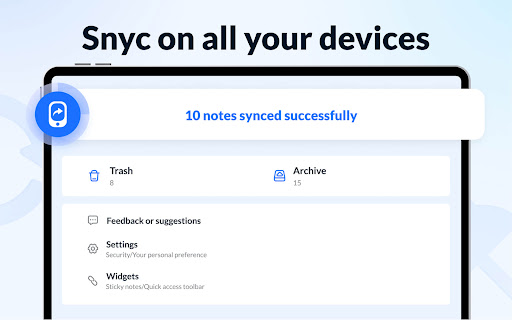
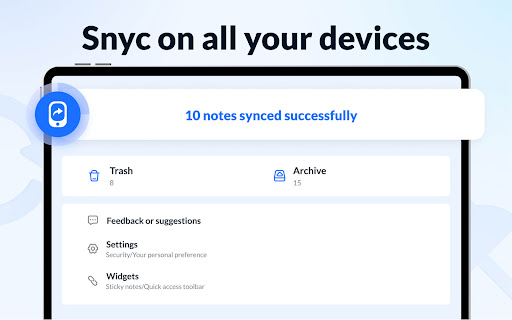
Whether you're managing school notes, professional memos, or personal reminders, Notepad, Notes, Easy Notebook simplifies the process of capturing and organizing your thoughts. Its ability to sync notes across devices ensures your information is always accessible, whether you're on your phone, tablet, or computer.
Conclusion
If you’re looking for a free, easy-to-use, and powerful note-taking app, Notepad, Notes, Easy Notebook is definitely worth trying. It can help you stay organized, boost your productivity, and keep your notes safely protected. So why wait? Download this versatile note app today and experience a more organized life! Your future self will thank you for it.
Pros
- User-friendly interface with intuitive navigation.
- Supports voice notes for hands-free operation.
- Easily synchronizes across multiple devices.
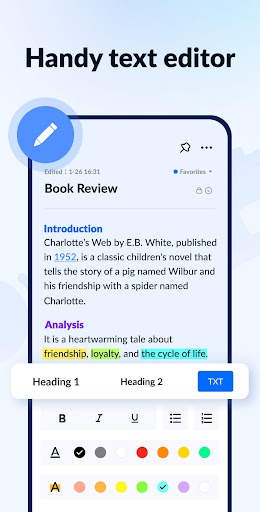
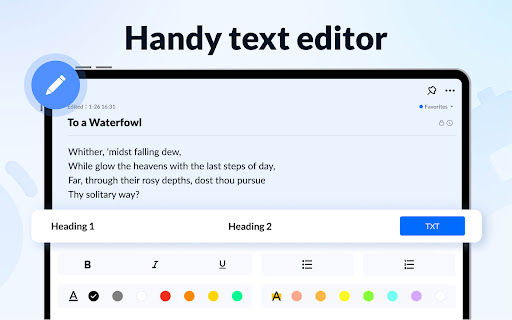
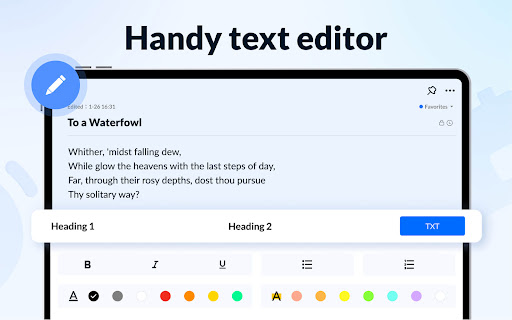
- Offers rich text formatting options.
- Ensures security with password protection.
Cons
- Limited options for cloud storage.
- Advertisements can be intrusive for free users.
- Lacks collaborative editing capabilities.
- Few export options for notes.
- Occasional synchronization problems reported.











