
Discover the Power of Notion: Notes, Tasks, AI — Your All-in-One Productivity Solution
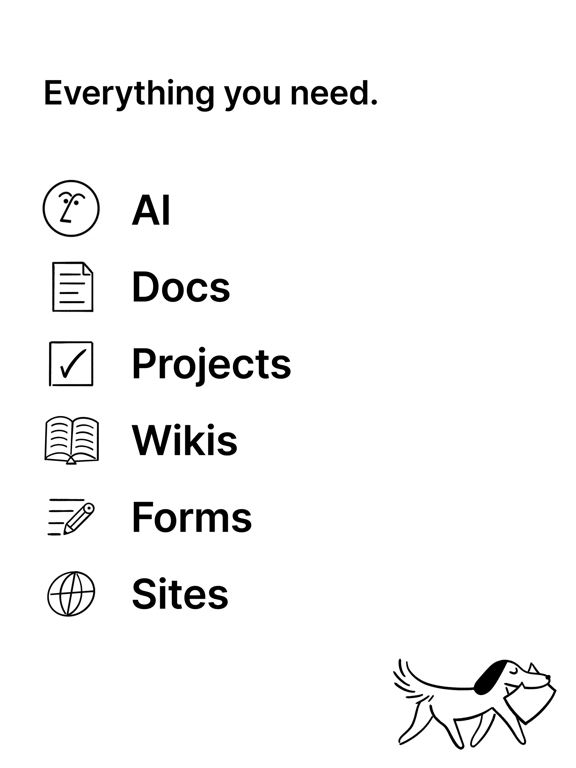
Are you searching for a versatile and comprehensive productivity app that combines note-taking, task management, and intelligent automation? Look no further than Notion: Notes, Tasks, AI. Recognized by Forbes as an "AI's everything app", Notion has rapidly gained popularity among students, professionals, and teams worldwide. Its seamless integration of features makes it an indispensable tool for organizing your personal and professional life efficiently, all within a single unified workspace.
Organize Your Life, One Block at a Time
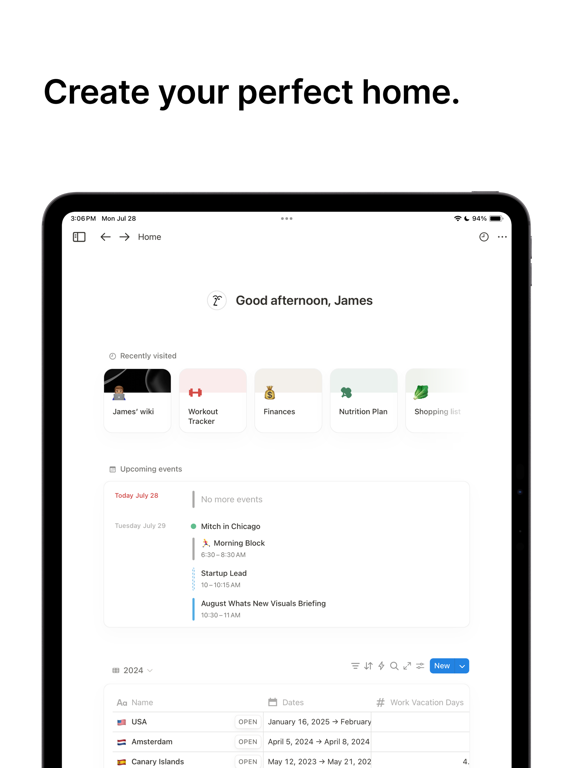
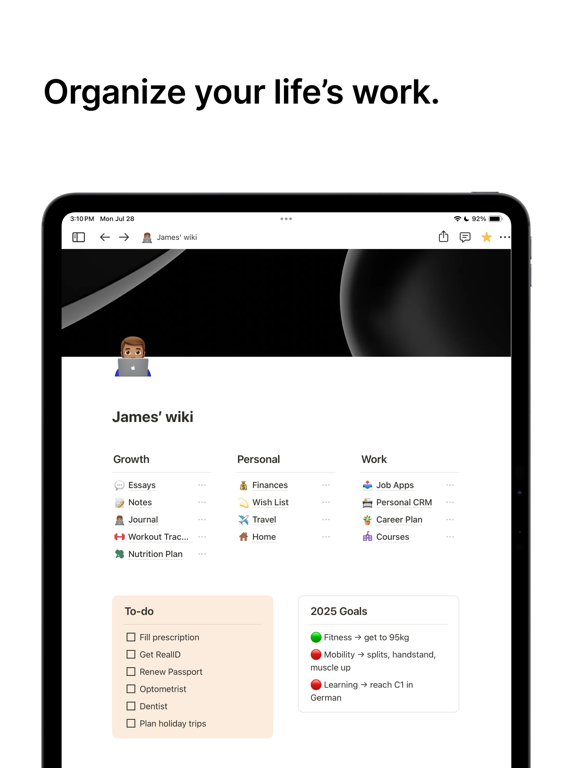
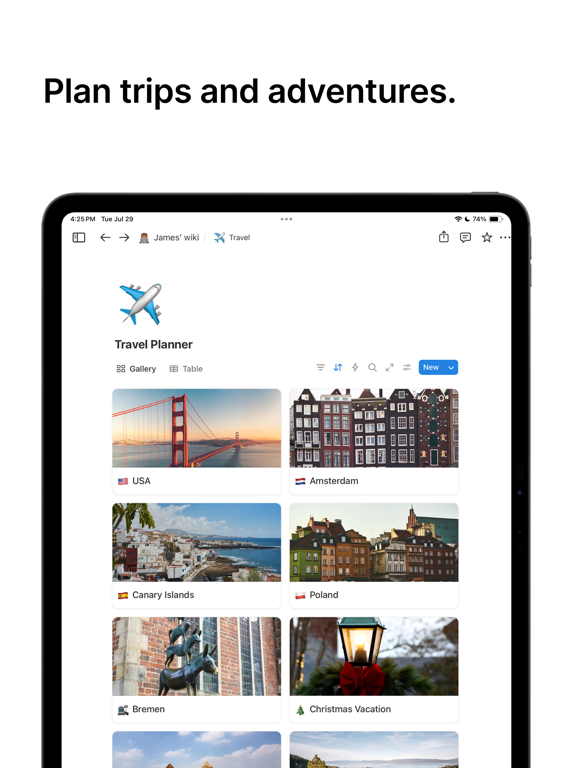
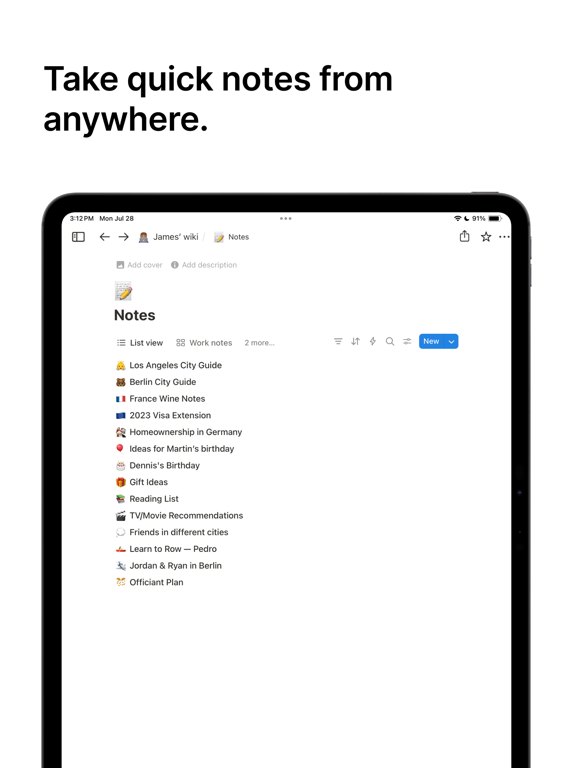
When you first explore Notion: Notes, Tasks, AI, the extensive features might seem overwhelming. However, the core of its power lies in its flexible block-based system. This approach allows you to build your pages with various content types such as text, images, databases, checklists, and more, tailored precisely to your needs. Whether you're managing a personal project, planning your study schedule, or running a team project, Notion adapts effortlessly.
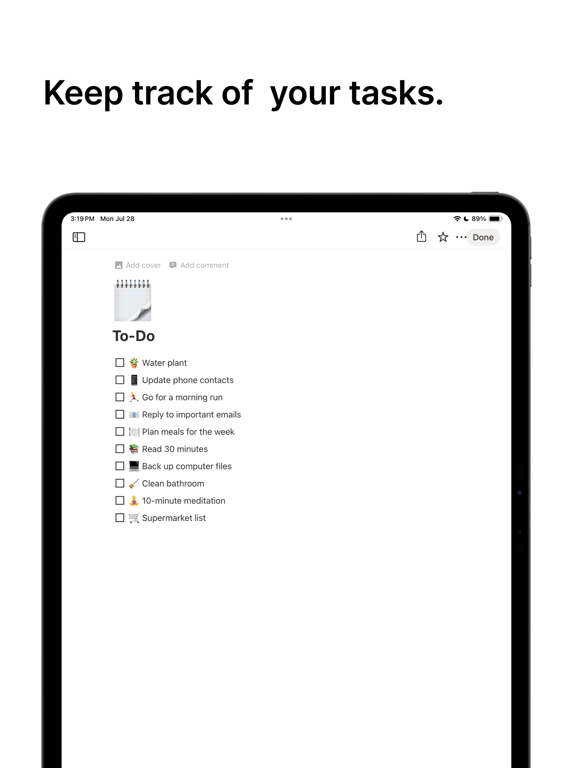
The app's intuitive interface and customizability enable you to create to-do lists, set reminders, and organize entire workflows with simple drag-and-drop. The integration of AI elevates productivity further—you can automate repetitive tasks, generate content ideas, or analyze complex data with ease. This synergy of manual organization and AI-driven assistance makes Notion a game-changer for anyone looking to streamline their routines.
Streamlined Collaboration for Teams and Students
If you're working with others, Notion offers a collaborative environment that simplifies teamwork. You can share pages, assign tasks, and leave comments all within the same workspace. This eliminates the need for endless emails or disjointed communication channels. Real-time collaboration ensures everyone stays on the same page, whether you're brainstorming with colleagues or coordinating group projects.
The app's multi-device synchronization guarantees that your progress is saved and accessible across mobile, tablet, and desktop. Whether you're on your commute or at your desk, you can pick up exactly where you left off—making productivity fluid and uninterrupted.
Customization and Integration to Fit Your Needs
One of Notion's standout features is its extensive customization capabilities. You can choose from thousands of templates designed for specific uses, such as study planners, project trackers, or design systems. Alternatively, you can craft your own templates to match your unique workflow.
Furthermore, Notion integrates smoothly with popular tools like Google Calendar, Trello, Slack, Figma, and GitHub. These connections transform Notion into a central hub for all your productivity apps, reducing context switching and boosting efficiency.
AI-Powered Features Enhance Your Workflow
The embedded AI in Notion is a standout feature, empowering you to search, generate, analyze, and chat without leaving your workspace. Use Notion AI to brainstorm ideas, improve your writing, and compose documents more efficiently. It can also autofill tables, turning overwhelming data into clear, actionable insights—saving time and effort.
Conclusion: Your All-in-One Productivity Companion
In today's fast-paced world, managing multiple tools for notes, tasks, and collaboration can be cumbersome. Notion: Notes, Tasks, AI addresses this challenge by consolidating everything into one dynamic platform. Its user-friendly interface, robust customization options, and powerful AI features make it ideal for users across various domains—students, entrepreneurs, and teams alike.
If you're looking to streamline your workflow, improve organization, and maximize productivity, giving Notion a try could be a transformative step. Discover how this all-in-one app can help you work smarter, not harder, and revolutionize the way you manage your life and work.
Pros
- Highly customizable interface for personalized organization
- Seamless integration with other productivity applications
- Offline access to notes and tasks
- AI-powered features to enhance productivity
- Supports real-time collaboration with team members
Cons
- Steep learning curve for new users
- Limited free version with restricted features
- Occasional synchronization issues across devices
- Requires internet connection for most collaborative features
- May overwhelm users due to its extensive set of tools











