


Introduction to ACE Scanner - PDF Scanner App
In today’s fast-paced digital world, having a reliable and efficient document scanning tool is essential for both personal and professional tasks. ACE Scanner is a free PDF scanner app designed to transform your mobile device into a powerful scanning device. Whether you need to digitize receipts, notes, business cards, or important certificates, this app offers a seamless experience with high-quality results. Its user-friendly interface and extensive features make it a top choice for users seeking convenience, accuracy, and versatility in document management.
Key Features of ACE Scanner
1. Quick and Easy Document Scanning
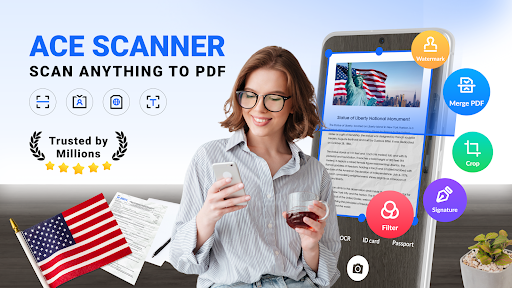
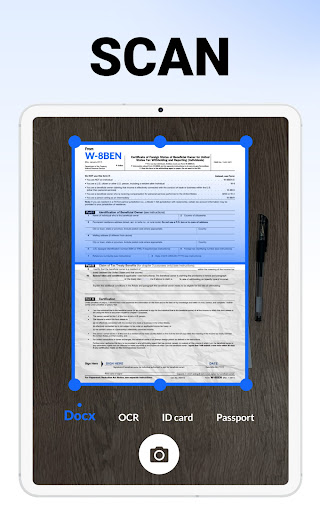
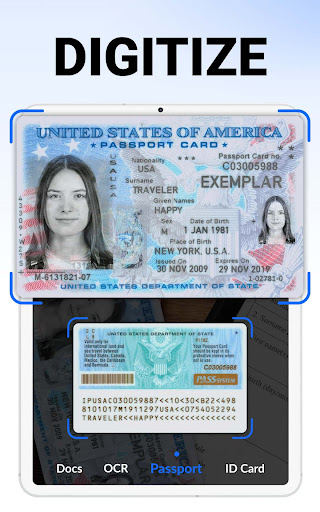
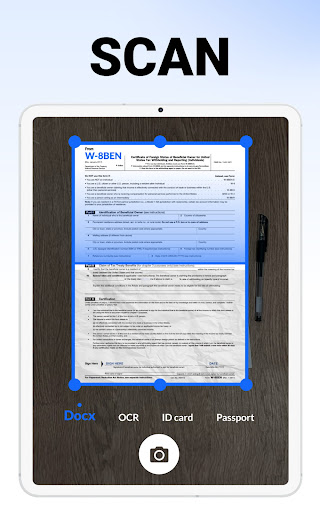
ACE Scanner allows you to effortlessly scan a wide range of documents—from receipts and invoices to notes and whiteboards—with just a single tap. The app uses your device's camera to capture images rapidly and employs smart detection techniques to produce sharp, clear PDFs. The auto-enhancement and edge detection features ensure that your scanned documents are clean and professional-looking. Additionally, the app supports printing via Cloud Print, enabling instant physical copies of your digital scans.
2. Robust PDF Management and Reading
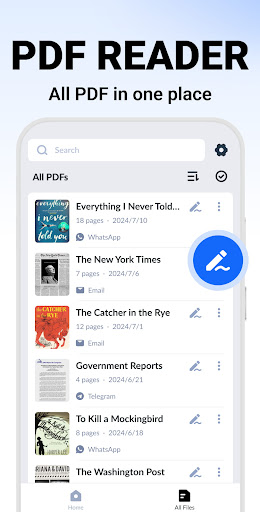
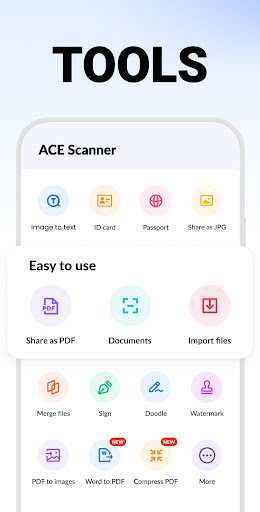
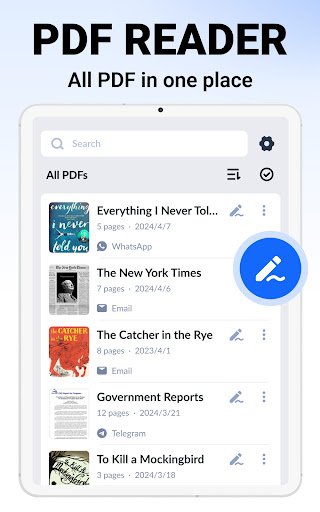
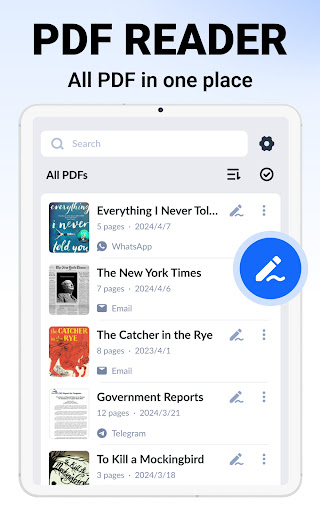
This app doubles as a comprehensive PDF reader and manager. It automatically categorizes and displays your PDF files for easy access. You can quickly open, read, and organize your documents—copy, rename, or delete files, and sort them by date or name to keep everything tidy. The search functionality is powerful, allowing you to locate specific folders or documents swiftly, enhancing your productivity.
3. High-Quality Scanning with Filters
ACE Scanner ensures your documents are captured in high resolution, with sharp edges and accurate cropping. It offers multiple filters—such as Docs, Image, Enhance, Black & White, among others—to optimize your scan quality further. These features are particularly beneficial for creating clear copies of handwritten notes, printed documents, or images with vital details.
4. One-Click Sharing and Collaboration
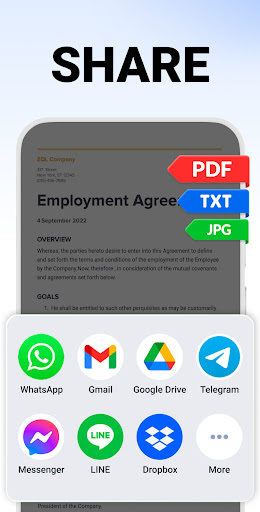
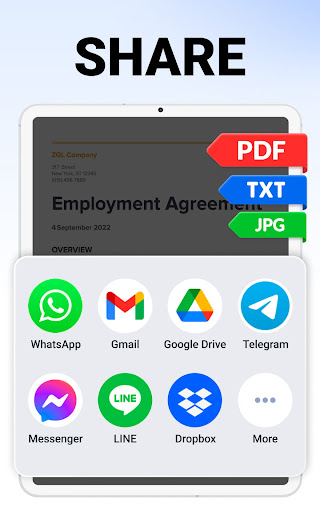
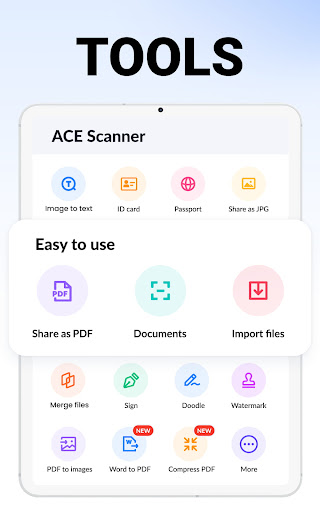
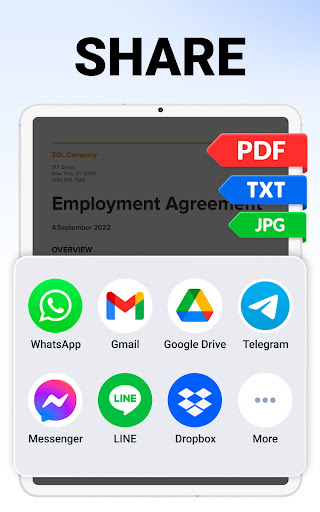
Sharing your scanned documents is incredibly simple. Export files in PDF or JPEG formats and send them via email, messaging apps, or social media platforms. This feature promotes easy collaboration and quick dissemination of information, making it suitable for business, education, or daily personal use.
5. Document Editing and Customization
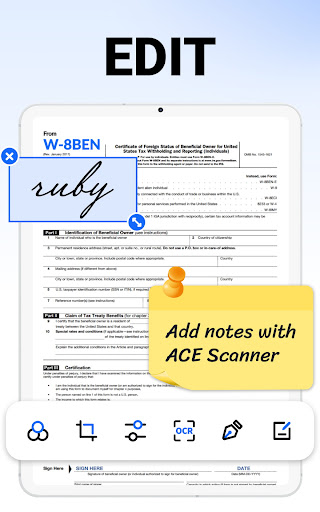
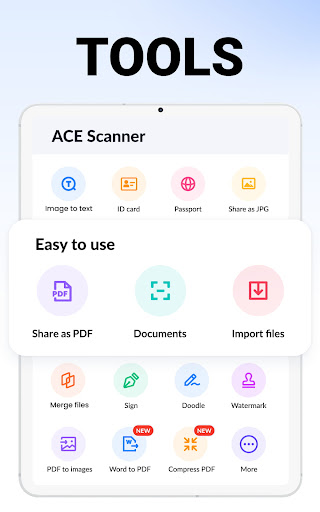
Beyond scanning, ACE Scanner offers practical editing tools. You can add, delete, or rearrange pages within a document, adjust layout options, and support multiple page sizes including Letter, Legal, and A4. This flexibility helps tailor documents to meet your specific needs before sharing or saving.
6. Digital Signatures and Security
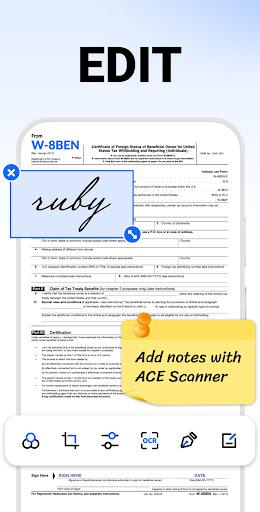
If you need to sign a document electronically, ACE Scanner simplifies this process by allowing you to add e-signatures directly within the app. Furthermore, you can create custom security watermarks—adjusting text, size, transparency, and color—to protect your files from counterfeiting or unauthorized use.
7. OCR Text Recognition
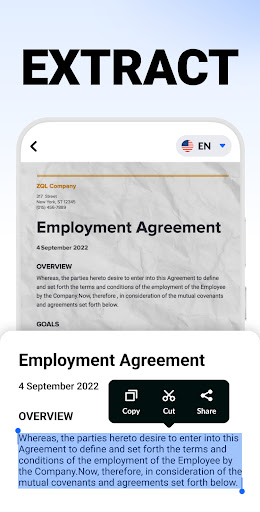
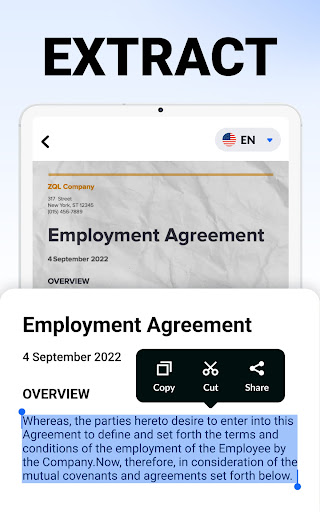
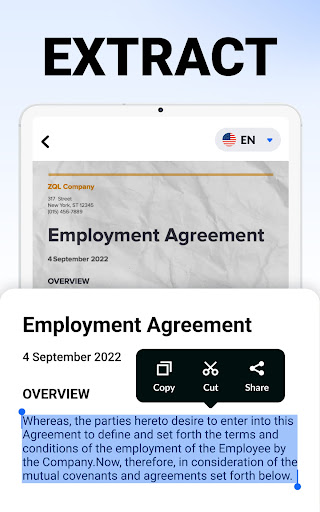
The built-in OCR (Optical Character Recognition) technology is a standout feature. It helps you extract text from scanned images accurately, enabling easy copying, editing, and searching of text content within your documents. This functionality is invaluable for digitizing handwritten notes or printed material.
8. Efficient Search Capabilities
Finding specific files or text snippets is hassle-free with the quick search feature. Enter a keyword, and the app scans through your folders to locate relevant documents instantly. OCR search further allows you to find text within images or notes swiftly, saving you time and effort.
Future Enhancements and Additional Options
Add Annotations
Future updates will introduce annotation features, allowing you to add tags, notes, or highlights to your scanned documents for better review and organization.
Secure Your Confidential Files
Upcoming versions will enable password protection for sensitive documents, ensuring your private files remain secure and accessible only to authorized users.
Cloud Backup and Synchronization
To enhance accessibility, ACE Scanner plans to incorporate backup and sync options with popular cloud services such as Google Drive, OneDrive, Dropbox, and Evernote. This will allow users to access their files seamlessly across multiple devices—smartphones, tablets, or computers—without hassle.
Versatile Use Cases
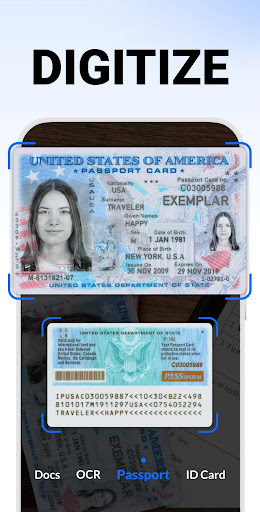
ACE Scanner is suitable for a wide array of applications. You can use it to scan business cards, receipts, invoices, and ID documents for office or personal organization. Students can digitize textbooks, notes, or presentations to improve study efficiency. It is also ideal for capturing important certificates, maps, travel brochures, or even manuscripts, making it a comprehensive solution for various needs.
Why Choose ACE Scanner?
Designed with user convenience in mind, ACE Scanner combines intuitive operation with powerful features. Its reliability and speed make it suitable for users on the go who require quick, high-quality scans without complex technical knowledge. The app’s ability to handle multiple document types and formats—plus its OCR technology—sets it apart from basic scanning apps, making it a must-have in your digital toolkit.
Say goodbye to bulky file cabinets and paper clutter—embrace the future of digital document management with ACE Scanner, and enjoy a more productive, organized lifestyle.
Pros
- Fast scanning speed for quick document capture.
- High-quality PDF output suitable for professional purposes.
- User-friendly interface with intuitive navigation.
- Supports multiple file formats for saving scans.
- Secure cloud integration allowing easy access to documents.
Cons
- In-app advertisements may interrupt the user experience.
- Many advanced features require purchase, with limited free options.
- Occasional bugs can impact app stability.
- Internet connection is necessary for cloud functionalities.
- High-quality scans result in large file sizes.











