

Overview of Docx Reader - Office Viewer
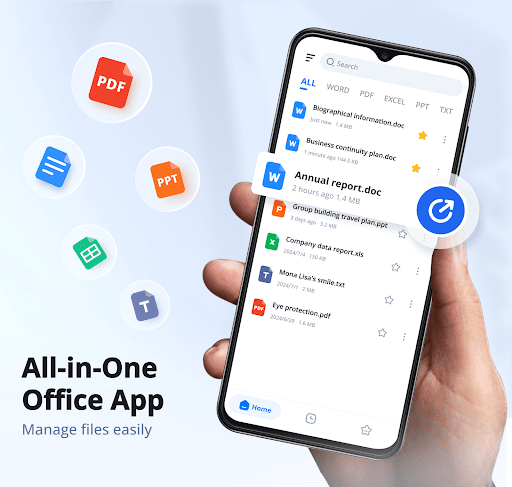
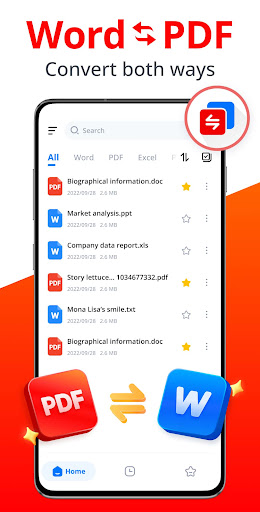
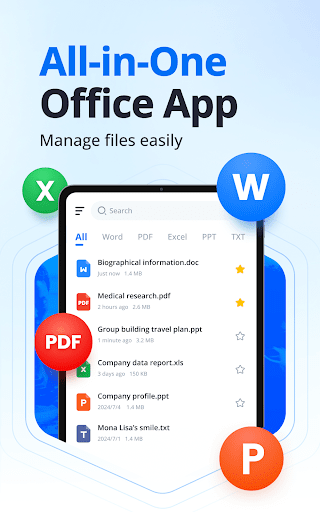
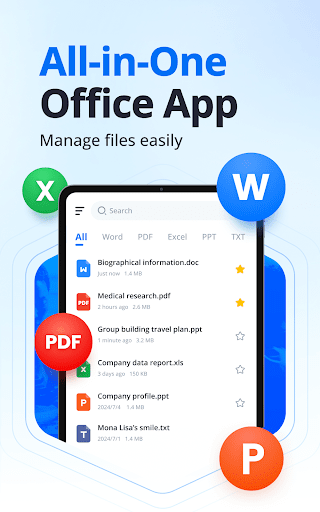
Docx Reader - Office Viewer is an all-in-one Word Office and PDF editing application designed to make managing, viewing, and editing documents effortless and efficient. Whether you're working with PDFs, Word documents, Excel sheets, PowerPoint presentations, or plain text files, this app supports a wide array of formats such as Word, PDF, Excel, PPT, TXT, and more. Its sleek, user-friendly interface ensures that users can navigate through their files seamlessly, making it a must-have tool for students, professionals, and anyone needing quick document access on the go.
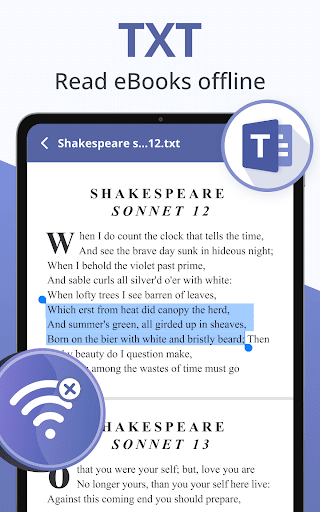
With Docx Reader - Office Viewer, you are no longer confined to the office or tied to a desktop computer. The app offers offline accessibility, allowing you to view and edit your files anytime and anywhere—be it during travel, meetings, or remote work sessions. Its ultra-fast document processing ensures a smooth experience even when working with large files, and its support for multiple formats guarantees flexibility in managing various document types.
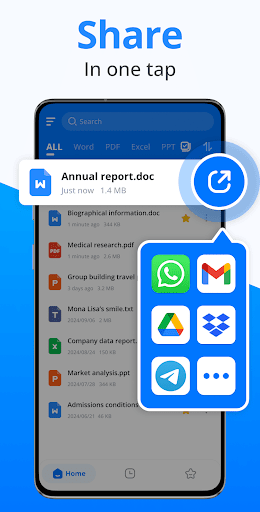
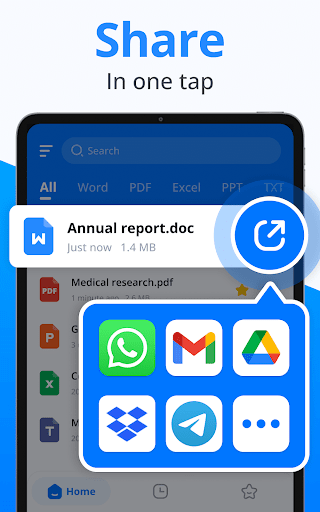
Additionally, this app emphasizes productivity features such as being able to find files quickly with search options, add files to favorites for instant access, and manage files easily by renaming, deleting, or sharing directly within the app. Sorting documents by time, size, or name helps keep your workspace organized. Designed to be lightweight and responsive, Docx Reader - Office Viewer provides a professional reading experience in a simple and elegant interface.
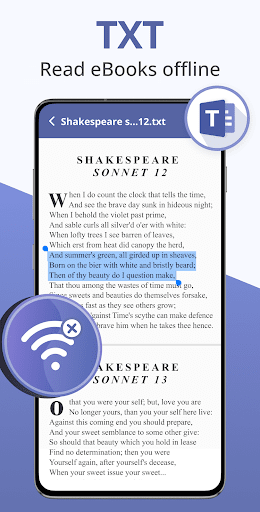
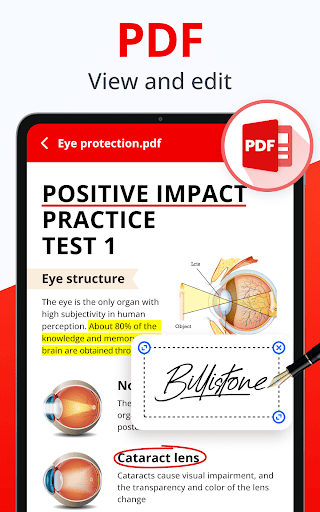
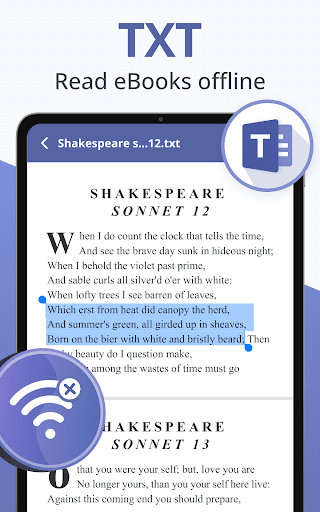
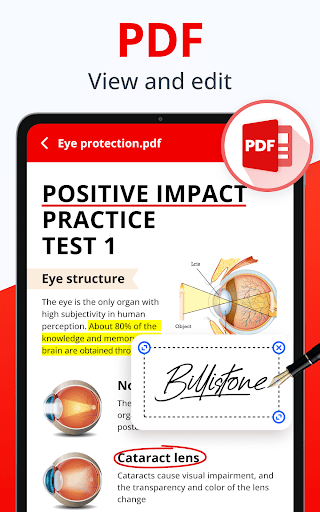
The app continually updates with new features to enhance usability, including creating new documents, adding text with custom size and color, adding e-signatures and watermarks on PDFs, and merging or splitting PDF files. Upcoming features such as dark mode and collaborative editing are designed to make document management even more powerful. Whether you need to highlight, underline, or strikethrough text, or simply read e-books offline, this app covers all your document needs efficiently.
In summary, Docx Reader - Office Viewer is a comprehensive tool that combines ease of use, extensive format support, and robust editing features, making it ideal for anyone who needs a professional office viewer and PDF editor on their mobile device. Download now and experience seamless document management without the dependency on internet connectivity!
Features of Docx Reader - Office Viewer
Universal Format Support
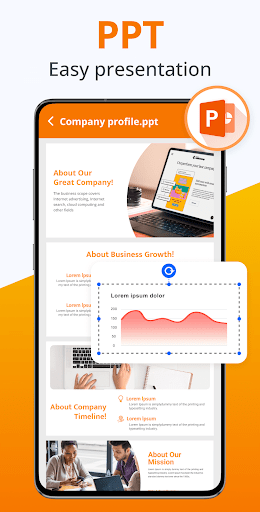
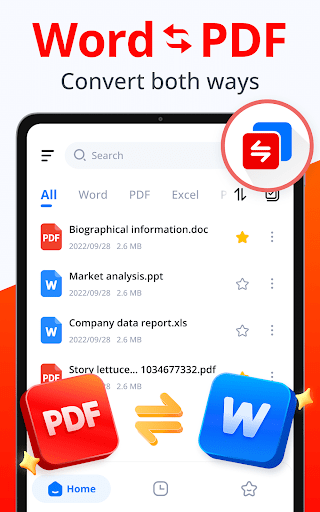
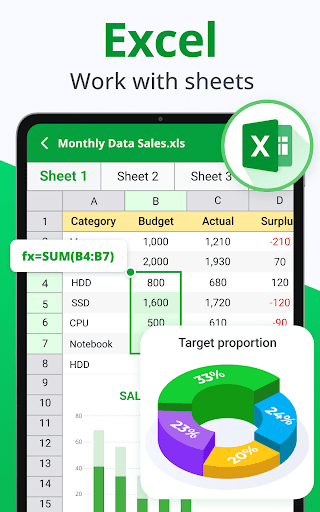
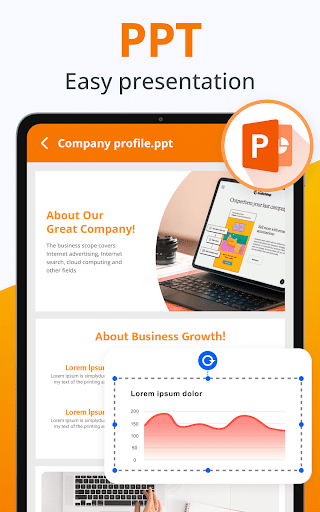
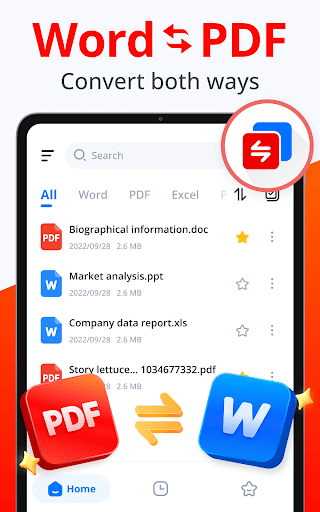
The app supports all formats including Word (DOC, DOCX, DOT, DOTX), PDF, Excel (XLS, XLSX), PPT (PPTX, POT), and TXT. This wide compatibility ensures that you can manage documents from various sources efficiently.
PDF Editing Capabilities
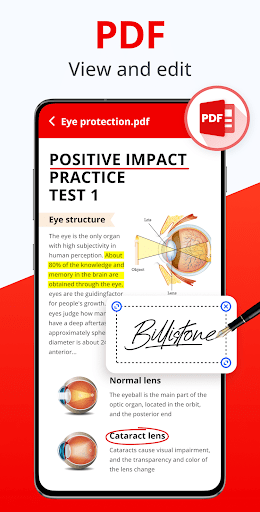
Effortlessly edit PDFs with the app’s powerful toolkit. Features include highlighting, underline, strikethrough, drawing on the PDFs, and copying text for reuse. The app also allows rotating pages and navigating to specific sections with just a single click, enhancing the overall editing experience.
Document Reading and Management
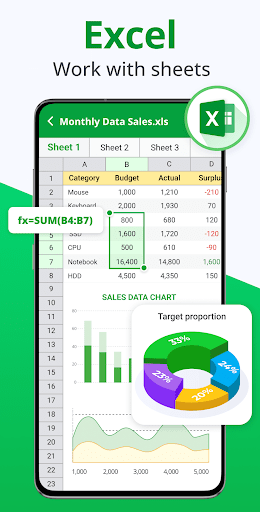
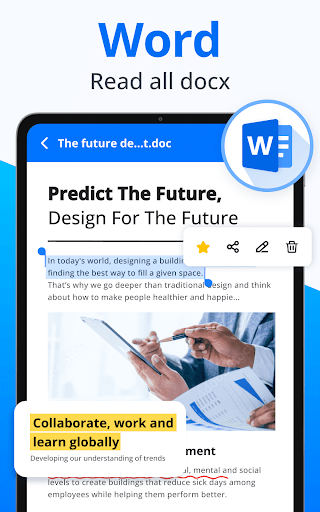
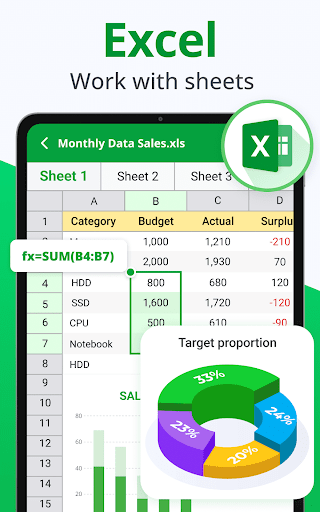
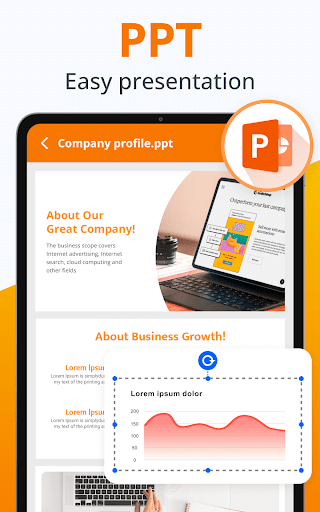
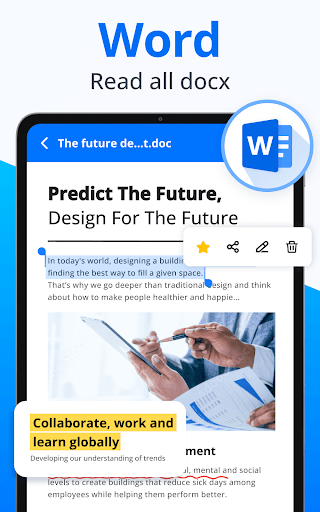
Experience fast and high-quality previews of Word documents, PowerPoint slides, Excel spreadsheets, and text files. The app supports zooming in and out for comfortable reading, viewing pages in thumbnail mode, and switching between horizontal or vertical reading modes. You can easily search within texts or bookmark important sections for quick access later.
Editing and Annotation Features
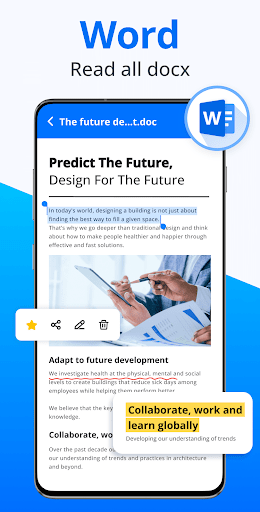
For Word files, you can highlight, underline, copy, and manipulate text easily. Furthermore, users will soon enjoy annotation features such as adding notes, which are ideal for review and collaboration. The PDF editor enables users to rotate pages, go to specific pages, and perform other edits with user-friendly controls.
Additional Functionality
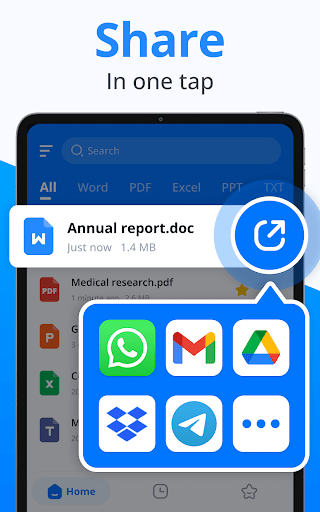
The app also supports file sorting by time, size, or name. You can share documents seamlessly and add to favorites for rapid access. Its lightweight design ensures quick response times, and its intuitive UI guarantees an enjoyable user experience.
Why Choose Docx Reader - Office Viewer?
This app stands out because of its simplicity and professional-grade features. It provides a simple yet powerful experience for document viewing and editing. Whether you need a lightweight PDF editor, a robust Word reader, or a multifunctional document manager, this app meets all these needs in one place.
Its lightweight nature ensures fast responses, while features like offline access and support for a broad range of formats make it versatile and reliable for daily use. The user-friendly interface and upcoming enhancements like dark mode, collaboration tools, and more formats ensure that Docx Reader - Office Viewer remains a top choice for mobile document management.
Download this professional office viewer and PDF editor now to elevate your productivity, whether you are editing PDF files, managing Word documents, or presenting slides on the move. Seamlessly work across devices without internet restrictions, keeping your workflow smooth and efficient wherever you are.
Pros
- Supports multiple file formats.
- Fast and lightweight performance.
- User-friendly interface.
- Offline access to documents.
- Free version available.
Cons
- Advertisements in the free version.
- Limited editing capabilities.
- No cloud integration.
- Occasional crashes reported.
- Interface lacks customization options.











