
Introduction to Simple Calendar 2025
Discover the Simple Calendar app 2025, a highly customizable offline monthly calendar designed for Android devices. As your personal agenda planner in your pocket, it is built to perform exactly what a tiny schedule planner should do in 2025—easy, efficient, and clutter-free. This app avoids the complexity of many other calendar applications by providing essential features without unnecessary permissions or intrusive popups. Whether managing work commitments, personal appointments, or recurring events, Simple Calendar 2025 offers a straightforward experience with powerful customization options.
Key Features and Benefits
Comprehensive Event Management
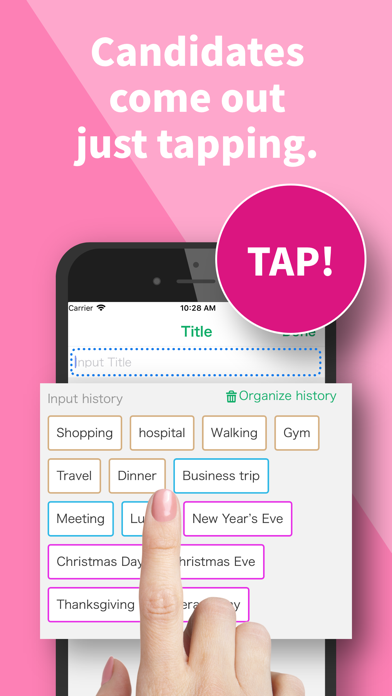
With Simple Calendar 2025, you can effortlessly schedule and organize all types of events—from single appointments to recurring reminders like birthdays and anniversaries. Its support for syncing events via Google Calendar or other CalDAV protocol-compatible services ensures your schedule stays consistent across platforms. The app’s flexibility extends to importing/exporting .ics files and exporting settings to .txt files, simplifying device switching or backups.
Personalization and Customization
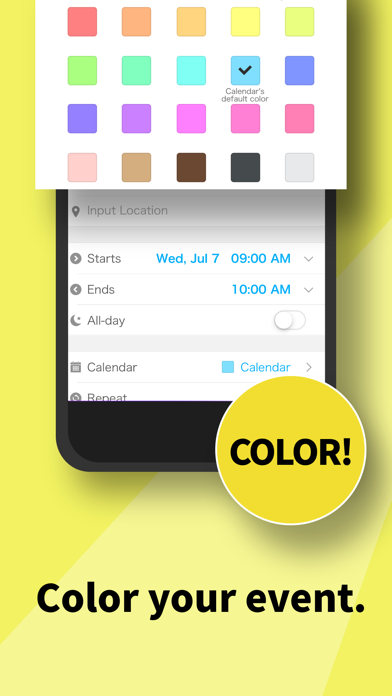
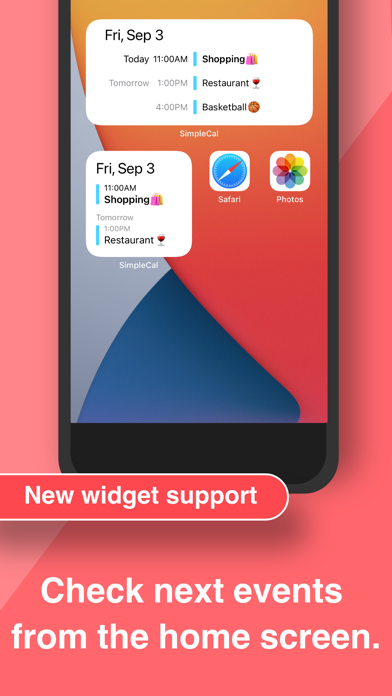
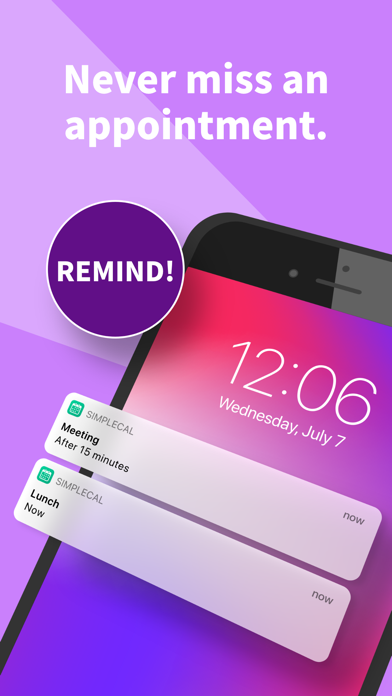
The calendar widget supports rich customization options: change event reminders, notification styles, and even the overall appearance with colorful themes. Customize sounds, vibrations, and looping for your schedule reminders. It’s an open-source, multi-language calendar app translated into 45+ languages, making it accessible to a global audience. Additionally, sharing your events via social media or email is quick and hassle-free, facilitating family organizing and collaborative planning.
Versatile Planning Tools
Whether you need a day planner, weekly planner, or business itinerary manager, Simple Calendar 2025 has you covered. It simplifies event creation with options for specifying times, durations, and reminders with powerful recurrence rules. The app also features an appointment scheduler and planning app capabilities for an all-in-one organizational tool.
User Friendly Interface
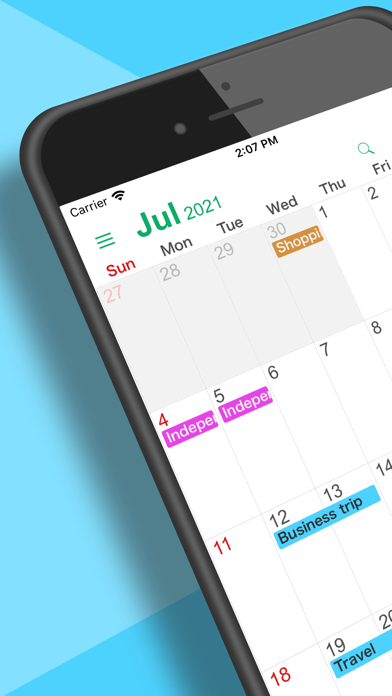
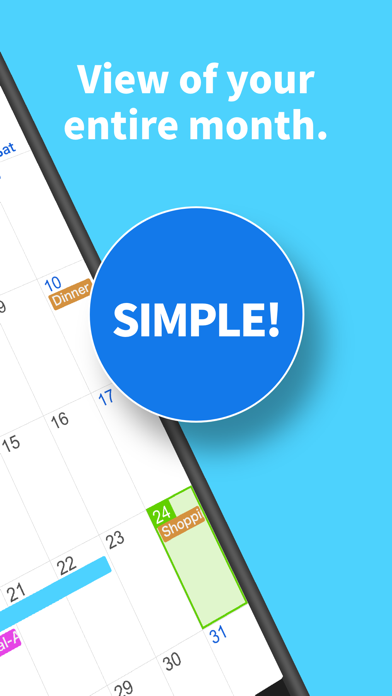
Designed with a material design aesthetic and default dark theme, the app enhances your user experience. The navigation is intuitive, letting you switch between daily, weekly, monthly, or yearly views effortlessly. Viewing your schedule as a simple list can give a clear overview of upcoming events, making time management straightforward.
Privacy and Offline Functionality
One of the standout benefits is the app's offline functionality. No internet access is required, which enhances your privacy, security, and stability. You can also import holidays, contact birthdays, and anniversaries seamlessly into your calendar, and filter personal events quickly by event type. Location features allow you to see event venues on a map, making planning even more convenient.
Why Choose Simple Calendar 2025?
If you’re fed up with overly complicated calendar apps that try to do everything but end up overwhelming you, Simple Calendar is the perfect solution. It focuses on doing a handful of functions extremely well, offering an easy-to-use and efficient interface. With no ads and minimal permissions, it provides a reliable tool for time management and organization in 2025 and beyond. Whether you need a personal schedule planner or a business calendar, this app adapts to your needs, making daily planning effortless and enjoyable.
Conclusion
Transform your daily organization with Simple Calendar 2025, the #1 calendar app for those seeking a simple, customizable, and offline-ready scheduling solution. Its clean design, vast personalization options, and seamless syncing capabilities make it a standout choice for users who value efficiency and privacy. Download Simple Calendar today and take control of your time in 2025!
Pros
- User-friendly and easy-to-navigate interface.
- Options for customizing themes and colors.
- Seamless synchronization with Google Calendar.
- Lightweight application that doesn't consume much resources.
- Does not drain battery life.
- Free of advertisements, ensuring an uninterrupted user experience.
Cons
- Lacks some advanced features needed for power users.
- Does not support task management integration.
- The free version offers limited customization options.
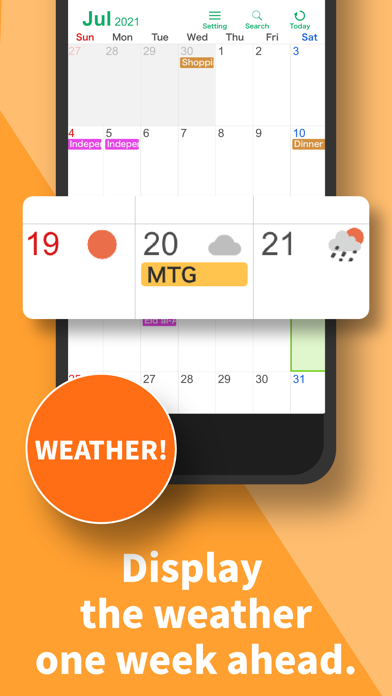
- Does not include an integrated weather forecast.
- May experience occasional delays in synchronization.











