
Introduction to the To-Do List - Schedule Planner & To Do List Task Manager
Are you often overwhelmed by a mountain of tasks or day-to-day responsibilities? Do you find yourself forgetting important deadlines, family anniversaries, or work commitments? If so, you're not alone. Managing busy schedules can be challenging, but the To-Do List - Schedule Planner & To Do List Task Manager offers an effective, free solution designed to streamline your planning process and help you stay organized. This user-friendly online to-do list manager and schedule planner app is perfect for tracking tasks, setting reminders, and keeping your life in order. Whether you're a student, a professional, or someone juggling daily chores, this app is your ultimate productivity companion. Its intuitive interface and comprehensive features make managing your daily planners simple and enjoyable. Discover how this free task tracker can transform your scheduling habits and help you enjoy a more organized life.
Key Features of the To-Do List - Schedule Planner App
User-Friendly Design and Visual Customization
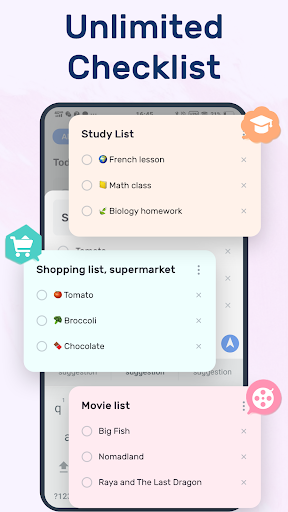
One of the main reasons users love this todo list app is its easy to use and visually appealing interface. The app offers a variety of themes and color options, allowing you to customize your task lists according to your preference. Whether you enjoy light themes or prefer a night dark theme for easier viewing at night, this app caters to your aesthetic needs. Creating multiple task lists takes just a few simple steps, making it effortless to organize various areas of your life—be it work, personal goals, or family events. The beautiful themes enhance user experience without sacrificing efficiency.
Robust Task Management and Reminders
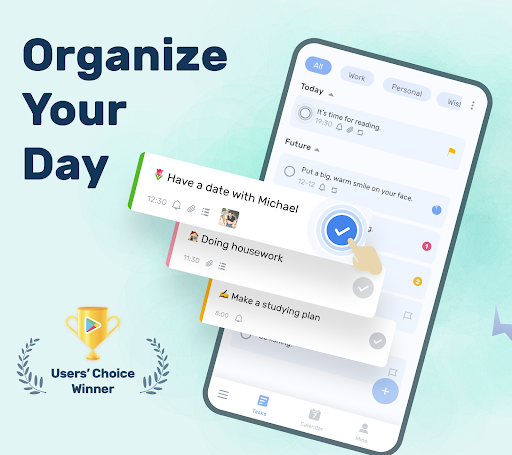
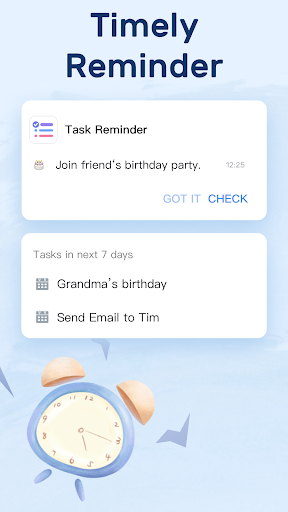
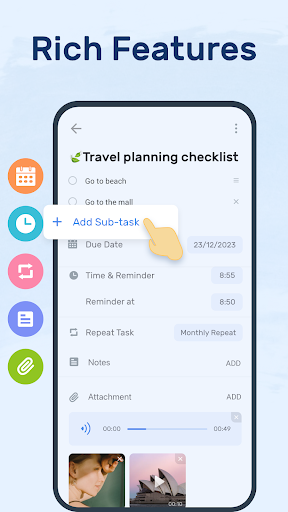
This to-do list app supports a comprehensive task management system. You can categorize tasks, assign priorities, and add sub-tasks to tackle complex projects systematically. The star feature allows important tasks to stand out, ensuring critical items aren’t missed. Setting reminders with alarms for important deadlines ensures you stay on track. Additionally, recurring task support simplifies repetitive chores like bill payments or daily habits, automating reminders so you never forget essential routines.
Calendar Views and Daily Planning
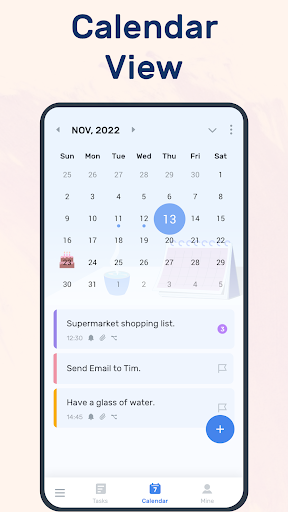
A calendar view provides a visual overview of your schedules, enabling you to see daily, weekly, and monthly plans at a glance. This perspective helps prevent overcommitment and ensures balanced task distribution throughout your days. The app also encourages motivation by providing a satisfying checklist process—marking completed tasks and tracking your productivity progress over time.
Seamless Sync and Backup Features
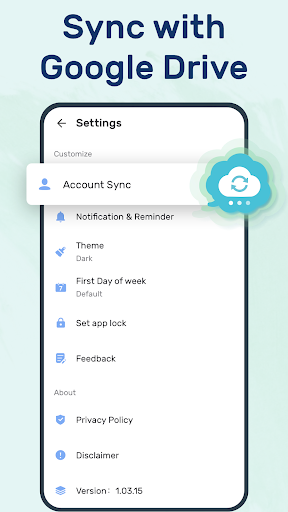
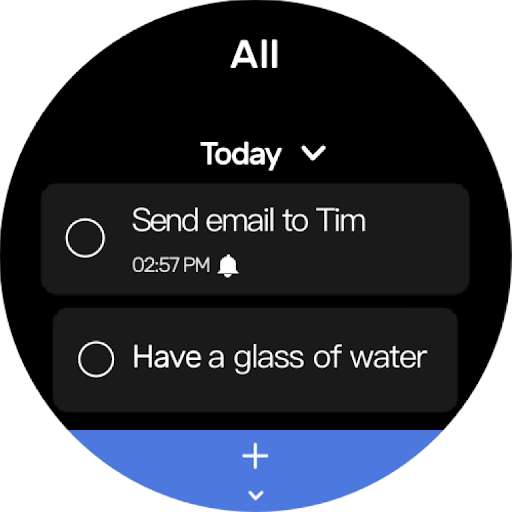
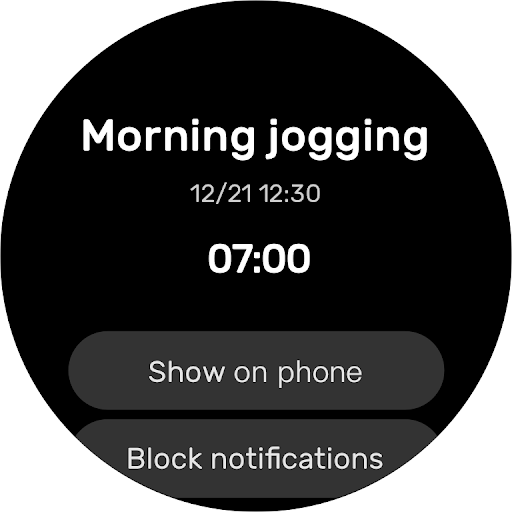
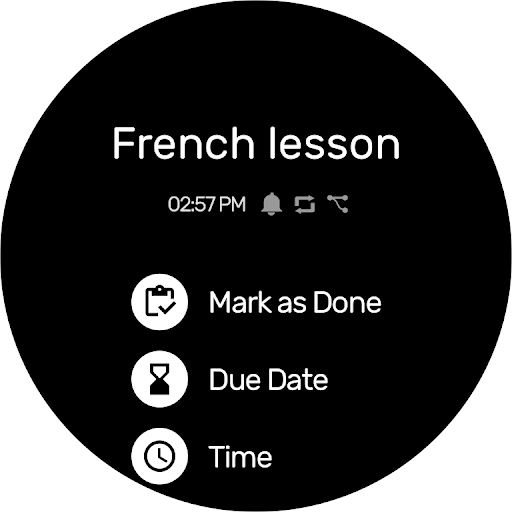
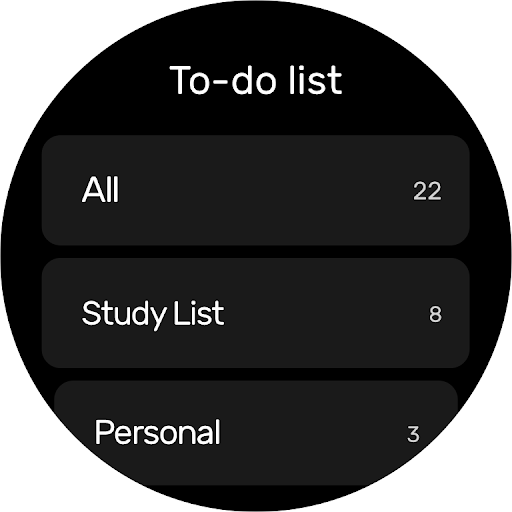
Your data is protected through cloud synchronization with services like Google Drive. This feature ensures your to-do lists and daily schedules are always up-to-date across multiple devices. Whether you're using a smartphone, tablet, or computer, you can easily access and modify your plans. The app even supports Wear OS watches, so you can stay organized right from your wrist.
Widgets and Real-Time Tracking
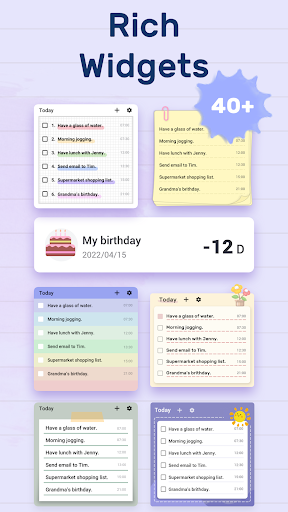
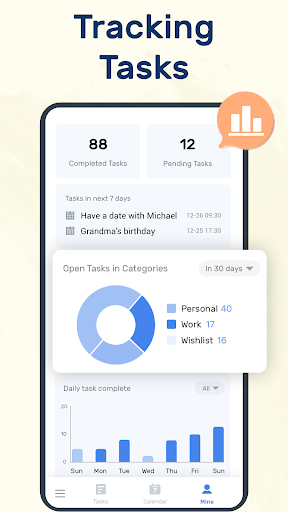
Add the to-do list widget directly to your phone’s home screen for quick access. This allows you to view, add, or update tasks effortlessly. The widget also provides a quick way to mark tasks as complete, keeping your progress visible and motivating. Check the completion status regularly on the app’s "MINE" page to see how your productivity improves day-by-day.
Versatile Use for Work and Personal Life
Beyond simple task management, this daily planner app can serve a variety of purposes. Use it for managing life planners, work schedules, study routines, or fitness goals. It supports creating travel plans, recording birthdays, and setting reminders for important anniversaries. The multifunctional design makes it a perfect productivity booster for users seeking to keep all aspects of life organized in one place.
Summary: Why Choose the To-Do List - Schedule Planner?
This free and easy-to-use task tracker stands out because of its simplicity combined with powerful features such as category management, reminders with alarms, recurring tasks, and custom themes. Whether you're managing work projects, personal goals, or daily chores, this app adapts seamlessly to your needs. Its ability to sync data across multiple devices and support different visual themes creates a personalized management environment that makes productivity enjoyable. By regularly tracking your task completion, you'll notice improvements in your time management skills and overall efficiency. Make your life easier today—try the To-Do List - Schedule Planner and start turning chaos into a well-organized plan!
Pros
- User-friendly interface for quick task management.
- Seamless synchronization across multiple devices.
- Customizable reminders to keep you on track.
- Integration with calendars for better planning.
- Offline mode available for uninterrupted access.
Cons
- Limited features in the free version.
- Occasional syncing issues reported.
- Lack of collaboration features for team tasks.
- Ads in the free version can be intrusive.
- Premium version is relatively expensive.











