

Introducing the Ultimate PDF Reader: Your All-in-One Document Solution
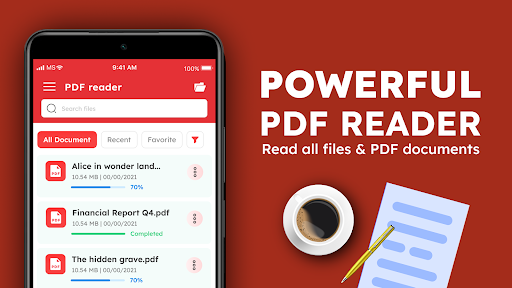
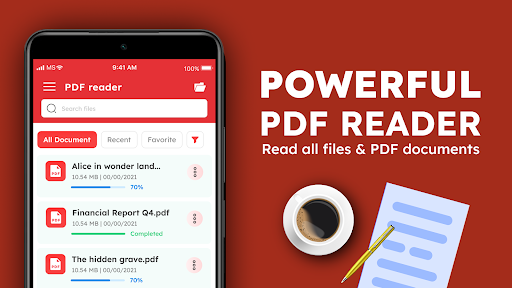
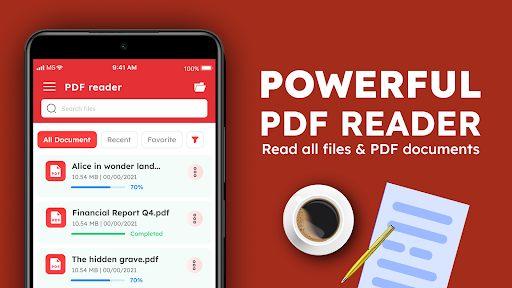
Are you tired of juggling multiple apps to view, manage, and organize your PDF documents? Look no further! The PDF Reader: Read all PDF files is a comprehensive, free application designed to revolutionize your experience with digital documents on Android devices. Whether you need to read PDFs, manage office files, or annotate important documents, this versatile app has you covered. Its intuitive interface and robust features make it the best PDF viewer for Android, catering to students, professionals, and casual users alike.
Seamless PDF Reading Anytime, Anywhere
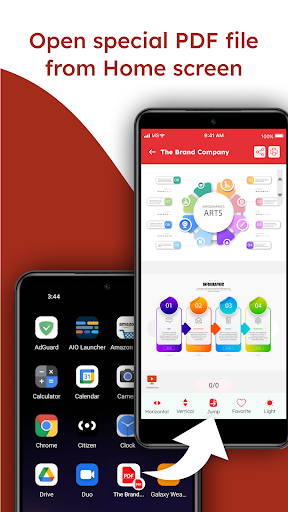
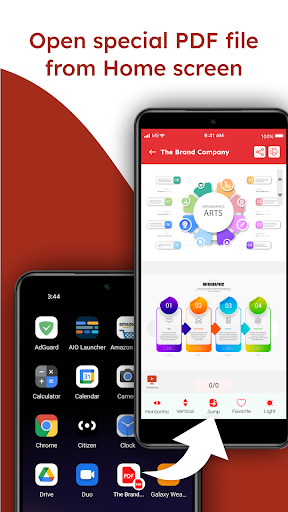
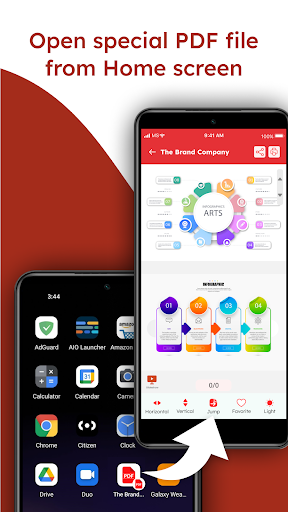
One of the standout benefits of this free PDF reader app is its offline functionality. Unlike online-based viewers, you can access and read your PDF files without needing an internet connection. This offline capability ensures uninterrupted reading, making it perfect for commutes, travel, or places with limited connectivity. The app supports a natural reading experience with features like dark mode to reduce eye strain during late-night sessions, and quick page scrolling options allow you to navigate through your documents effortlessly—whether scrolling horizontally or vertically.
Advanced Features for an Enhanced Document Experience
The PDF Reader: Read all PDF files isn’t just a simple viewer; it’s loaded with powerful tools to improve your workflow. You can easily bookmark pages for future reference, perform precise text search within large documents, and access a table of contents for quick navigation. Zooming in for detailed views remains crisp and clear, thanks to high-quality rendering that maintains text clarity at any size.
Annotate, Highlight, and Collaborate
For students, teachers, and professionals, annotation features are invaluable. This app allows you to highlight important points, add sticky notes, and draw directly on your PDF files. These tools make it easy to mark up documents for studying or collaborative work, enhancing productivity without the need for external editing apps.
Efficient Document Management and Organization
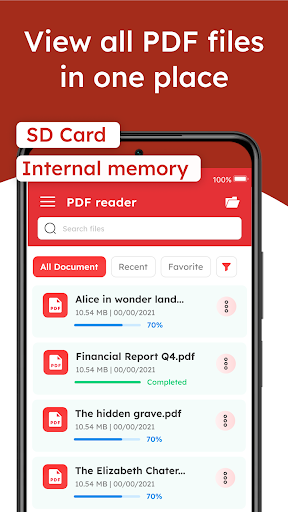
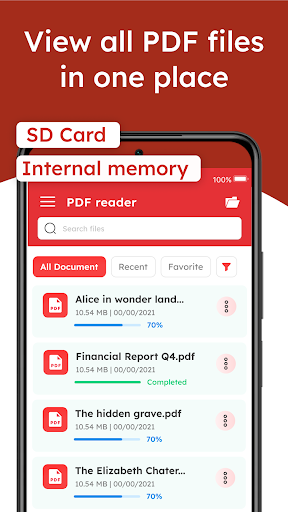
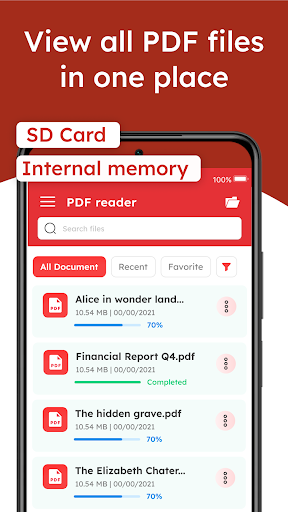
Managing multiple files is straightforward with this app’s built-in document organizer. Create folders, categorize your PDFs, and easily search for files by name or content. The app also supports cloud synchronization, letting you access your files across devices seamlessly. Say goodbye to the hassle of emailing PDFs or manually transferring files—your entire library is just a few taps away.
Versatile Compatibility with Office Documents
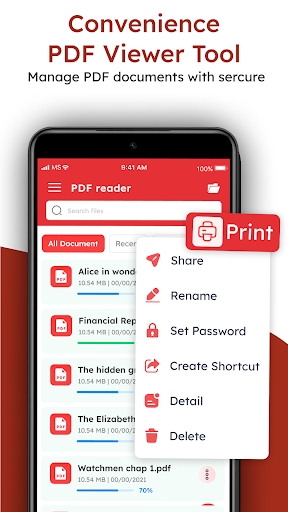
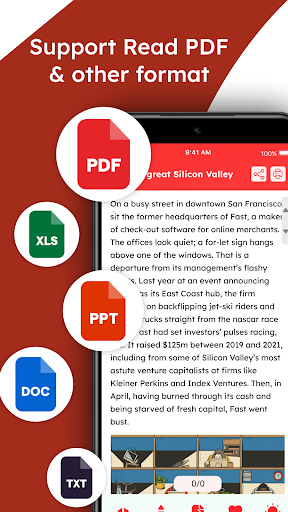
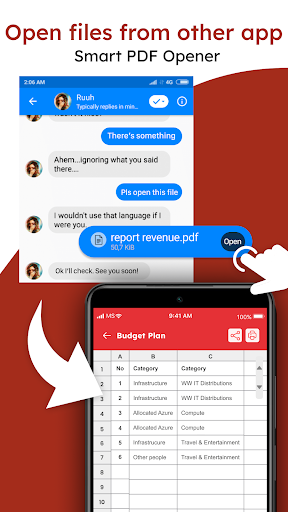
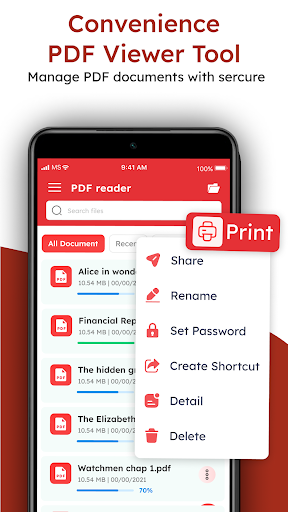
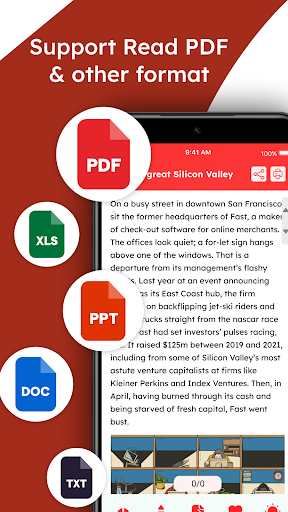
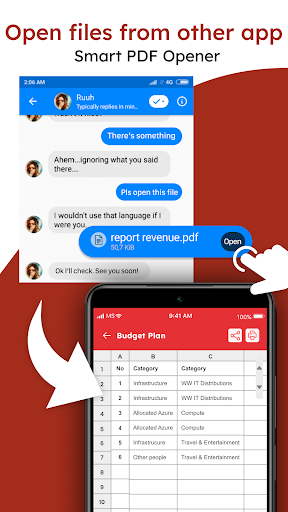
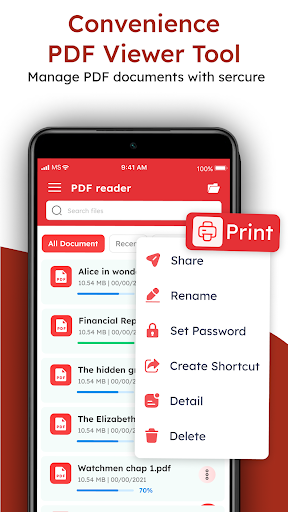
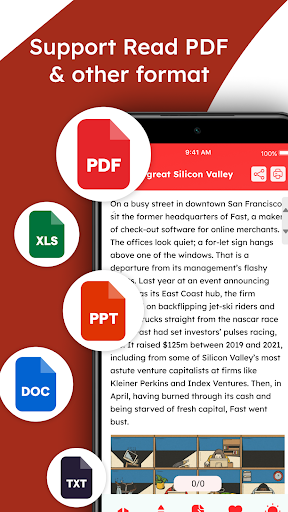
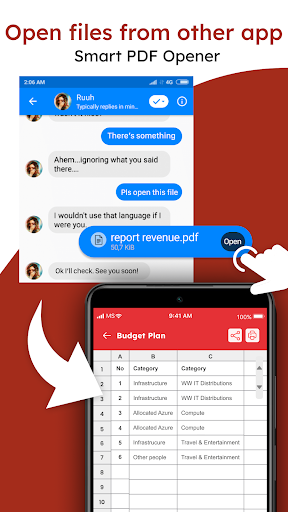
Beyond PDFs, this powerful document manager supports viewing and managing other common office file formats including Word, Excel, and PowerPoint. You can open, view, share, delete, and rotate these files with ease. This makes it the ideal office document viewer on Android, consolidating all your document needs into one free, reliable app.
User-Friendly Design and Customization Options
Designed with user experience in mind, the app features a clean and intuitive interface that requires no lengthy tutorials. You can customize your reading environment, switching between day and night modes to suit your environment. Accessibility features ensure that users with different needs can utilize the app comfortably, making it inclusive for everyone.
Why Choose the PDF Reader: Read all PDF files?
This free PDF viewer stands out because it combines essential features like offline access, multi-document support, annotation tools, and seamless file management in a single app. Its reliability and ease of use make it the best PDF app for Android in 2024. Whether you’re reading an eBook, reviewing work documents, or organizing your files, this app simplifies your digital document experience and boosts your productivity.
Conclusion
For anyone seeking a professional PDF manager that combines reading, annotating, and managing documents effortlessly, the PDF Reader: Read all PDF files app is an excellent choice. Download it today and enjoy a smooth, feature-rich experience—no internet needed. Make handling your PDFs and office documents more efficient, organized, and enjoyable with this powerful free app.
Pros
- User-friendly interface for easy navigation.
- Supports multiple file formats
- Not limited to PDFs.
- Fast and reliable PDF rendering.
- Annotation tools for highlighting and notes.
- Offline access to saved documents.
Cons
- Contains ads in the free version.
- Limited cloud storage options.
- Some features require in-app purchases.
- Occasional crashes on older devices.
- Lacks advanced editing features.











