

Introducing Microsoft Outlook Lite: The Ultimate Lightweight Email App
Microsoft Outlook Lite is your go-to solution for efficient email management on the move. Designed to be a lightweight, fast, and feature-rich app, it brings together your inbox, calendar, and contacts in one compact package. Perfect for devices with limited resources, including Android Go phones, Outlook Lite ensures you stay connected without draining your battery or storage. Whether you're handling personal, school, or business emails, this app offers seamless integration with various email providers like Outlook, Hotmail, Gmail, and more.
Top Features that Make Outlook Lite Stand Out
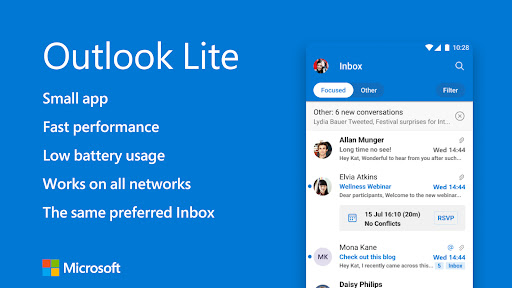
One of the key strengths of Outlook Lite is its small size and optimized performance. Despite its minimal footprint, it includes essential functions to keep your communication organized and secure. The app's lightweight design means it consumes low battery and works efficiently even on older or low-resource devices, including those operating on 2G or 3G networks. Its lightning-fast performance ensures you can navigate through emails, calendars, and contacts swiftly, making your daily tasks easier and more streamlined.
Comprehensive Email Management
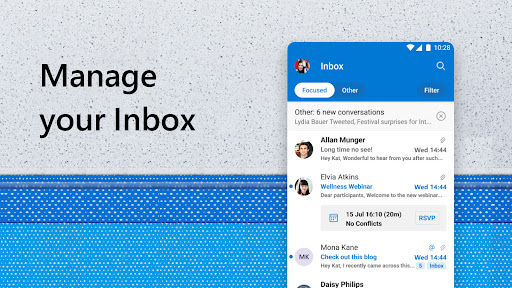
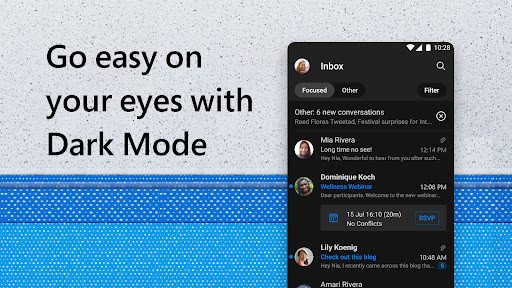
Microsoft Outlook Lite provides a powerful email manager, allowing you to read, send, and organize emails effortlessly. The inbox is automatically arranged with features like flags and folders to keep your messages in order. The smart filters and swipe gestures help prioritize important emails, so you never miss critical messages. Additionally, the automatic email management groups conversations and displays the most relevant messages first, saving you time and reducing clutter.
Effortless Calendar and Schedule Organization
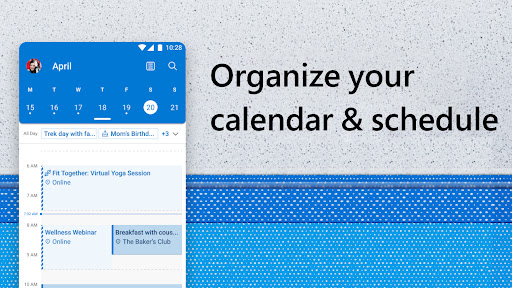
Stay on top of your schedule with the integrated calendar feature, which allows you to plan your day, manage appointments, and book meetings directly within the app. You can easily join online video calls and manage meetings with built-in support for Skype and other conferencing tools. Properly organizing your calendar helps streamline your professional and personal life, ensuring you never miss a meeting or appointment. Sending RSVPs or comments on invites is also very straightforward, enhancing communication and coordination.
Secure and Private Communication
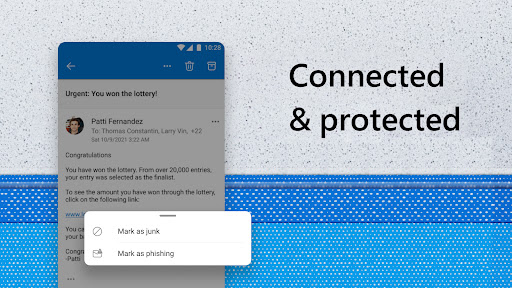
Your security is a top priority in Outlook Lite. It comes with robust security features like built-in spam blocker, virus protection, and phishing defense. With secure sign-on, your identity is protected, and your emails, contacts, and files are safeguarded via Microsoft's trusted privacy protocols. The app detects and filters unwanted or dangerous emails to keep your inbox safe, so you can communicate confidently without concerns about online threats.
Simplified Text Messaging
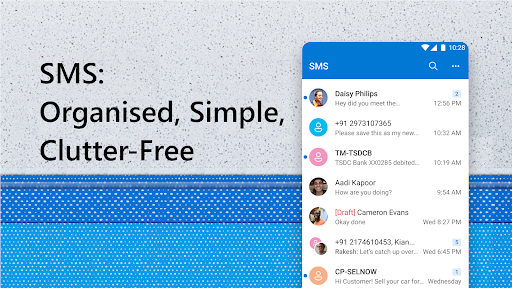
Beyond email, Outlook Lite allows you to send and organize SMS messages directly from the app. This feature is especially useful for sharing articles, locations, or engaging with contacts without switching to other messaging platforms. The messaging inbox can be categorized and managed to improve your communication efficiency, making it a versatile tool for staying connected.
Designed for On-the-Go Connectivity
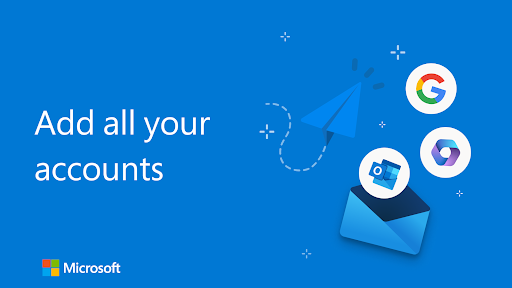
Connecting your multiple email accounts is straightforward, thanks to the app’s support for outlook, Hotmail, Live, MSN, Microsoft Exchange Online, and Google accounts. Whether in a busy city or remote area, Outlook Lite keeps you connected with instant notifications and syncing. Its optimized performance ensures that you can manage your emails, schedule meetings, and keep tabs on important contacts anytime, anywhere—making it an indispensable productivity companion.
Final Thoughts
Microsoft Outlook Lite strikes the perfect balance between functionality and simplicity. Its small download size combined with its lightning-fast performance and robust security makes it ideal for users who want reliable email management on low-resource devices. Whether for personal, academic, or professional use, Outlook Lite allows you to manage emails, organize your calendar, and stay secure, all within a sleek and user-friendly interface. Embrace this efficient app and experience a new level of productivity on the go.
Pros
- Lightweight and quick performance.
- Intuitive and user-friendly interface.
- Supports multiple email accounts simultaneously.
- Consumes minimal data.
- Ensures reliable synchronization.
Cons
- Fewer features compared to the full version.
- Lacks calendar integration.
- Offers only basic security features.
- Experiences occasional synchronization delays.
- Does not support offline email access.











