










Introduction to Find Phone Anti-theft No Touch
Imagine the anxiety of misplacing your phone during a busy day or fearing that it might be stolen right under your nose. The Find Phone Anti-theft No Touch app is designed to provide a reliable solution for these worries. With its innovative features, this app acts as a digital guardian, ensuring your device stays secure and can be easily located whenever needed. Whether you're in a crowded cafe, at the gym, or simply going about your daily activities, this app offers peace of mind by preventing unauthorized access and enabling quick recovery of your lost or misplaced phone.
Key Features of Find Phone Anti-theft No Touch
• Pocket Mode:
Enable Pocket Mode to keep your phone safe while it's in your pocket. Once activated, place your device in your pocket and keep it covered. The app will recognize when someone takes your phone out of your pocket and will start ringing, alerting you immediately.
• Clap to Find Phone:
This feature uses your device's microphone to detect a clap or whistle. When activated, simply clap your hands or whistle to make your phone ring loudly, helping you locate it quickly, even if it's nearby but out of sight.
• Out of Pocket Alarm:
If you are busy or distracted, activate this feature to have your phone ring when it detects that it has been removed from your pocket, ensuring it never gets lost in your bag or on a table.
• Don't Touch Alarm:
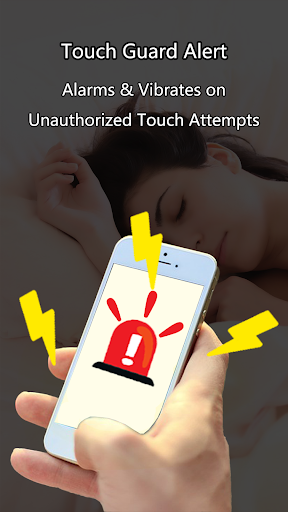
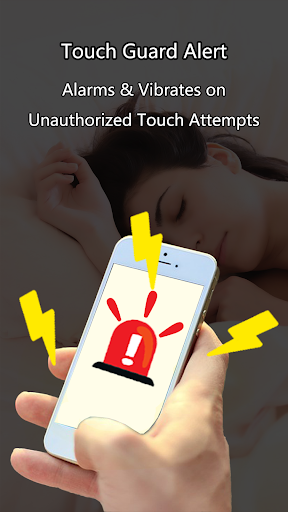
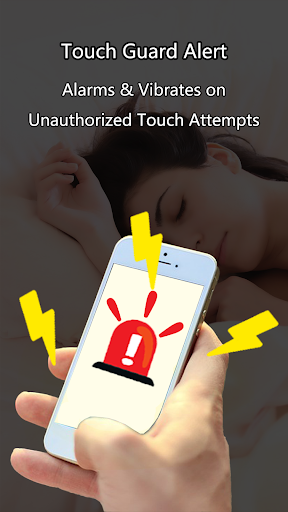
Activate the "Don't Touch" feature and wait about 5 seconds. If someone attempts to pick up or move your phone, the app detects the touch and triggers an alarm, dissuading theft or unauthorized access.
• Passcode Sound Recognition:
Set up a custom audio passcode. When you misplace your phone, just speak the passcode aloud, and the app will recognize the sound and ring, helping you find your device effortlessly.
• Security Alerts:
Beyond locating your phone, you can configure the app to sound an alarm if it detects suspicious activity, such as unauthorized movement, adding an extra layer of security.
How to Use the Find Phone Features
Clap to Find Your Phone
- Tap on the "Clap to find" button to activate the feature.
- Clap your hands or whistle near your device.
- The app detects the sound pattern and rings your phone loudly, making it easy to locate.
Activate Don't Touch Alarm
- Tap on "Don't touch" to enable the feature.
- Wait for about 5 seconds.
- If someone touches or tries to pick up your phone, it will start ringing loudly.
Enable Pocket Mode
- Tap on "Pocket Mode" button.
- Wait approximately 5 seconds to activate.
- Place your phone in your pocket carefully ensuring it stays covered.
- The app will recognize and ring when the phone is taken out.
Use Passcode for Manual Activation
- Record and save an audio passcode.
- Activate the "Passcode" feature.
- When misplaced, speak the passcode aloud.
- The app detects the passcode sound and rings to help locate your phone.
Benefits and Final Thoughts
The Find Phone Anti-theft No Touch app is a smart, user-friendly tool for enhancing your phone's security. Its intuitive interface makes setup a breeze, even for those who aren't tech-savvy. In a world where our smartphones contain vital personal data, contacts, and memories, protecting them is more important than ever. This app provides an extra layer of security by alerting you to unauthorized movement or interaction, helping prevent theft and accidental loss.
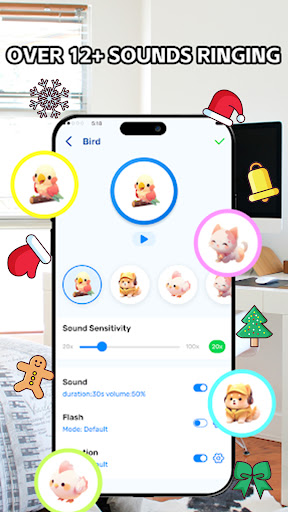
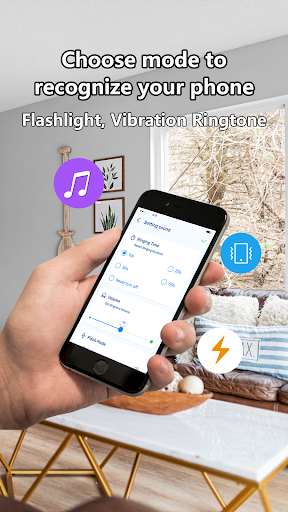
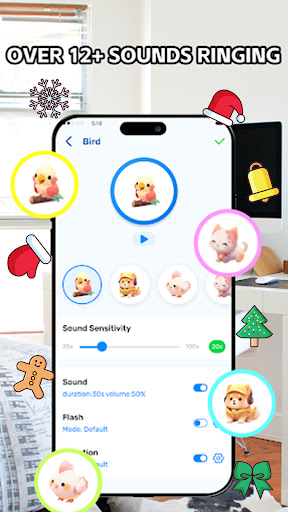
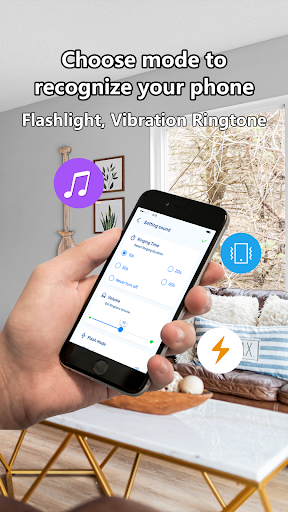
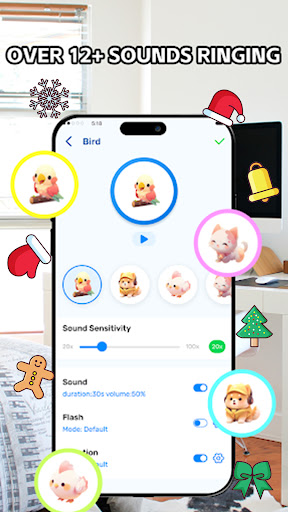
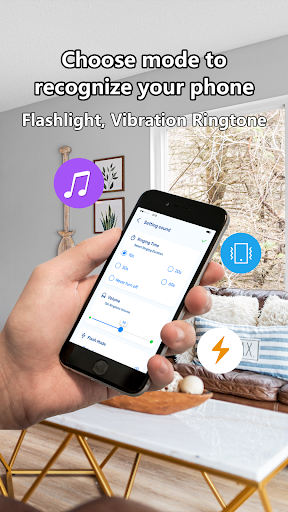
Whether you're worried about your device being snatched in public, or simply want a quick way to find your phone when misplaced, this app has you covered. Its customizable alarm sounds and sensitivity adjustments make it adaptable to various environments and user preferences. Plus, features like the clap detection and pocket recognition are innovative ways to locate your device swiftly. Overall, if you're looking for an effective, easy-to-use security app that keeps your phone safe and findable, the Find Phone Anti-theft No Touch app is an excellent choice.
Don't leave the safety of your device to chance—install this app today and enjoy peace of mind knowing that your phone is protected from accidental loss and theft.
Pros
- Intuitive interface facilitating easy navigation.
- Instant notifications for unauthorized access attempts.
- Minimal battery usage during prolonged operation.
- Functional offline without an internet connection.
- Option to customize security configurations.
Cons
- Limited features available in the free version.
- Occasional intrusive advertisements.
- Potential for false alarms from time to time.
- Requires access to sensitive permissions.
- No option to backup security settings.











