

Experience Seamless Phone to TV Mirroring with USB Screen Share
Are you looking for a quick and effortless way to enjoy your favorite videos, photos, and other content on a larger screen? USB Screen Share - Phone to TV is the ideal solution that allows you to connect your mobile device directly to your TV, providing a smooth and high-quality screen mirroring experience. This innovative app simplifies the process of sharing your digital media by utilizing both USB and wireless connections, making it accessible for users of all technical levels.
Key Features of USB Screen Share - Phone to TV
Easy Connection Methods
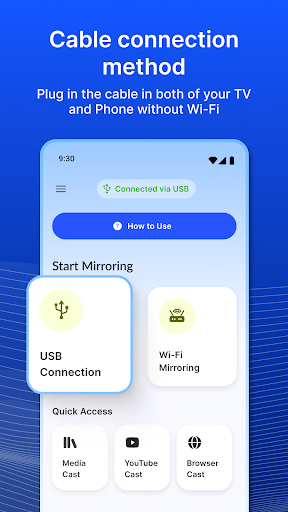
This app offers two main ways to connect your device to your TV:
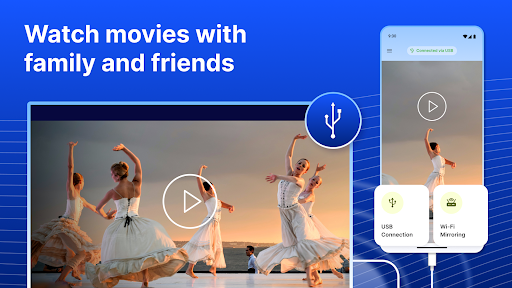
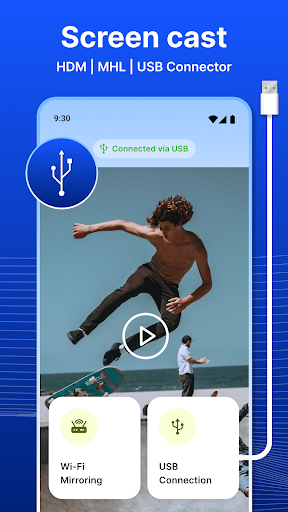
- ✔️ USB Connection: Using a USB cable, you can instantly mirror your device's screen or access USB flash drives directly on your TV.
- ✔️ Wireless Connection: For a cable-free experience, connect your device to your TV over Wi-Fi, enabling flexible placement and easier setup.
USB Screen Mirroring and Content Sharing
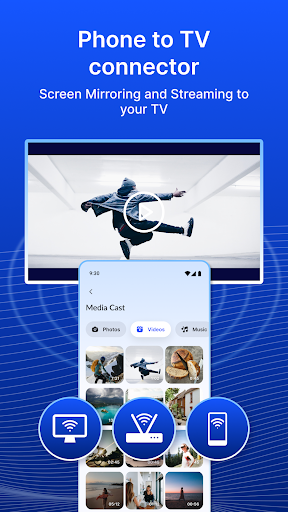
One of the standout features is USB screen mirroring. With this, your device's display is effortlessly reflected onto your TV, making it perfect for sharing photos, videos, or even presentations with a group. The app allows you to turn your TV into a second monitor, enhancing your entertainment, gaming, or professional activities without additional hardware.
Media Playback and Customization Options
Beyond simple mirroring, the app supports direct playback of various media formats, transforming your device into a versatile media player. You can easily adjust settings like resolution and aspect ratio to ensure optimal display quality. Plus, you can use your phone or tablet as a remote control for your TV, adding to the convenience.
Broad Compatibility and User-Friendly Design
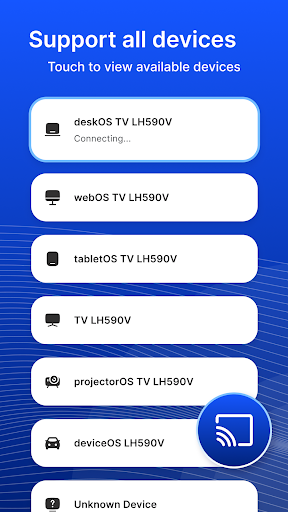
Designed with broad compatibility in mind, this app works seamlessly across many devices and TV brands. Its intuitive user interface makes setup straightforward, whether you're a tech novice or an expert. With minimal effort, you can connect your device to your TV and start enjoying your content on the big screen in no time.
Why Choose USB Screen Share - Phone to TV?
Imagine being able to showcase your photos or stream videos on a larger display without the complication of traditional setups. This app offers a hassle-free and efficient way to enhance your multimedia experience. Whether you're hosting a movie night, giving a presentation, or simply sharing memorable moments with friends, USB Screen Share - Phone to TV makes it easy.
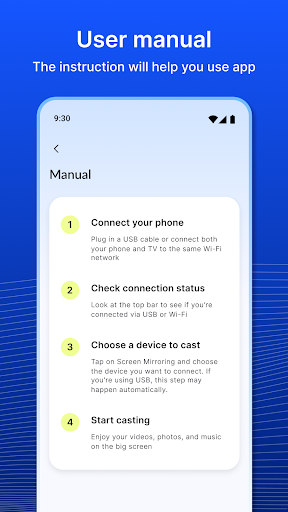
The setup process is remarkably simple: connect your phone to the TV with a USB cable, open the app, and enjoy a clear, high-quality mirror of your device’s screen. It eliminates the need for complicated configurations or additional hardware, making it perfect for both home and professional environments.
Performance-wise, users report crisp visuals and minimal lag, making it suitable for watching HD videos or running interactive apps. While some older device models might experience slight delays, most modern smartphones and TVs will deliver excellent results. This reliability ensures you can confidently use the app for presentations, gaming, or casual viewing.
In addition to easy connectivity, the app offers useful customization options, including resolution adjustment and remote control functionality. These features allow you to tailor your experience for maximum convenience and enjoyment.
Overall, USB Screen Share - Phone to TV is an essential app for anyone seeking a straightforward way to extend their device’s display to a larger screen. Its combination of powerful features, user-friendly design, and broad compatibility makes it a standout choice for everyday entertainment and professional use. Say goodbye to small screens and hello to a more immersive viewing experience with this versatile screen sharing tool.
Pros
- Simple setup process
- Excellent video streaming quality
- Minimal latency connection
- Compatible with multiple devices
- Intuitive user interface
Cons
- May need extra hardware
- Limited support for older TVs
- Lacks advanced customization options
- Potentially drains phone battery rapidly
- Occasional disconnections











