
Overview of the TV (Samsung) Remote Control App
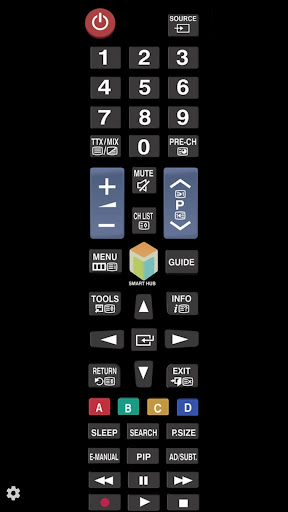
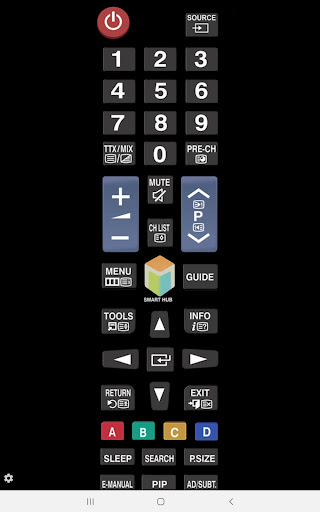
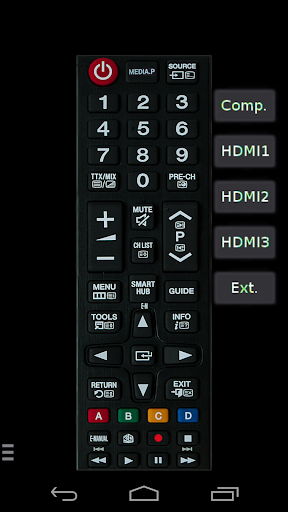
The TV (Samsung) Remote Control app offers a convenient way to control your Samsung television directly from your smartphone. Designed to enhance your viewing experience, this application allows seamless interaction with your TV through your local network or via infrared (IR) if your Android device supports it. Whether you want quick access to your favorite channels, volume adjustments, or navigation, this app consolidates essential remote functions into an intuitive platform, making it a must-have tool for Samsung TV owners.
Key Features of the App
Network IP Control (WiFi / LAN)
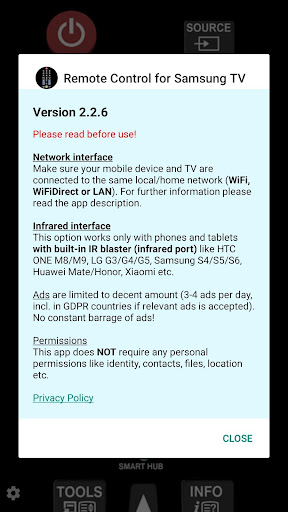
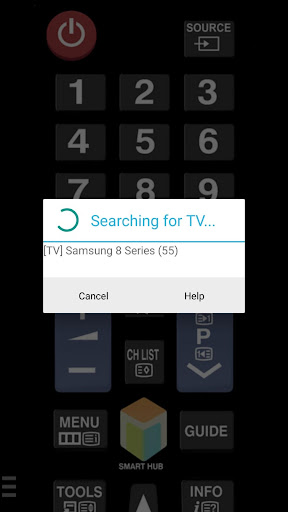
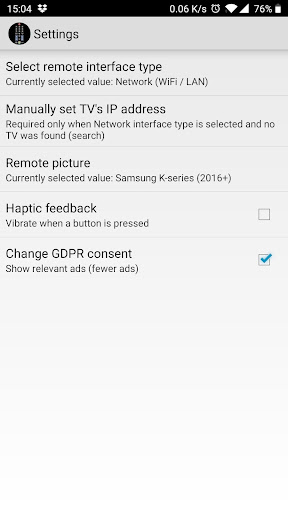
One of the standout features is the ability to control your Samsung TV over a local network, including WiFi, WiFi Direct, or LAN connections. This method is compatible with Samsung TV models from 2016 onward, specifically series C, D, E, F, K, and M. To set up network control:
- Ensure your TV is turned On.
- Connect both your smartphone and the TV to the same home network.
- If your router supports privacy separator, disable this feature to allow device discovery.
- Alternatively, you can manually enter your TV's IP address, which can be found via the TV menu: [Menu] → [Settings] → [Network] → [Network Status].
Infrared (IR) Control
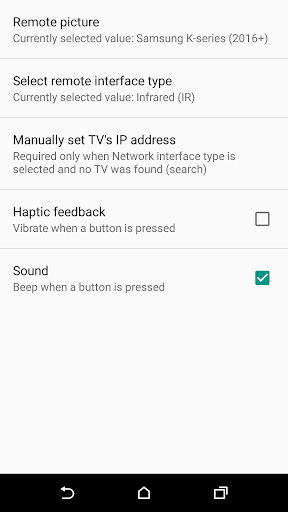
This app also supports IR control for compatible Android devices with built-in IR blasters, such as Samsung Galaxy models, HTC One, LG G series, Xiaomi Redmi, and Huawei devices. Tested with Samsung F and M series, this feature enables you to control your TV within a range of about 4-10 feet (1-3 meters). To use IR control:
- Point your phone’s IR blaster directly at the TV.
- Ensure your device’s power-saving mode is off and the battery is sufficiently charged for optimal performance.
Additional Functionalities
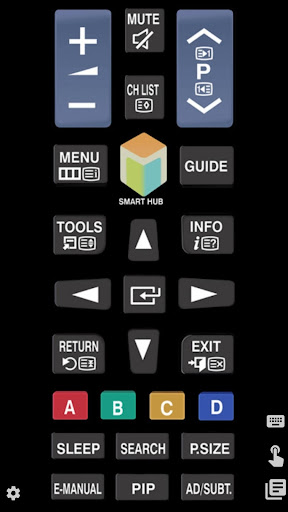
Beyond basic remote controls, the app includes a virtual touchpad, facilitating quick navigation, and a keyboard feature for effortless text input—perfect for searching or entering login details. Voice command support is also integrated, turning your smartphone into a voice-controlled remote, enhancing convenience and accessibility.
Setup and Troubleshooting
Getting started with the TV (Samsung) Remote Control app is straightforward. Download it on your Android or iOS device, launch the app, and follow these steps:
- Connect your phone and TV to the same Wi-Fi network.
- The app will automatically detect compatible TVs or allow manual IP address entry.
- If your TV requests a PIN or confirmation message, ensure the device’s settings are configured to facilitate remote access, or you may need to re-enable device acceptance options through the TV menu.
- For manual IP entry, locate your TV’s IP via its network settings and input it into the app.
Considerations and Limitations
It is important to note that this app is not affiliated with or endorsed by Samsung. Some features, such as IR control, depend heavily on your device’s hardware capabilities. Certain Samsung TV models might prompt PIN codes or display confirmation messages, which could prevent the app from working unless settings are adjusted accordingly. Additionally, if you experience issues or your device is unsupported, reaching out to the developer with your specific TV and phone model can help improve compatibility.
Final Thoughts
The TV (Samsung) Remote Control app dramatically simplifies television management by replacing multiple remote controls with a single, user-friendly interface on your smartphone. It’s especially handy when your physical remote is misplaced or batteries have died. Its dual-control options—network and IR—offer flexibility tailored to your device’s hardware. Whether you’re streaming, adjusting volume, or browsing channels, this app provides quick, reliable access from anywhere in your home.
Why Choose This App?
If you're a Samsung TV owner, integrating your device with this remote control app can streamline your entertainment setup. The app is lightweight, easy to configure, and packed with features that rival traditional remotes. By supporting voice commands, keyboard input, and touch navigation, it offers a comprehensive remote experience right from your phone. For those seeking a practical, versatile solution to control their Samsung TV effortlessly, this app is an excellent choice—making your home entertainment smarter and more convenient.
Pros
- Easy setup and intuitive interface
- Compatible with most Samsung TV models
- Fast response to commands
- Supports voice control for added convenience
- No additional hardware needed
Cons
- Limited to Samsung TVs only
- Advertisements can be disruptive during use
- Some features require a premium upgrade
- Limited options for customization
- Occasional connectivity problems











