

Discover the Exciting World of Funimate Video Editor & Maker
Are you eager to transform your videos into professional-looking creations without the hassle of complex editing software? Funimate Video Editor & Maker is a cutting-edge mobile application designed for both beginners and seasoned creators who want to craft engaging, high-quality videos effortlessly. Whether you're aiming to produce fun fan edits, dynamic lip sync clips, or artistic animations, Funimate offers an extensive suite of powerful features wrapped in an intuitive interface.
Intuitive User Experience and Easy Onboarding
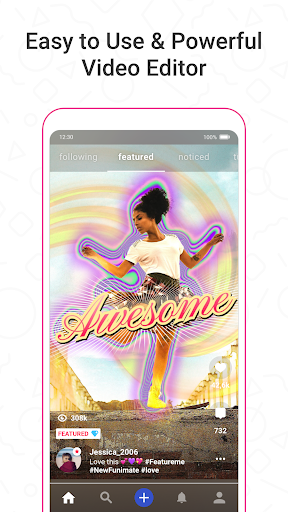
From the moment you open Funimate, you'll notice its sleek, user-friendly design. The app caters to users of all skill levels, providing a straightforward navigation system so you can access your favorite editing tools with just a few taps. No need to be a professional video editor to create stunning content—Funimate makes it simple to trim, crop, add effects, and share your videos instantly. Its smooth performance ensures a seamless editing experience, allowing you to produce captivating videos quickly and efficiently.
Unleash Creativity with a Wide Array of Features
Transform Your Videos with Effects, Transitions, and Overlays
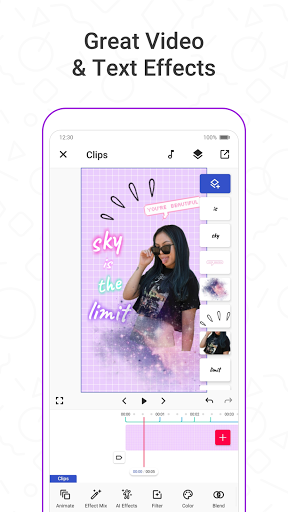
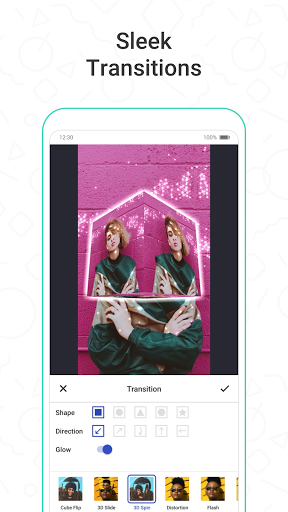
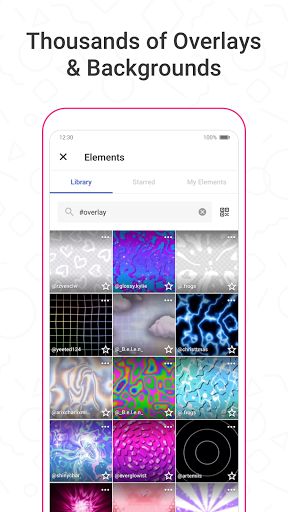
One of the standout aspects of Funimate is its massive element library, filled with thousands of overlays, stickers, backgrounds, and emojis. These elements help you customize your videos, making them unique and eye-catching. Add stunning transitions between clips with a single tap to enhance your storytelling. Whether you're creating a musical lip sync, slow-motion scene, or a high-energy dance video, Funimate's effects enable you to bring your vision to life.
Advanced Editing Tools at Your Fingertips
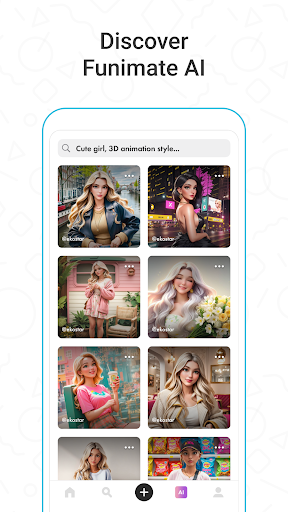
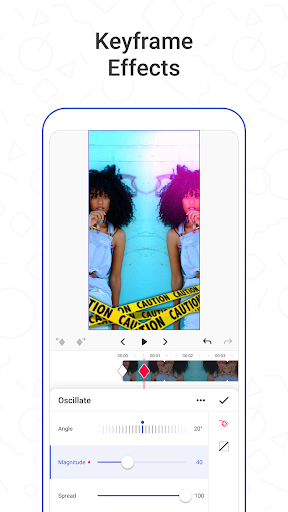
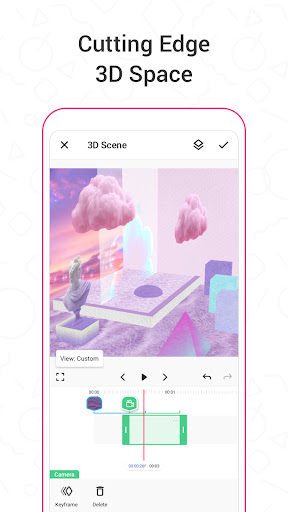
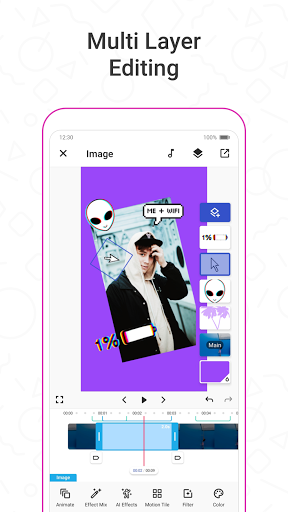
Beyond basic edits, Funimate offers advanced features like keyframes to craft custom animations and video masks for background changes. Play around with the innovative AI Studio to generate AI characters and images, opening up endless creative possibilities. You can also apply over 100 professional video effects to give your content a polished, cinematic look. Add intro and outro effects to finalize your videos professionally.
Music, Text, and Special Effects
Enhance your videos with your favorite tunes by easily adding music and creating lively music clips. Use a variety of text effects, like neon or color animations, to synchronize lyrics or messages with the music. Funimate also enables you to produce reverse and slow-motion videos, giving your clips a cinematic flair that captivates viewers.
Social Sharing and Community Engagement
Share your creations directly on platforms like TikTok, Instagram, Snapchat, and more to garner likes, followers, and feedback. The Funimate community encourages users to participate in weekly challenges, get inspired by others’ work, and potentially get featured on social media. This vibrant social aspect turns your editing hobby into an engaging activity where you can showcase your talent and grow your fan base.
Why Choose Funimate Video Editor & Maker?
If you're seeking a professional-quality video editor without the complexity or cost, Funimate is your perfect partner. Its rich feature set, combined with an easy-to-use interface, makes it ideal for casual users and aspiring creators alike. The app’s continuous updates keep the editing environment fresh, innovative, and aligned with current trends. Whether creating gaming edits, anime animations, or personal vlogs, Funimate empowers you to deliver impressive results every time.
Conclusion: Your Ultimate Mobile Video Editing Companion
In conclusion, Funimate Video Editor & Maker stands out as one of the best mobile video editing apps available today. It combines powerful features like transitions, effects, and AI tools with a user-friendly design that makes editing accessible to everyone. Perfect for creating viral content and sharing your creativity with the world, Funimate transforms ordinary videos into extraordinary ones. Dive into the fun, explore your creative potential, and start making videos that wow your friends and followers!
Pros
- User-friendly interface for simple editing
- Wide selection of effects and transitions
- Regular updates introducing new features
- Ability to share directly on social media
- Ideal for creating short and entertaining videos
Cons
- Some features need in-app purchases
- Occasional advertisements may interrupt workflow
- Limited advanced editing options
- May consume significant resources on older devices
- Requires Internet connection for complete functionality











