
Discover the Power of GoPro Quik: Video Editor
Are you tired of scrolling endlessly through your footage, unsure of how to craft that perfect share-worthy video? The GoPro Quik: Video Editor is your ultimate companion, transforming raw clips into engaging stories with just a few taps. Imagine having a mini production studio at your fingertips—ready to turn your adventures and memories into cinematic masterpieces effortlessly.
First Impressions and Intuitive Interface
Upon launching GoPro Quik, you'll immediately notice its sleek and user-friendly design. The interface is thoughtfully crafted to be accessible, even for beginners. With a clean layout and straightforward navigation, you can jump straight into editing without feeling overwhelmed. Instead of a cluttered toolset, Quik offers a curated selection of features tailored for quick, impactful edits—perfect for busy lifestyles or on-the-go content creation.
Key Features That Make GoPro Quik Stand Out
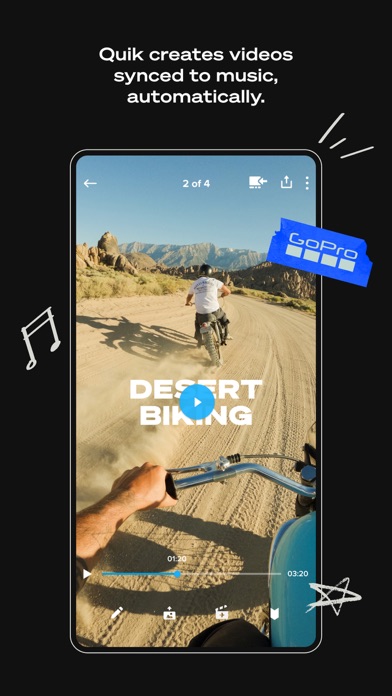
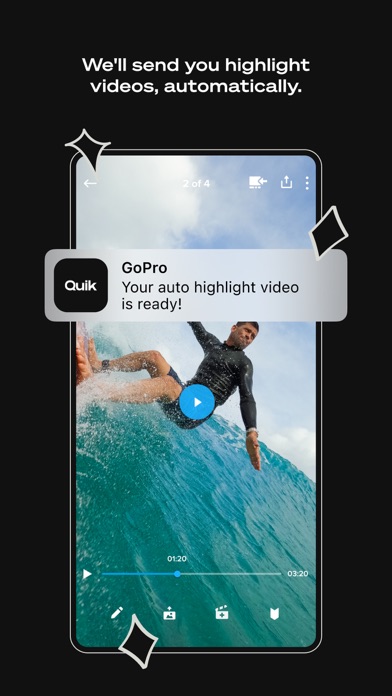
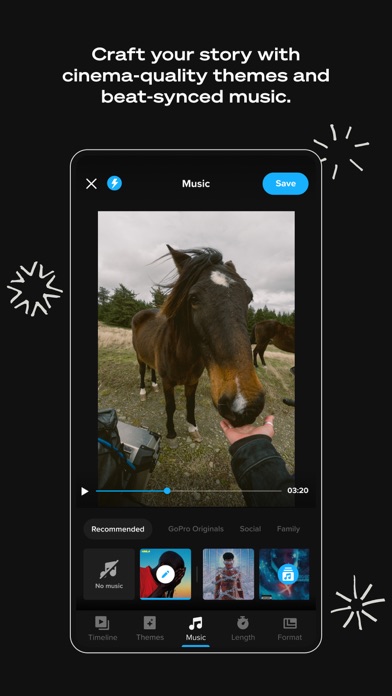
Automatic Edits are at the heart of Quik’s appeal. The app intelligently picks your best shots, syncs them seamlessly to music, and adds cinematic transitions to produce stunning highlight videos. With a GoPro subscription, your shots automatically upload to the cloud while you're charging your camera, and you receive curated highlight videos ready to share—all without lifting a finger.
Unlimited backup in full quality is another significant advantage. For GoPro owners, the subscription ensures all your media is backed up in the cloud, preserving every detail of your footage without quality loss. This feature reassures you that your precious moments are safe and accessible from any device.
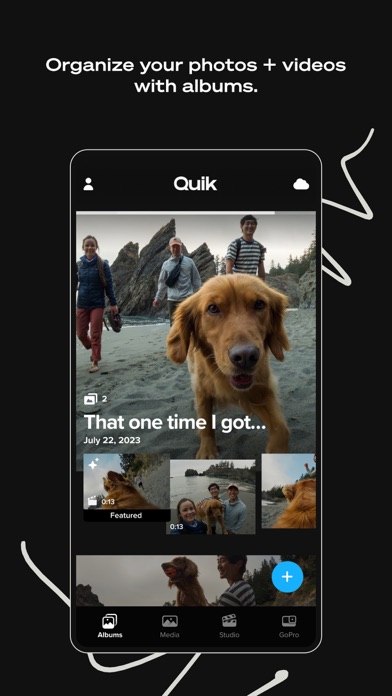
To keep your footage organized, Quik allows you to gather all your favorite shots in one private space called Mural. This prevents the dreaded "black hole" of your phone's camera roll and makes managing your edits straightforward.
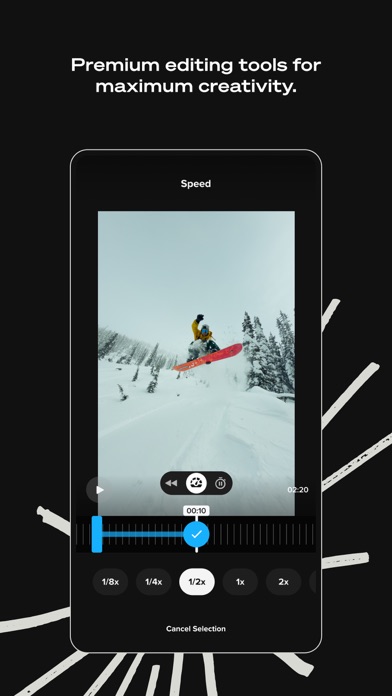
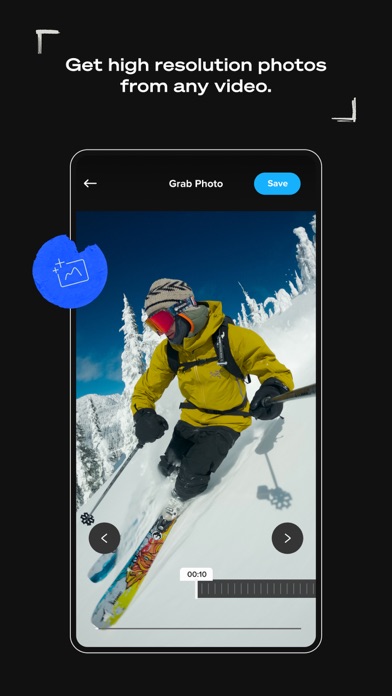
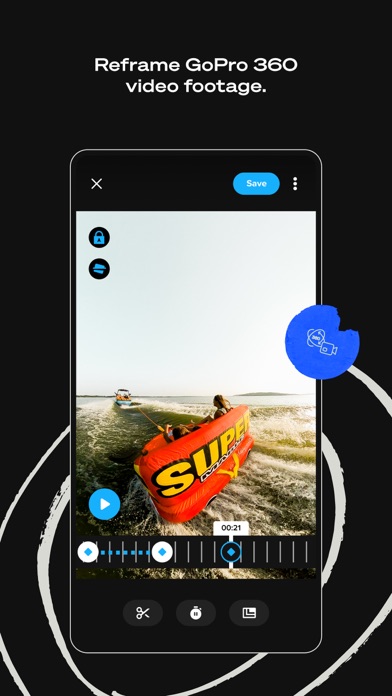
The app also offers powerful yet simple editing tools that put manual control in your hands. Use the beat sync feature to align clips, transitions, and effects perfectly with your music. Take speed control to create dramatic slow-motion or fast-forward segments, or freeze moments for emphasis. You can even extract high-resolution stills from videos with the frame grab tool or choose from a variety of themes—complete with cinematic transitions, filters, and effects—to tell your story compellingly.
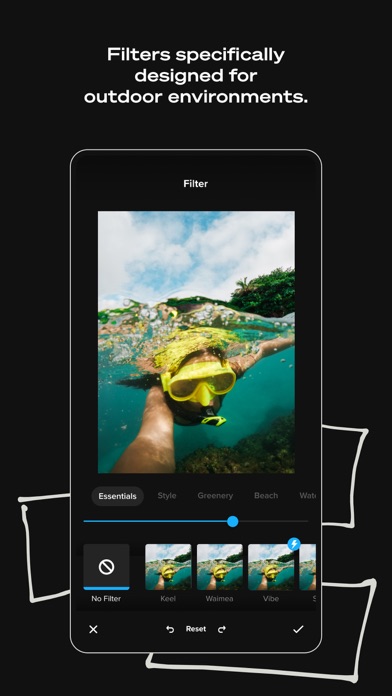
Add to that an array of environment-optimized filters for snow, water, and outdoor settings, and you have all the tools needed to elevate your footage. Once edited, you can share directly to social media platforms, making it effortless to showcase your adventures and everyday moments.
Seamless Connectivity with Your GoPro Camera
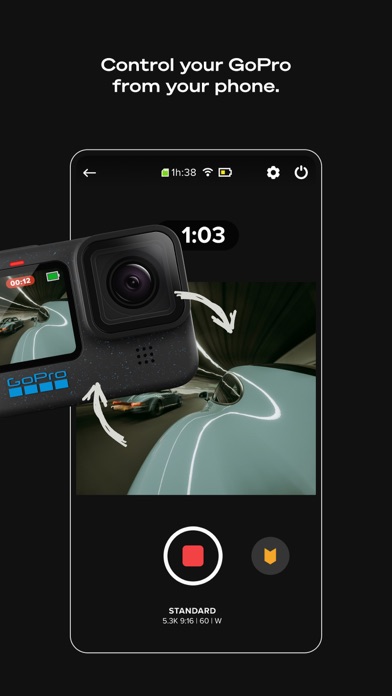
GoPro Quik extends beyond editing—it's also designed to enhance your camera experience. Use your smartphone as a remote control to frame shots, record from a distance, and adjust settings remotely. Preview your photos and videos on your device before transferring, even when offline, ensuring you capture exactly what you want.
The live streaming feature allows you to broadcast your activities as they happen, perfect for sharing live moments with friends or your online followers. Built-in horizon leveling ensures your shots stay level, regardless of camera angle, adding a professional touch.
Firmware updates are straightforward, keeping your GoPro camera up-to-date with the latest features and improvements. Simply follow the instructions during pairing, and you're good to go.
Optimized for Adventure and Creativity
Whether you're a seasoned content creator or just someone who wants to relive memories easily, GoPro Quik offers a balanced mix of automation and manual control, making video editing accessible, quick, and fun. Its compatibility with select video modes and support for multiple formats make it versatile enough for various shooting scenarios.
Combined with GoPro’s innovative camera features—like remote control, live streaming, and horizon leveling—this app empowers users to capture and craft stunning visual stories wherever their adventures take them. Plus, the cloud backup, cross-device compatibility, and easy firmware updates ensure your creative process remains smooth and hassle-free.
Final Thoughts
In summary, GoPro Quik: Video Editor is more than just a mobile editing app—it's a comprehensive tool designed to simplify and enhance your video storytelling. Perfect for outdoor enthusiasts, vloggers, or anyone eager to share their moments in a polished format, Quik combines advanced features with ease of use. Its automatic editing capabilities, organizational tools, and direct social sharing options make it the ideal companion for capturing life’s best moments and turning them into captivating videos that stand out. Give it a try, and discover how effortless creating stunning videos can be!
Pros
- User-friendly interface enabling quick editing.
- Comprehensive suite of editing tools available.
- Smooth compatibility with GoPro cameras.
- Cloud-based backup for media files.
- Outputs high-quality videos.
Cons
- Limited features in the free version.
- Reported occasional crashes of the app.
- Subscription required for full feature access.
- Large app size may consume significant storage space.
- Restricted support for non-GoPro cameras.











