
Introducing the Photo Video Maker: Slideshows App
The Photo Video Maker: Slideshows app is an exceptional tool designed to help users transform their cherished photos into stunning video slideshows effortlessly. Whether you're an experienced content creator or just starting out, this app offers a comprehensive suite of features to make your visual storytelling engaging and memorable. With its user-friendly interface and powerful editing capabilities, creating professional-quality videos from your photos and music has never been easier.
Intuitive User Experience
Upon launching the Photo Video Maker: Slideshows app, you'll find a simple and clean interface that simplifies the video creation process. Getting started is a breeze—just tap on the "Create New Project" button, select your favorite photos from your gallery, and start customizing. The app supports selecting unlimited images, allowing you to craft comprehensive slideshows that capture all your special moments without any fuss. Its smooth performance ensures that even older devices can handle the editing process without lag or crashes, making it accessible for all users.
Powerful Features for Stunning Video Slideshows
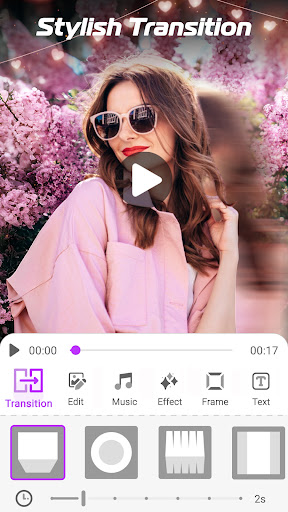
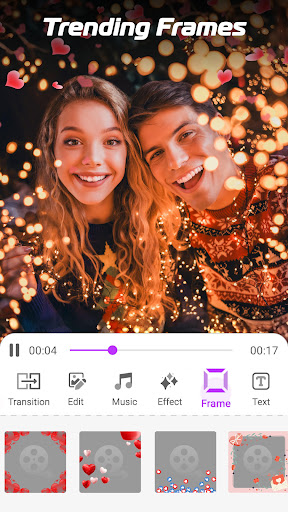
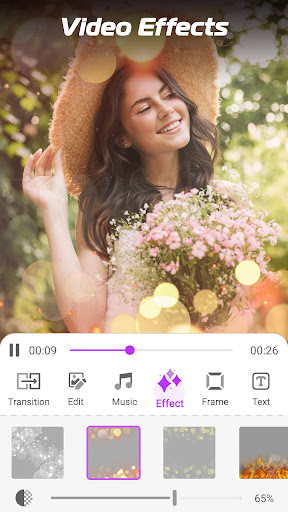
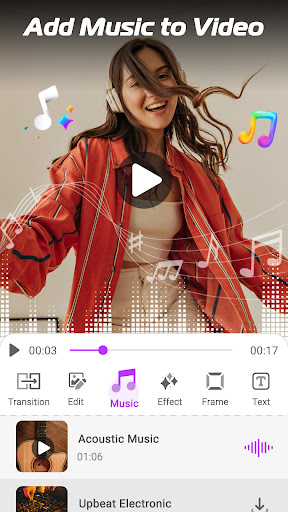
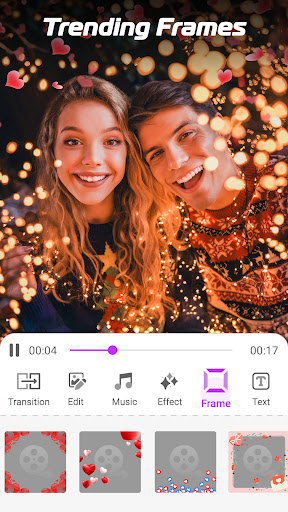
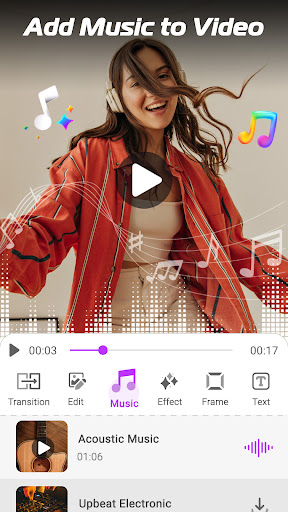
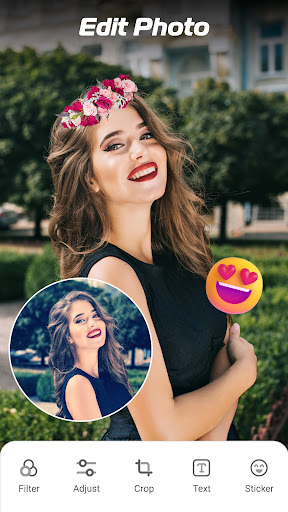
The app is packed with features that empower you to create eye-catching videos with ease. You can add music from its built-in library or upload your favorite songs from your device. The app intelligently syncs the music with slide transitions to keep your slideshow lively and engaging. Numerous transition effects are available—ranging from simple fades to dramatic wipes—giving your videos a professional touch. Personalization options include adjusting slide durations, applying trendy filters, and adding artistic effects to each photo.
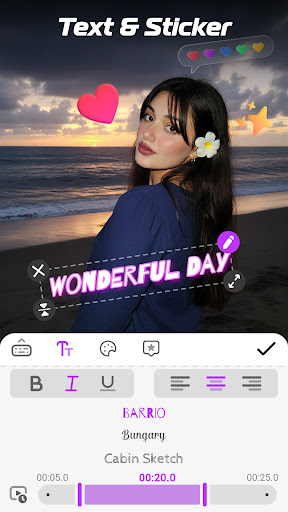
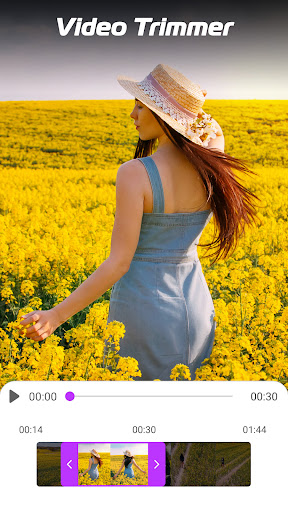
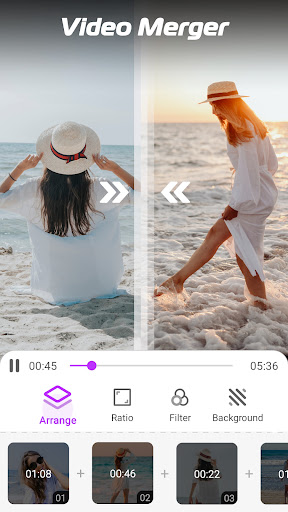
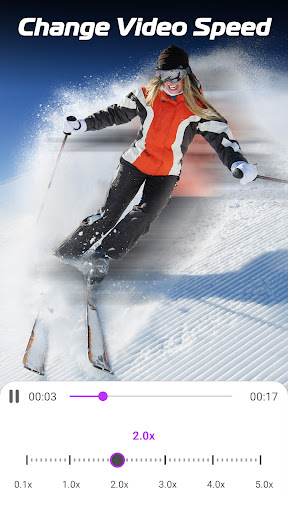
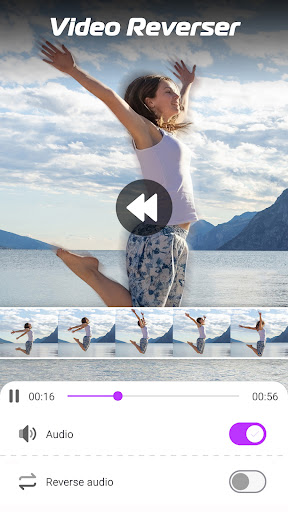
Adding text and stickers enriches your slideshow, making it more informative or fun. You can choose from a wide array of fonts and colors, animate your text, and position it creatively. The app also allows you to trim videos, change playback speed (slow motion or fast forward), and merge multiple video clips, offering versatility for more elaborate projects.
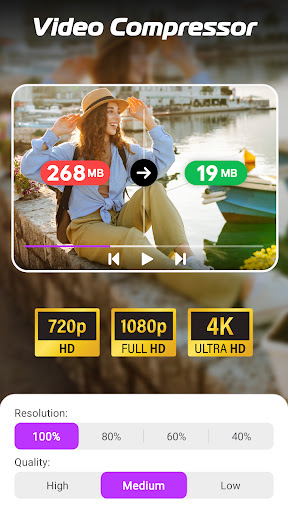
For further customization, users can convert videos to audio files like mp3, compress large videos to reduce file size without quality loss, and support resolutions up to 1080P for high-quality outputs. Once your masterpiece is complete, sharing is seamless—upload directly to social networks such as TikTok, Facebook, Instagram, or send via email and cloud storage.
How to Create a Amazing Photo Slideshow in Minutes
Creating a captivating photo slideshow with music takes just three simple steps:
- Choose your favorite images from your gallery.
- Add a song, set slide durations, choose transitions, and customize effects.
- Save your video and share it instantly with family, friends, or your followers on social media.
Personal Testimonials and User Experience
Existing users praise the Photo Video Maker: Slideshows for being incredibly easy to use, even for beginners. One user highlighted how intuitive the editing tools are, with the ability to add animated text and filters that elevate the visual appeal of their videos. The app's efficient performance ensures a smooth editing process, making video creation enjoyable instead of frustrating.
While occasional errors may occur, the developers actively seek user feedback to improve the app. Many users appreciate that the app is available for free with no watermark, providing high-quality results at no cost. If you love making visual stories from your photos and music, this app is a perfect companion for your creative projects.
Conclusion: Unleash Your Creativity with Photo Video Maker: Slideshows
In summary, the Photo Video Maker: Slideshows app is a versatile and powerful tool for turning your photos into professional-looking video slideshows. It combines ease of use with a rich feature set, including music integration, stylish transitions, text animations, and high-resolution output. Whether you're creating a birthday tribute, vacation highlight reel, or daily memory montage, this app provides all the tools you need in one convenient package. Download it today to start sharing your beautiful stories, and let your creativity shine through captivating videos that will impress your friends and followers alike.
Pros
- User-friendly interface facilitates easy navigation
- Offers a variety of templates for creative slideshows
- Enables quick processing and rendering of videos
- Supports exporting videos in high quality
- Seamlessly integrates music and effects
Cons
- Limited editing tools for advanced users
- Watermark appears on free version exports
- Contains occasional advertisements in the free version
- Requires an internet connection for certain features
- Limited options for customizing templates











