





Discover the Powerful Features of Screen Recorder: Facecam Audio
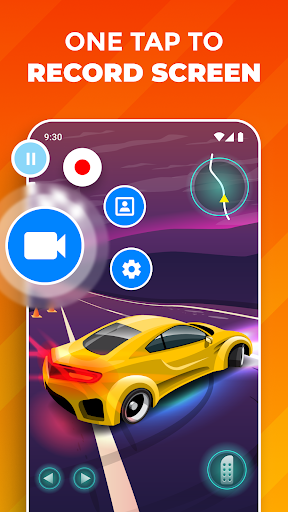
Are you searching for an all-in-one screen recording solution that allows you to effortlessly capture your device’s display along with your reactions? Look no further than Screen Recorder: Facecam Audio. This innovative app is designed with content creators, gamers, educators, and casual users in mind, providing a seamless way to record, capture, and share your screen content with high-quality audio and facecam overlays. Whether you want to record gameplay, create tutorials, or capture Facetime moments, this app delivers all the essential tools in a user-friendly package.
Effortless Screen Recording with Facecam Integration
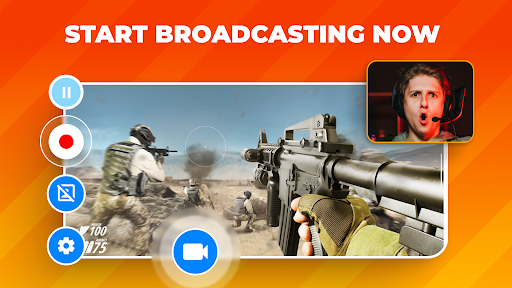
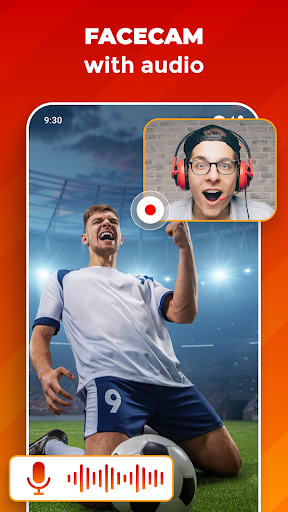
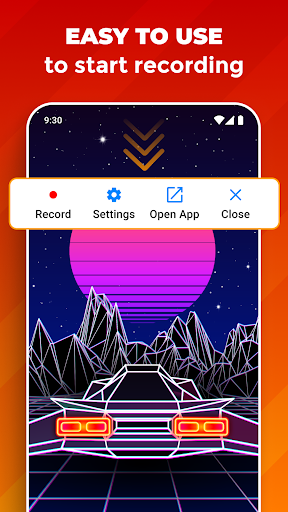
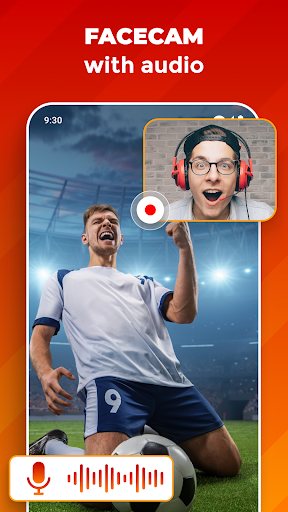
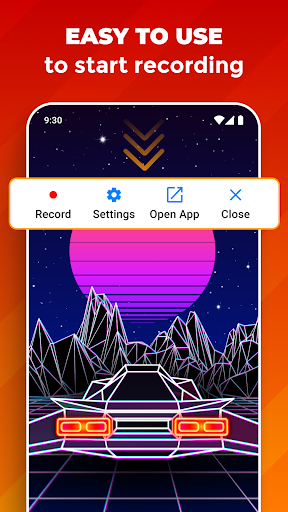
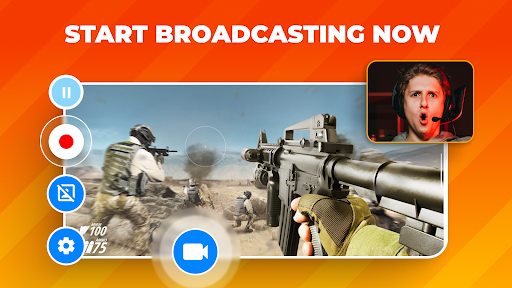
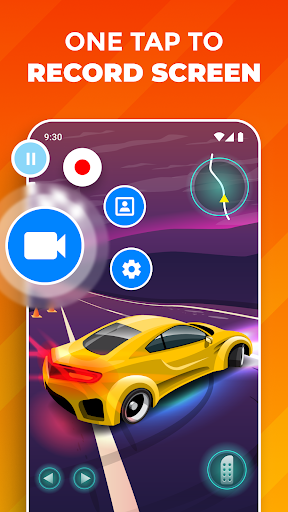
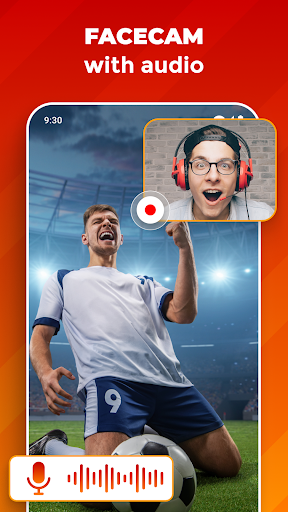
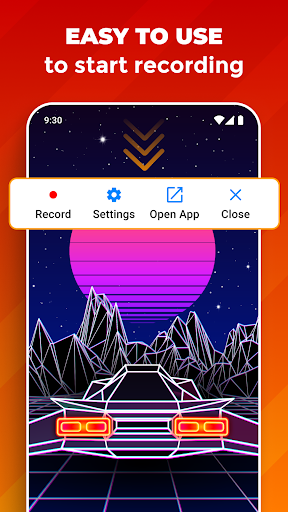
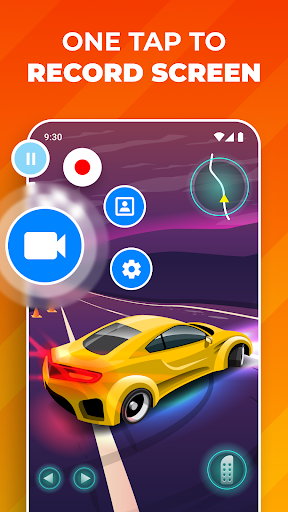
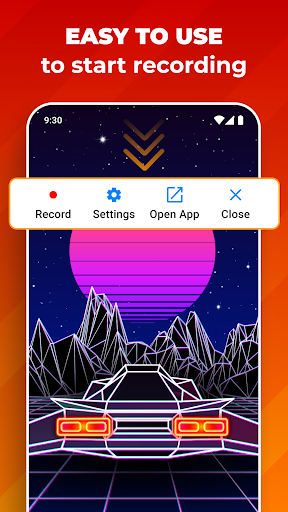
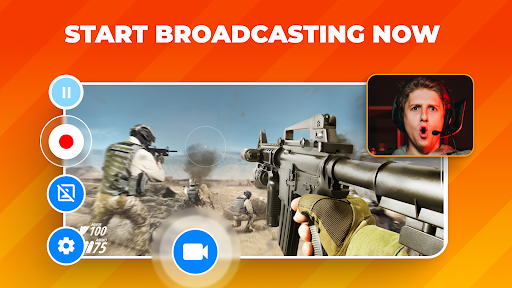
One of the standout features of Screen Recorder: Facecam Audio is its ability to let you simultaneously record your screen and facecam. This feature is especially valuable for streamers, vloggers, and educators who want to add a personal touch to their videos. The facecam overlay can be resized and repositioned easily, ensuring it doesn’t obstruct crucial parts of your content. Whether you're capturing a gaming session, a live demo, or a Facetime call, this app makes it simple to include your reactions in real time. The intuitive interface means you can start recording with just a few taps—no complicated setup required.
Multiple Recording Options for Every Scenario
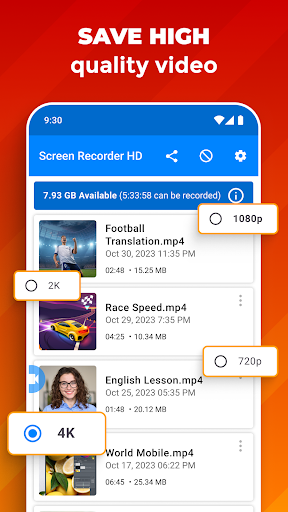
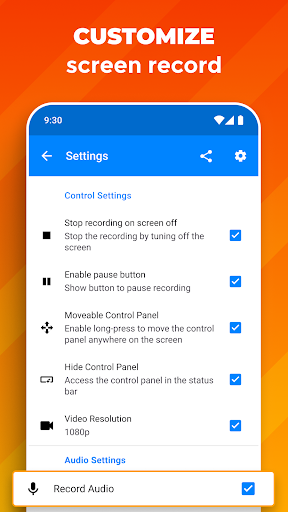
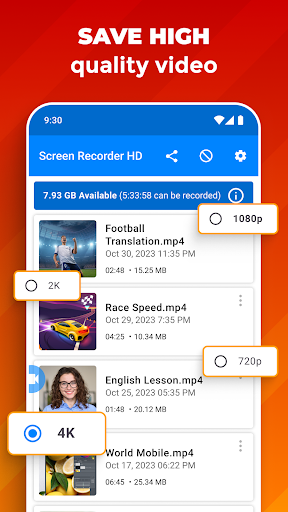
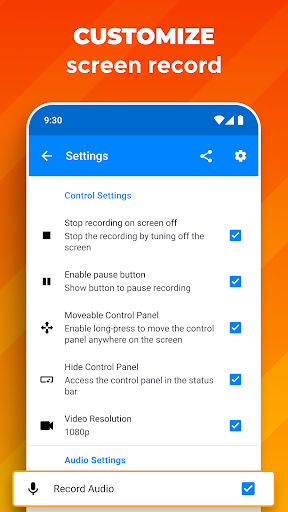
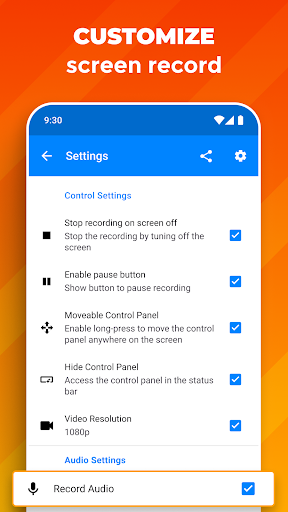
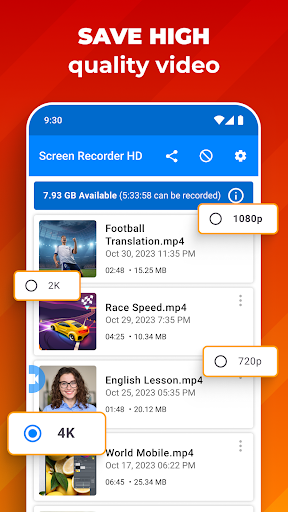
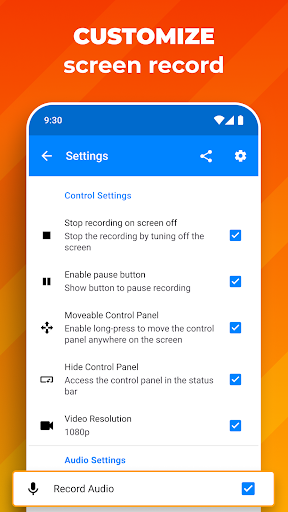
Screen Recorder: Facecam Audio offers versatile recording quality options, including UHD, HD, and SD. This flexibility ensures that you can produce professional-grade videos or quick clips suitable for different needs. Gamers can capture epic victories in high definition, while casual users can opt for lower resolutions to save storage space. Additionally, you have control over your audio source selection; choose between your device’s microphone or internal audio to enhance your content’s clarity and relevance.
Perfect for Gaming, Tutorials, and Live Interactions
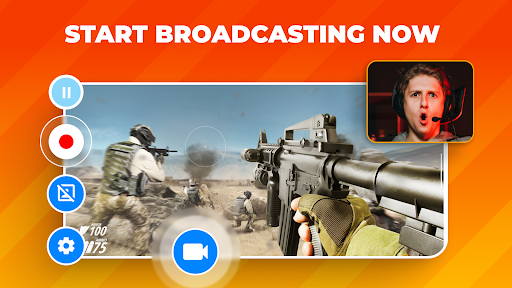
Are you into gaming or content creation?This app is tailored for capturing game sessions, sharing strategies, or recording your reactions during exciting moments. Its unlimited recording length feature means you don’t have to worry about time constraints; record extended gameplay or lengthy tutorials without interruption. Sharing your content is also made simple with quick export and sharing options, enabling you to upload videos directly to social media platforms or send them to friends and collaborators. The ability to record both screen and facecam simultaneously sets this app apart from standard screen recorders.
User-Friendly Design and Editing Suite
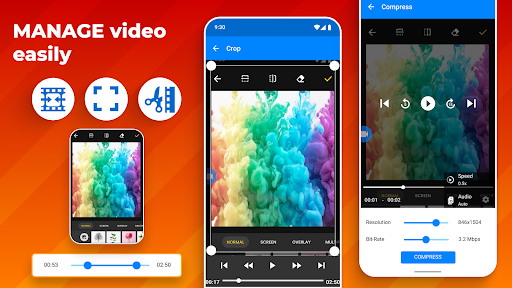
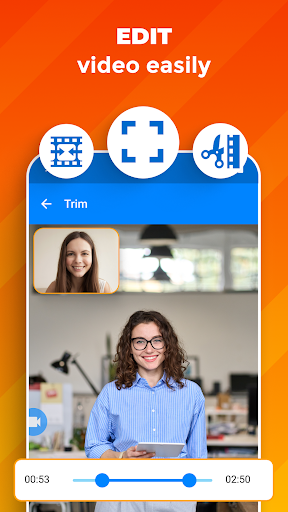
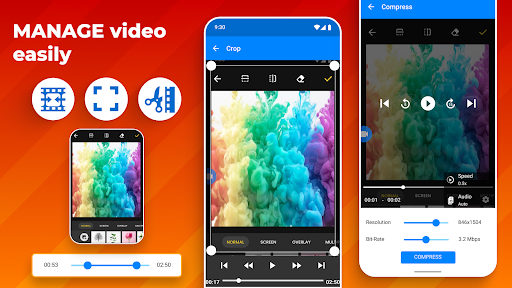
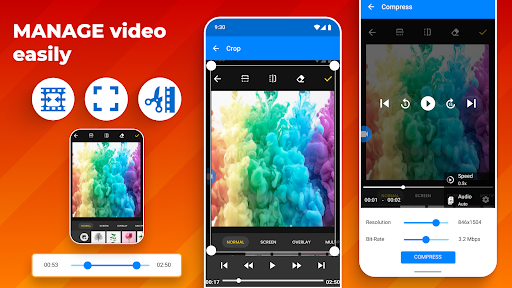
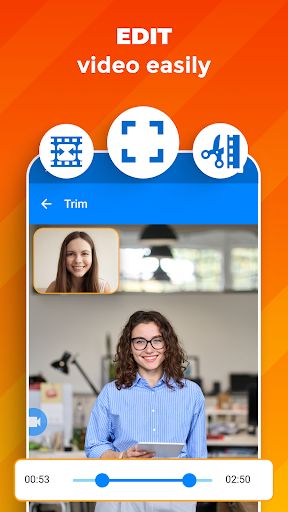
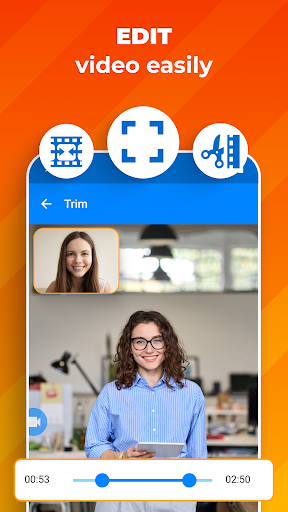
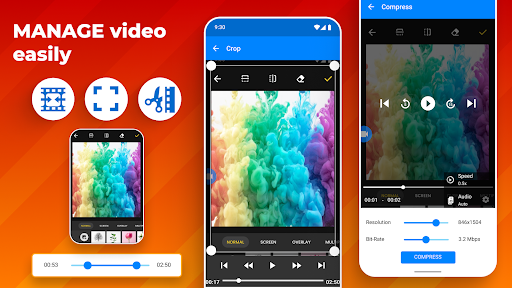
Beyond just recording, Screen Recorder: Facecam Audio provides built-in editing tools that help you polish your videos before sharing. You can trim unwanted sections, add text annotations, insert background music, and personalize your recordings easily. Its straightforward editing interface caters to both beginners and experienced videographers, making content creation accessible and efficient. This feature-rich yet simple platform means you can produce professional-looking videos without the need for additional editing software.
Why Choose Screen Recorder: Facecam Audio?
This app combines ease of use, versatility, and high-quality output in one package. Its powerful features include customizable facecam overlays, flexible audio controls, high-quality recording options, and editing tools—all designed to enhance your content creation process. Whether you’re capturing gaming highlights, creating tutorials, or recording video calls, this app helps you produce share-worthy videos effortlessly. With its intuitive interface and comprehensive features, Screen Recorder: Facecam Audio is a must-have tool for anyone looking to elevate their recording and sharing capabilities.
Start Creating Today
Download Screen Recorder: Facecam Audio now and unlock a new level of content creation. With its seamless recording experience, customizable facecam, and robust editing options, you’ll be able to produce engaging videos that stand out. Perfect for social media sharing, professional presentations, or personal archives, this app is your go-to solution for capturing every moment on your device. Elevate your videos, showcase your personality, and share your stories with ease!
Pros
- User-friendly interface
- High-quality video recording capability
- Supports external audio sources
- Videos are free of watermarks
- Provides multiple output formats
Cons
- Performance issues on older devices, including potential lag
- Consumes a large amount of storage space
- Presence of intrusive advertisements
- Limited video editing features
- Requires in-app purchases for access to premium features











