



Introduction to the Download Video No Watermark App
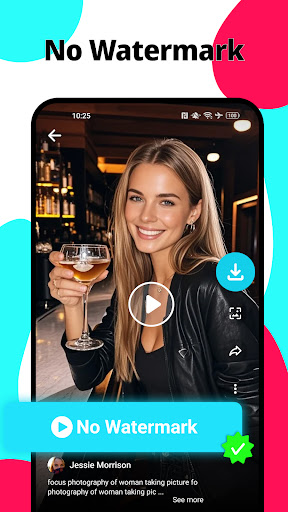
Available on both Android and iOS, the app features a user-friendly interface that requires no technical expertise. Its straightforward design allows users to quickly navigate and start downloading their favorite videos with just a few taps. This ease of use, combined with powerful features, makes it one of the top choices for anyone interested in saving videos without watermarks for offline viewing, editing, or sharing.
Key Features of Download Video No Watermark
Effortless Video Downloading
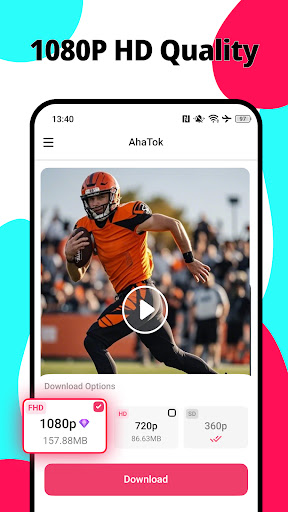
With Download Video No Watermark, downloading videos is as simple as copying the video link and pasting it into the app. Whether you're using TikTok, Pinterest, CapCut, or other platforms, the app supports direct downloads in MP4 format, including HD videos and short clips. The process is quick and hassle-free, ensuring users can save videos in seconds without losing quality.
No Login Required
One of the standout advantages is that the app does not require any login or account creation. This means you can start downloading immediately without providing personal information or permissions, ensuring privacy and quick access to your favorite videos.
Multiple Download Support
The app allows you to download multiple videos simultaneously. You can save a batch of Pinterest videos, TikTok clips, or CapCut templates at once, making it perfect for users who need to organize or bulk download content for later use.
Download with Background Support
Download videos in the background while you continue browsing. This feature speeds up your workflow and enhances user experience, letting you multitask effortlessly.
Additional Functionalities
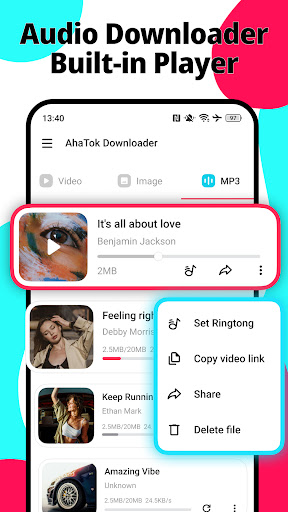
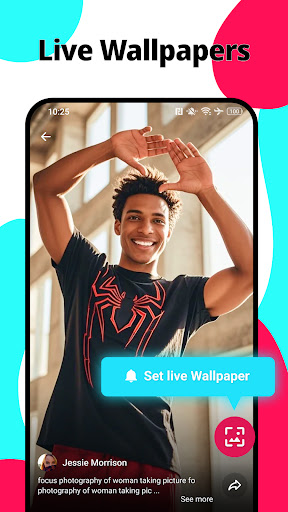
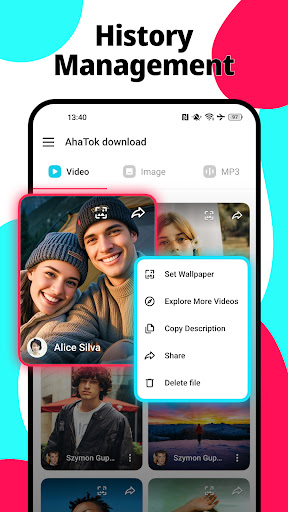
Beyond simple downloads, the app offers features to set downloaded videos as live wallpaper or ringtones. You can download your favorite music or videos and easily customize your device's appearance or sound without any complicated steps.
Lightweight and Easy to Use
The app's small size ensures it doesn't take up much space on your device, and its intuitive interface makes it accessible even for first-time users. One-click download options for CapCut videos or templates add to its convenience.
How to Use the Download Video No Watermark App
Method 1: Copy and Paste
- Open the video platform and copy the link of the video you want to save.
- Open Download Video No Watermark app and paste the link into the designated area.
- Click to download and enjoy your watermark-free video!
Method 2: Share Link
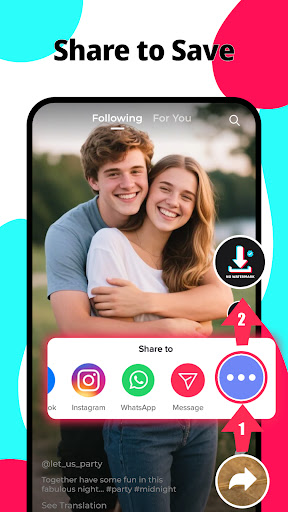
- While watching the video, tap the share option and select Share Link.
- Choose Download Video No Watermark from the share menu.
- The app will automatically fetch and download the video without a watermark.
Using the App to Set Live Wallpapers and Ringtones
After downloading your favorite videos or music, you can easily set them as live wallpapers or ringtones. Simply select the downloaded content within the app and tap the corresponding button. This feature allows for full customization of your device with ease, making your favorite videos part of your daily experience.
Limitations and Disclaimers
It's important to note that Download Video No Watermark does not support downloading deleted videos, private videos, or content with regional restrictions. Additionally, users should respect copyright and intellectual property rights of the original content creators. Always seek permission before downloading or using copyrighted material. The app is independent and not affiliated with other platforms or applications.
Conclusion
Pros
- User-friendly interface enabling quick downloads
- Compatible with multiple video platforms
- Fast download speeds
- No registration needed
- Ad-free experience
Cons
- Limited editing features within the app
- Requires an internet connection
- Potential bugs on older devices
- No option for batch downloading
- Limited support for lower resolution videos











