


Introduction to iScanner - The Ultimate PDF Scanner App
Looking for a powerful PDF scanner to streamline your workflow? iScanner is the comprehensive scanner application designed to create high-quality digital documents with ease, anytime, anywhere. Whether you're working remotely, studying, or managing personal tasks, iScanner makes scanning on the go fast, reliable, and effortless. This versatile app transforms your device into a professional scanning tool to help you digitize a variety of documents seamlessly.
Features of iScanner
Document Scanner
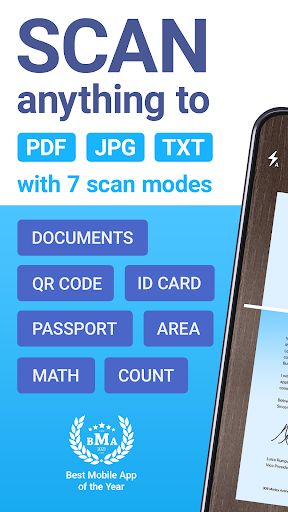
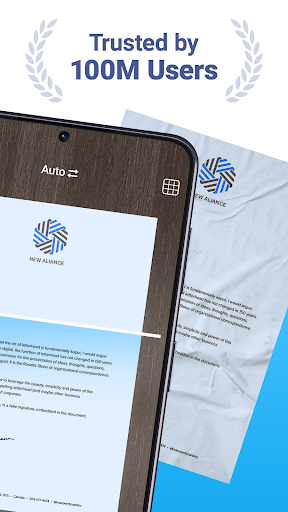
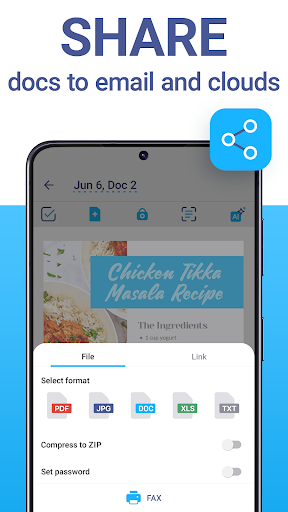
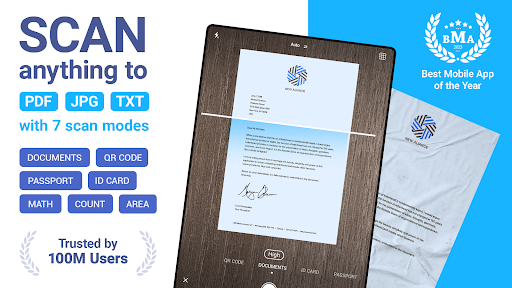
This app is perfect for professionals, students, and anyone needing a dependable tool to digitize documents or photos. Use iScanner to quickly convert contracts, tax forms, receipts, handwritten notes, assignments, and more into polished digital files. Save your scans as PDF, JPG, or TXT formats effortlessly. The app ensures clear and sharp results every time by automatically adjusting borders and enhancing document clarity, making your scans look professional and ready for sharing or archiving.
Cloud Storage & File Management
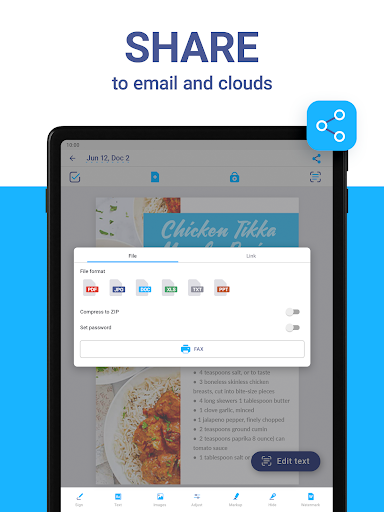
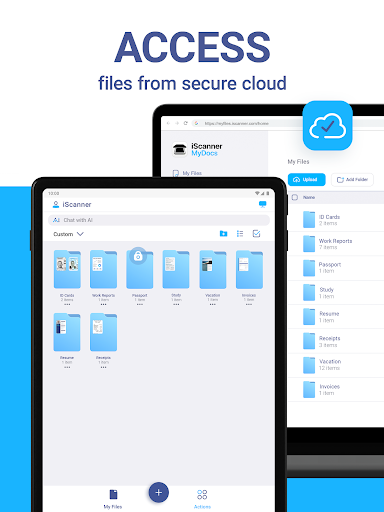
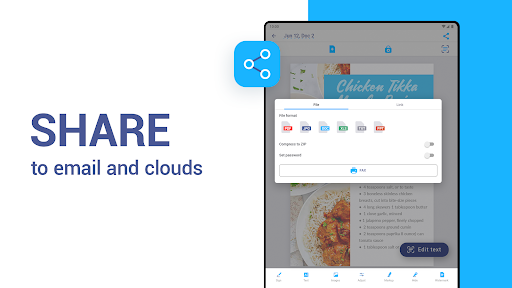
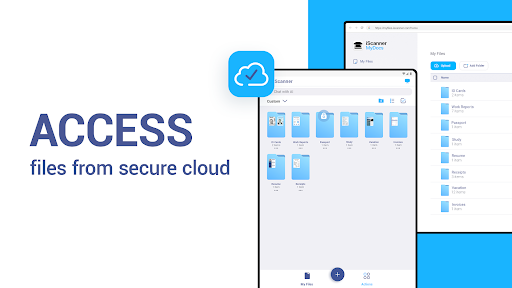
Sync your scanned files across devices instantly with cloud integration. Access your documents through any web browser or platform, ensuring your files are always at your fingertips. The intuitive file manager within the app allows you to organize your documents effortlessly—create folders, utilize drag-and-drop features, and set PIN protections for confidential files, providing a secure and streamlined workflow.
Powerful AI-Enhanced Tools
Benefit from advanced AI features that enhance your scanning experience:
- Automatic border detection refines document edges for a clean look.
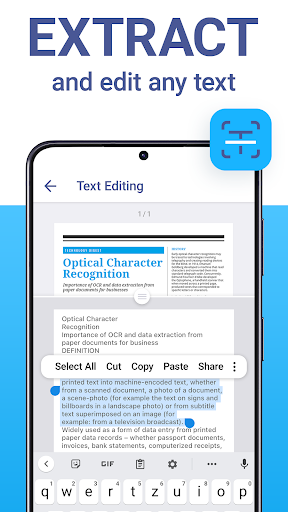
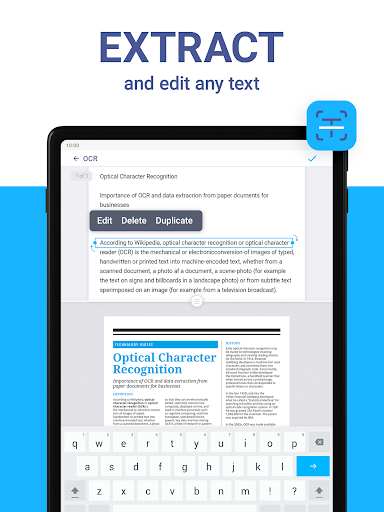
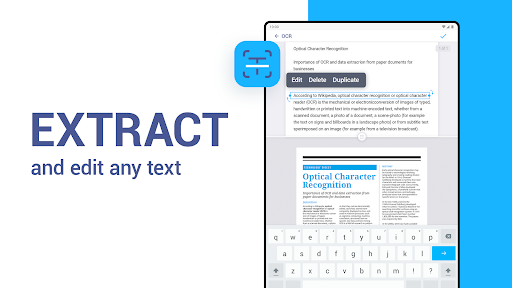
- Optical Character Recognition (OCR) in over 20 languages allows you to recognize and extract text efficiently from your scans.
- Remove blur, improve image clarity, and erase unwanted objects directly within the app.
- Use AI-powered tools to summarize, edit, and improve your scanned text for professional results.
Full PDF Editor
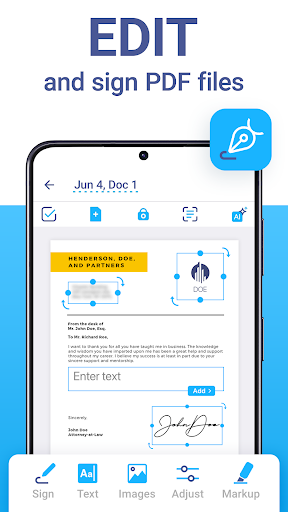
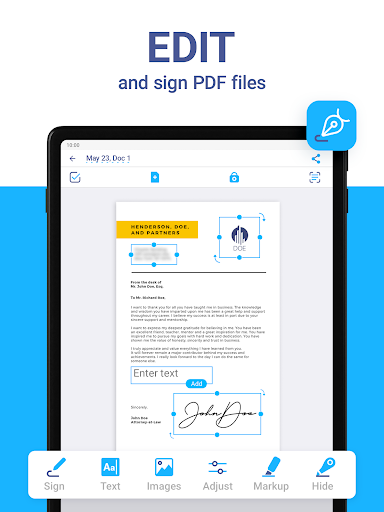
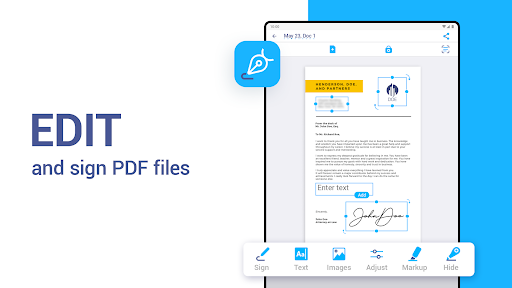
Edit your PDFs easily with features like adding signatures, inserting images of your signature, or annotating documents. Customize your files by adding text to forms or autofilling PDFs with templates. Protect sensitive information with watermarks or blur effects. Combine multiple PDFs into one document or split a large PDF into smaller parts, providing maximum flexibility for your document management needs.
Various Scanner Modes
iScanner includes multiple modes tailored for different scanning requirements:
- Document mode: Scan multipage PDFs for reports or contracts.
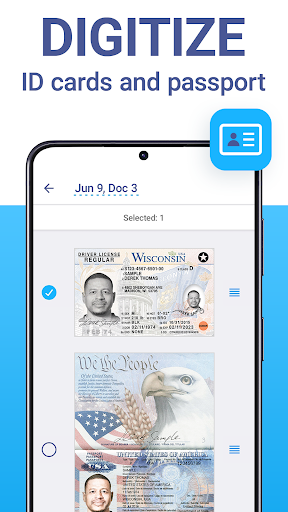
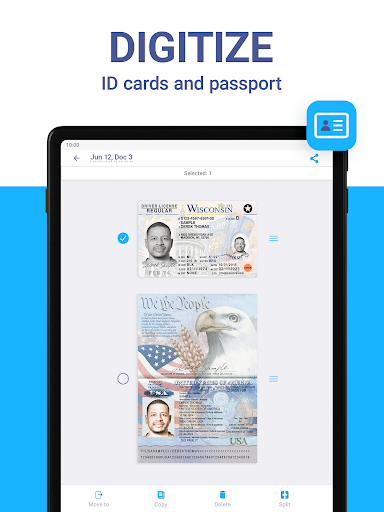
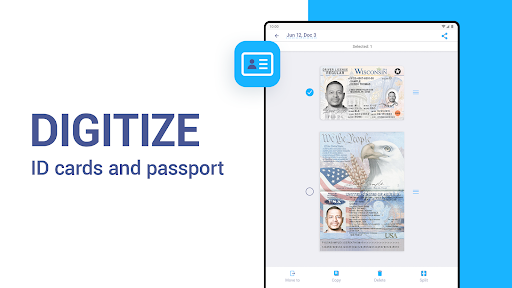
- ID-Card & Passport scanning: Create clear digital copies of identification documents.
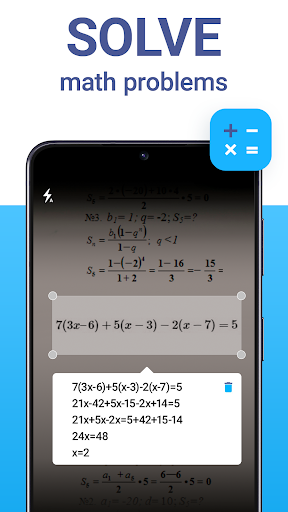
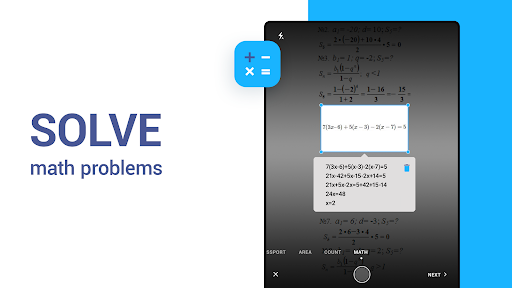
- Math Scanner: Solve complex math equations or problems effortlessly.
- QR Code Scanner: Scan and save QR codes quickly.
- Area Measurement: Calculate object lengths and areas using in-camera tools.
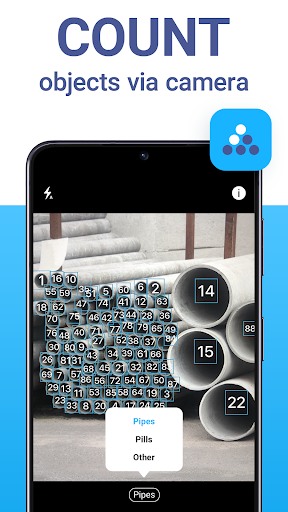
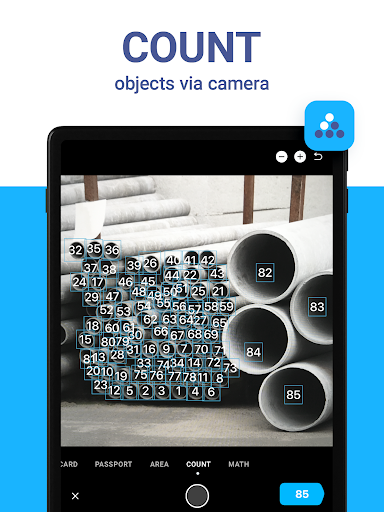
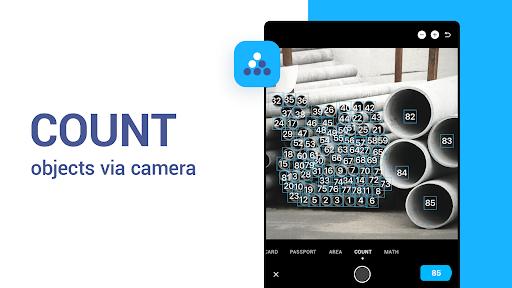
- Object Counter: Count similar items automatically with the app.
Why Choose iScanner?
Experience the Convenience of iScanner
Embrace the flexibility of a mobile scanner that fits in your pocket. With an intuitive interface and robust feature set, iScanner provides an effortless scanning experience suitable for users of all technical levels. Its seamless cloud integration means you can access and manage your documents from anywhere, making it ideal for busy professionals, students, or anyone who needs quick access to digitized files.
Conclusion
Discover how iScanner can transform your approach to document management—offering a reliable, fast, and high-quality solution for all your scanning needs. Whether on the move or at your desk, this app ensures that you can create, edit, and manage digital documents with ease. Make your workflow more productive and organized by downloading iScanner, the comprehensive PDF scanner app that adapts to every task.
Pros
- User-friendly interface
- Fast scanning process
- High-quality PDF output
- Supports multiple languages
- Secure document storage
Cons
- Premium features require subscription
- Occasional ads in free version
- Limited free storage space
- Requires internet for cloud sync
- Can drain battery quickly











