








Overview of Skype for Business for Android
Skype for Business, formerly known as Lync 2013, is a powerful communication tool designed to extend the capabilities of Lync and Skype directly to your Android device. This mobile application streamlines professional collaboration by offering voice and video calls over wireless networks, rich presence, instant messaging, conferencing, and calling features—all within a single, user-friendly interface. Whether you're working remotely or on the go, Skype for Business for Android ensures you stay connected with your team effortlessly.
Key Features of Skype for Business on Android
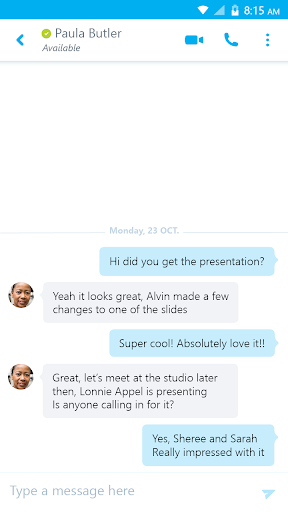
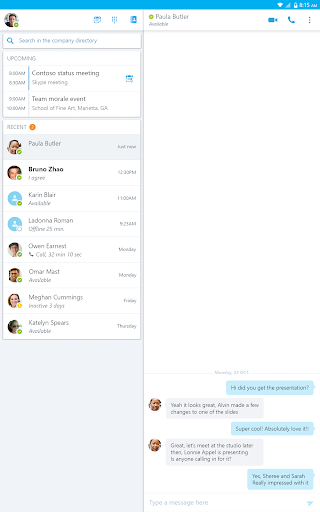
- •Initiate a group IM or video conversation and invite additional participants to collaborate seamlessly.
- •Join, rejoin, and start a Skype for Business Meeting to communicate and work together on ideas in real time.
- •Share your video and view the speaker's video during live conferences, enabling a richer communication experience.
- •Control meetings with options to mute or remove attendees, and gain insights about participant modalities.
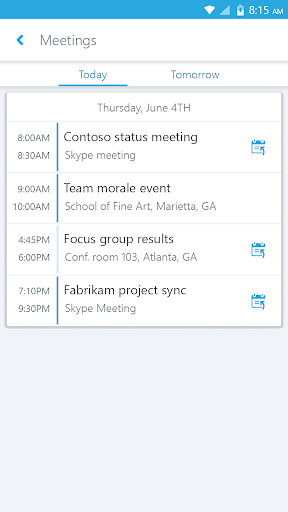
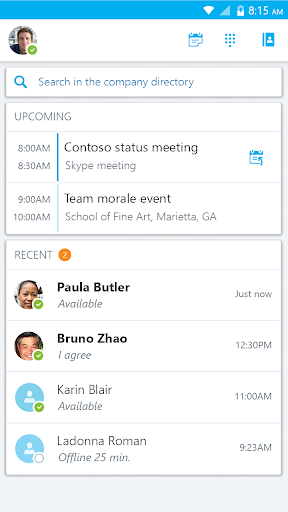
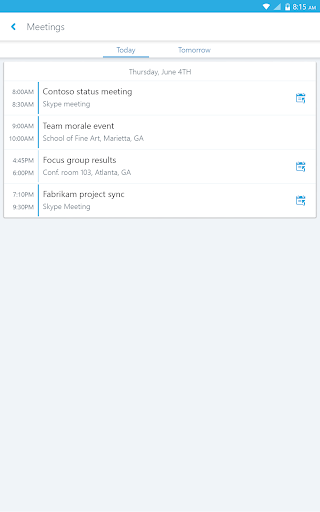
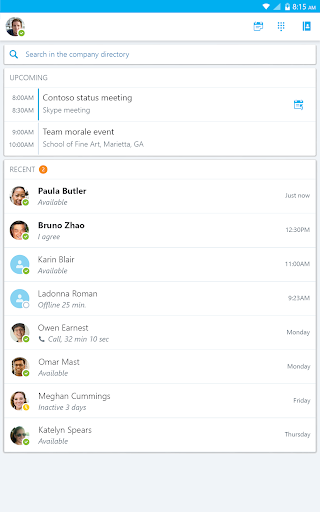
- •View upcoming meetings and join with a single tap for added convenience.
- •Access recent conversations and resume discussions effortlessly.
- •Search contacts by name, email, or phone number to quickly connect with colleagues.
- Enhanced security is available through the Active Directory Authentication Library (ADAL), ensuring your communications are protected.
Compatibility and Requirements
Anyone invited to a Skype for Business or Lync 2013 meeting can use the mobile app, but full functionality requires an active Skype for Business or Lync account. The app is compatible with Android devices running Android 4.0 or greater. It is important to note that connections to a validly licensed Microsoft Lync or Skype for Business Server, or cloud services like Office 365, are necessary for all features to work properly. Some features might also require server updates or might not be available in all regions, so consulting your IT department is advisable for enterprise deployment.
Performance and Usage Tips
This app offers a seamless experience for professional communication, whether for remote work or while traveling. The integration with existing Skype contacts makes setup straightforward, and the intuitive interface allows users to navigate features with ease. The ability to schedule and join meetings directly from mobile devices reduces the risk of missing important calls, and the video quality is generally impressive, optimizing both audio and visual clarity during calls.
Security is a priority, with enterprise-grade measures protecting your data. However, some users might notice increased battery consumption during prolonged use, and occasional lag or freezing can occur, particularly when multitasking. Despite these minor quirks, Skype for Business for Android remains a dependable tool for maintaining professional communication on the move.
Final Thoughts
Overall, Skype for Business for Android is a feature-rich application capable of transforming how professionals connect and collaborate remotely. It offers essential tools like instant messaging, voice & video calls, conference management, and secure communication channels. While there are minor performance considerations, its ease of use and comprehensive feature set make it a valuable addition to any business toolkit. If staying connected with your team, clients, or colleagues from anywhere is a priority, giving this app a try can significantly enhance your remote working experience.
Pros
- Seamless integration with Office applications.
- High-quality audio and video calling capabilities.
- Effective collaboration tools.
- Simple scheduling for meetings.
- Secure communication features.
Cons
- Limited free functionalities.
- Occasional connectivity problems.
- Complex setup process for new users.
- High battery consumption.
- Needs a reliable internet connection.











