

Gaming Mode - Game Booster PRO: Your Ultimate Mobile Gaming Companion
Are you tired of interruptions, lag, and subpar performance ruining your gaming experience? Look no further than Gaming Mode - Game Booster PRO. Designed specifically for mobile gamers who want to elevate their gameplay, this powerful game booster app transforms your device into a gaming powerhouse. Whether you're an avid casual player or a competitive gamer, Gaming Mode - Game Booster PRO provides everything you need to enjoy seamless, distraction-free mobile gaming sessions.
Ultimate Performance Optimization for Smooth Gameplay
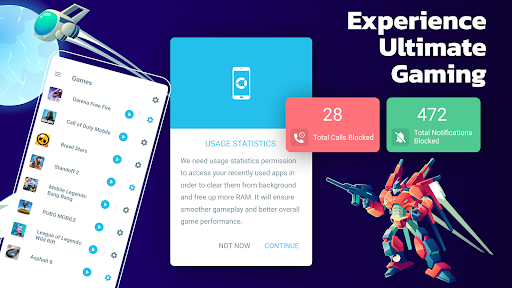
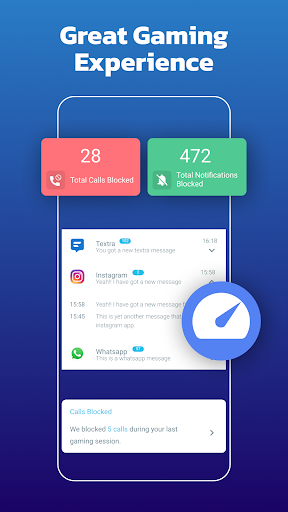
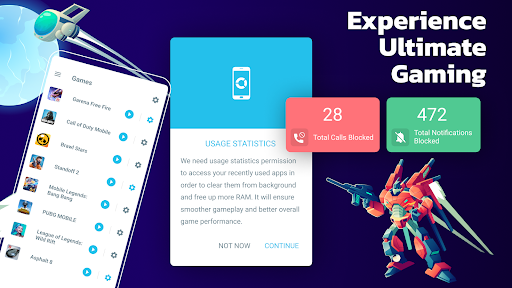
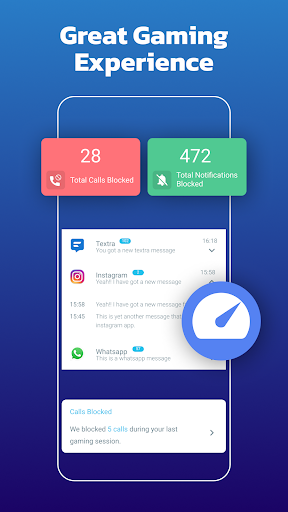
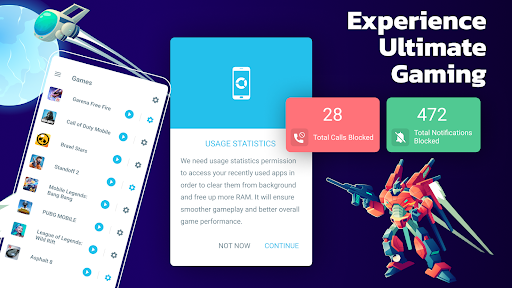
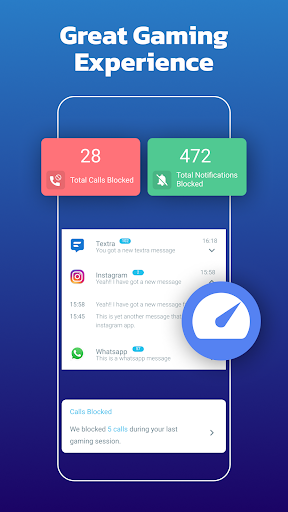
One of the standout features of Gaming Mode - Game Booster PRO is its ability to optimize device performance effortlessly. With just a simple tap, the app frees up RAM, boosts CPU performance, and silences unnecessary notifications that can distract or lag your game. This performance boost ensures that your favorite titles run smoothly, with minimal latency or lagging issues, giving you that competitive edge. By intelligently managing resources, the app creates a dedicated environment tailored for gaming, making your device function as a true gaming device without additional hardware.
Customizable Game Profiles for a Personalized Experience
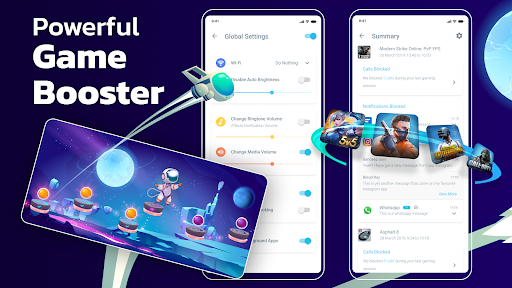
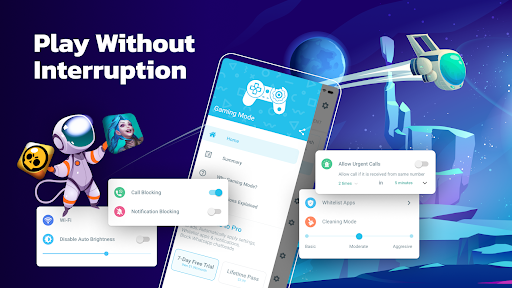
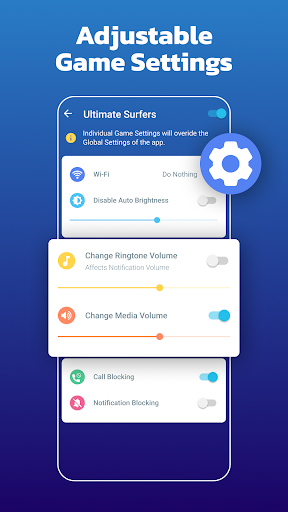
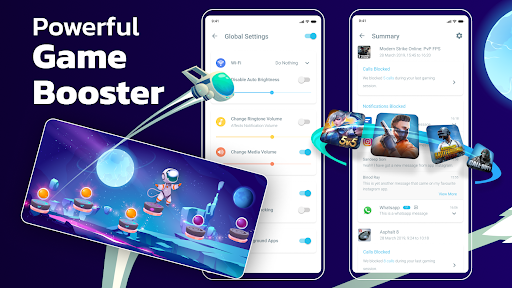
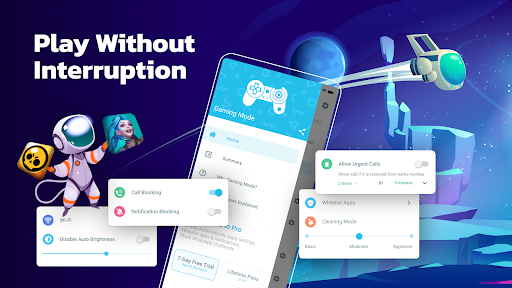
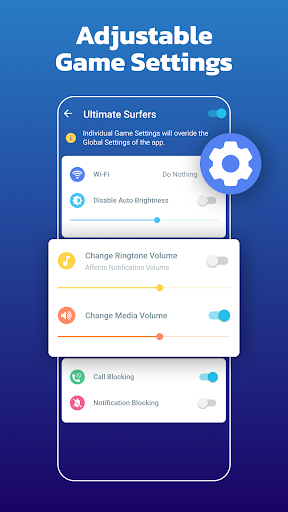
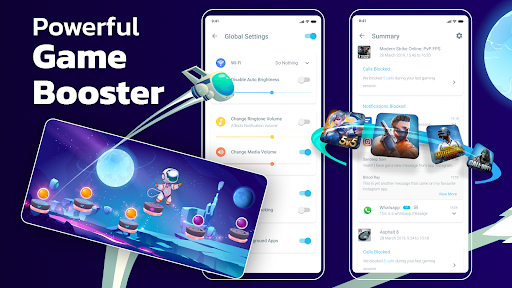
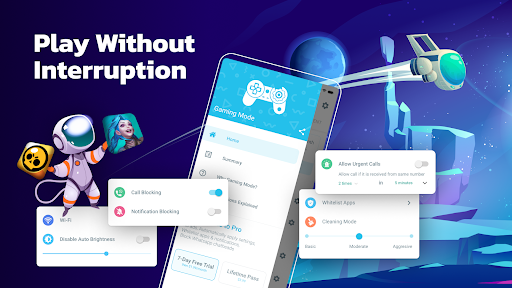
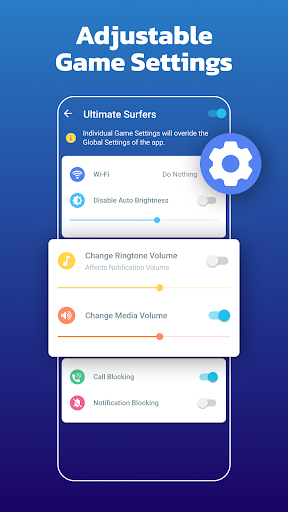
Another major advantage of this game booster app is the ability to create customized game profiles. Want different settings for different games? No problem. The app allows you to tweak various parameters such as brightness, ringtone, Wi-Fi connectivity, and system volume for each game you play. For instance, you can disable Wi-Fi during a racing game to prevent distractions or turn down notifications during a crucial battle. This level of customization ensures you have a tailored gaming environment that enhances your focus and immersion while reducing interruptions.
Intuitive and User-Friendly Interface
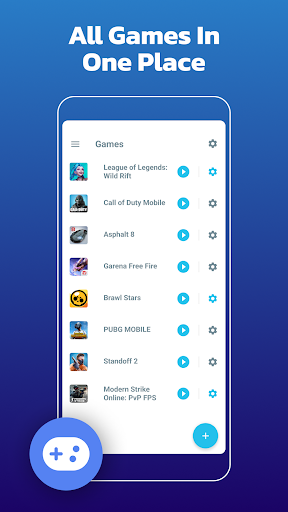
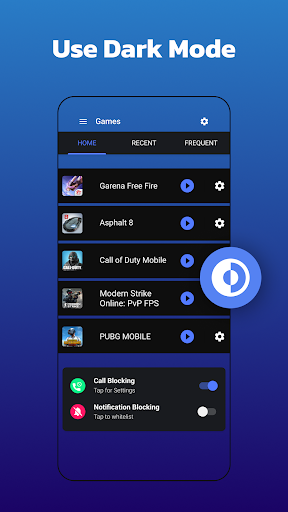
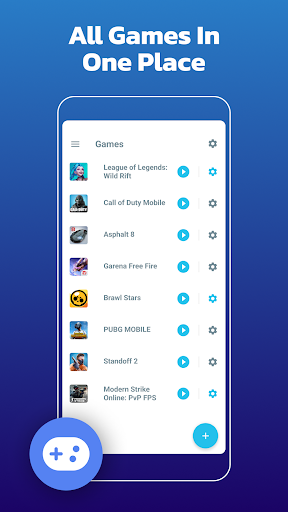
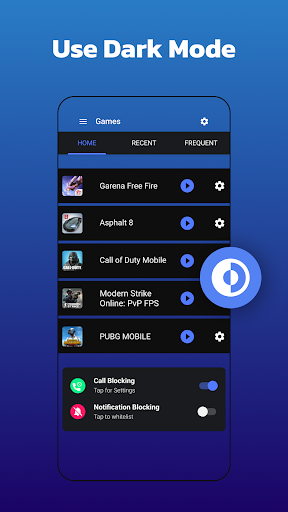
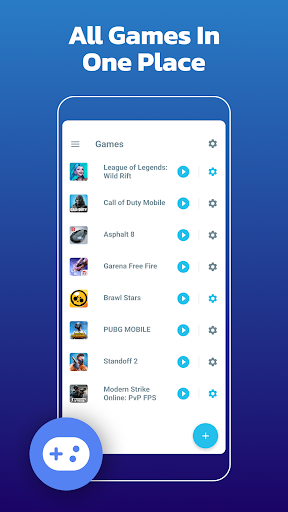
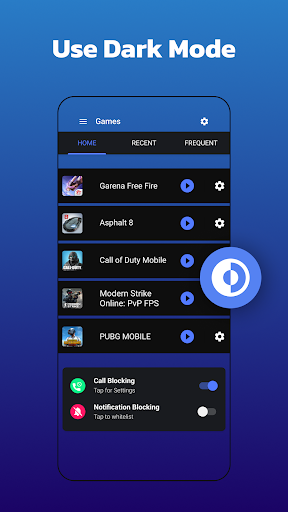
Ease of use is a key aspect of Gaming Mode - Game Booster PRO. The app features an intuitive, straightforward layout that makes navigation a breeze—even for those who are less tech-savvy. Setting up profiles, enabling features, and launching your favorite games can be done quickly and effortlessly. This simplicity means you spend less time navigating menus and more time enjoying your game, making it the ideal gaming launcher on your mobile device.
Additional Features to Enhance Your Gaming Sessions
Beyond performance optimization, Gaming Mode - Game Booster PRO offers several extra tools to improve your gaming environment. You can create widgets on your home screen, allowing instant access to your favorite games without scrolling through menus. The app also provides a smart game launcher feature, bringing quick start options right to your fingertips. One of its most appreciated features is the ability to block internet connection during gaming sessions via a local VPN, ensuring that external notifications or background data do not disturb your focus. This {special} feature is especially popular among competitive gamers who need a distraction-free environment.
How It Works and Why You Need It
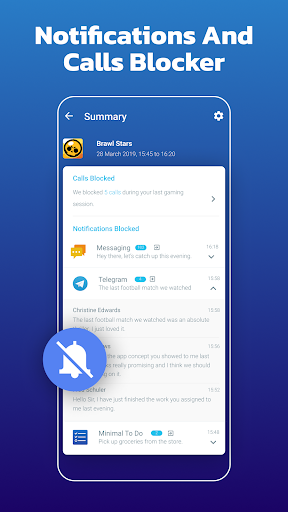
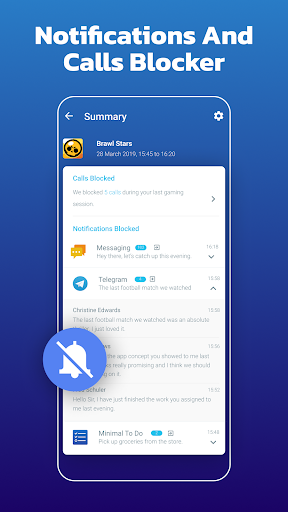
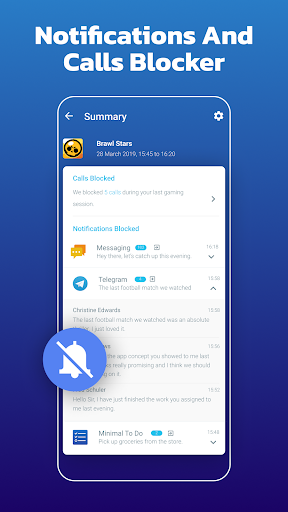
Many mobile gamers encounter interruptions like incoming calls and notifications mid-game, or experience lagging issues that hinder their gameplay. Gaming Mode - Game Booster PRO addresses these problems by providing automatic configuration of device settings tailored for gaming. Once configured, the app works seamlessly in the background—applying your preferences when a game starts and restoring your device to normal afterwards. This automation saves you time and effort, ensuring you can jump straight into gameplay without wasting moments adjusting settings. Whether it’s disabling auto-brightness, changing media volumes, or blocking notifications, the app takes care of everything efficiently.
Conclusion: Elevate Your Mobile Gaming Experience
If you’re serious about mobile gaming and want an app that enhances performance, reduces interruptions, and provides a personalized gaming environment, Gaming Mode - Game Booster PRO is an essential tool. Its powerful optimization capabilities, customizable profiles, and user-friendly design make it a top choice for gamers seeking a smooth and focused gaming experience. Say goodbye to lag, distractions, and poor device performance—install Gaming Mode - Game Booster PRO today and take your mobile gaming to the next level. Your gaming sessions will never be the same!
Pros
- Significantly boosts gaming performance.
- Helps minimize interference from background applications.
- Offers customizable options tailored to various games.
- Enhances the management of device battery life.
- Features an intuitive interface for straightforward navigation.
Cons
- May not be compatible with all devices.
- Some functionalities require additional in-app purchases.
- Occasional advertisements may interrupt usage.
- Supports only limited non-gaming applications.
- Possible minor bugs following updates.











