
Introducing the TP-Link Tapo App: Your Ultimate Smart Home Companion
The TP-Link Tapo app is a powerful and user-friendly tool designed to simplify the management of your smart home devices. From setup to control, it puts everything you need right at your fingertips. Whether you want to turn your devices on or off remotely, create custom schedules, or integrate voice commands, the Tapo app is your go-to solution for a seamless smart living experience.
Key Features of the Tapo App
The Tapo app offers a variety of features that enhance the convenience and security of your smart home setup:
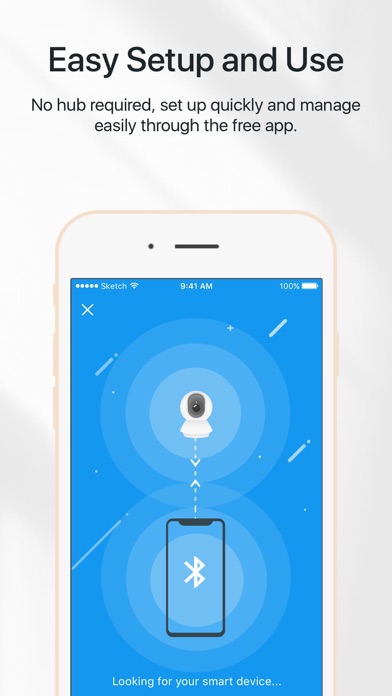
- Setup in Minutes: Easily connect your smart devices with a step-by-step guide, eliminating the need for complex configurations or extra hardware.
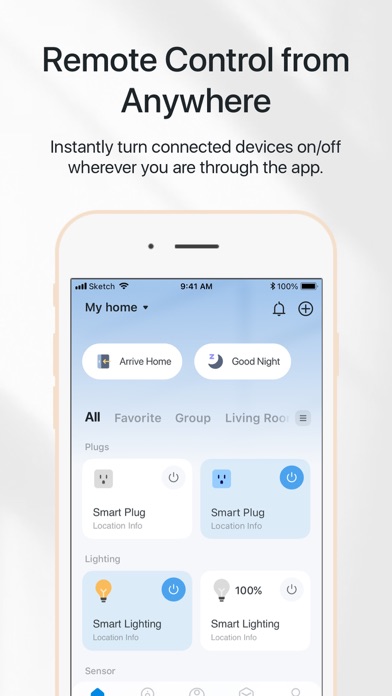
- Remote Control: Control your smart devices anytime, from anywhere, ensuring you're always in command—even when you're halfway across town.
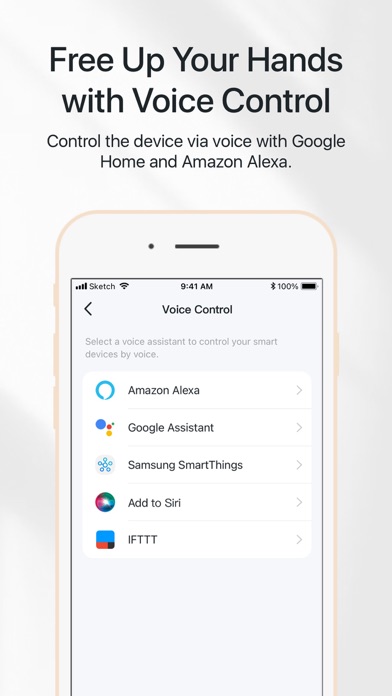
- Voice Control Compatibility: Compatible with popular virtual assistants like Google Assistant and Amazon Alexa, allowing you to control your devices via voice commands such as “Turn off the living room lights”.
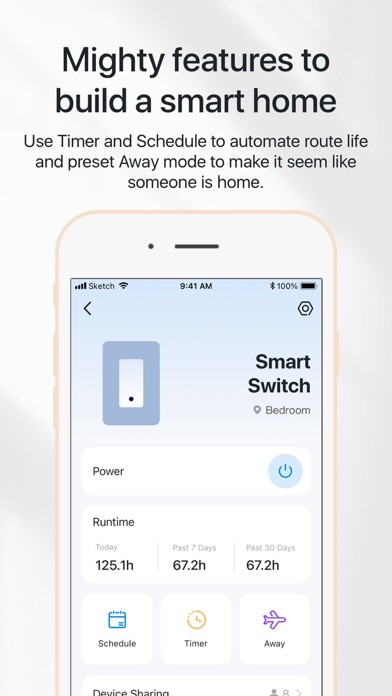
- Preset Modes: Use features like Away mode to simulate someone being home, providing added security when you're away.
- Timers and Schedule: Set countdown timers to automate turning devices on or off, and create schedules that activate your appliances at specific times automatically.
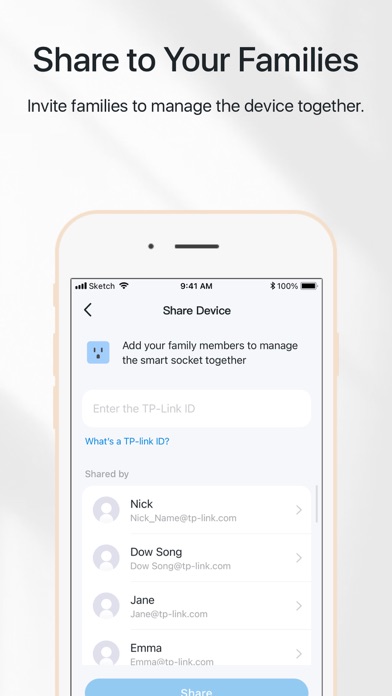
- Family Management: Invite family members to share device management, making it easy for everyone to stay connected and control the smart home environment.
Enhanced Security and User Experience
The Tapo app excels in providing a secure and reliable experience. It supports integration with smart security cameras that allow real-time monitoring from anywhere. Receive instant notifications for motion detection, ensuring you're always aware of what's happening in your home. Cloud storage options enable you to access recorded footage whenever needed, adding an extra layer of security and peace of mind.
Easy Setup and Customization
Getting started with the Tapo app is straightforward. After downloading, the app guides you through the setup process effortlessly, needing only your phone and a stable internet connection. Once connected, you can create personalized scenes—these are customized settings for groups of devices. For example, a “Movie Night” scene might dim the lights, close the curtains, and turn on your smart speaker, all with a single tap. This level of customization makes automating your smart home both simple and fun.
Transform Your Living Space with Tapo
In summary, the TP-Link Tapo app has revolutionized the way I control and interact with my smart devices. Its intuitive interface, robust features, and seamless integration with voice assistants make it an essential tool for anyone interested in smart home automation. Whether you're managing smart lighting, security cameras, or other connected devices, the Tapo app makes it easier than ever to create a secure, comfortable, and efficient living space.
Final Thoughts
If you’re looking to enhance your smart home experience, the TP-Link Tapo app is a fantastic choice. It combines ease of use with powerful features, enabling smarter living for beginners and tech enthusiasts alike. With the ability to control devices remotely, set schedules, and incorporate voice commands, the Tapo app truly unlocks the full potential of your smart devices. Start your smart home journey today and enjoy the convenience and security that Tapo brings to your home.
Pros
- Easy setup and installation process.
- Compatible with various smart home systems.
- Affordable price compared to competitors.
- User-friendly interface design.
- Offers remote control and automation features.
Cons
- Limited third-party integrations.
- Occasional connectivity issues.
- Lacks advanced scheduling options.
- No backup battery in case of power failure.
- Requires a stable internet connection.











