
Introduction to the Authenticator App - SafeAuth
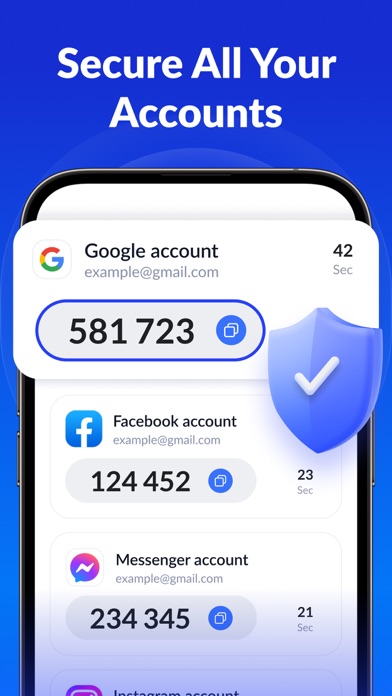
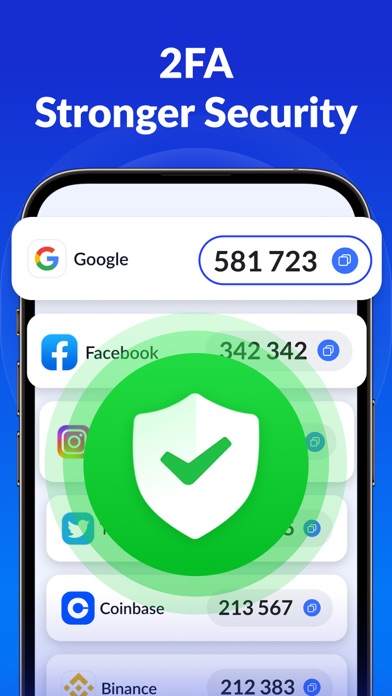
In today's digital age, securing your online accounts is more important than ever. The Authenticator App - SafeAuth offers a reliable and user-friendly two-factor authentication (2FA) solution that protects your personal and work accounts from unauthorized access. Designed to be easy to set up and use, SafeAuth generates one-time 6-digit codes for 2-step verification, adding an extra layer of security to your digital life. Whether you're concerned about hacking, phishing, or simple forgotten passwords, SafeAuth has you covered with its robust security features and seamless experience.
With its cloud backup, SafeAuth ensures that you won’t lose access to your accounts even if you switch devices, making account recovery stress-free. Plus, with support for a wide range of popular online services like Google, Facebook, Twitter, and more, this free authenticator app integrates effortlessly into your digital routine. Protect your accounts in just minutes by adopting this efficient and secure 2FA tool today!
Why Choose SafeAuth
Enhance Security
SafeAuth safeguards all your online accounts through 2-step verification. It creates a unique time-based one-time password (TOTP) for each login, ensuring that only you can access your accounts—even if someone else has your username and password. This extra security layer makes hacking, phishing, and other cyber threats significantly more difficult for malicious actors.
Ease of Use & Efficiency
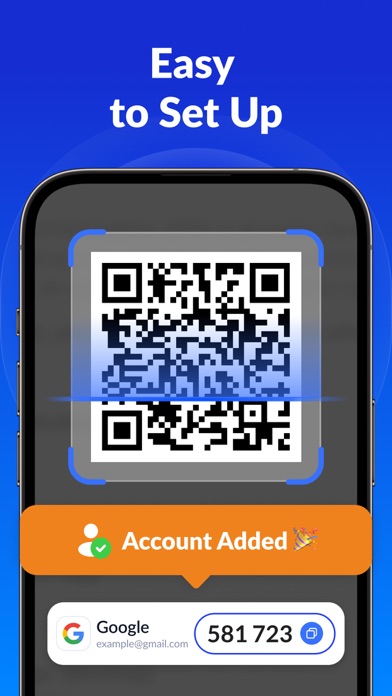
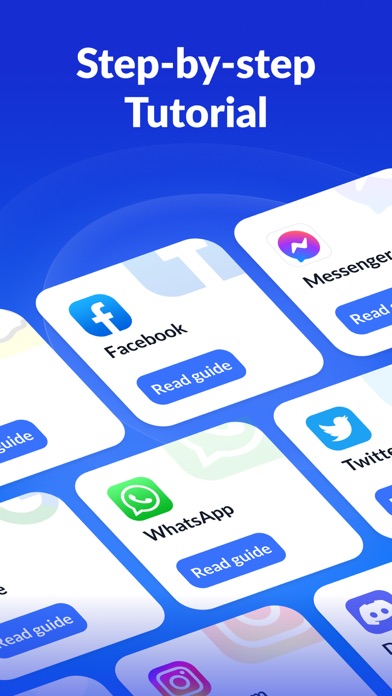
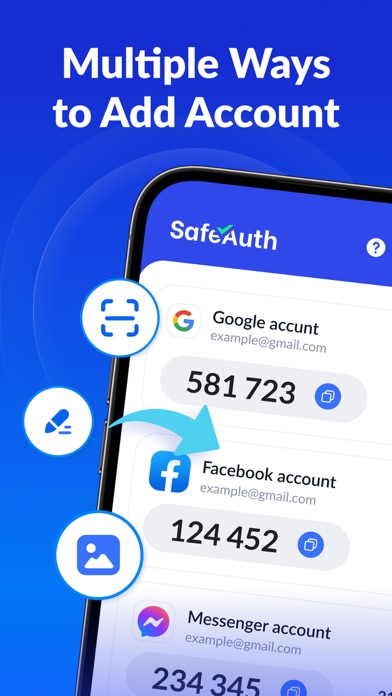
Adding accounts to SafeAuth is straightforward—with detailed 2FA guides and support for scanning QR codes or entering private keys, you can set up your accounts quickly. The app also supports offline code generation, so you can generate codes without an internet connection, making it perfect for travel or remote locations.
Robust Backup & Sync
By signing in with your Google account, you can back up all your 2FA data securely to the cloud. This allows for seamless syncing across devices—so when you upgrade or replace your phone, your accounts stay protected without the hassle of re-binding everything.
Universal Service Compatibility
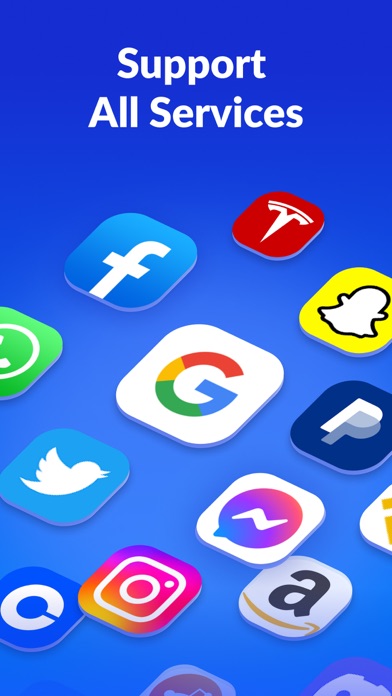
SafeAuth's 2FA tokens are compatible with a wide variety of platforms, including Google, Instagram, Facebook, Twitter, LinkedIn, Dropbox, Snapchat, Github, Tesla, Coinbase, and even your Bitcoin wallet. This broad support makes it a versatile choice for users who want to secure multiple accounts through a single app.
Additional Security Features
The app can be protected with biometrics (fingerprint or face recognition) or a PIN. This secondary layer of security ensures that even if someone gains physical access to your device, they cannot open the app or view your 2FA codes without your permission, enhancing privacy and safety.
Getting Started with SafeAuth
Setting up the Authenticator App - SafeAuth is quick and simple. Just download it from your app store, and within minutes, you’ll be ready to secure your online accounts. The intuitive interface makes it accessible even for those who aren’t tech-savvy. To add an account, scan the QR code provided by your service provider or manually input the private key. The app will then generate secure 6-digit codes to use during login, acting like a personal digital bodyguard that shields your accounts from unauthorized access.
One of the standout features is its support for offline code generation. This means you don’t need an active internet connection to get your codes—perfect for situations where connectivity is limited. Plus, its robust backup system ensures your authentication data is stored securely and can be restored easily on new devices, giving you peace of mind in your digital security routine.
Advanced Security & Seamless Integration
SafeAuth employs industry-standard algorithms to keep your sensitive data safe. The app itself is protected by a PIN or biometric authentication, adding a crucial security layer. Even if someone steals your phone, they can’t access your 2FA codes without your biometric or PIN, ensuring your accounts remain secure.
Furthermore, if you own a smartwatch, you can receive your 2FA codes directly on your wrist, facilitating quick verifications. This convenience makes two-factor authentication much less cumbersome, encouraging regular use and improving your overall online security posture.
In today’s environment of increasing cyber threats, a reliable 2FA solution like SafeAuth isn’t just recommended—it's essential. Its blend of security, ease of use, and versatility makes it the best choice for individuals seeking to safeguard their digital lives. Try SafeAuth today and enjoy confident, hassle-free protection for all your important accounts!
Pros
- Strong encryption ensures secure data storage.
- User-friendly interface with intuitive navigation.
- Supports multiple accounts for added flexibility.
- Easy setup requiring minimal configuration.
- Two-factor authentication boosts security.
Cons
- Limited options for cloud backup.
- No desktop application available.
- Occasional delays during server synchronization.
- Requires internet connection for authentication.
- Does not support biometric login.











