


Amazon Fire TV: Your Ultimate Smart Entertainment Hub
If you're looking to transform your regular television into a comprehensive smart entertainment device, the Amazon Fire TV is an excellent choice. This compact device acts like a magic wand for your TV, unlocking a world of streaming, gaming, and more. Whether you're a casual viewer or a dedicated content enthusiast, Fire TV seamlessly integrates all your entertainment needs into one convenient platform, making it a must-have addition for any modern home.
Easy Setup and User-Friendly Experience
Setting up the Amazon Fire TV is surprisingly straightforward. Even if you're not particularly tech-savvy, you'll find the process simple. Just plug the device into your TV’s HDMI port, connect to your Wi-Fi network, and you'll be ready to explore a vast array of features. The sleek remote is designed for comfort and ease of use, allowing smooth navigation through the interface. With this device, your path to a smarter TV is quick and hassle-free.
Endless Entertainment Options
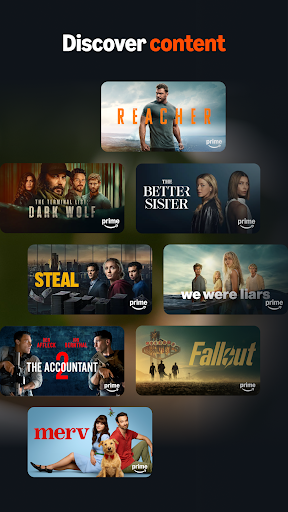
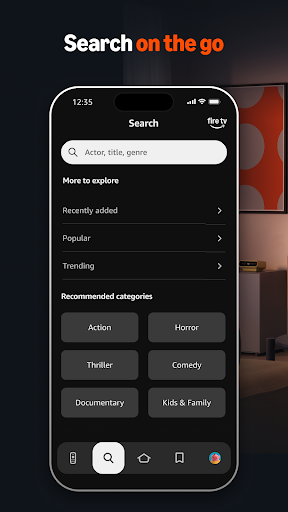
Once configured, the Fire TV opens the door to a multitude of entertainment sources. Stream your favorite movies and series through popular platforms like Netflix, Hulu, and Amazon Prime Video. Music lovers can enjoy streaming apps such as Spotify and Pandora. The voice search feature, powered by Alexa, adds an extra layer of convenience — simply ask Alexa to find your favorite show or song, and it appears instantly on your screen. This intelligent voice assistant makes browsing simpler and more intuitive, acting as your personal entertainment concierge.
Gaming on the Big Screen
The Amazon Fire TV isn't just for streaming; it doubles as a casual gaming console. You can access a wide selection of games available through the Amazon Appstore. While it may not replace a dedicated gaming system, it offers a fun way to enjoy light gaming sessions right from your couch. Whether you’re playing puzzle games or simple action titles, Fire TV provides an enjoyable gaming experience suited for all ages.
Intuitive Interface and Accessibility Features
The interface of the Fire TV is designed with user-friendliness in mind. Navigating between apps is seamless, and the menu layout is straightforward, ensuring that even those unfamiliar with smart devices can operate it comfortably. Accessibility features like screen magnification and voice control help make the device inclusive for everyone, enhancing the overall user experience. These thoughtful touches reinforce the appeal of Fire TV as an accessible and versatile entertainment device.
Additional Features and Compatibility
Mobile App for Enhanced Control
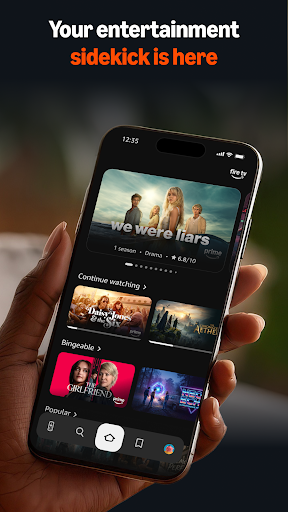
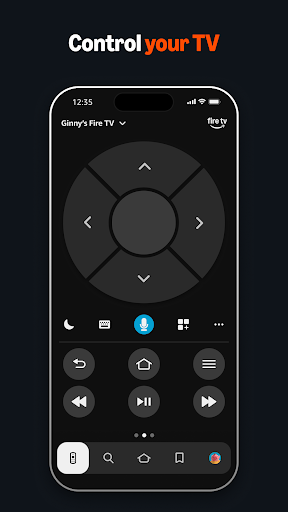
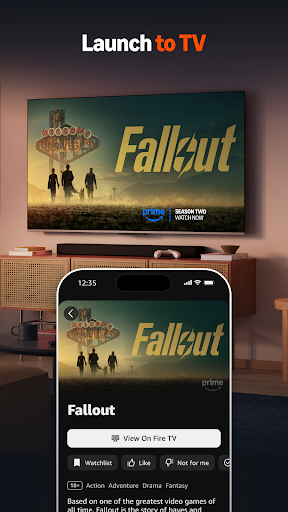
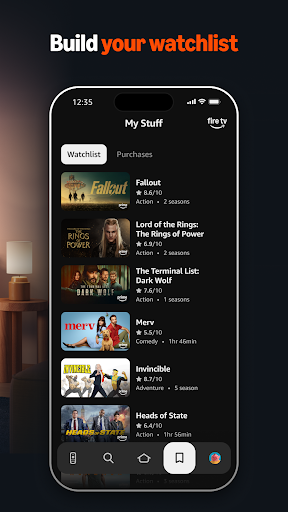
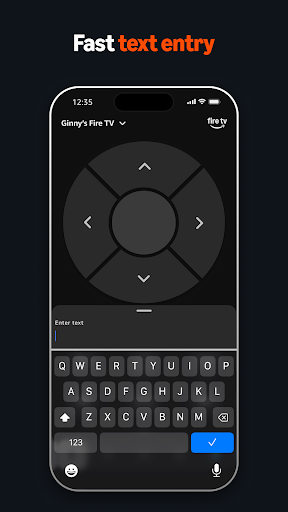
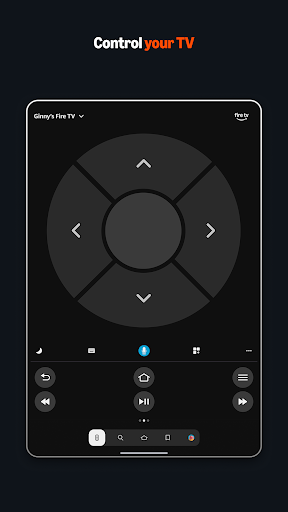
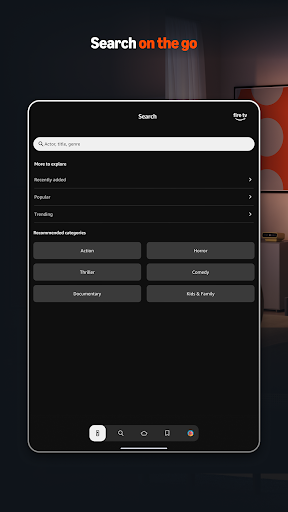
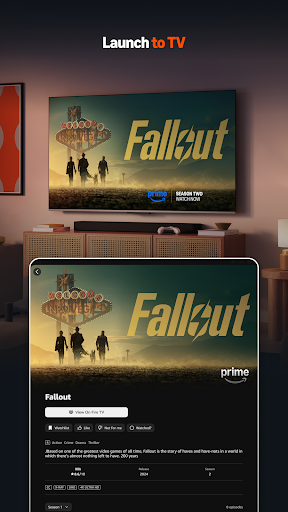
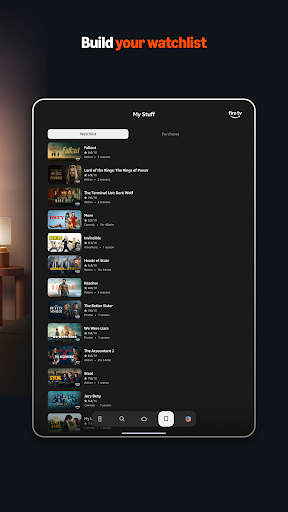
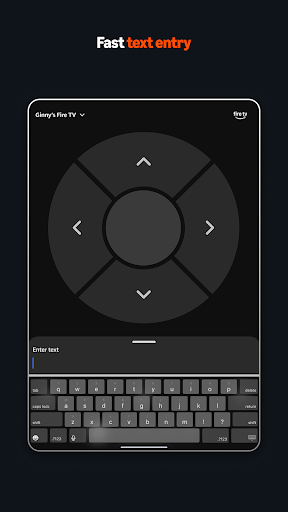
The Amazon Fire TV mobile app for Android enhances your viewing experience by providing simple navigation, a built-in keyboard for text entry, and quick access to your favorite apps and games. Key features include voice search (availability varies by country), playback controls, and easy app management. To use the app effectively, a multicast-enabled router is required. For gaming, you can use the remote included with your Fire TV or opt for the Amazon Fire TV Game Controller.
Compatibility and Requirements
The device is compatible with a multicast-enabled router and designed specifically for streamlining navigation and media playback on Fire TV streaming media players. This ensures smooth operation for both entertainment and gaming activities.
Final Thoughts: Is the Fire TV Worth It?
After experiencing the Amazon Fire TV, it's clear that this device delivers a robust entertainment platform with minimal effort. It effectively turns your regular TV into a smart entertainment hub, supporting a variety of streaming services, music, gaming, and accessibility features that cater to a wide audience. The convenience of voice control and the intuitive interface make browsing effortless — truly a step into the future of home entertainment. If you're considering an upgrade to your entertainment setup, the Amazon Fire TV stands out as a smart, versatile, and user-friendly option that offers excellent value for your investment.
Pros
- User-friendly navigation interface
- Extensive selection of streaming applications
- Supports high-quality 4K and HDR content
- Integration with Alexa voice control
- Frequent software updates
Cons
- Limited storage capacity
- Presence of advertisements on the home screen
- Remote control requires AAA batteries
- Occasional connectivity problems
- Lack of access to Google Play Store










