

Introduction to the Blink Home Monitor App
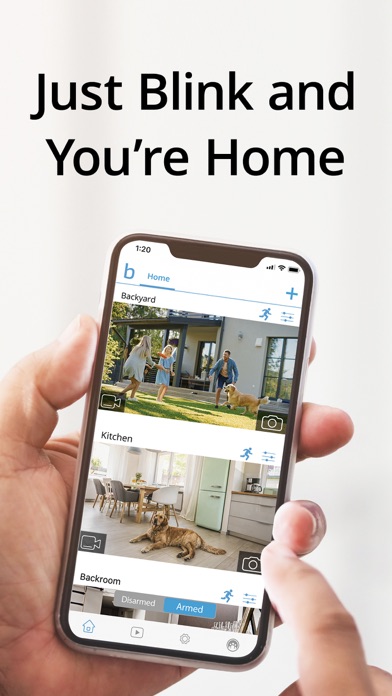
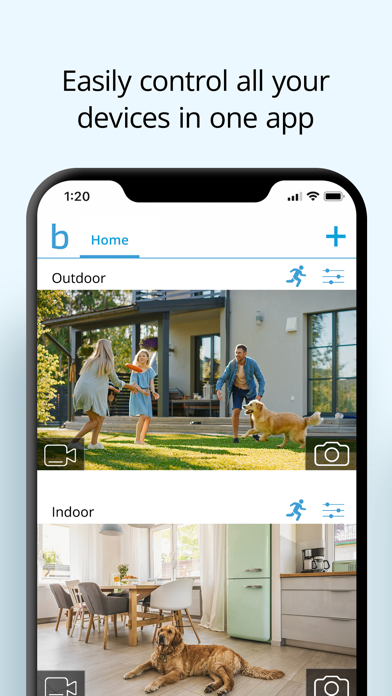
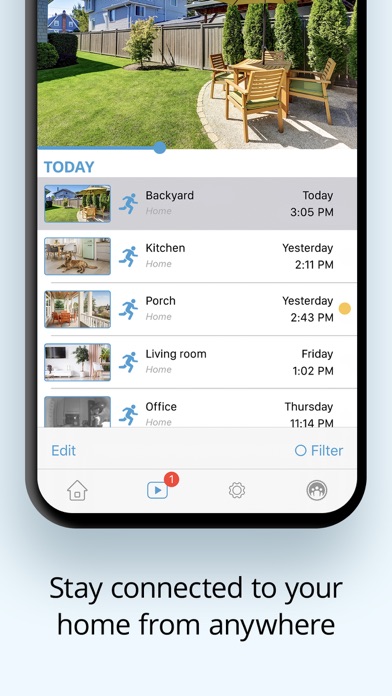
Are you looking for a reliable and user-friendly way to keep an eye on your home from anywhere? The Blink Home Monitor app offers a seamless smart home security experience that combines convenience, advanced features, and affordability. Designed to work with various Blink cameras, this app transforms your smartphone into a powerful security hub, providing real-time video streaming, motion alerts, and easy device management. Whether you're at work, on vacation, or just running errands, the Blink app ensures you always stay connected to your home environment.
Getting Started with Blink Home Monitor
Setting up the Blink Home Monitor app is straightforward. Simply download the app from the Android or iOS app store and follow the intuitive in-app instructions to connect your Blink cameras. The app’s user-friendly interface guides you through the pairing process and setup, making it accessible even for those who are not tech-savvy. Once your devices are linked, you can control and monitor your cameras effortlessly, turning your smartphone into a dynamic security command center.
Key Features of the Blink Home Monitor App
Live Video Streaming and Two-Way Audio
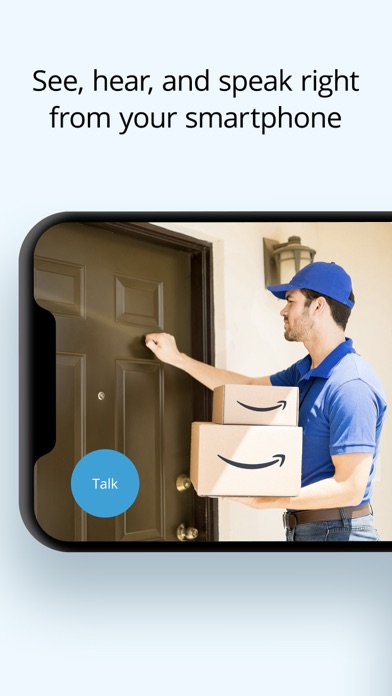
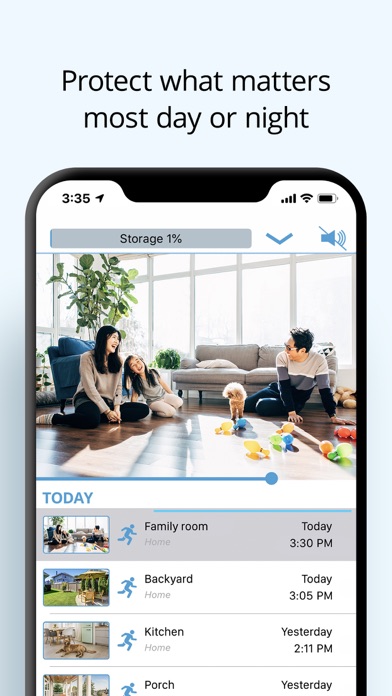
One of the standout features of the Blink Home Monitor app is live video streaming. You can view high-definition feeds from your cameras directly on your device, providing crisp image quality, even in low-light conditions thanks to infrared night vision. The app also enables two-way audio, allowing you to speak to visitors or pets from anywhere, making it easy to communicate with family members or deter intruders.
Motion Detection and Custom Alerts
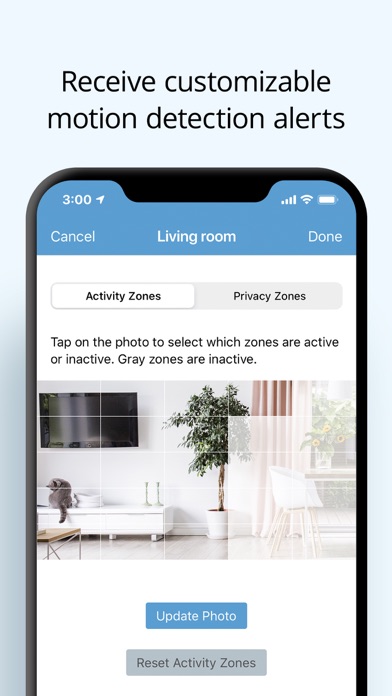
The app excels at keeping you notified about activity with motion detection alerts. You can customize alert settings, including setting specific activity zones where motion triggers an alert, helping reduce false alarms from irrelevant movement. When motion is detected, you'll instantly receive notifications, ensuring that you're always aware of what's happening at home.
Advanced Camera Functionality
Depending on the camera model, the Blink app offers various features like pan-tilt control with Blink Mini Pan-Tilt models, enabling you to see more of an area by remotely adjusting the camera within a 360° range. Cameras such as the Blink Outdoor 4 bring outdoor security with features like dual-zone motion detection and integrated LED floodlights, providing enhanced visibility and security alerts. Additionally, optional cloud storage with a subscription plan allows you to save and review clips or enable features like person detection.
Voice Control and Integration
Integrate your Blink system with Alexa-enabled devices to use voice commands. You can ask Alexa to engage live view, arm or disarm your security system, or activate specific cameras. This hands-free control adds an extra layer of convenience, especially when your hands are occupied.
Performance and Reliability
The Blink Home Monitor app is designed for dependable performance. Live feeds load quickly, notifications arrive promptly, and the overall experience is smooth, provided you have a steady internet connection. For maximum convenience, Blink cameras offer up to two years of battery life, reducing maintenance and ensuring continuous security coverage. While frequent use might slightly drain your phone’s battery, the peace of mind it provides is well worth it.
Subscription Plans and Cloud Storage
For advanced features like person detection and 24/7 streamlined clip storage, a Blink Subscription Plan is available. These plans enable you to save, share, and review footage in the cloud effortlessly. Additionally, users can stream up to 90 minutes of continuous live view per session, offering a comprehensive monitoring experience. The subscription also comes with a 30-day free trial for new users, so you can evaluate the benefits without hesitation.
Conclusion: Simplify Your Home Security with Blink
The Blink Home Monitor app delivers a powerful, intuitive, and versatile solution for home security. Its combination of live video, motion alerts, smart integrations, and flexible camera options makes it an excellent choice for anyone seeking peace of mind. Easy setup and reliable performance ensure that safeguarding your home doesn’t have to be complicated or expensive. With features like HD live view, infrared night vision, and customizable alerts, Blink provides the tools you need to protect what matters most — all from the convenience of your smartphone.
Pros
- Easy setup and installation.
- High-quality video streaming.
- Affordable subscription plans.
- User-friendly interface.
- Efficient motion detection.
Cons
- Limited camera range.
- Occasional connectivity issues.
- No local storage option.
- Limited customer support.
- Subscription required to access full features.











