


Introduction to Thumbnail Maker - Channel art
Are you looking to make your YouTube channel or social media profiles stand out with eye-catching visuals? Thumbnail Maker - Channel art is a versatile and comprehensive editing app designed to help users create stunning thumbnails, banners, and cover photos effortlessly. Whether you're a beginner or a seasoned creator, this free online tool offers a wide range of features that enable you to craft professional-looking graphics without the need for advanced design skills. Its user-friendly interface combined with powerful customization options makes it an excellent choice for boosting your online presence across multiple platforms.
Key Features of Thumbnail Maker - Channel art
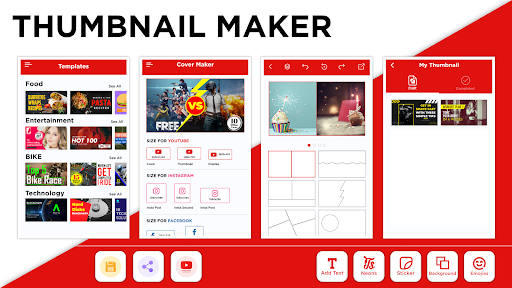
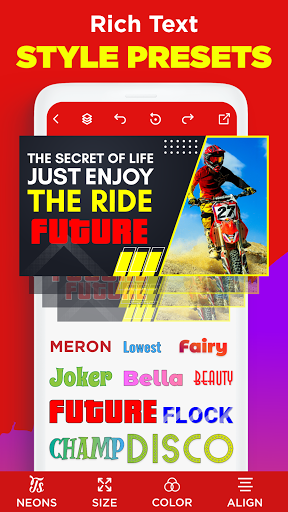
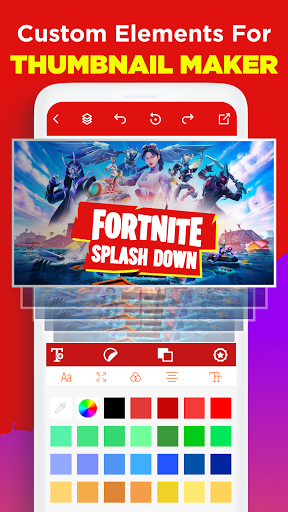
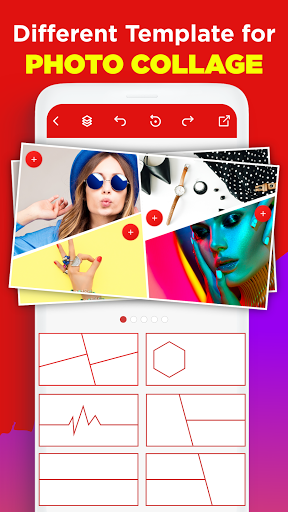
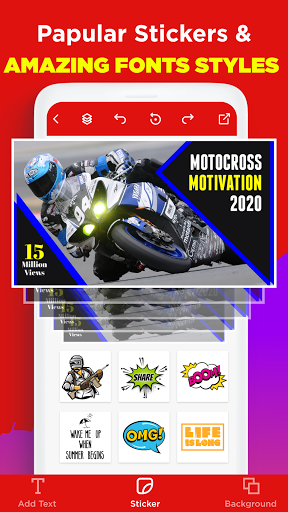
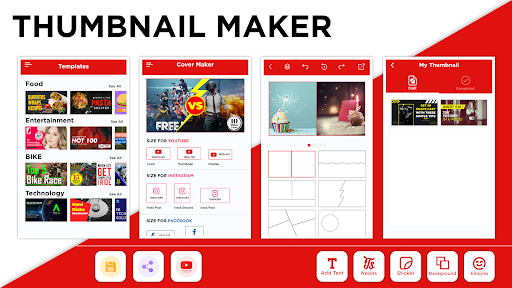
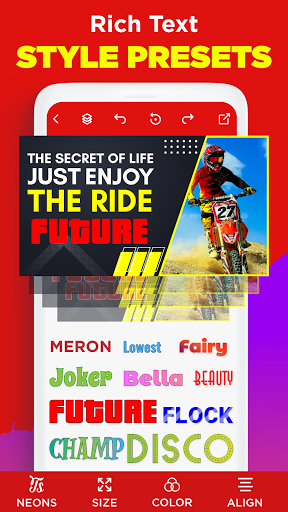
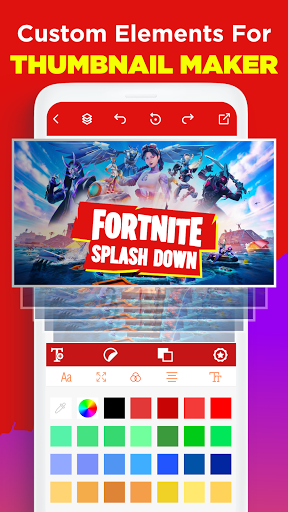
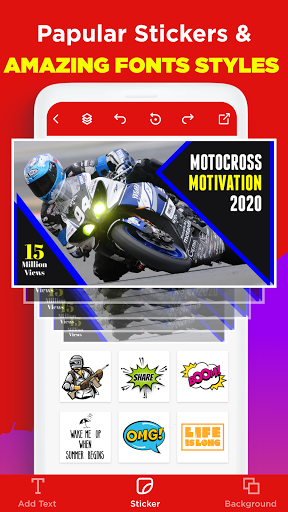
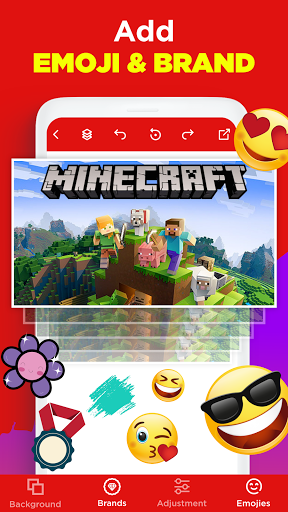
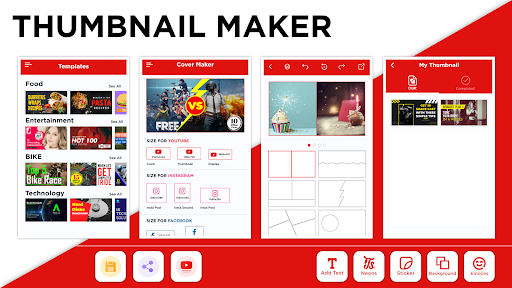
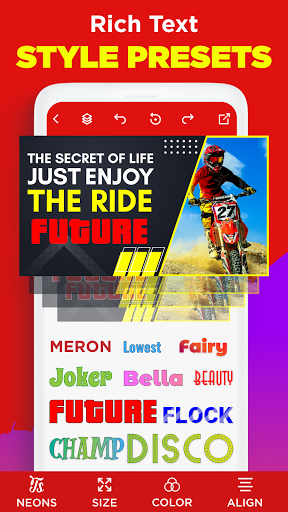
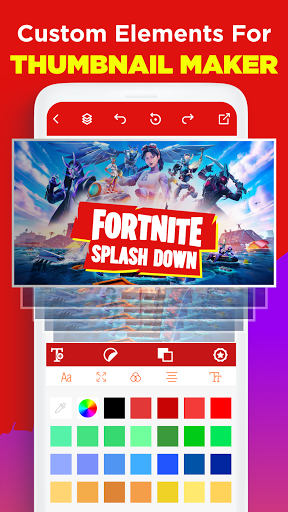
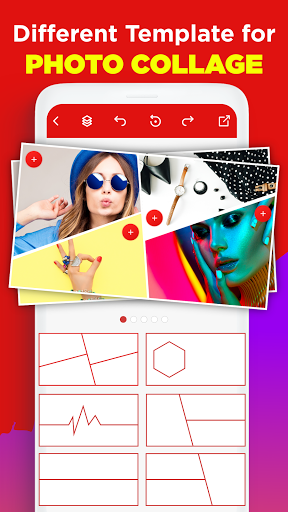
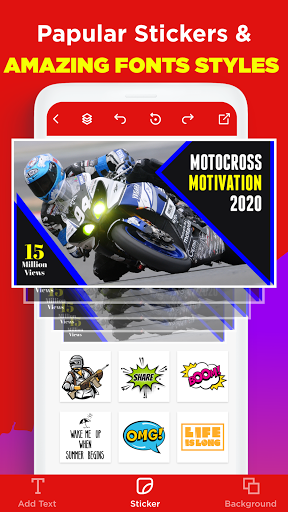
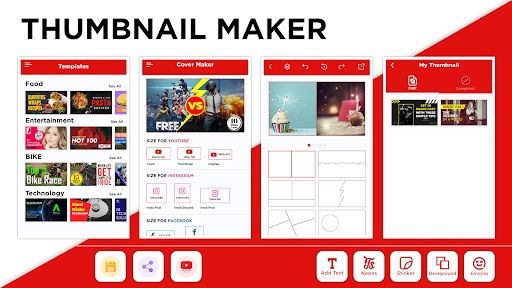
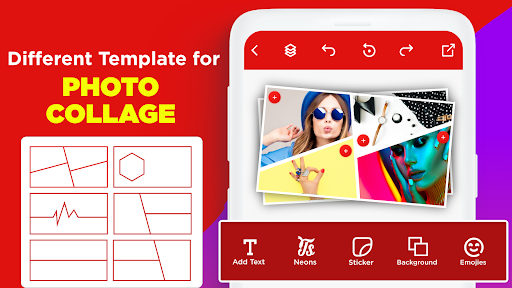
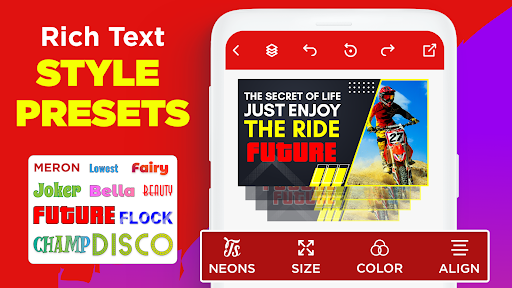
This app is packed with features that cater to every aspect of digital content creation. Start by choosing from a vast library of templates tailored for various niches like gaming, beauty, tech reviews, and more. The extensive collection ensures that there’s always a perfect starting point for your project. You can customize your thumbnails by adding personalized text overlays, stickers, and unique design elements to match your branding style. The inclusion of tons of artistic fonts and effects allows you to make your visuals truly stand out.
Custom Design Options
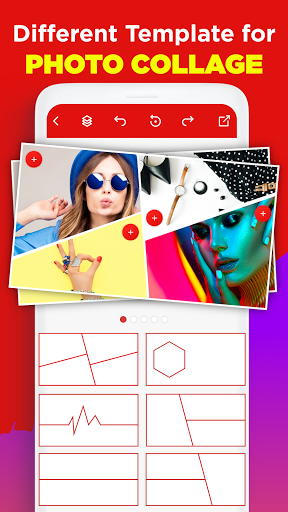
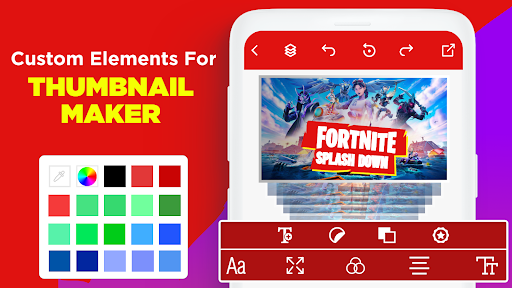
With this app, users can select preferred dimensions for their thumbnails or banners, ensuring they meet platform specifications like YouTube or social media standards. The intuitive drag-and-drop interface makes arranging elements effortless. You can upload your own images, tweak brightness, contrast, saturation, and even add overlays for a personalized touch. The ability to incorporate vibrant stickers and unique shapes and symbols takes your designs to the next level.
Ease of Use for All Users
Regardless of your skill level, the app offers a seamless experience. Beginners will appreciate the guided process and simple controls, while professional designers can leverage features like layer editing and blending modes. Additionally, creating different types of visuals—such as YouTube covers, social media posts, and channel art—is straightforward. Once your designs are complete, you can save high-resolution files directly to your device for instant uploading or sharing.
How to Create Eye-Catching Thumbnails and Banners
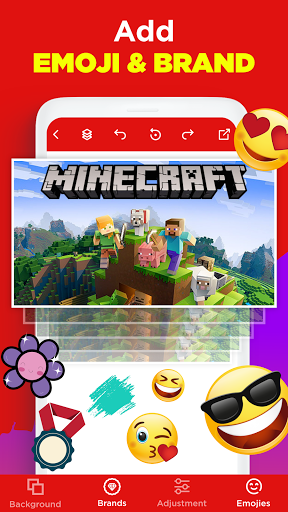
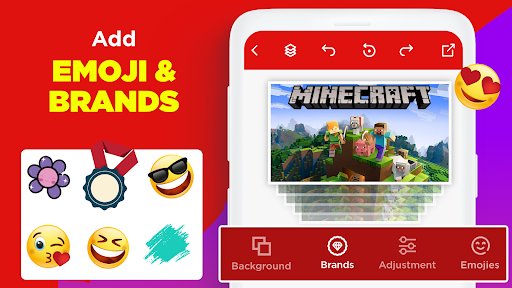
Getting started is easy and requires no prior graphic design experience. The process involves selecting a template or starting with a blank canvas, choosing your desired size, and then personalizing it with the app’s rich toolkit. You can upload your own images or select appealing backgrounds from the app’s library. Add text overlays, brand logos, or decorative stickers to craft a thumbnail that truly captures viewers’ attention.
The app’s intuitive interface supports quick edits and adjustments. It’s perfect for creating YouTube Shorts thumbnails or banners, social media covers, and more. Once satisfied, simply save your work in high resolution, ready to be uploaded and displayed to attract more clicks and engagement.
Why Use Thumbnail Maker - Channel art for Your Content?
In the competitive world of online content, attractive thumbnails are essential for increasing visibility and attracting viewers. Studies show that videos with compelling thumbnails can gain up to 50% more views even in crowded search results. Whether you’re trying to promote your YouTube channel, Instagram profile, or Facebook page, this app provides all the necessary tools to create captivating visuals quickly and easily. No need to hire professional designers or spend hours learning complex software—this free online app saves you time and money while delivering professional results.
Conclusion: Elevate Your Content with Thumbnail Maker - Channel art
If you’re serious about growing your online footprint, Thumbnail Maker - Channel art offers an accessible, efficient solution for making stunning graphics. Its extensive template library, customizable design features, and easy-to-use interface make it suitable for both beginners and advanced users. From creating mesmerizing YouTube thumbnails for your videos to designing eye-catching social media banners, this app covers all your visual content needs. Start creating today and watch your engagement soar as your content catches the eye of viewers worldwide.
Pros
- User-friendly interface
- High-quality design templates
- Easy to customize
- Variety of fonts and graphics
- Quick export options
Cons
- Limited free features
- Requires internet connection
- Occasional ads
- Some features behind paywall
- Limited stock image options











