


Discover the Bose Connect App: Your Ultimate Companion for Bose Wireless Devices
The Bose Connect app is a powerful, user-friendly tool designed to enhance your experience with Bose wireless headphones and speakers. Whether you're a music enthusiast, a fitness fanatic, or someone who simply loves seamless device management, this app brings a suite of features right to your fingertips. With its intuitive interface and robust capabilities, Bose Connect transforms the way you interact with your Bose products, making it easier than ever to enjoy high-quality audio and personalized settings.
Effortless Access and Device Management
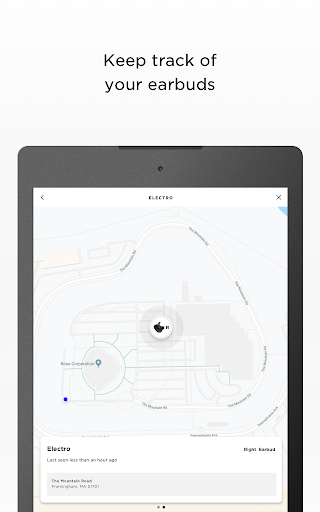
One of the key features of Bose Connect is its ability to provide •easy access to essential functions like auto-off timers, volume controls, and battery readings—all in one place. The app simplifies the process of managing multiple •Bluetooth connections, allowing users to switch seamlessly between devices such as smartphones, tablets, or laptops. Setting up a new device or reconnecting your existing Bose headphones or speakers becomes quick and hassle-free. The straightforward pairing process ensures that users can enjoy their audio experience without navigating complicated menus.
Unique Sharing and Party Features
Share the Music with Others
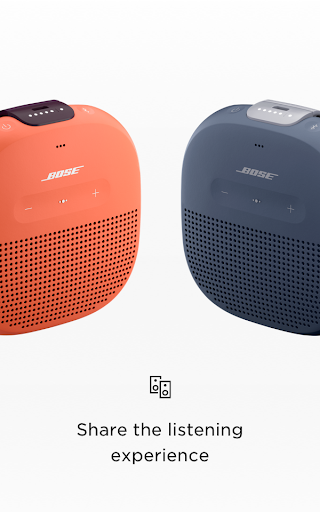
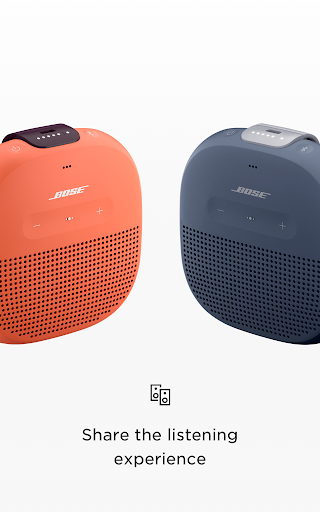
The Bose Connect app introduces innovative ways to enhance your listening experience. For example, •Music Share enables two pairs of Bose wireless headphones to listen to the same track simultaneously—perfect for sharing a favorite song with a friend without switching devices. Additionally, •Party Mode allows you to sync two SoundLink® speakers, doubling the audio output to fill larger spaces or different rooms. For an immersive stereo experience, the app also offers •Stereo Mode, which separates audio channels into Left and Right speakers, delivering richer, multidimensional sound.
Personalized Control over Audio Settings
Adjust Noise Cancellation and Monitor Your Heart Rate
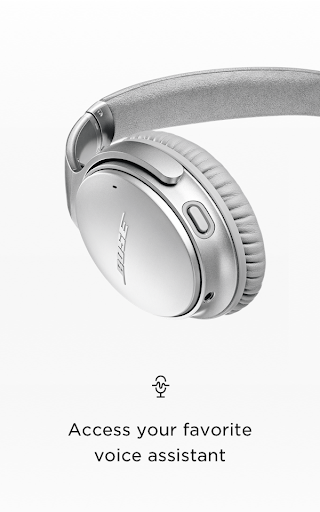
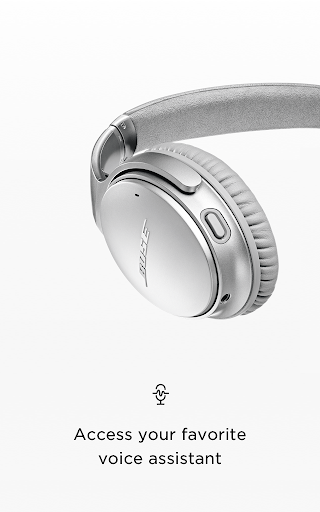
The app provides advanced control options to tailor your listening environment. With •controllable noise cancellation on the Bose QC®30 headphones, users can easily adjust how much surrounding noise is blocked out, ensuring optimal comfort whether you’re in a noisy coffee shop or a quiet office. For fitness enthusiasts, the •Heart Rate Monitor feature on SoundSport® Pulse headphones vividly displays your heart rate during workouts, syncing seamlessly with the app to keep all your health metrics in one place. These features help you maximize your device's capabilities and customize your listening or training experience.
Stay Up-to-Date and Optimize Performance
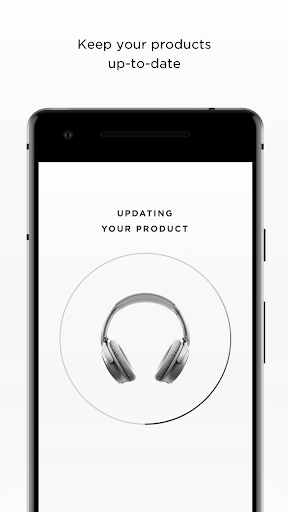
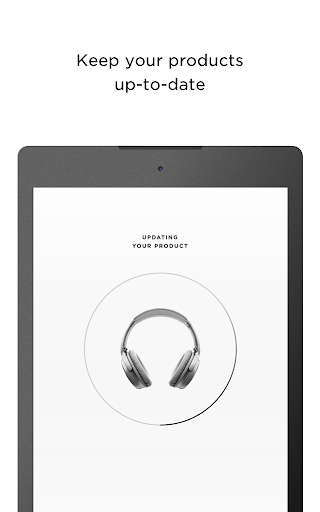
Keeping your Bose devices current is effortless with Bose Connect. The app automatically notifies you when firmware updates are available and streamlines the installation process, often requiring just a tap. This ensures your products operate smoothly, with access to the latest features and improvements. Moreover, the app offers tips, user manuals, and troubleshooting guides, giving you quick solutions to any issues—think of it as having a dedicated support assistant in your pocket.
Additional Features for a Complete Bose Experience
From viewing detailed product information to customizing settings, Bose Connect handles everything to enhance your overall experience. Its ability to manage multiple products simplifies switching between your headphones, speakers, and accessories. Whether you’re adjusting sound profiles, resetting devices, or updating software, the app is your all-in-one platform for optimizing your Bose ecosystem.
Why Choose the Bose Connect App?
If you own Bose wireless headphones or speakers, the Bose Connect app is an indispensable companion. It provides effortless device management, personalized audio controls, and collaborative listening features—all designed to make your audio experience seamless and enjoyable. With continual updates and innovative options like Music Share and Party Mode, this app ensures you're always getting the most out of your Bose products. Whether at home, in the gym, or on the go, Bose Connect elevates your sound experience to new heights.
Pros
- Easy to connect and pair devices
- Intuitive interface with smooth navigation
- Regular updates enhance performance
- Customizable sound settings
- Improved noise cancellation features
Cons
- Limited compatibility with older devices
- Occasional connectivity issues
- App size is relatively large
- Battery drain on prolonged use
- Requires internet for full functionality











