



Introduction to AirDroid Parental Control
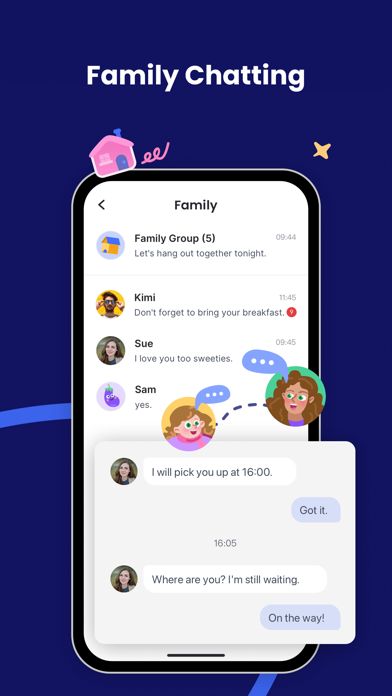
In today’s digital age, ensuring the safety and well-being of children online is more important than ever. AirDroid Parental Control app is designed with a primary focus on your child's safety, offering a comprehensive suite of features that empower parents to monitor and manage their child's device usage effortlessly. This innovative app simplifies the process of staying connected with your child, even when you are not physically present, providing peace of mind with real-time tracking and protective tools.
Key Features of AirDroid Parental Control
Real-time Monitoring and Location Tracking
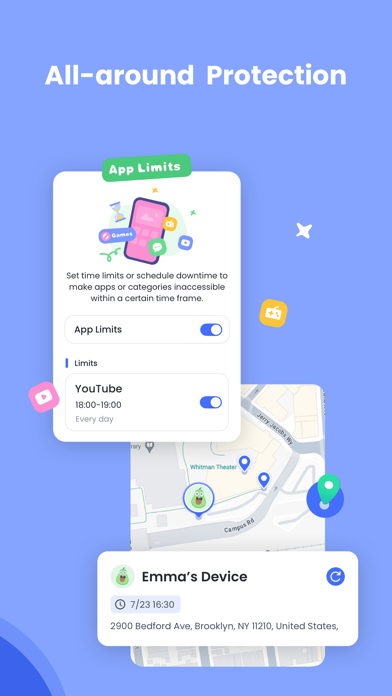
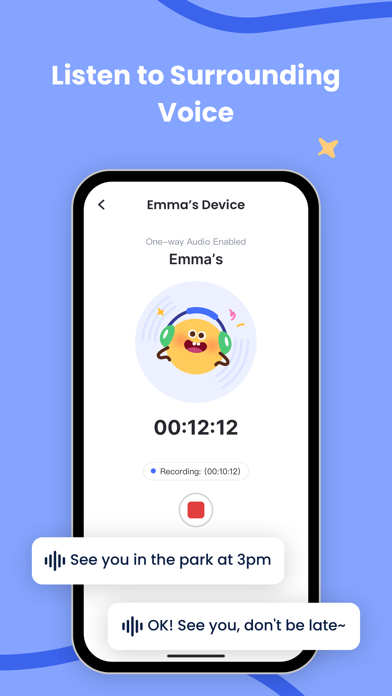
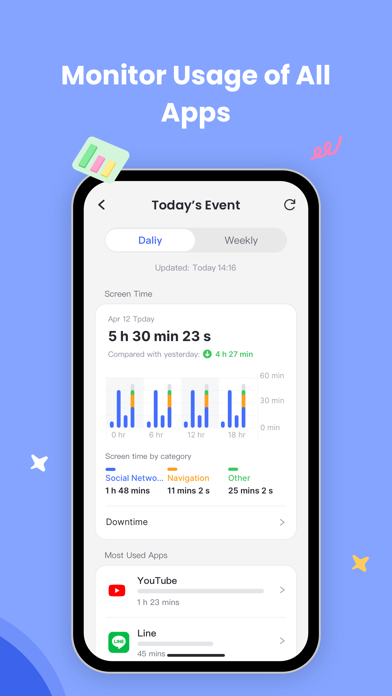
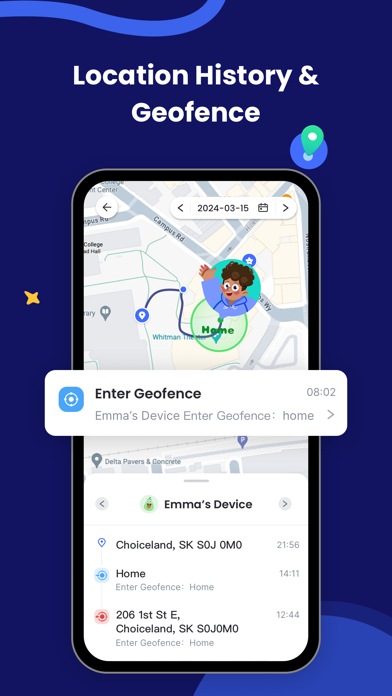
The real-time monitoring feature allows you to cast your child's device screen directly to your phone, enabling you to see which apps they are using during school or leisure time. This helps in preventing excessive screen time and potential phone addiction. Additionally, the GPS location tracker provides high-precision location data, allowing you to view your child's current position and a historical route, ensuring they stay safe and avoid risky areas.
Online Safety and Content Control
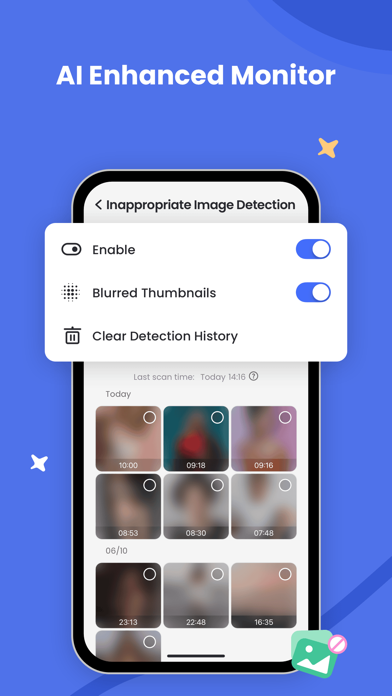
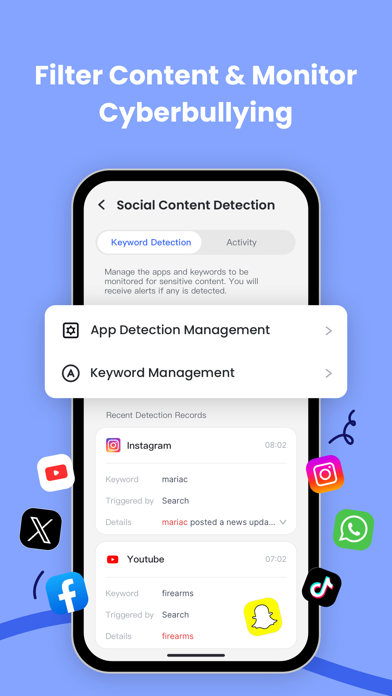
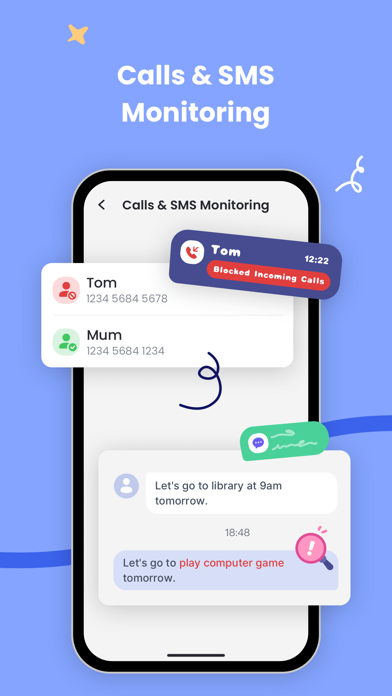
The app's content filter and anti-cyberbullying functions further shield your child from inappropriate content and online threats. Content filtering helps restrict access to unsuitable websites and apps, while the online monitor keeps you updated on your child's social media activity, including chat notifications from platforms like Facebook, Instagram, and Messenger. These features act as a digital bouncer, helping prevent cyberbullying and online scams.
Time Management and App Control
Managing your child's screen time is crucial. With screen time management, you can create schedules that limit device usage during classes or bedtime, promoting healthier digital habits. The app blocker feature allows you to set permissions for specific applications, ensuring your child only accesses approved content. You receive alerts if they attempt to install or delete apps, adding an extra layer of control.
Additional Protective Features
Other important tools include location alerts via custom geofencing, which sends notifications when your child leaves designated safe zones. The battery check feature warns your child to charge their device when power is running low, maintaining continuous communication with minimal interruptions. These features work together to create a secure digital environment for your child.
Getting Started with AirDroid Parental Control
Setting up AirDroid Parental Control is quick and straightforward:
- Install the app on your phone.
- Connect your child's device using an invitation link or code.
- Install the companion app, AirDroid Kids, on your child's device.
- Link your accounts to activate supervision.
A single paid account supports managing up to 10 devices. The app is free for a trial period of 3 days, after which a subscription is required for continued access. The subscription can be managed through your Google Play account, with options for discounts on longer-term plans.
Privacy and Permissions
To operate effectively, AirDroid Parental Control requires access to various device functions, including the camera, photos, contacts, microphone, and push notifications. Rest assured, the app complies with privacy policies and terms that ensure your data is protected. Before use, review the Privacy Policy and Terms of Service.
Why Choose AirDroid Parental Control?
If you're a parent navigating the challenges of raising children in the digital landscape, AirDroid Parental Control offers an all-in-one toolkit that makes supervision manageable and effective. Its user-friendly interface, combined with powerful features like real-time location sharing and screen time controls, ensures you can stay engaged with your child's online experiences without hassle. Whether it's preventing excessive phone use, avoiding risky online content, or simply wanting to be more informed about your child's digital habits, this app is a true parenting assistant.
In essence, AirDroid Parental Control helps foster a safer online environment, giving your child freedom to explore while maintaining your peace of mind. Take control of your child's digital world today and ensure they enjoy a protected and balanced online experience.
Pros
- User-friendly interface.
- Comprehensive monitoring features.
- Real-time alerts and notifications.
- Cross-platform compatibility.
- Customizable app usage limits.
Cons
- Requires an internet connection.
- Subscription-based service.
- Limited offline functionality.
- Initial setup can be complex.
- May drain device battery.











