
Discover the Ultimate **Icon Changer** for Personalized Android Customization
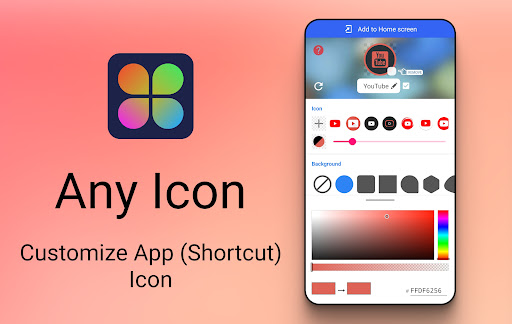
Imagine transforming your Android device into a reflection of your unique style and personality. With the Icon Changer, this dream becomes a reality. This powerful, completely free app offers an easy way to customize app icons, giving your home screen a fresh, personalized look. Whether you want to match your icon style to the seasons, your mood, or your overall aesthetic, Icon Changer provides the tools to make that happen effortlessly.
Why Choose **Icon Changer** for Your Android Device?
Are you tired of the default, mundane app icons cluttering your screen? Icon Changer emerges as a versatile solution, helping you reignite your phone’s visual appeal. The app leverages the shortcut feature provided by the Android system, enabling users to replace app icons and even rename applications with ease. With an extensive library of icons and styles, it caters to all tastes—from sleek minimalism to bold, quirky graphics.
Getting Started with **Icon Changer**
The user-friendly interface of Icon Changer ensures that even beginners can jump right into customization. After installing, you’ll find a clean layout that guides you step-by-step:
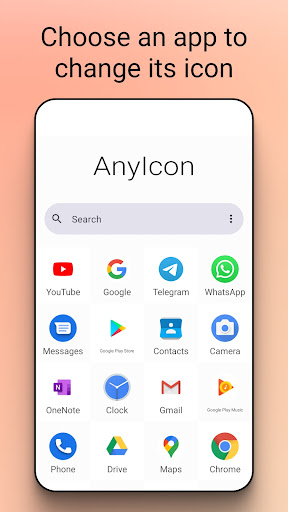
- Select the application you wish to customize
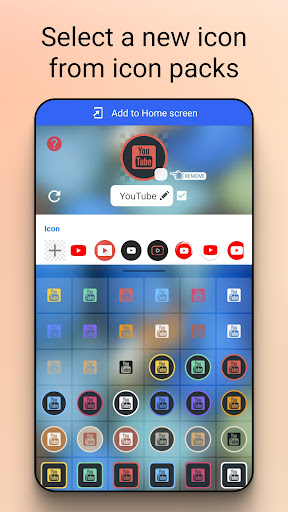
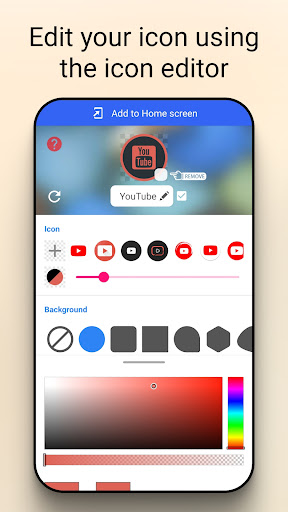
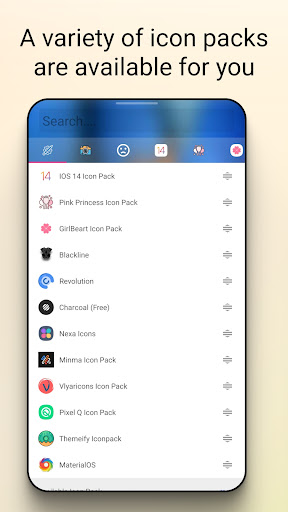
- Choose a new icon from the built-in icon packs or your gallery
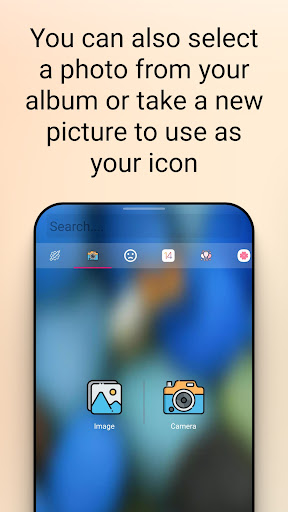
- Optionally, select an image from your camera or third-party icon packs for a truly personalized touch
- Edit the application's name if desired
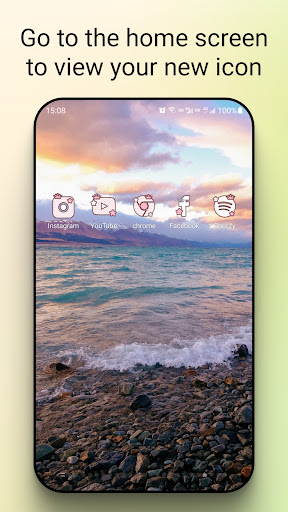
- Finally, tap to create a new shortcut on your home screen showing the customized icon
Unleash Your Creativity with Extensive Customization Options
The real magic of Icon Changer lies in its flexibility. Beyond preset icon styles, you can upload your own images to craft truly one-of-a-kind app icons. The app supports various image formats, giving you the freedom to use photos, illustrations, or even custom graphics. Resize, crop, and shape icons to best fit your home screen layout—think of it as having a mini design studio in your pocket. To keep your device stylish and fresh, the app regularly updates its icon collections, allowing you to create vibrant themes for different moods or seasons. Whether it’s spooky icons for Halloween or bright summer styles, the possibilities are endless.
Seamless Performance and User Experience
Performance is a key focus for Icon Changer. The app is lightweight, ensuring it won’t slow down or drain your device’s resources. It seamlessly integrates with your device’s launcher, making your custom icons feel natural and cohesive. Plus, it’s completely free of irritating ads, so you can customize without interruptions. Developers constantly refine the app with updates that fix bugs and add new features, ensuring a stable, reliable experience. If you encounter any issues, their support team is quick to assist, making your customization journey smooth and enjoyable.
Handling Watermarks and Additional Tips
On some devices, a watermark may automatically appear on created icons. Luckily, Icon Changer offers a method to create icons without any watermark, using your device’s widget feature without relying on widget technology. To remove watermarks, simply hold a blank space on your home screen, select “Widget” from the menu, find Icon Changer, and drag it onto your launcher. This simple step can help you maintain a clean aesthetic for your customized icons.
The Perfect App for Personalization Enthusiasts
In conclusion, Icon Changer is a must-have for anyone eager to personalize their Android device. It perfectly bridges the gap between simplicity and creative freedom, offering powerful tools to customize icons and themes that match your unique style. Whether you’re a casual user or a dedicated app customizer, this free app provides an intuitive and satisfying experience. So why settle for default icons when you can design your own? Download Icon Changer today and start transforming your home screen into a showcase of your personality. Once you begin customizing, you'll wonder how you ever lived without it!
Pros
- Highly customizable icons.
- User-friendly interface.
- Supports a variety of icon packs.
- No rooting needed.
- Regularly receives updates.
Cons
- Some features require payment.
- Occasional app crashes occur.
- Limited free icons available.
- Advertisements present in the free version.
- Requires Android version 8.0 or higher.











