

Product Overview: X Icon Changer - Change Icons
X Icon Changer is a highly popular and completely free application designed to let users personalize their Android devices by changing and customizing app icons and app names. This innovative app offers a simple yet powerful way to revamp the look of your home screen, making your phone uniquely yours. Whether you want vibrant, minimalistic, or quirky designs, X Icon Changer provides a variety of options to help you express your style effectively.
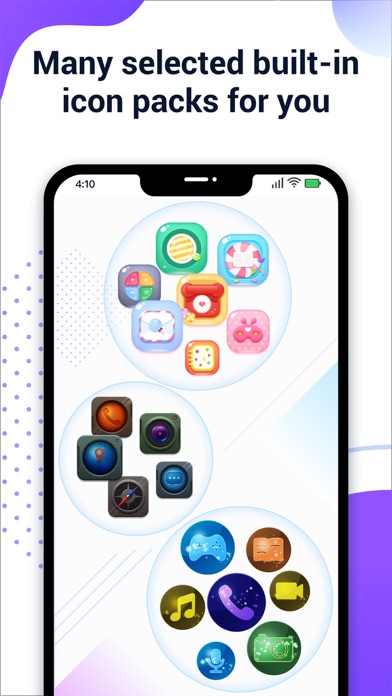
With this app, users can select new icons from a gallery, import icons from other applications, or choose from a vast collection of personalized icon packs, many of which are built into the app for free. The process involves creating shortcuts with customized icons that are placed on your home screen, giving you a refreshed and personalized smartphone interface.
One of the key features of X Icon Changer is its user-friendly interface that makes icon customization accessible to everyone, regardless of technical expertise. The app also provides unique options such as adding animated GIFs that play when launching applications, adding extra fun to your device. Discover how easy and versatile this app is for your digital customization needs.
How to Use X Icon Changer
Step-by-Step Guide
Using X Icon Changer is straightforward. Here’s a quick walkthrough:
- Open the X Icon Changer app on your Android device.
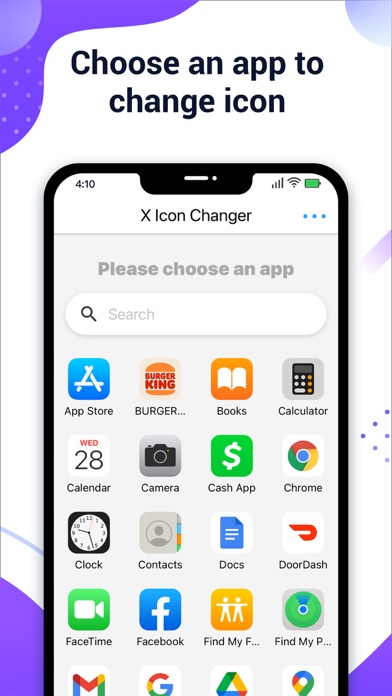
- Choose the application you wish to customize.
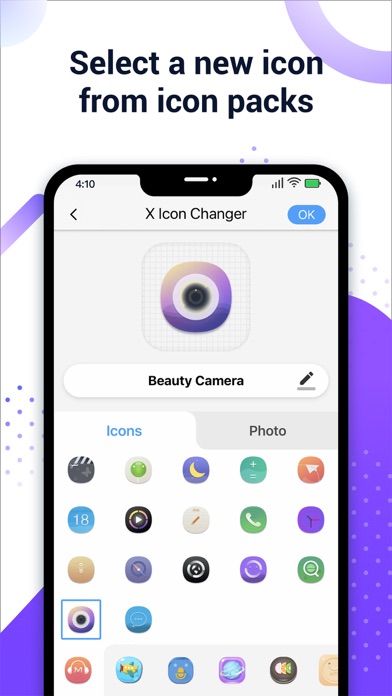
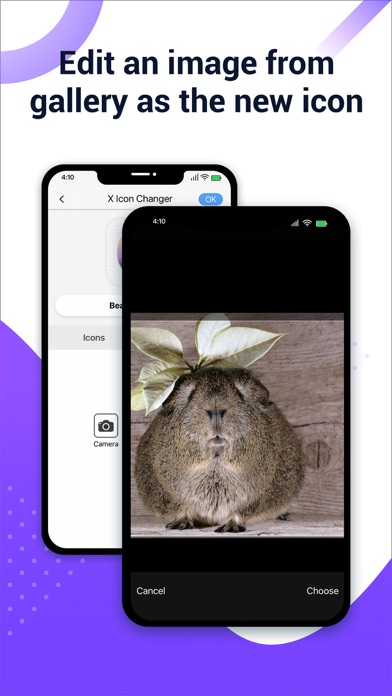
- Select a new icon from the built-in icon packs, your gallery, other app icons, or third-party icon packs.
- Optionally, edit the app name or leave it unchanged.
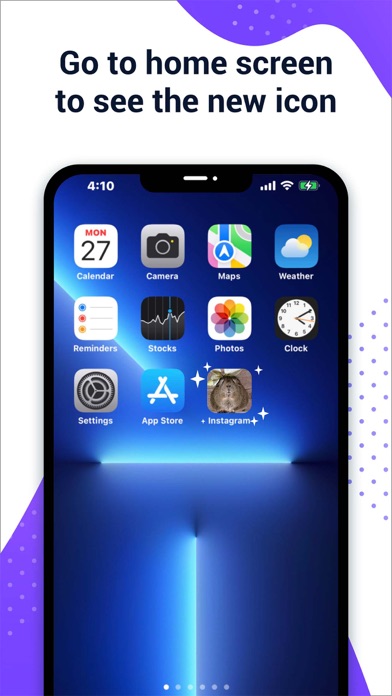
- Navigate to your home screen or desktop to see the new shortcut icon in place.
- If you'd like added flair, you can attach a GIF animation that will play when launching the app.
Watermark Handling and Custom Shortcut Creation
Understanding Watermark Features
On Android 8.0 and above, the system automatically adds a watermark to customized app shortcuts by default. However, X Icon Changer offers a way to bypass this watermark, allowing for complete, watermark-free icon customization.
Removing Watermarks via Widget
To create or modify app icons without watermarks, users can use widget technology:
- Long press on a blank space on the home screen and select “Widgets”.
- Find and long-press the X Icon Changer widget.
- Drag it to your desktop and release.
- The widget will automatically open, letting you create the customized icon without any watermark interference.
Why Choose X Icon Changer? - Key Features
X Icon Changer stands out because of its extensive collection of personalized icon packs, all available for free. Its compatibility with various icon sources, including your own gallery and third-party packs, makes it highly versatile for users aiming for a personalized look.
The app is optimized for performance, ensuring smooth operation without draining your device’s resources. It allows easy switching between different icon styles, making your customization process seamless and enjoyable.
Moreover, the app maintains the original app icons intact, providing a quick way to revert to the default look whenever desired. This flexibility supports users in experimenting with different styles without permanent changes.
Final Thoughts: Personalize Your Android Device with Ease
If you’re looking to upgrade your smartphone’s aesthetics without complicated procedures or paid themes, X Icon Changer is an excellent choice. It combines simplicity, functionality, and creativity, empowering you to create a truly personalized home screen experience.
From vibrant icon packs to minimalist designs, and even animated GIF integrations, this app offers a myriad of options for users who want to inject some personality into their digital environment. Best of all, it’s free, user-friendly, and lightweight—making it accessible for everyone eager to spice up their Android device’s look.
Download X Icon Changer now and start transforming your home screen into a reflection of your individual style. Customization has never been this easy or fun!
Pros
- User-friendly interface for quick icon customization.
- A broad selection of icons available.
- Supports creating personalized icons.
- Does not require rooting your device.
- Improves the customization capabilities of your phone.
Cons
- Some icons may not blend well with system themes.
- Occasional advertisements during usage.
- Limited free icon options.
- May cause performance issues on older devices.
- Lacks support for dynamic icons.











