


Microsoft Defender: Antivirus – Your Comprehensive Digital Security Solution
Microsoft Defender is a powerful online security app designed to protect your digital life and work seamlessly. Whether you're an individual or part of a family, staying safe online has never been easier with Microsoft Defender’s all-in-one security features. Available through Microsoft 365 Personal or Family subscriptions, this app offers a user-friendly approach to safeguarding your devices, personal information, and online activities.
All-in-One Security for Personal and Family Use
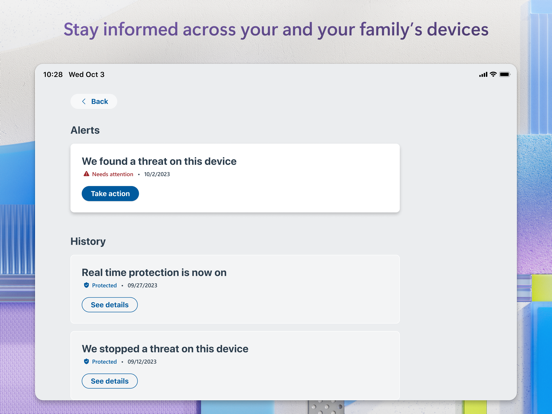
Microsoft Defender acts as the ultimate security companion, helping you defend your personal identity, privacy, and devices against malicious threats. Its robust antivirus scanning capabilities detect and eliminate malware, ransomware, and other cyber threats before they can cause harm. The app's threat monitoring feature keeps a vigilant eye on your devices, providing real-time alerts and recommended actions to maintain your security posture. Additionally, Defender’s multidevice alerts ensure you're constantly informed about potential risks across all your connected devices.
Manage and Monitor Your Security Effortlessly
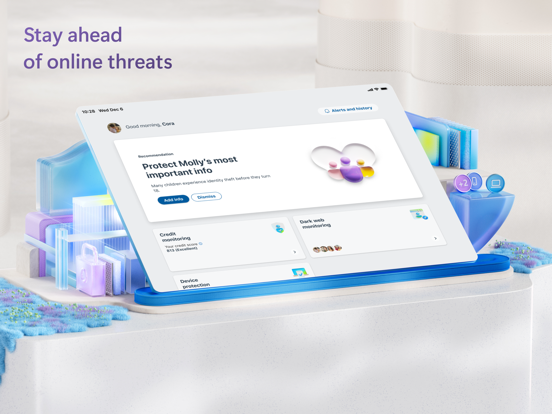
With Microsoft Defender, managing your security is straightforward. The app allows you to check the security status of all your family’s devices and personal identities from a centralized dashboard. You can receive timely threat alerts and insights, empowering you to take immediate action when needed. Its user-friendly interface makes it easy for even non-technical users to understand their security status and respond to potential issues swiftly.
Protect Your Family’s Personal Information
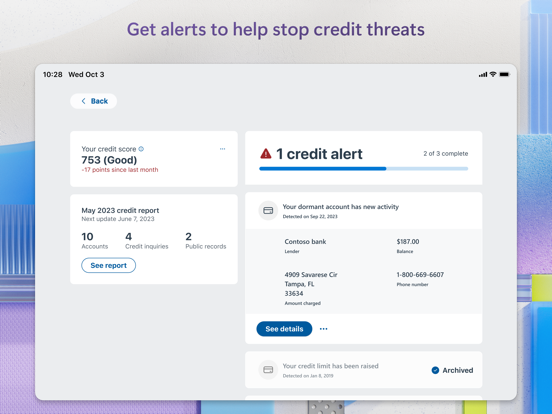
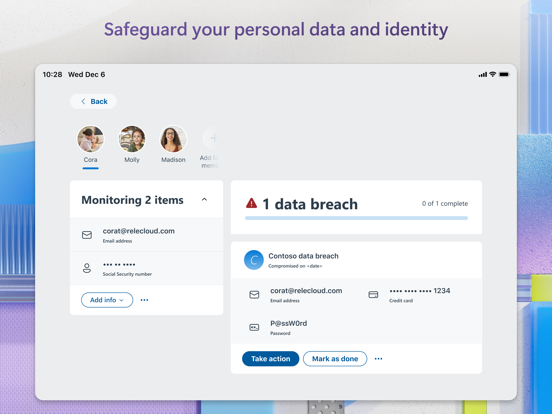
One of the standout features of Microsoft Defender is its continuous monitoring of your and your family member’s personal identities. This includes proactive monitoring of your online presence and credit status. The app offers peace of mind by alerting you to any suspicious activity and even provides access to expert assistance for identity theft restoration, available 24/7. For added security, Defender also offers identity insurance coverage—up to USD 1 million—that helps cover costs related to identity restoration and lost funds, giving you comprehensive protection against cybercrime.
Trusted Device and Threat Protection
Microsoft Defender ensures your devices remain secure against emerging and existing threats. It actively notifies you if malicious apps are detected, prompting immediate removal to prevent further damage. The app also scans links before you click, helping you avoid malicious websites and online scams. Its real-time protection is designed to keep your digital environment safe, whether you’re browsing, messaging, or using email.
Microsoft Defender for Endpoint
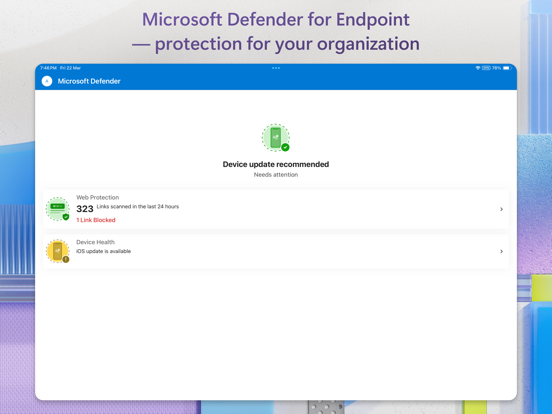
For enterprise-level security, Microsoft Defender for Endpoint offers advanced, cloud-powered protection against sophisticated attacks such as ransomware and file-less malware. It provides comprehensive endpoint security across multiple devices and platforms, integrating accessibility services for automatic blocking of malicious web pages accessed via links from SMS, messaging apps, browsers, and email—providing an added layer of protection for your digital workspace.
Performance and Ease of Use
Users appreciate Microsoft Defender's seamless performance—it runs quietly in the background without slowing down your device. Its intuitive interface makes navigation simple, even for those unfamiliar with cybersecurity tools. The app’s straightforward design and clear instructions provide a stress-free experience, making security accessible to everyone.
Final Thoughts
In summary, Microsoft Defender: Antivirus is a reliable and efficient security app that offers comprehensive protection for your personal devices and online presence. Its seamless integration with Microsoft 365 services, real-time threat detection, and user-friendly interface make it an excellent choice for individuals and families alike. Plus, since the app is free with a Microsoft 365 subscription, it provides valuable security features without additional costs. If you're looking for a versatile, lightweight, and effective antivirus solution, Microsoft Defender is definitely worth considering to safeguard your digital life and enjoy peace of mind.
Pros
- Provides real-time threat detection.
- Integrates smoothly with Windows operating system.
- Regularly updated and supported by Microsoft.
- Features an intuitive interface for easy use.
- No extra charge for Windows users.
Cons
- Fewer features compared to paid antivirus solutions.
- Sometimes detects harmless files as threats erroneously.
- Consumes significant system resources.
- Limited support across different platforms.
- Basic features might not meet the needs of advanced users.











